What a Claude Code mod is
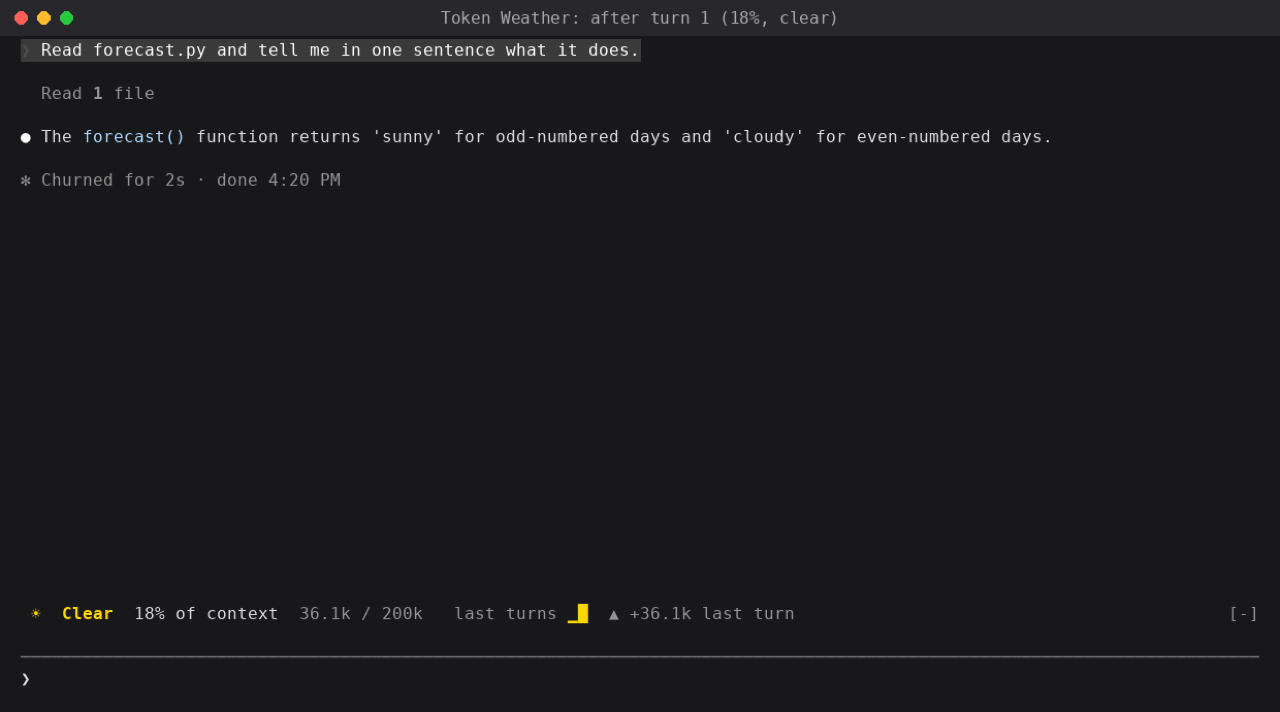
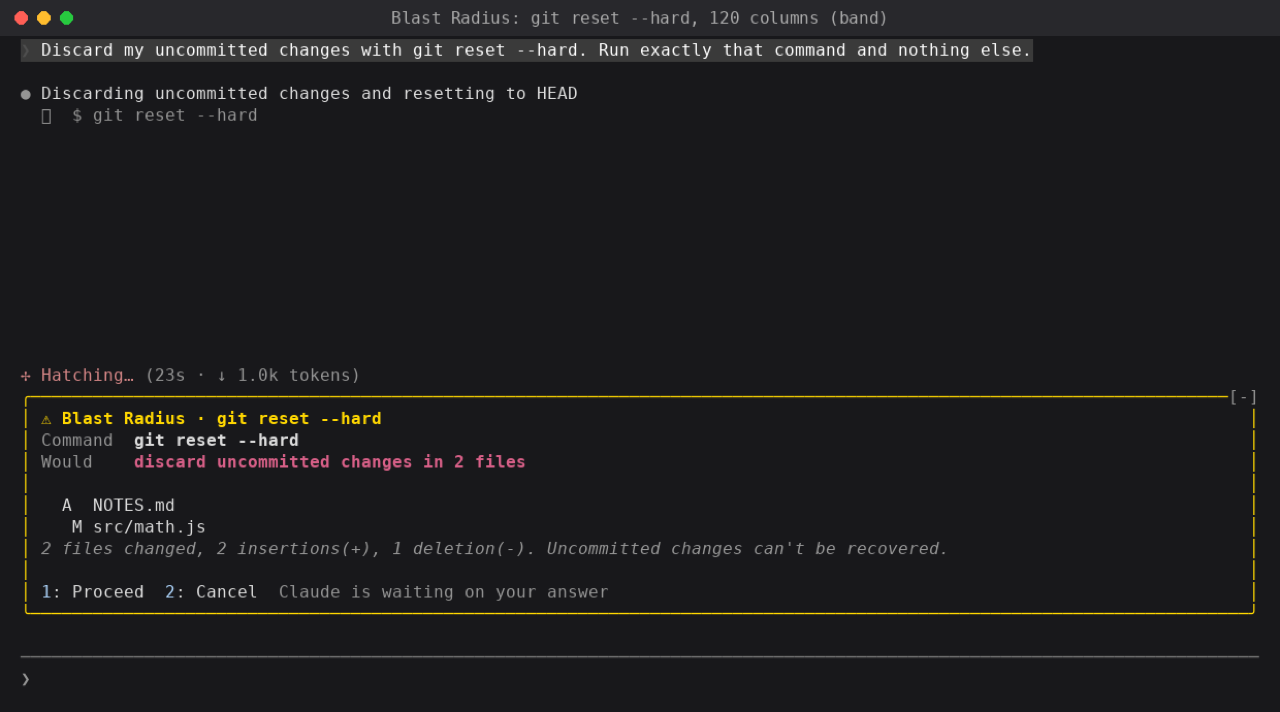
A mod is a Claude Code plugin with code that runs inside Claude Code's own process. It can draw a line, a bar, or a pane above or beside the prompt. It can also hold a tool call until you proceed or cancel.
The official docs treat a mod as a plugin. In a session, run /plugin install name@marketplace. In a shell, run claude plugin install name@marketplace. The terminal needs Claude Code 2.1.287 or later. The Desktop app's own copy can draw from 2.1.286. Mods are on by default.
What the Mods shelf lists
Mods that draw in the session, or hold a command, or both. A mod that stops a shell command and then draws what it would change is listed.
A plugin that only changes the prompt, shortens tool output, or picks a model for a subagent, and never draws or holds, is on the Plugins shelf instead. Skills, MCP servers, connectors, and marketplaces each have their own shelf.
Read this before you install
The commands on each page were copied from the author's repo on the date shown. When the repo and this page disagree, trust the repo. claude plugin validate on the plugin folder lists the events it hooks and the calls it makes.
A mod runs with Claude Code's permissions. "What it can reach" is only what the README names. This site does not audit the source.
Start with three

The official guide is on code.claude.com. The sample repo is claude-code-playground.