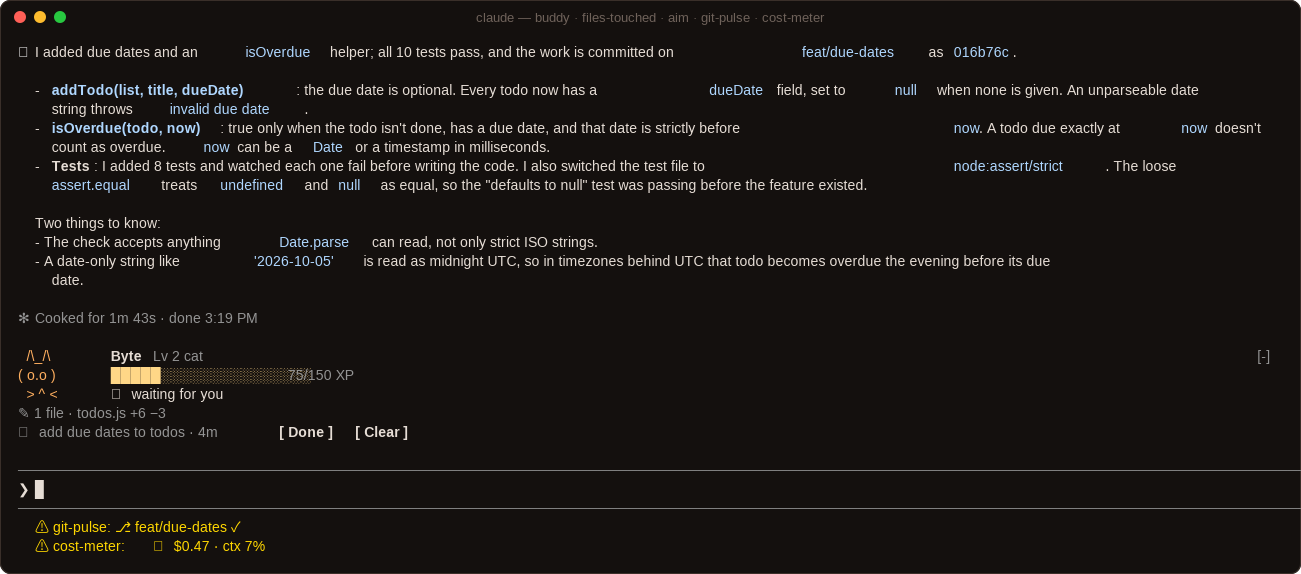
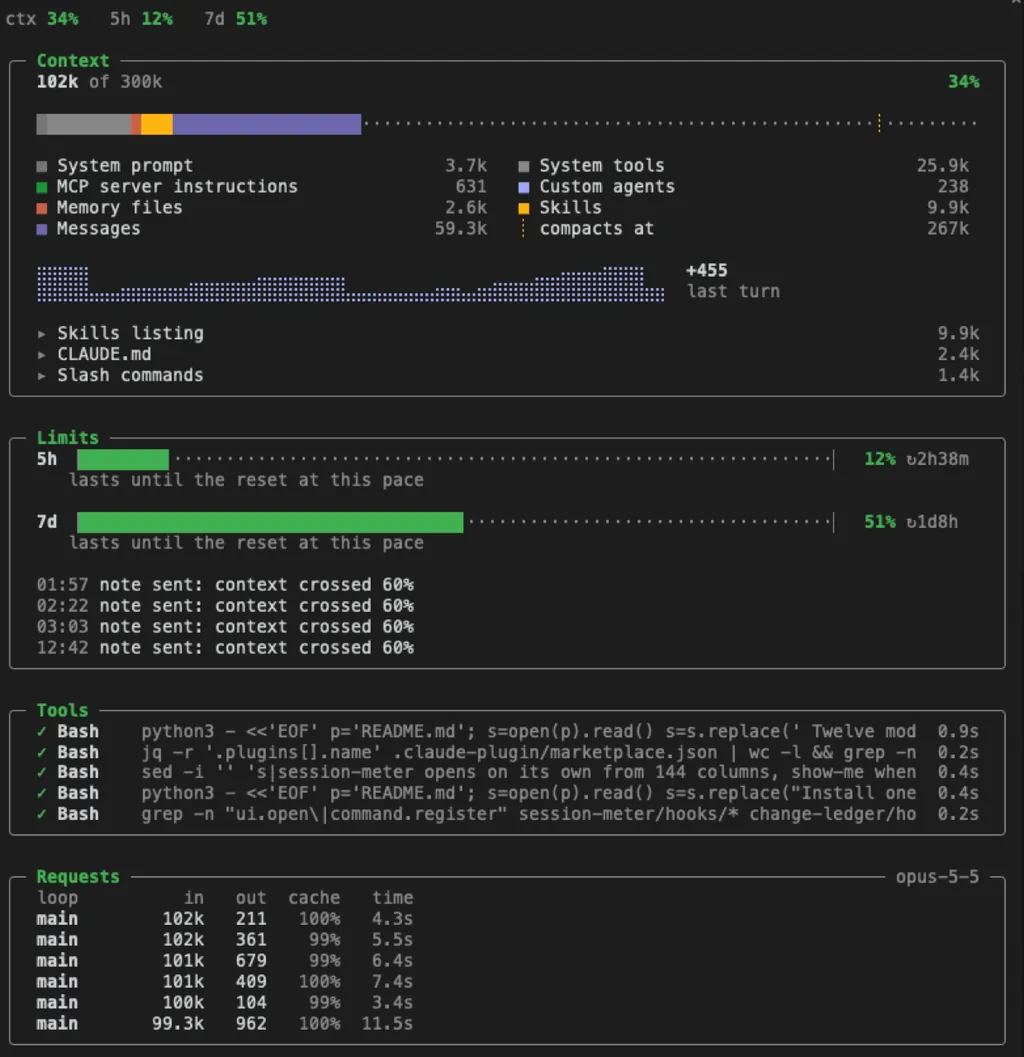
compact-timing is a Claude Code usage mod by lbzepoqo.
Lets the model mark task boundaries and compacts at the end of a turn once the context passes 200k tokens, then resumes the work; a toast shows each compaction.
It runs inside the Claude Code process. The side panel is only what the author's README names. Read the repo before you install, or run claude plugin validate on the plugin folder.
Version
0.9.0
License
MIT
Repo stars
4
Last change
2026-11-04
What it can reach
Draws in the session
Reads usage or context figures
Sees tool calls
Restart Claude Code after the install. Keep autoCompactWindow above 300k, for example 500000, since Claude Code's own automatic compaction still runs at that setting. Defaults: boundaryTokens 200000 and softTokens 300000, changed with /plugin configure compact-timing@compact-timing. A busy mark that is never replaced stops the plugin from compacting. After 10 automatic resumes without a prompt from you, the plugin stops and says so in a toast. Headless sessions (claude -p, the SDK) cannot compact from a plugin yet; there the plugin shows a compaction failed message and nothing else changes. The lbzepoqo/claude-plugins marketplace also lists it, as compact-timing@lbzepoqo, from this repo.
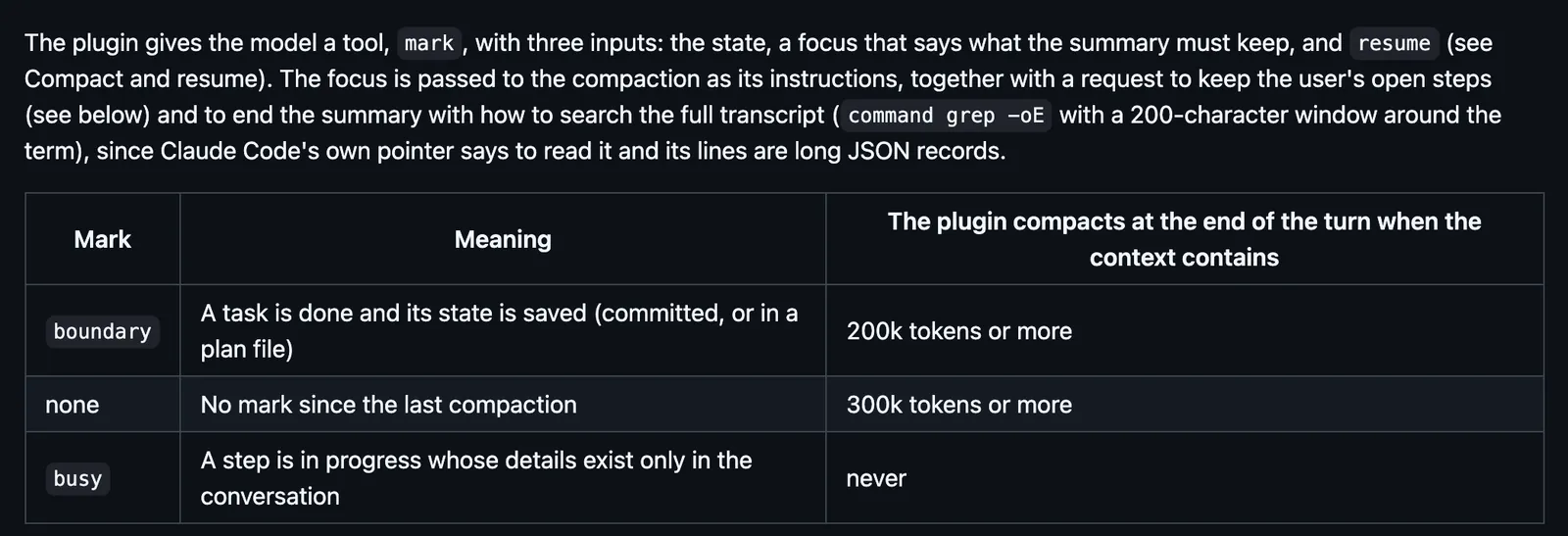
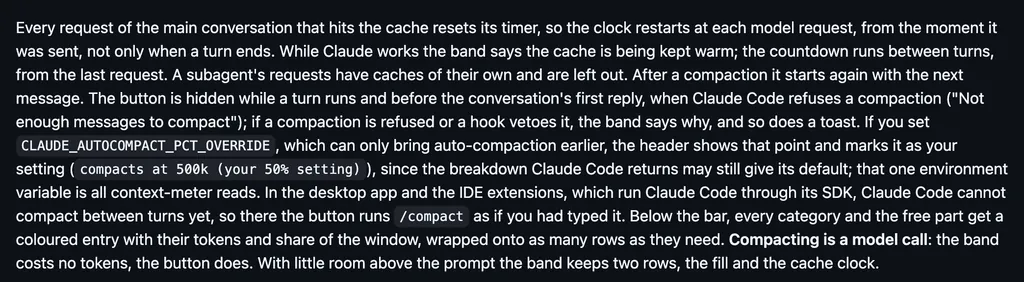
The marketplace, compact-timing, holds only this plugin. Choosing the moment to compact is why this page files it under usage. smart-compact, by hellosverre, offers /compact in a dialog above the prompt at good moments: after a commit, when tests go green, before the prompt cache expires, or when Claude asks. compactly, by swapnildahiphale, opens a cost and cache pane with each turn's cost and when the cache goes cold, and compacts at a natural break a Sonnet judge picks, with a handoff summary. This one gives the model a mark tool: boundary when a task is done and its state saved, busy while a step's details exist only in the conversation. At the end of a turn it compacts at 200k tokens or more after a boundary mark, at 300k or more with no mark, and never while busy. The mark's focus goes to the compaction as its instructions, and every compaction of the main conversation also asks the summary to keep each step the model gave you that you have not reported done. With resume, it sends the focus back as a prompt after the compaction, so the work goes on without you typing continue. After a git commit it reminds the model to set the mark. The summary starts with a line saying the plugin compacted it. The author reports 251 compactions in three weeks of their own sessions, with thresholds of 120k and 200k, and Claude Code's hard-limit compaction never running.
Demo
Screenshot of the author's GitHub page.
What it hooks into
session.startWhen a session starts
tool.callAround a tool call, where it can hold one
turn.completeWhen a turn ends
prompt.submitWhen you send a prompt
session.compactWhen the context is compacted
Read from the on() calls in its hook modules. Open its source under Files to check what each one does.
Files
The author's README and source, 4 files. They load when you open them.