All shelves / Mods / Review
shot
By davekiss
shot is a Claude Code review mod by davekiss.
Adds a screenshot MCP server, a /shot command that captures your terminal window, and a history pane of your screenshots, on macOS.
Draws
Install
The marketplace name is davekiss.
/plugin marketplace add davekiss/mods
/plugin install shot@davekiss
It runs inside the Claude Code process. The side panel is only what the author's README names. Read the repo before you install, or run claude plugin validate on the plugin folder.
- Version
- 0.1.9
- License
- MIT
- Repo stars
- 3
- Last change
- 2026-10-18
What it can reach
- Draws in the session
- Reaches the network or an outside service
- Calls another program on this machine
macOS 13 or later. Capturing needs Screen Recording permission for the app that runs your agent, such as your terminal or the Claude desktop app. The plugin uses a shot already on your PATH, for example from Homebrew, or downloads the prebuilt binary for its version from the repository's releases. From a terminal: claude plugin marketplace add davekiss/mods, then claude plugin install shot@davekiss. Use the plugin or the bare MCP server, not both. A background describer, off by default, has Claude Haiku describe screenshots through claude -p and your own login, and sends them to Claude.
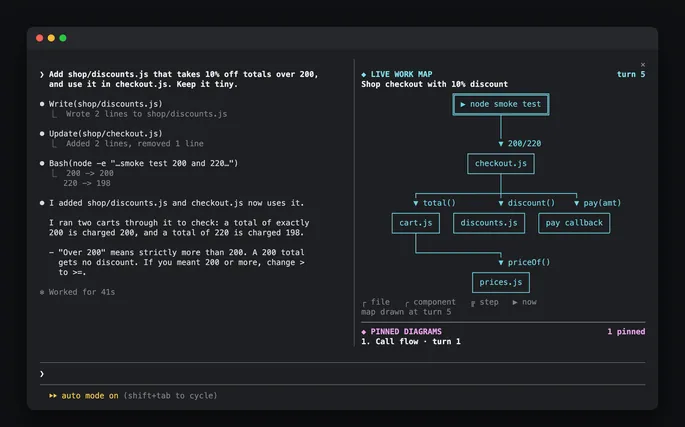
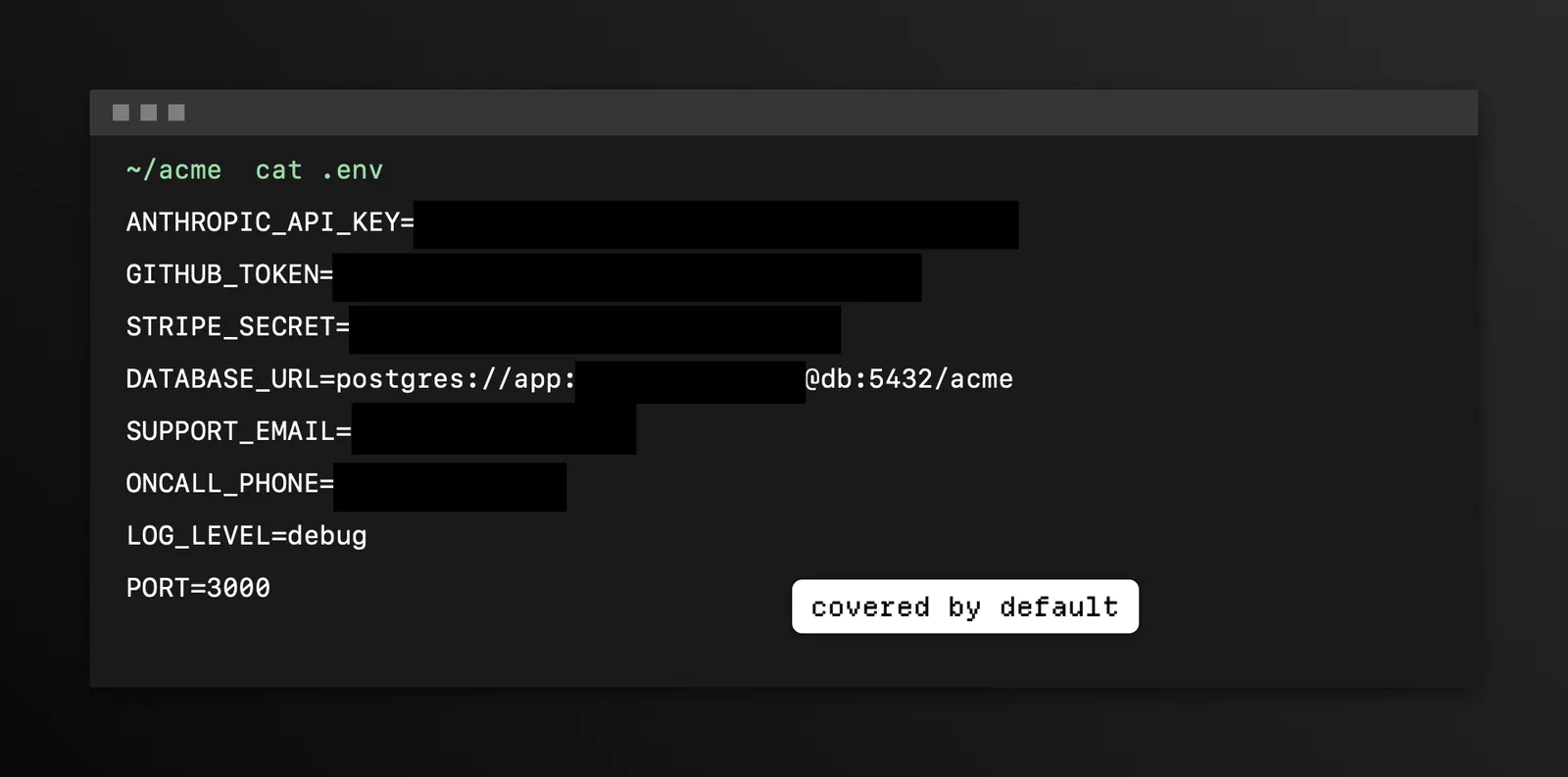
The marketplace, davekiss, is in another repository, davekiss/mods, and lists shot from the claude-mod folder of davekiss/shot, beside leaks, ci-light, and env, which this site also lists. The plugin also brings the shot MCP server and a skill. Screenshots the agent takes and shares is why this page files it under review. show-your-work, by iamumeransari, shows Claude's finished work in the terminal as screenshots and recordings. image-peek, by arasovic, draws thumbnails of the images you paste. This one lets the agent capture any window, even covered or minimized, without moving your cursor, mark it up by naming the text to point at, black out keys and tokens it finds, record the screen, and find screenshots by their OCR text in ~/Screenshots.
Demo
What it hooks into
session.startWhen a session startscommand.runWhen you run its slash command/shottool.callAround a tool call, where it can hold oneui.focusA Claude Code eventui.renderDraws into the sessionAbovePromptPromptHintPane
Read from the on() calls in its hook modules. Open its source under Files to check what each one does.
Slash commands 1
/shotCapture this terminal window with shot (/shot screen for the display, /shot history for the pane)
Files
The author's source, 3 files. They load when you open them.
Facts
- Author
- davekiss
- Category
- Review
- Marketplace
- davekiss
- Repo
- davekiss/shot
- Folder
- claude-mod
- Version
- 0.1.9
- License
- MIT
- Repo stars
- 3
- Last change
- 2026-10-18
- Language
- Swift
- Files
- 9