All shelves / Mods / Workflow
issues
By Hula-Hoop-AI
issues is a Claude Code workflow mod by Hula-Hoop-AI.
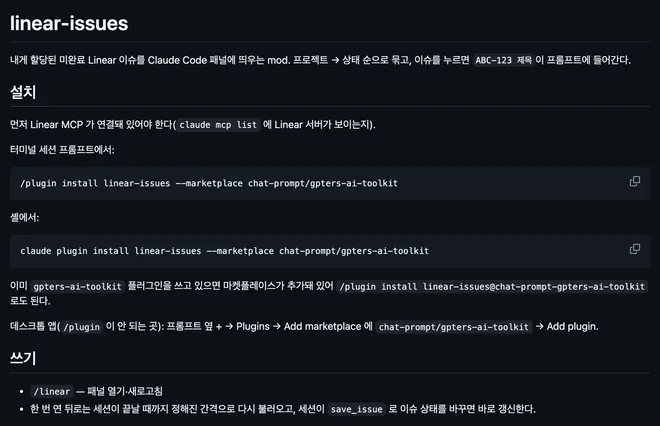
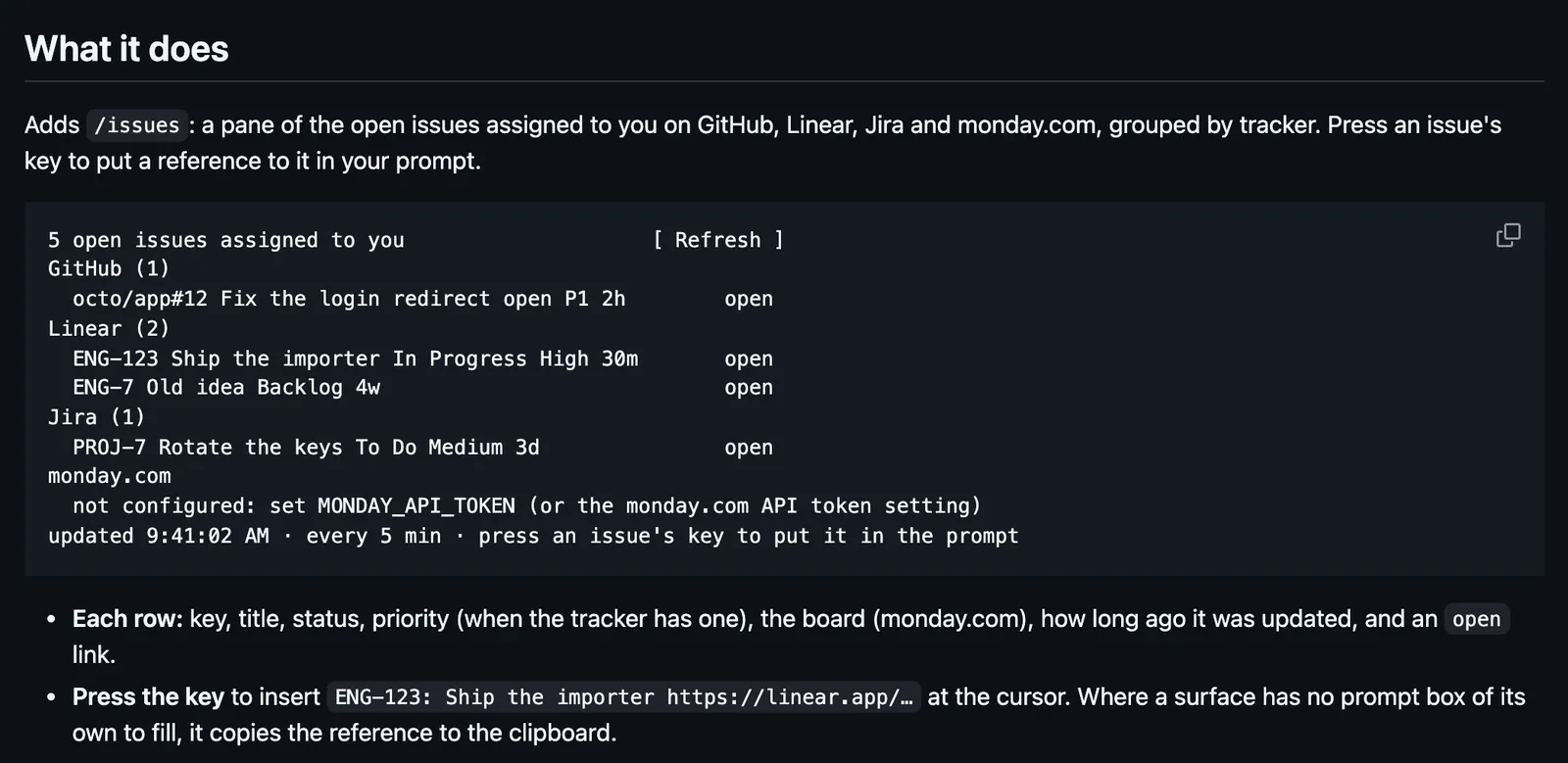
Opens an /issues pane of the open issues assigned to you on GitHub, Linear, Jira, and monday.com, and a press puts an issue's key and link in your prompt.
Draws
Install
The marketplace name is supermods.
/plugin marketplace add Hula-Hoop-AI/supermods
/plugin install issues@supermods
It runs inside the Claude Code process. The side panel is only what the author's README names. Read the repo before you install, or run claude plugin validate on the plugin folder.
- Version
- 0.1.1
- License
- MIT
- Repo stars
- 4
- Last change
- 2026-10-05
What it can reach
- Draws in the session
- Reaches the network or an outside service
- Calls another program on this machine
Mods need Claude Code v2.1.287 or later. All four trackers are on by default; each one without credentials shows how to set it up, and /config turns off the ones you don't use. GitHub goes through the gh CLI, on PATH and logged in. Linear needs a personal API key, Jira Cloud a base URL, email, and API token, and monday.com a personal API token. Sensitive settings go to your system's credential store. The pane refreshes every 5 minutes while open.
The marketplace, supermods, holds Hula-Hoop-AI's nine mods; each installs on its own. The plugin README's install line has {m} where the name goes, so the lines here are the repository README's, with issues in place of <mod-name>. Your assigned work is why this page files it under workflow. linear, by omeerdvrn, shows the Linear issues assigned to you as cards in a sidebar. glance, by hamzafer, draws one line for meetings, pull requests, Linear issues, and Slack DMs. This one lists four trackers in one pane, each fetched on its own with a 20-second timeout, so a missing token on one leaves the others. GitHub lists issues only, not pull requests. The README says it never writes to a tracker and sends each request only to its own tracker.
Demo
What it hooks into
session.startWhen a session startscommand.runWhen you run its slash commandui.closeWhen its pane closesui.renderDraws into the sessionPane
Read from the on() calls in its hook modules. Open its source under Files to check what each one does.
Files
The author's README and source, 4 files. They load when you open them.
Facts
- Author
- Hula-Hoop-AI
- Category
- Workflow
- Marketplace
- supermods
- Folder
- plugins/issues
- Version
- 0.1.1
- License
- MIT
- Repo stars
- 4
- Last change
- 2026-10-05
- Language
- TypeScript
- Files
- 8