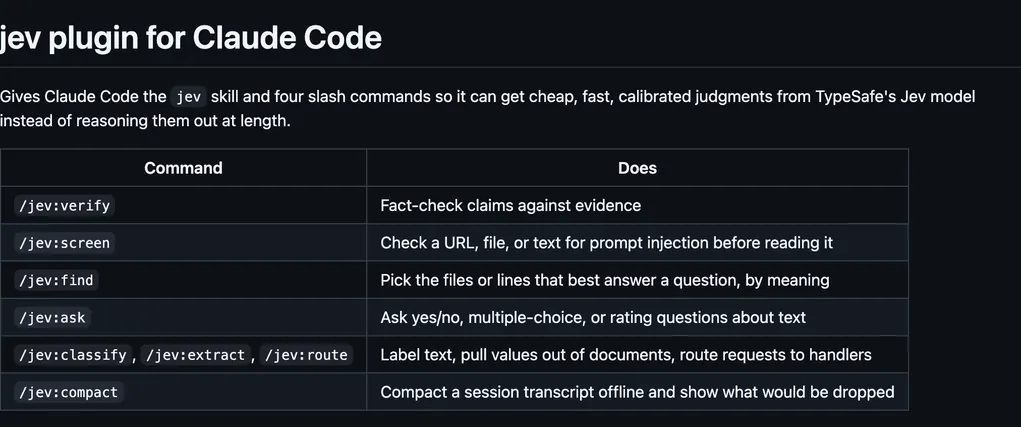
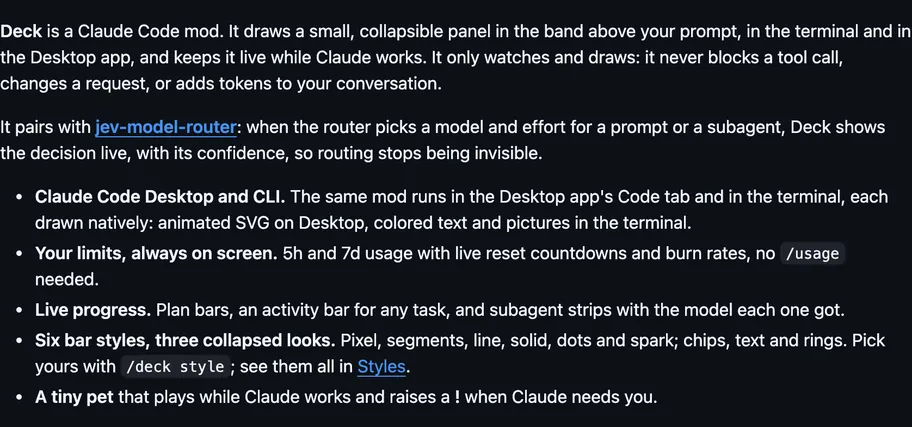
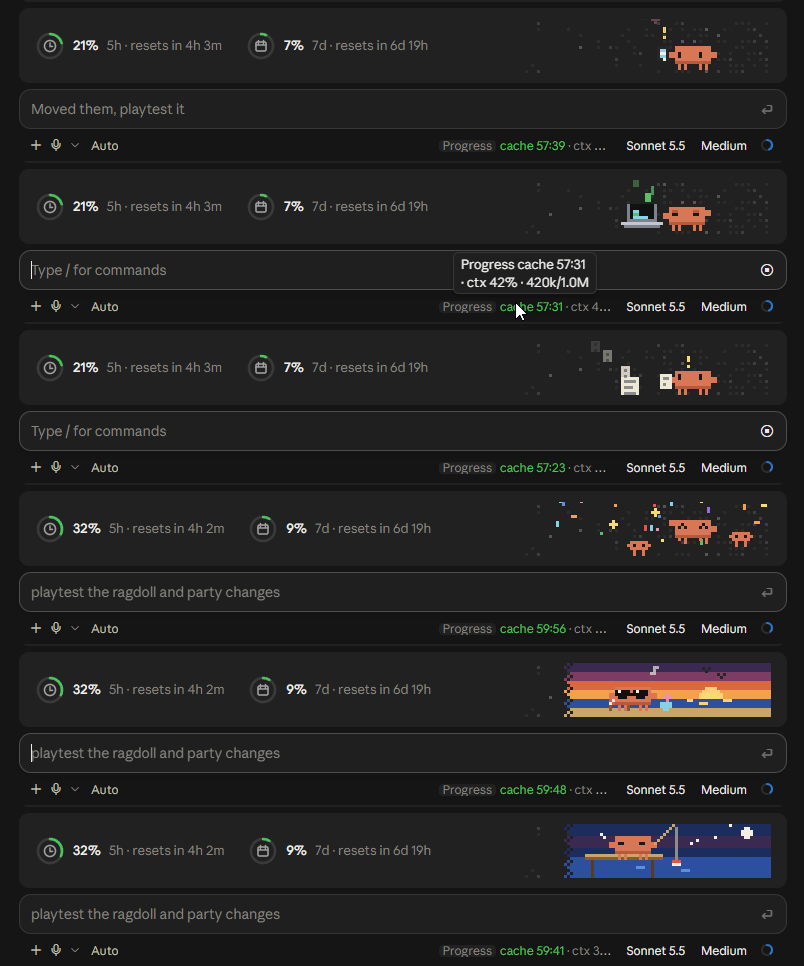
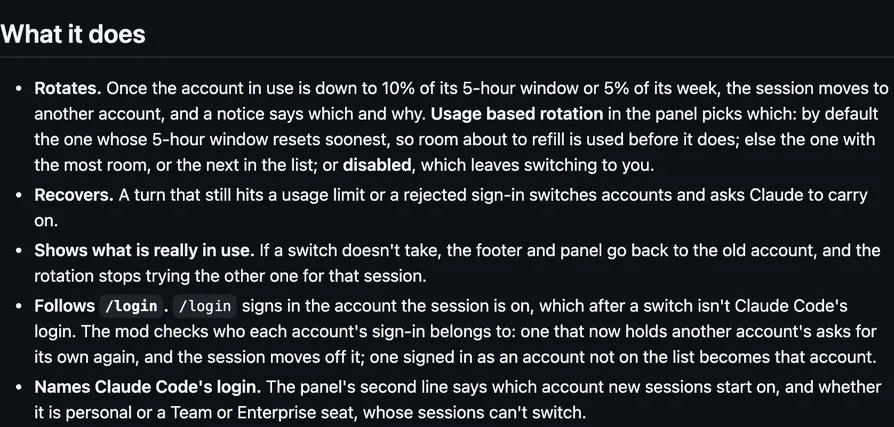
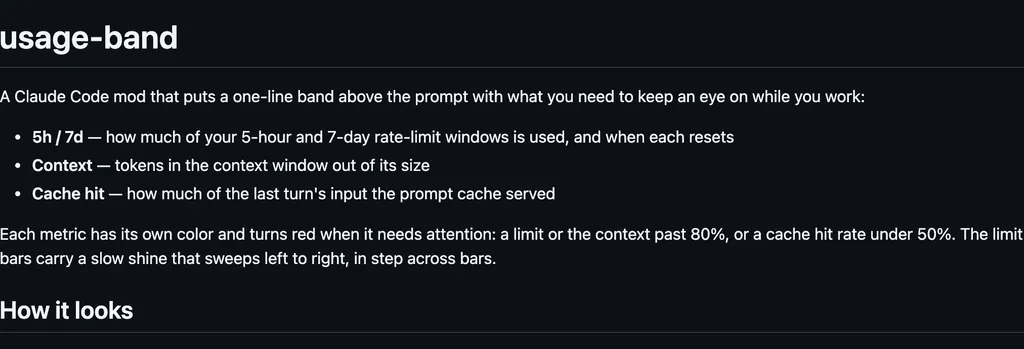
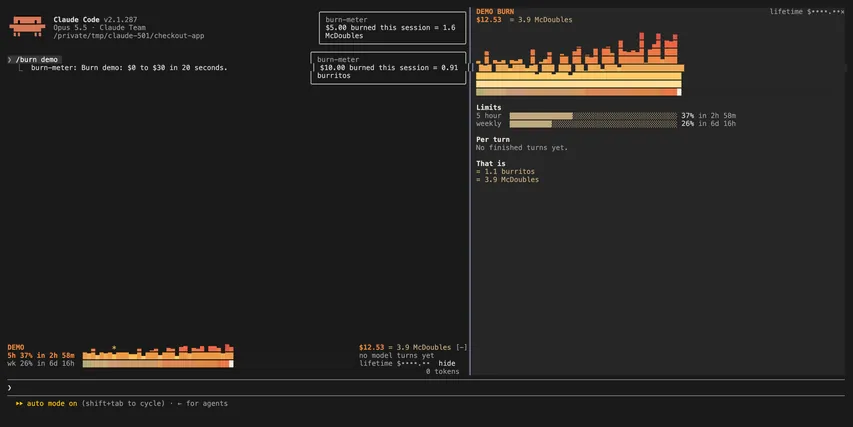
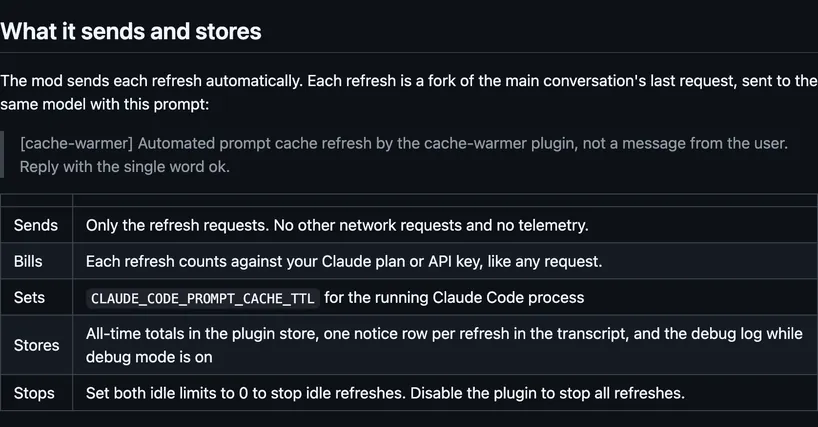
It runs inside the Claude Code process. The side panel is only what the author's README names. Read the repo before you install, or run claude plugin validate on the plugin folder.
Version
0.3.0
License
MIT
Repo stars
31
Last change
2026-10-07
What it can reach
Draws in the session
Reads usage or context figures
Reaches the network or an outside service
Sees tool calls
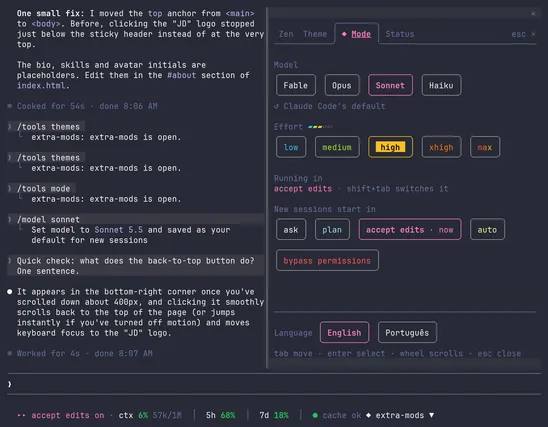
Claude Code, in the desktop app or the terminal. The desktop app shows animated Clawd and graphic bars. The terminal shows the same activity and figures as text. It reads Claude Code's own usage figures, so it needs neither the Clawdmeter app nor a sign-in of its own. Click the gear in the band's corner, or type /clawdmeter, to pick which meters show: session, weekly, the weekly Fable limit, context, and this conversation's cost. Fable is off until you switch it on. While it is on, the plugin checks your usage page every 2 minutes with your existing Claude sign-in, which it never sees. The bars turn darker from 75 percent, red from 87 percent, and show OVERAGE past 100 percent. It uses Claude Code's plugin hooks, which are still in early access.
The plugin folder has no README. These lines are the repository README, under Clawd in Claude Code. zhanbodev's clawd-buddy draws the same mascot acting out a tool. This band's job is the session, weekly, and context bars.
Demo
From the author's repo.
What it hooks into
session.startWhen a session starts
command.runWhen you run its slash command/clawdmeter
session.measureWhen usage is measured
turn.startWhen Claude starts a turn
tool.callAround a tool call, where it can hold one
turn.completeWhen a turn ends
ui.renderDraws into the sessionAbovePromptPane
Read from the on() calls in its hook modules. Open its source under Files to check what each one does.
Slash commands 1
/clawdmeterOpen the Clawdmeter settings
Files
The author's source, 3 files. They load when you open them.