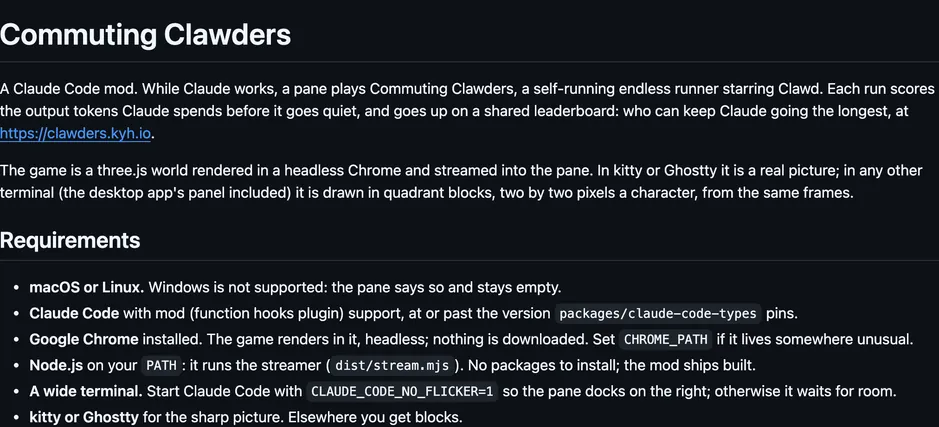
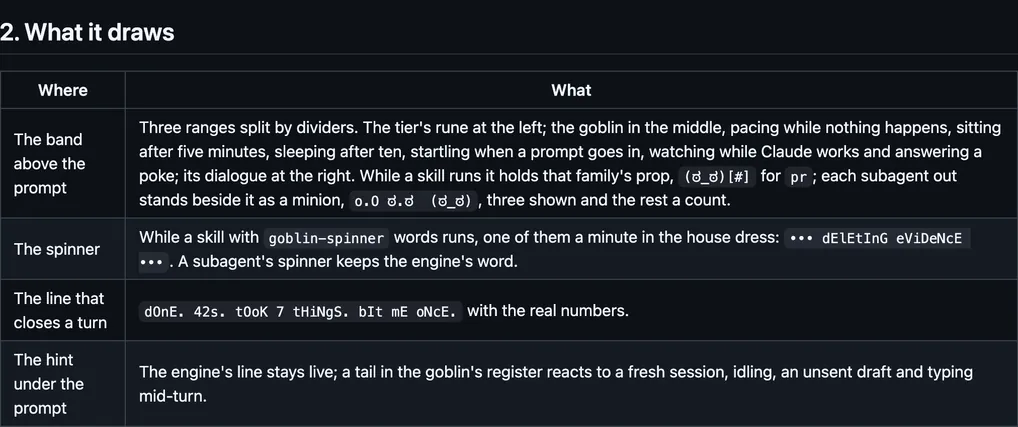
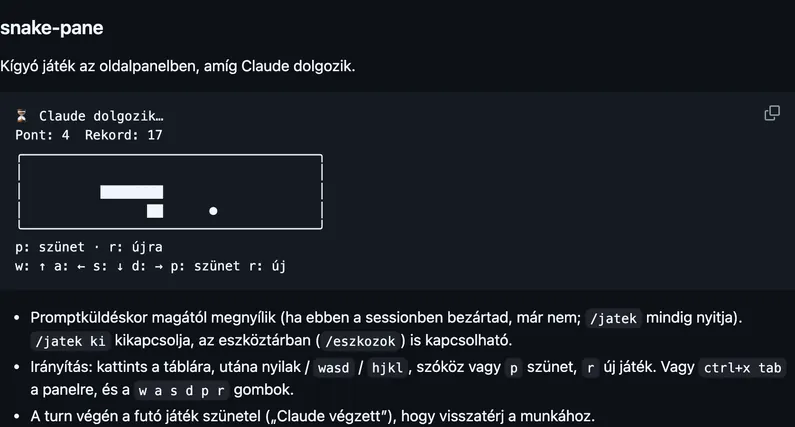
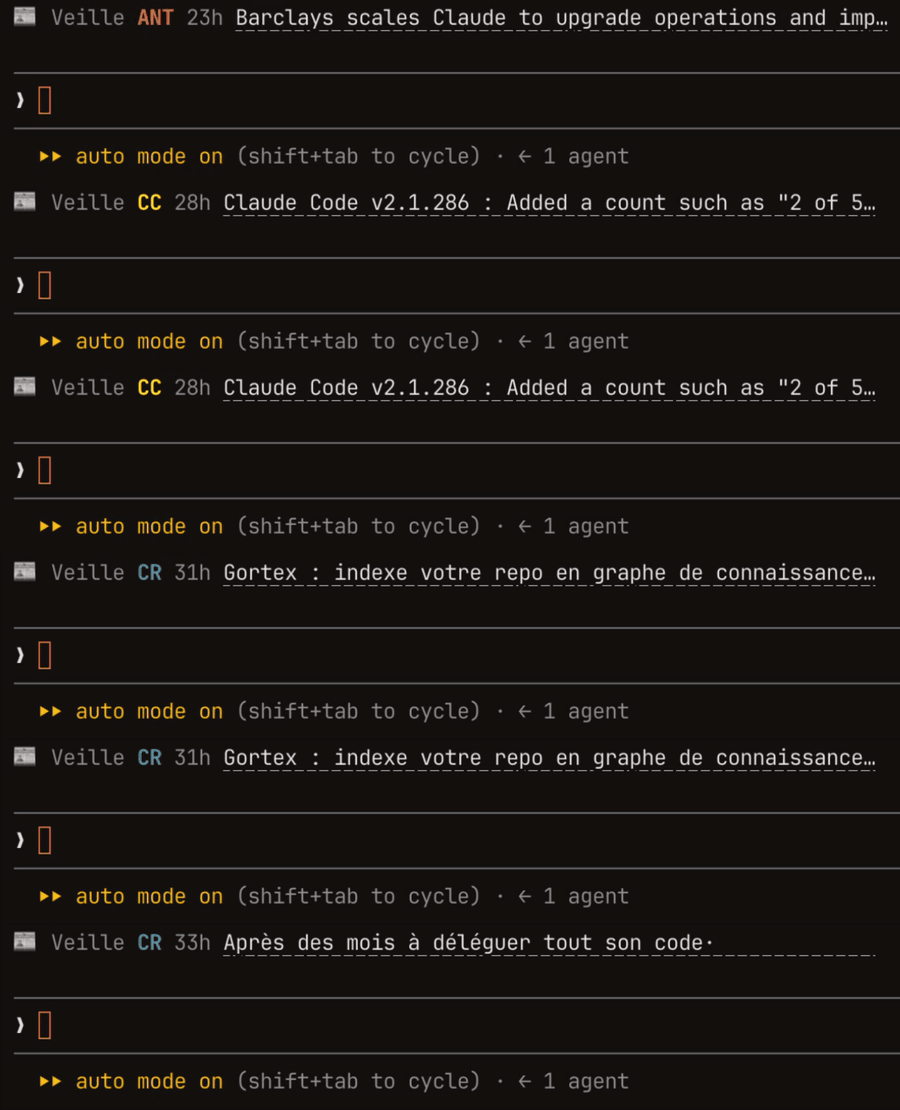
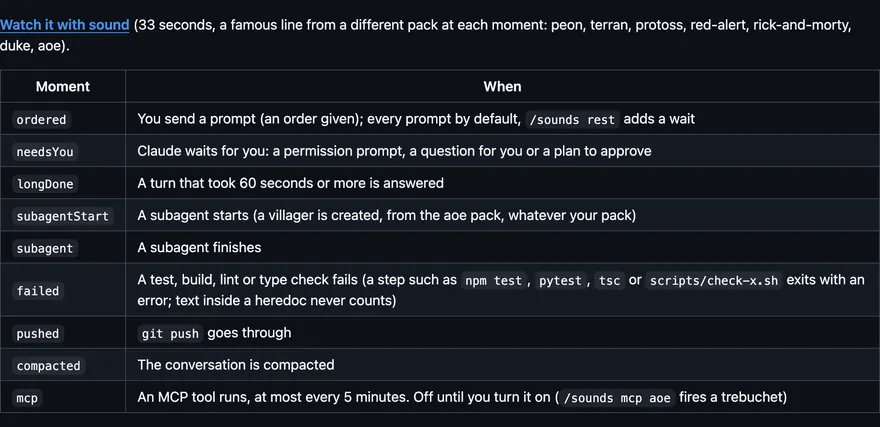
It runs inside the Claude Code process. The side panel is only what the author's README names. Read the repo before you install, or run claude plugin validate on the plugin folder.
Version
0.4.0
License
MIT
Repo stars
13
Last change
2026-10-16
What it can reach
Draws in the session
Calls another program on this machine
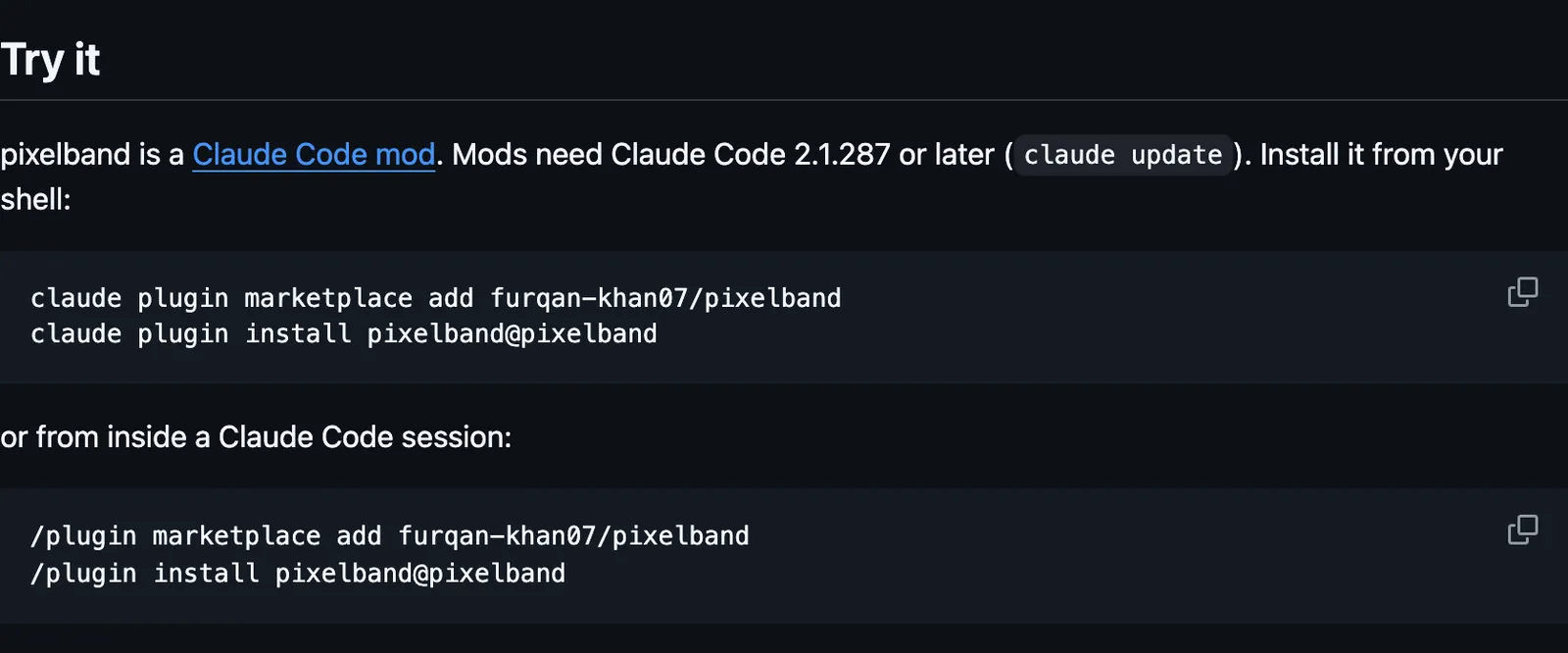
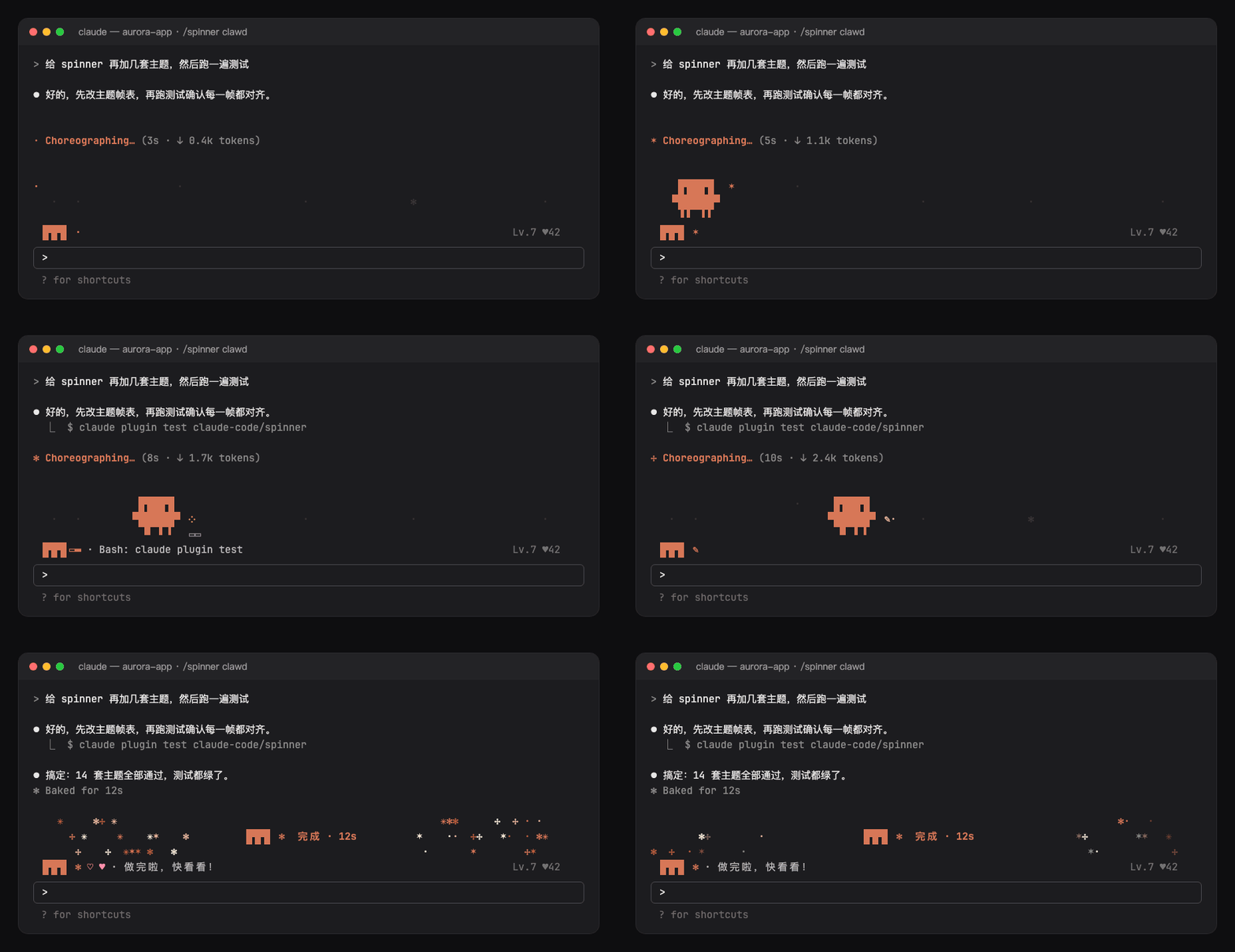
Needs Claude Code 2.1.287 or later. Run /reload-plugins if a session was already open. The shell install is the same two commands with claude plugin. /pixelband opens the menu. Pick a scene, or give it an image, and choose a style, size, and crop. Undo changes in the menu puts that back. /pixelband clear forgets the image. While Claude is working, the default band slides down to a 3-row strip. working hide hides it during a turn, and working full keeps it full size. It shimmers while Claude is working, sparkles when a turn finishes, and glitches when something errors. Only your own turns animate it. Subagents working in the background do not. Nothing is uploaded anywhere. Photos other than PNG go through sips on macOS, or ImageMagick on Linux. A GIF over 4 MB is split to be read, and rm deletes the temporary files those steps make. To list newest images in the menu, it looks at Downloads, Desktop, and Pictures. In the desktop app the same pixels are drawn as an image. The VS Code chat panel draws no mods. A checkout starts with claude --plugin-dir ./pixelband.
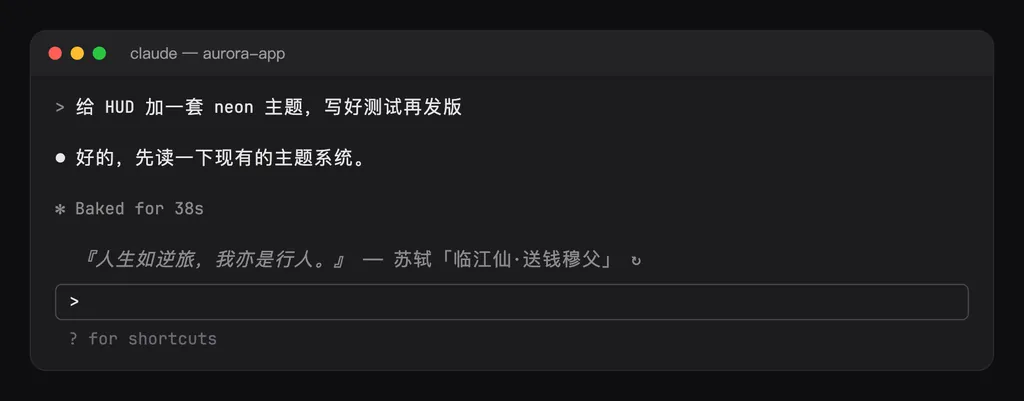
The plugin is the repo root. The marketplace name is pixelband. Scenes are drawn from code: creation, city, space, aurora, fire, matrix, aquarium, and halloween. creation uses a small strip of a public-domain painting. The picture in the README is a mock-up of the prompt around the band, not a session capture.
Demo
Screenshot of the author's GitHub page.
What it hooks into
session.startWhen a session starts
turn.startWhen Claude starts a turn
turn.completeWhen a turn ends
ui.renderDraws into the sessionAbovePromptPane
command.runWhen you run its slash command/pixelband
Read from the on() calls in its hook modules. Open its source under Files to check what each one does.
Slash commands 1
/pixelbandPixel art above your prompt. No arguments opens the menu; or set <image>, scene <name>, style, size, on, off
Files
The author's README and source, 4 files. They load when you open them.