rate-limit-guard is a Claude Code usage mod by melodic-software.
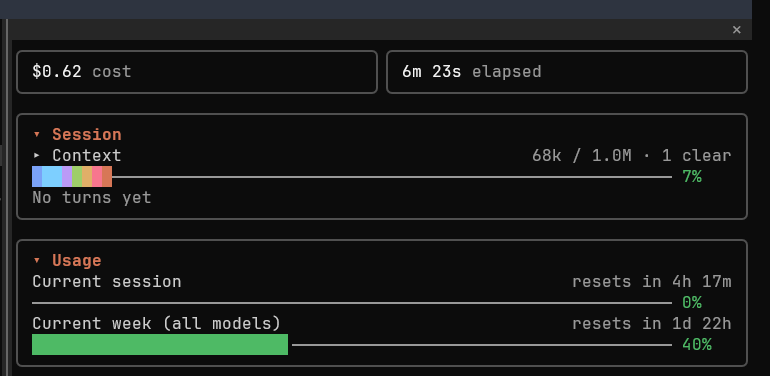
Shows a toast when the account's 5-hour or 7-day rate-limit window reaches 90% or 95% and when it resets, and can draw both windows in a row above the prompt.
It runs inside the Claude Code process. The side panel is only what the author's README names. Read the repo before you install, or run claude plugin validate on the plugin folder.
Version
2.1.3
License
MIT
Repo stars
28
Last change
2026-10-27
What it can reach
Draws in the session
Reads usage or context figures
Calls another program on this machine
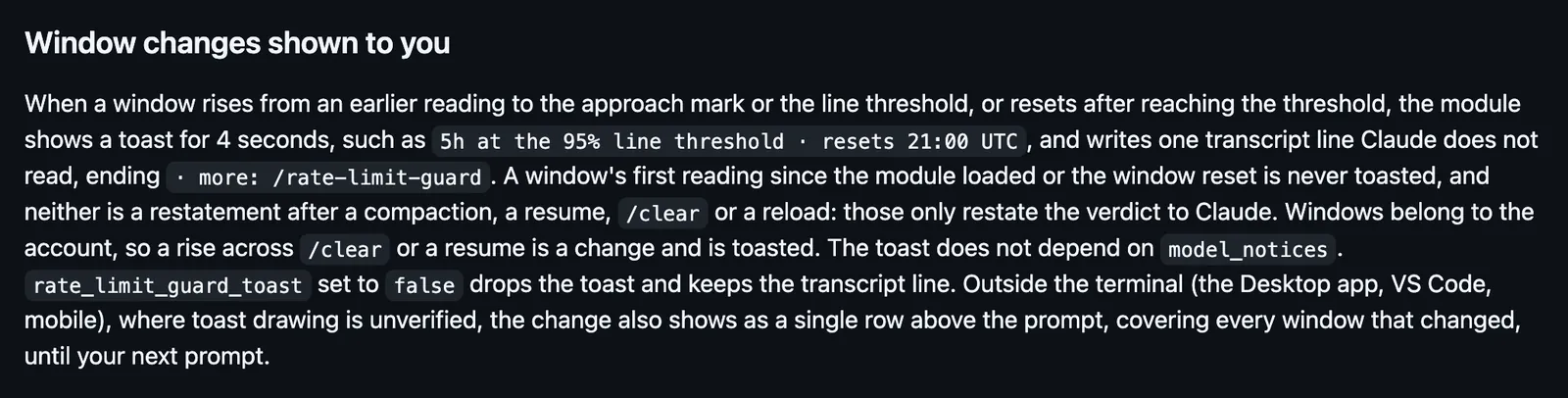
Needs a Claude Code build with mods on, Node.js on PATH, installed on its own, and auth that exposes subscription windows; on other auth it only reacts after a limit. Below the mods floor, or with mods off, only its StopFailure hook runs, which appends a record to ~/.claude/rate-limit-guard/stop-events.jsonl when a turn ends on a rate-limit error. That hook needs Bash, Git for Windows on native Windows. The toast lasts 4 seconds. A window's first reading is never toasted. Lines to Claude are off by default and need model_notices. The band row is off by default. /rate-limit-guard band on turns it on for the session, and /rate-limit-guard prints each window's use and reset time. Claude can call mcp__rate-limit-guard__status. The module writes ~/.claude/rate-limit-guard/rate-limits.json by running node, at once when a window moves a whole point and otherwise at most every 300 seconds, with the account's email when it can match the reading to the account. It reads the signed-in account from .claude.json. The Desktop app and VS Code were not run. The plugin README's own install line names rate-limit-guard@<marketplace>.
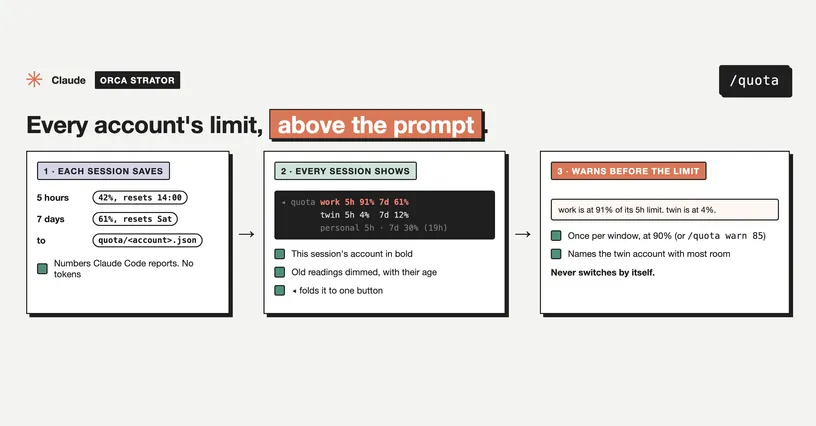
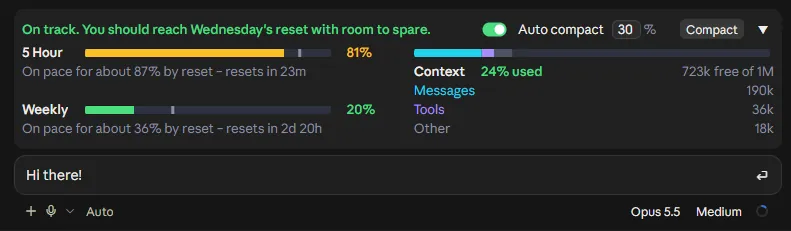
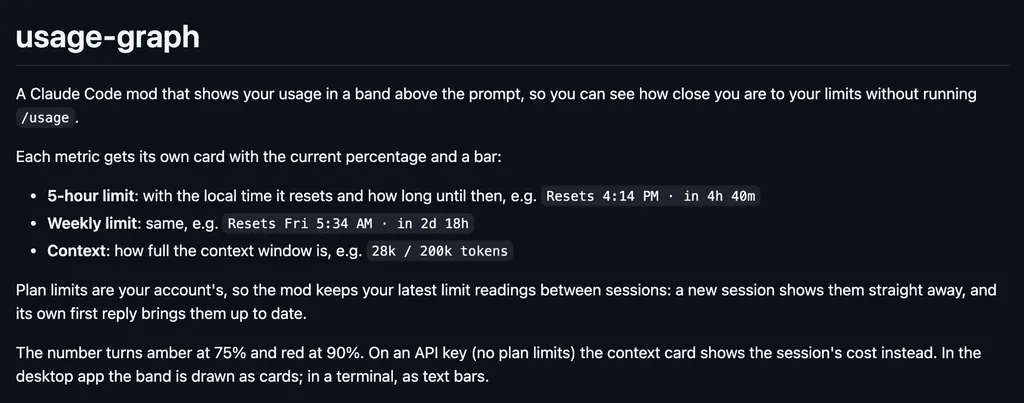
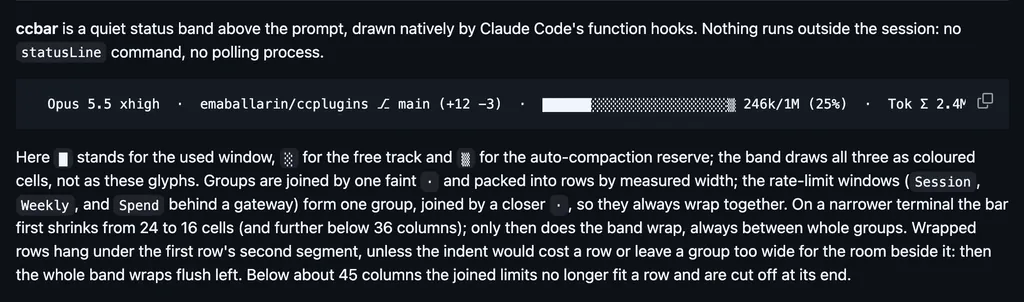
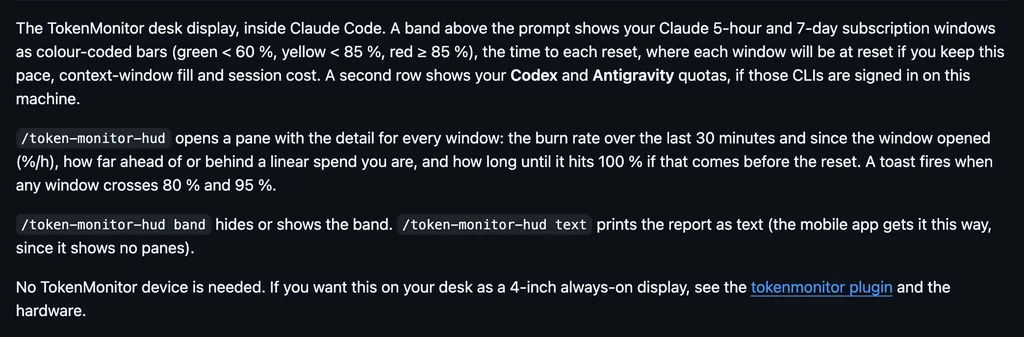
The marketplace name is melodic-software, the same marketplace as context-budget and display-redaction. This one installs on its own. The repository README gives one install line for every plugin, /plugin install <plugin-name>@melodic-software; this page puts this plugin's name in that line. Plan limits are why this page files it under usage. usage-meter draws the 5-hour and 7-day limits as small bars above the prompt. limits-meter draws plan limits and context above the prompt in tokens and percent. This one stays quiet until a window reaches the 90% mark or the 95% line, and writes the windows to one file on the machine, so loop sessions that read it can pause before a limit.
Demo
Screenshot of the author's GitHub page.
What it hooks into
session.startWhen a session starts
session.endWhen a session ends
session.compactWhen the context is compacted
session.measureWhen usage is measured
turn.stepAt each step of a turn
prompt.submitWhen you send a prompt
turn.startWhen Claude starts a turn
turn.completeWhen a turn ends
tool.callAround a tool call, where it can hold one
command.runWhen you run its slash command/rate-limit-guard
ui.renderDraws into the sessionAbovePrompt
Read from the on() calls in its hook modules. Open its source under Files to check what each one does.
Slash commands 1
/rate-limit-guardRate-limit windows and verdicts; band on or off sets the band row for this session