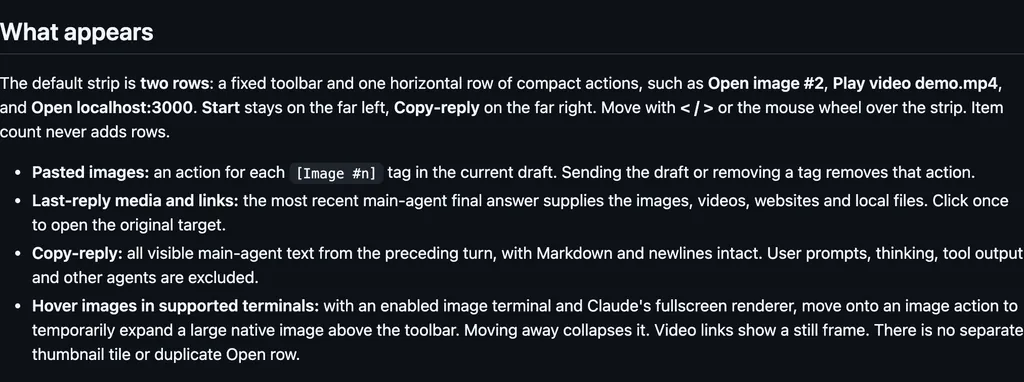
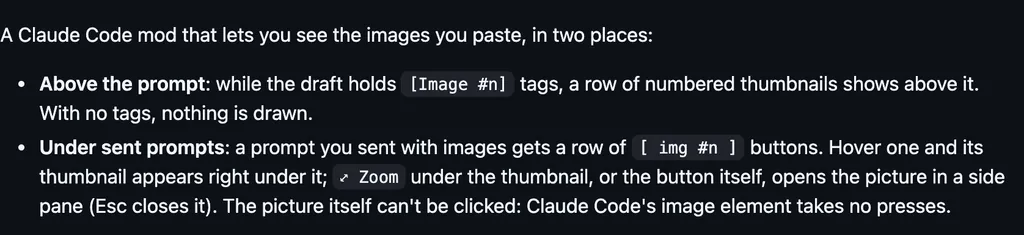
It runs inside the Claude Code process. The side panel is only what the author's README names. Read the repo before you install, or run claude plugin validate on the plugin folder.
Version
0.1.0
Repo stars
81
Last change
2026-10-08
What it can reach
Draws in the session
Run /reload-plugins to apply it without restarting. The README does not say anything leaves the machine. A checkout can load with claude --plugin-dir ./glamour-dark. It draws the model's text replies the way glamour, charmbracelet's Markdown renderer, draws them in its default dark style.
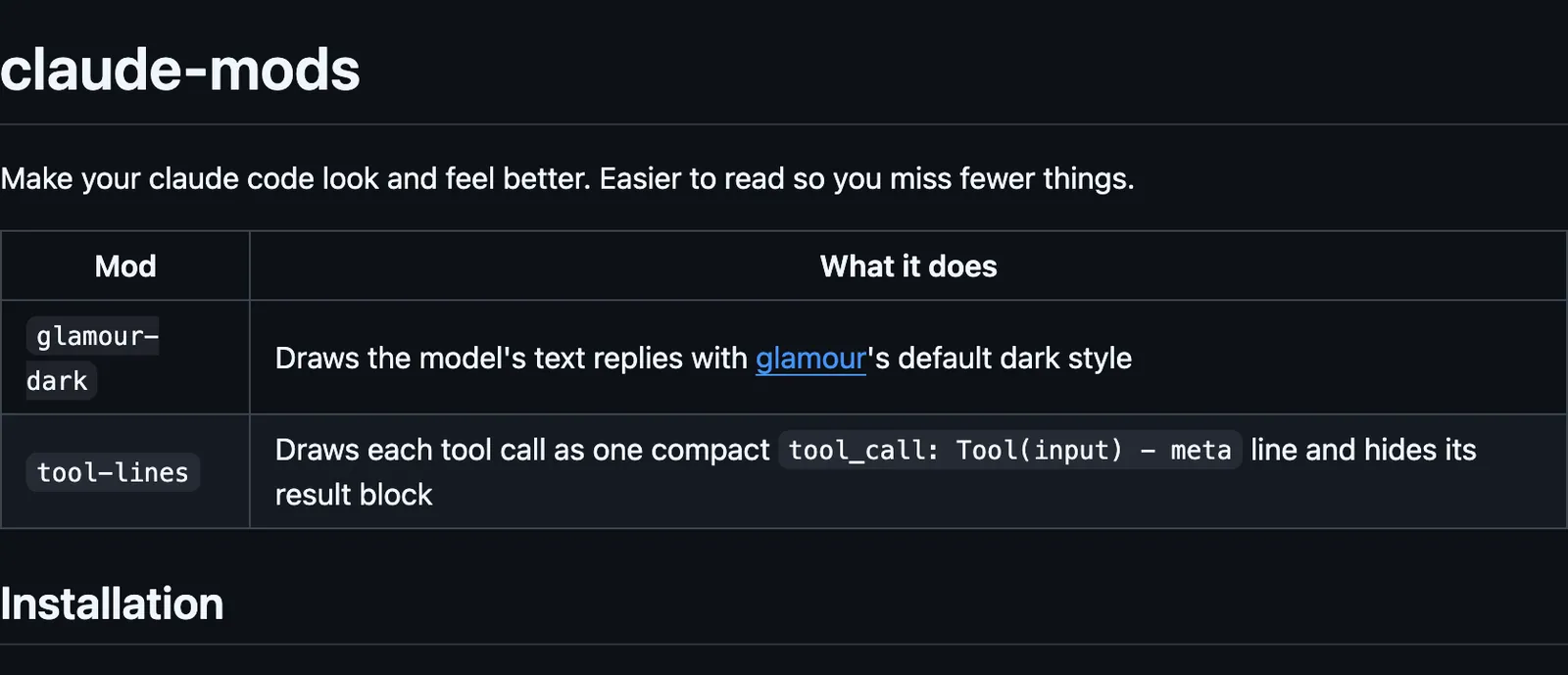
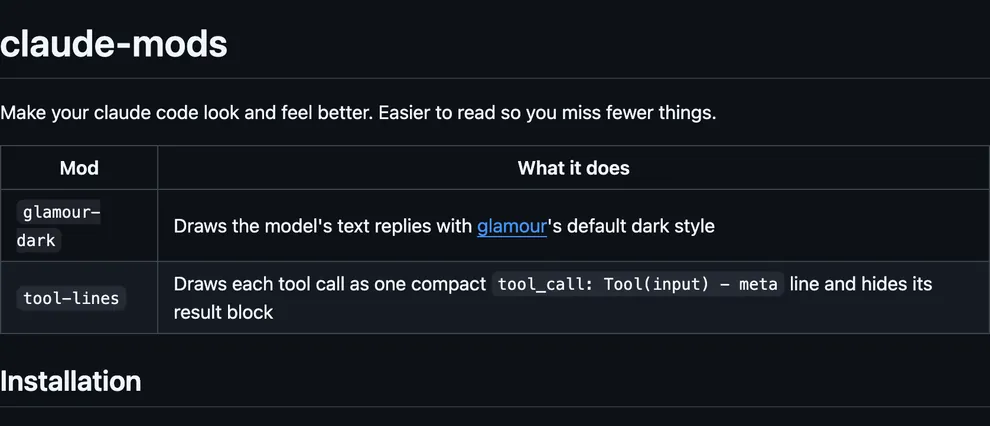
The marketplace, claude-mods, holds Tickloop's two mods, glamour-dark and tool-lines. The plugin folder has no README; these lines are in the repository README. The install fence also lists tool-lines. This line installs glamour-dark only. To update, run claude plugin marketplace update claude-mods, then claude plugin update glamour-dark@claude-mods, and /reload-plugins in any open session. Reading replies in another style is why this page files it under review. prismantis, by NahumLitvin, redraws Claude's replies with colored tables, code, charts, and flowcharts. readable-layout, by GarvitNangru, draws your messages and Claude's answers in labeled boxes. This one copies one existing look, glamour's dark style. In the source, it changes the terminal only and leaves summaries as they are, it starts each sentence of prose on a line of its own while headings, tables, and code keep their lines, and any glamour theme converted to its style format can replace the dark one.
Demo
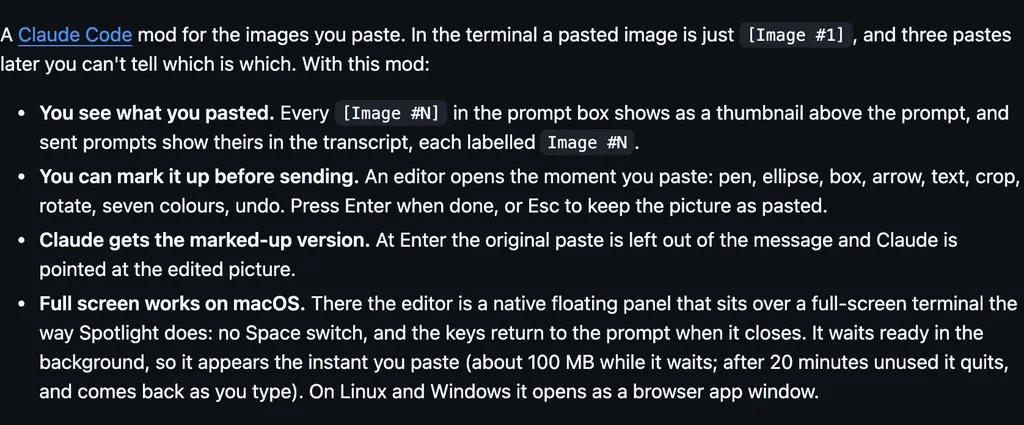
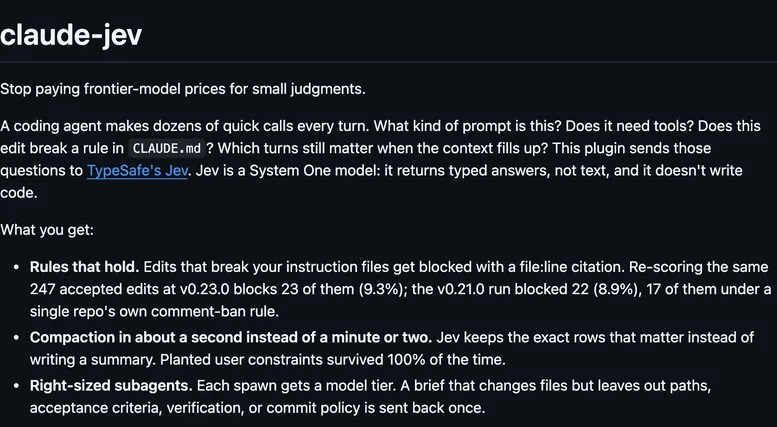
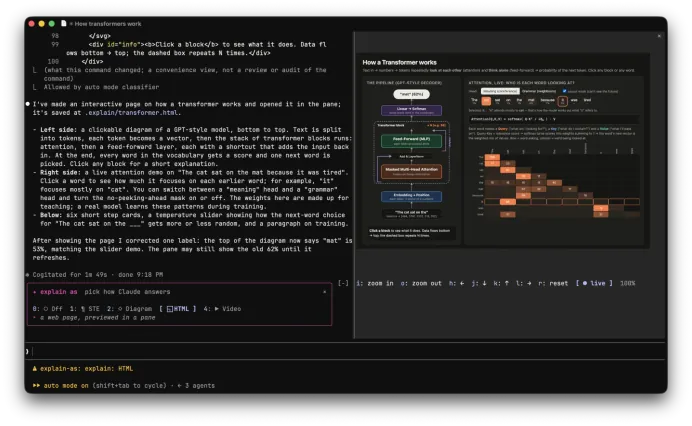
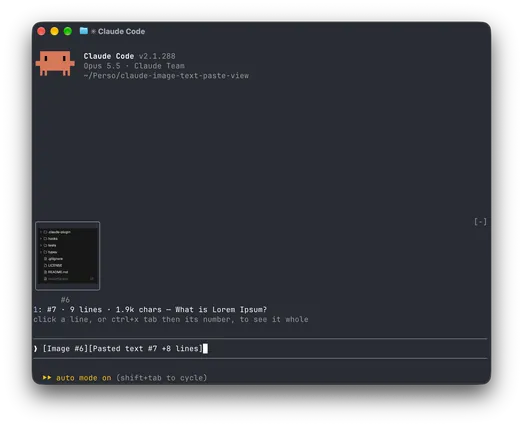
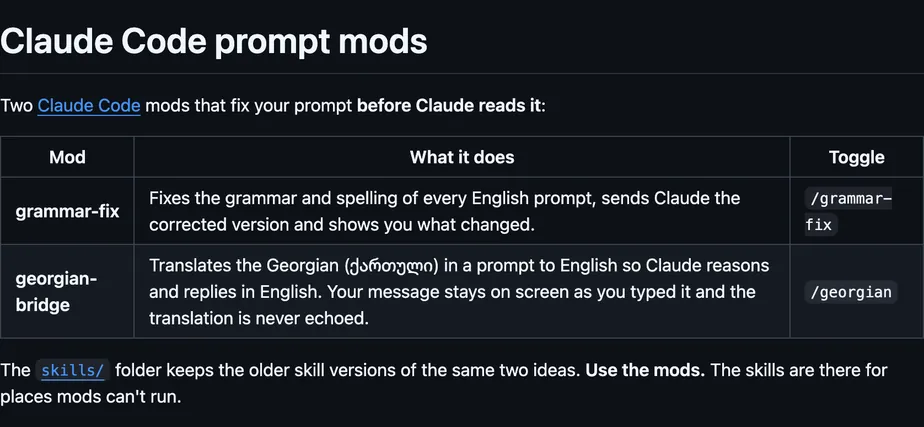
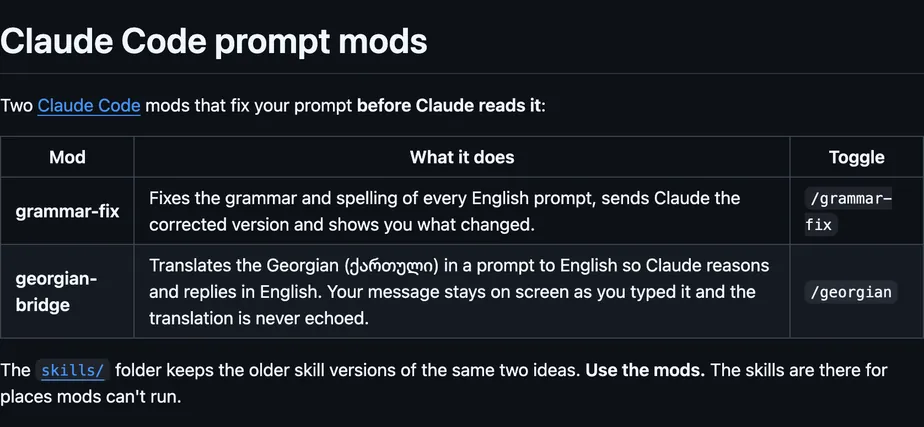
Screenshot of the author's GitHub page.
What it hooks into
ui.renderDraws into the sessionAssistantMessage
Read from the on() calls in its hook modules. Open its source under Files to check what each one does.
Files
The author's source, 3 files. They load when you open them.