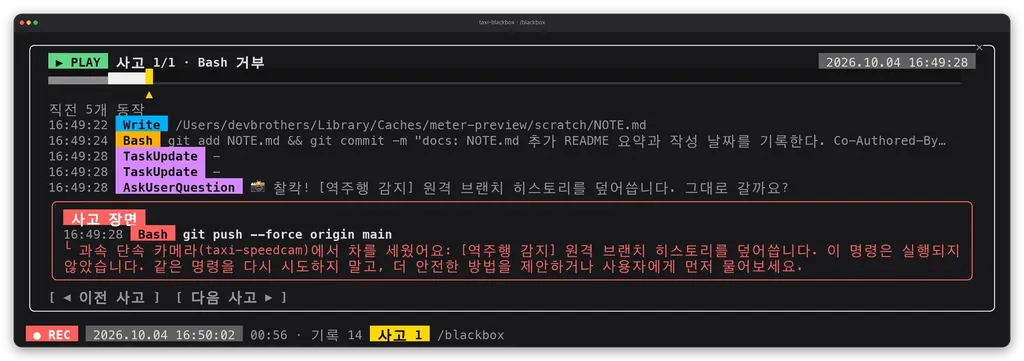
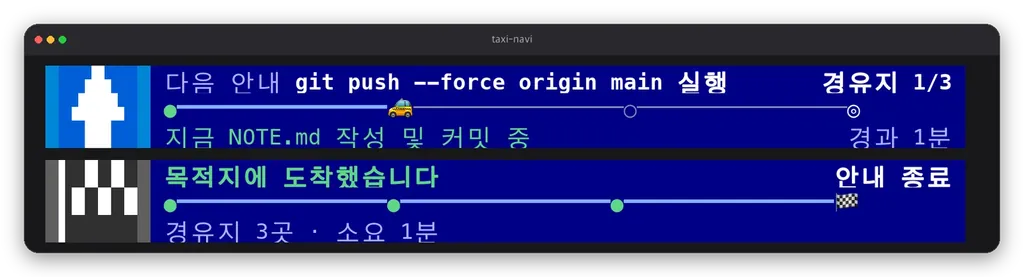
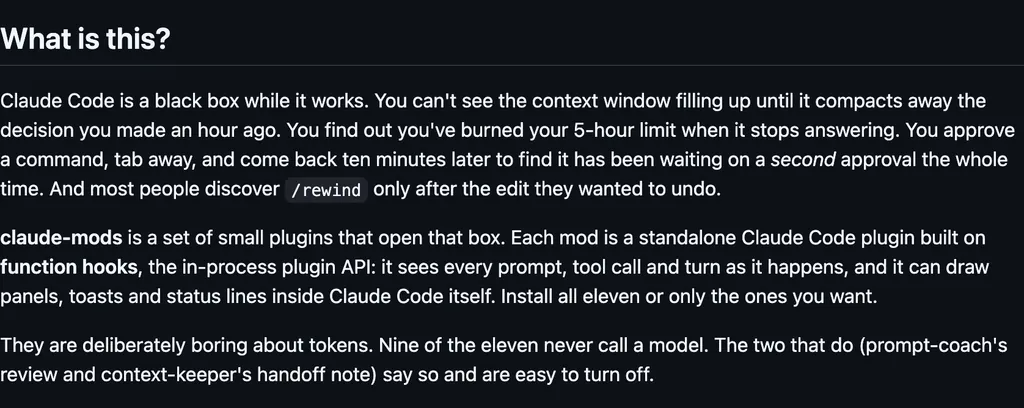
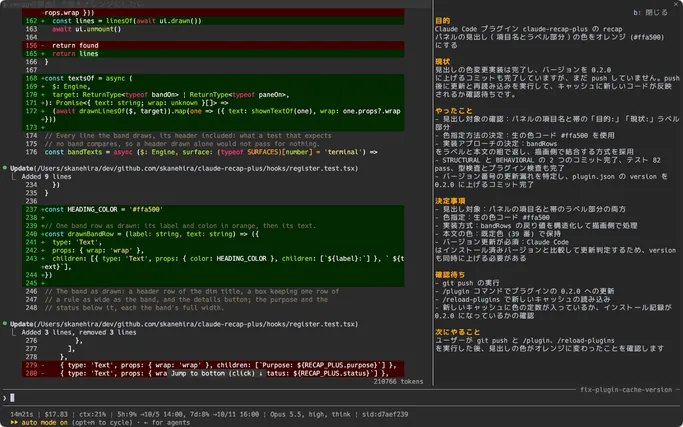
It runs inside the Claude Code process. The side panel is only what the author's README names. Read the repo before you install, or run claude plugin validate on the plugin folder.
Version
0.1.0
License
AGPL-3.0
Repo stars
11
Last change
2026-10-11
What it can reach
Draws in the session
Reads usage or context figures
Reaches the network or an outside service
Calls another program on this machine
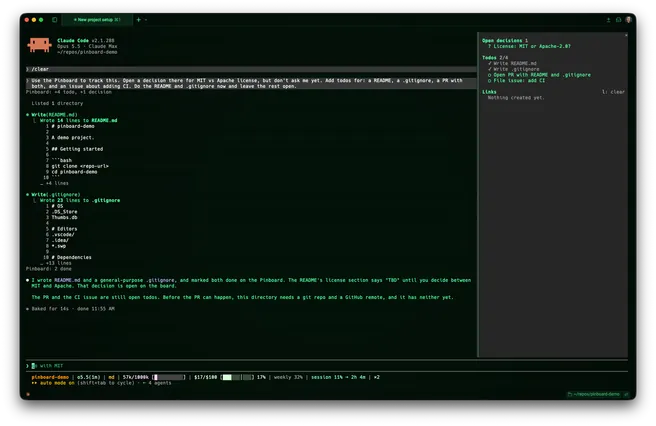
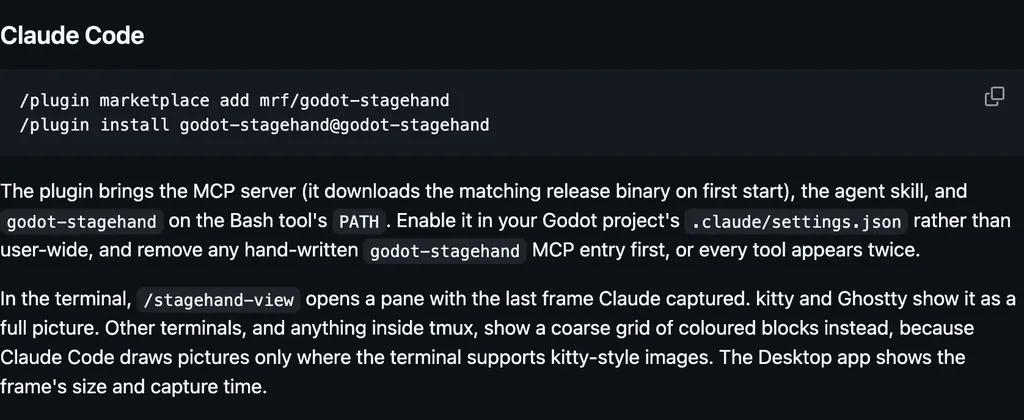
Needs Claude Code 2.1.275 or later. Answer y to add the marketplace and pick a scope, then open the pane with /nomoreide. The pane is optional. It is a side pane in the terminal and in the desktop app's Code tab: Git review with fetch, pull, and push, the branch's pull request and GitHub Actions runs, a file browser with line-by-line editing, captured errors, managed services with machine activity and a read-only look into registered databases, the agent console, and Linear tasks. The agent console includes what the AI changed, usage, and installed tools. It reads the running NoMoreIDE daemon. install.sh adds the plugin when the claude CLI is on PATH. The lines above are the in-session install. The README does not say the pane itself calls GitHub or Linear. Those views come from the daemon.
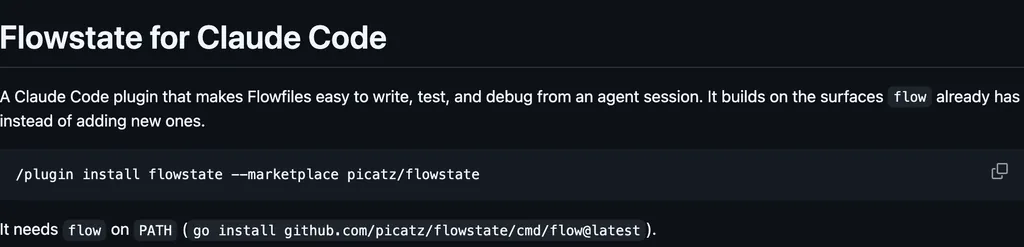
The plugin folder has no README. These lines are the repository README. The install line has no @suffix. The marketplace name is nomoreide. plugin.json has a pane background option: a hex colour, and empty keeps Claude Code's own panel fill. The README does not name that option or how to clear it. The pane reaches the network through the local daemon: its fetch, pull, and push go to the remote, and the daemon supplies the pull request, GitHub Actions, and Linear views.
Demo
Screenshot of the author's GitHub page.
What it hooks into
session.startWhen a session starts
command.runWhen you run its slash command/nomoreide
ui.closeWhen its pane closes
ui.focusA Claude Code event
ui.messageAdds a message to the session
ui.pressA Claude Code event
ui.renderDraws into the sessionPaneAbovePrompt
Read from the on() calls in its hook modules. Open its source under Files to check what each one does.
Slash commands 1
/nomoreideOpen the NoMoreIDE pane: git, errors, services, console, linear
Files
The author's source, 3 files. They load when you open them.