ClaudeCodeMod

All shelves / Mods / Workflow

memesh

By PCIRCLE-AI

memesh is a Claude Code workflow mod by PCIRCLE-AI.

Views and edits MeMesh's project memories with /memesh-memories, in a pane in the desktop app or a form in the terminal, from one local file Codex shares.

Draws

Install

The marketplace name is pcircle-memesh.

In Claude Code
/plugin marketplace add PCIRCLE-AI/memesh
/plugin install memesh@pcircle-memesh
Open the repo

It runs inside the Claude Code process. The side panel is only what the author's README names. Read the repo before you install, or run claude plugin validate on the plugin folder.

Version
4.11.4
License
MIT
Repo stars
16
Last change
2026-10-21

What it can reach

  • Draws in the session

Restart Claude Code after installing. The README says /memesh-memories comes with unreleased source builds. Fill only the title or paragraphs you want to change, leaving the rest blank; Save reads back what was stored, and Cancel saves nothing. Memories live in one file, ~/.memesh/knowledge-graph.db. For the command-line tools, install Node.js 22.13+, then npm install -g @pcircle/memesh and memesh doctor. Inbox reminders check at startup, at your next prompt, and at turn end, and stop once the agent records intake for that message. In Codex, codex plugin marketplace add PCIRCLE-AI/memesh, then codex plugin add memesh@pcircle-memesh.

The marketplace, pcircle-memesh, holds this one plugin, listed from the repository. Memory shared between sessions and tools is why this page files it under workflow. memoir draws a memories pane and a hint under the prompt with this project's branch and how many memories it has. supermemory gives Claude memory across sessions through Supermemory, with a recall strip above the prompt. This one keeps memories on this machine, so Claude Code and Codex on the same computer use the same ones, and needs no cloud service or separate model. Its 12 tools save, find, and archive memories, record a mistake and how to avoid it, keep a task's state for the next session, and pass messages between running local agents. In the source, hooks/native-memory.js opens the pane with $.ui.open and draws it with a Pane render hook.

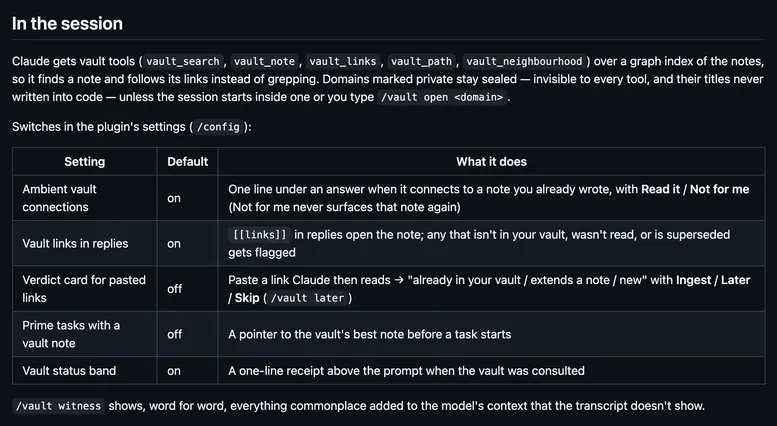
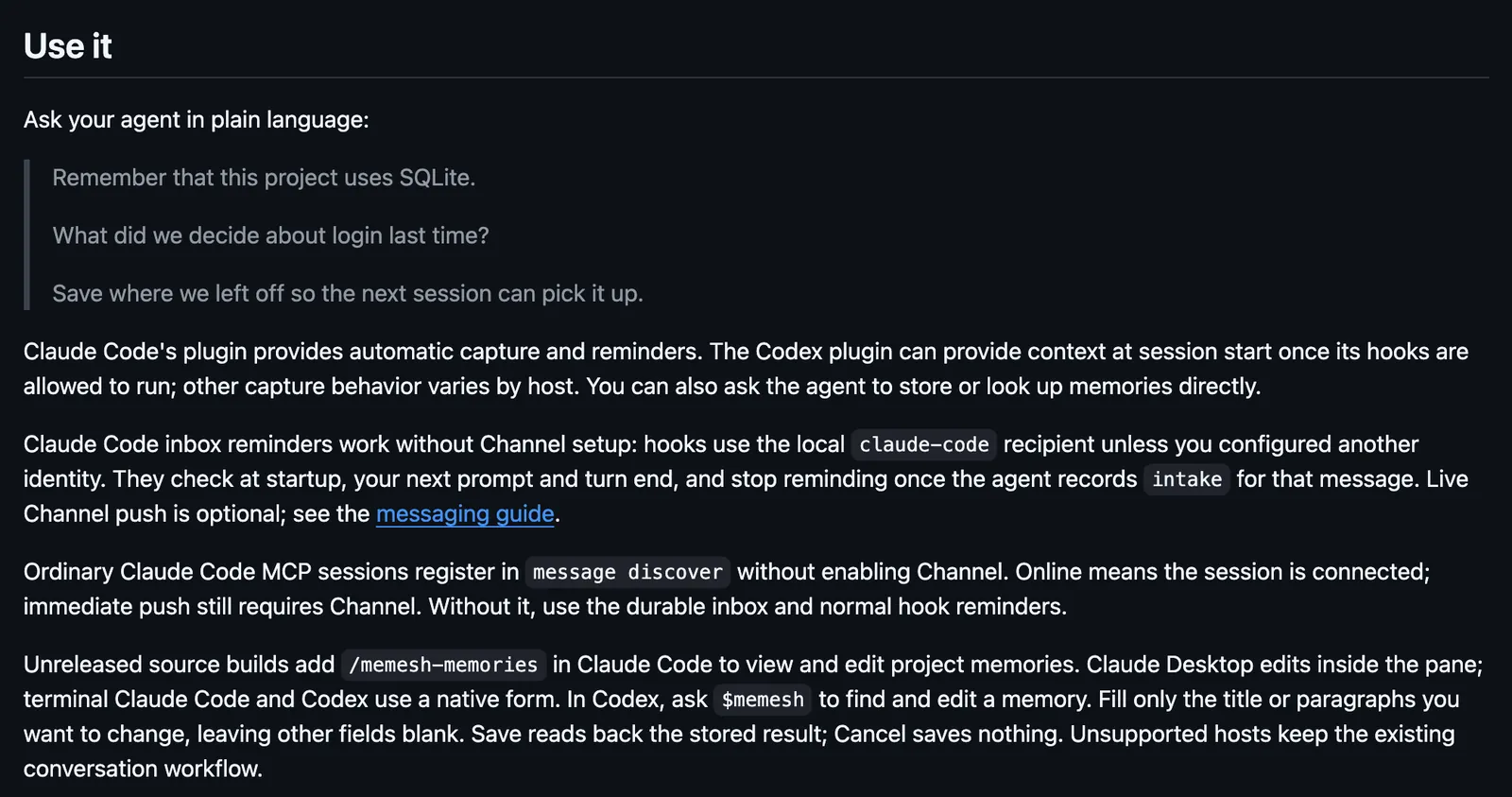
Demo

The Use it section of the memesh README: three sample requests to remember and recall, automatic capture and reminders from the Claude Code plugin, inbox reminders at startup, prompt, and turn end, and /memesh-memories in unreleased source builds to view and edit project memories in a pane.
Screenshot of the author's GitHub page.

What it hooks into

  • session.startWhen a session starts
  • command.runWhen you run its slash command/memesh-memories
  • ui.renderDraws into the sessionPane

Read from the on() calls in its hook modules. Open its source under Files to check what each one does.

Slash commands 1

  • /memesh-memoriesView and edit this project’s MeMesh memories
Hooks 11

  • PreToolUse · Edit|Write${CLAUDE_PLUGIN_ROOT}/scripts/hooks/pre-edit-recall.js
  • PreToolUse · Bash${CLAUDE_PLUGIN_ROOT}/scripts/hooks/guard-check.js
  • SessionStart · *${CLAUDE_PLUGIN_ROOT}/scripts/hooks/session-start.js
  • SessionStart · startup|resume${CLAUDE_PLUGIN_ROOT}/dist/host-runtime/codex-session.js
  • SessionEnd · *${CLAUDE_PLUGIN_ROOT}/dist/host-runtime/codex-session.js
  • PostToolUse · Bash${CLAUDE_PLUGIN_ROOT}/scripts/hooks/post-commit.js
  • PostToolUse · ExitPlanMode|AskUserQuestion${CLAUDE_PLUGIN_ROOT}/scripts/hooks/decision-nudge.js
  • Stop · *${CLAUDE_PLUGIN_ROOT}/scripts/hooks/session-summary.js
  • Stop · *${CLAUDE_PLUGIN_ROOT}/scripts/hooks/stop-message-gate.js
  • PreCompact · *${CLAUDE_PLUGIN_ROOT}/scripts/hooks/pre-compact.js
  • UserPromptSubmit · *${CLAUDE_PLUGIN_ROOT}/scripts/hooks/user-prompt-intent.js

Files

The author's README and source, 4 files. They load when you open them.

Facts

Author
PCIRCLE-AI
Category
Workflow
Marketplace
pcircle-memesh
Repo
PCIRCLE-AI/memesh
Version
4.11.4
License
MIT
Repo stars
16
Last change
2026-10-21
Language
TypeScript
Files
1053

Same repo on other shelves

Marketplaces

  1. 883PCIRCLE-AI/claude-code-buddyPCIRCLE-AI/memesh16

Other mods in Workflow

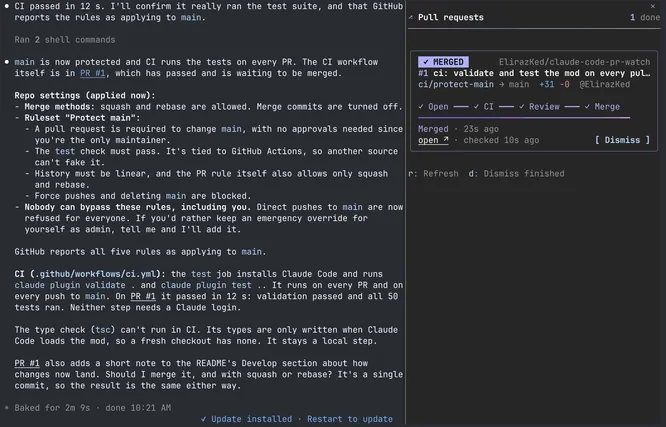
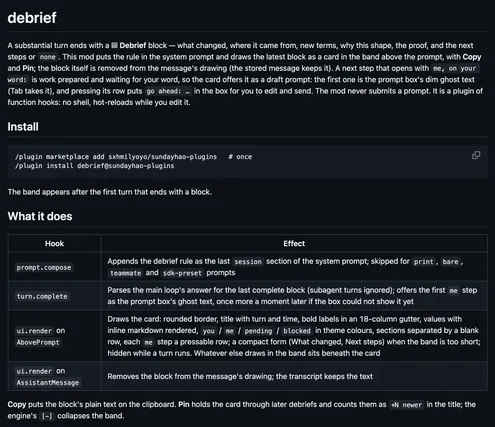
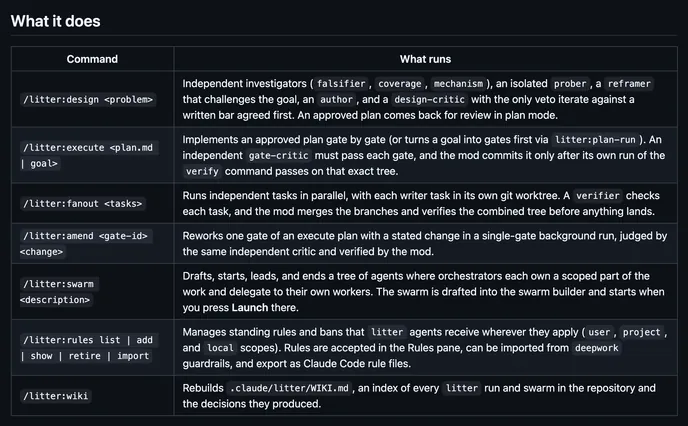
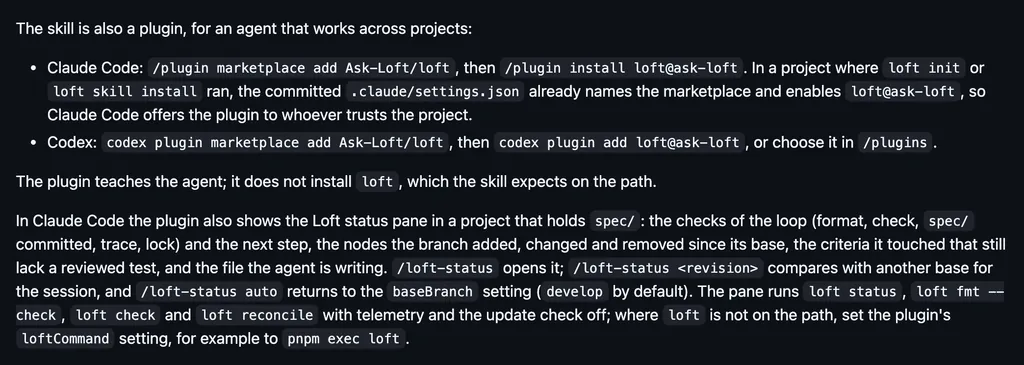
pr-watchElirazKedKeeps a live pane of the GitHub pull requests the session touches, with CI, reviews, conflicts, and merge, and a toast when one changes.launch-storeYosefHayimHolds a commandAdds Launch's build, release, status, plan, and doctor tools and /launch for Swift, Kotlin, Expo, and React Native apps, and asks before anything uploads.debriefsxhmilyoyoHas a long turn end with a Debrief block and draws it as a card above the prompt, with Copy, Pin, and a next step you can take into the prompt box.litterUnd3rf10wHolds a commandRuns multi-agent designs, gated plans, and swarms as workflows, holds each agent to its files and tools, and opens a /litter pane of runs, swarms, and spend.loftAsk-LoftShows a Loft status pane while the agent writes a spec/ specification: the loop's checks, the next step, the nodes changed, and criteria with no reviewed test.session-owlavtcKeeps session memory as a graph that background agents maintain, makes its roots the compaction summary, and draws the stage and its token cost in the footer.mission-controlh-zahranOpens a side pane of robots, one for the main loop and one per subagent, with tools, context, cost, rate limits, and files, plus a band, toasts, and sounds.mission-controlJasonWarrenUKHolds a commandOpens a board pane for a run of several sessions on one repository, and holds a gated command until this session holds that resource's slot.tg-pane34823Opens your Telegram chats and channels in a pane beside the session, through your own Telegram Web login. A Summary press has Claude retell unread posts.section-teamRaoufHolds a commandRuns the session as a supervisor that wakes specialist sections for bigger work, with a team strip above the prompt, a Team Board, and a reviewer gate on code.commonplacenoopzKeeps any folder of notes as a vault Claude reads and maintains, and draws a line under an answer that connects to a note you already wrote.agent-treeMike Pollow, DigitalrootsDraws the session's agents as a tree of boxes in a side pane, with each one's model, task, and latest answer. A click switches an agent's model or stops it.
All 396 in Workflow