It runs inside the Claude Code process. The side panel is only what the author's README names. Read the repo before you install, or run claude plugin validate on the plugin folder.
Version
0.1.4
License
MIT
Repo stars
7
Last change
2026-10-10
What it can reach
Draws in the session
Reaches the network or an outside service
Calls another program on this machine
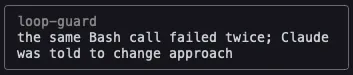
Tested on Claude Code 2.1.296. Restart after installing. The marketplace name is claude-code-mods, the same string hamzafer uses. Add arasovic/claude-code-mods. Needs gh, logged in to the repo's GitHub account. One row per running workflow shows a progress bar that compares the time so far with the workflow's last successful run, then the result in green or red, also as a toast, until you send your next message. If no run starts within 90 seconds, the row says no workflow triggered. A push and the pull request opened on that branch share one row, and a tag push waits for the runs on that tag. Only the repo Claude Code was started in is watched, and only when it has a .github/workflows folder. It sees pushes made through Claude's Bash tool, not from another terminal. It polls every 10 seconds and gives up after 60 minutes. Flag failed scheduled workflows, off by default in /config, checks at start for scheduled runs that failed in the last 14 days and shows each with its link; Dismiss hides them for this repo.
The marketplace, arasovic's claude-code-mods, also holds session-meter, turn-timeline, and other mods by the same author. This one installs on its own. Following a run after Claude pushes is why this page files it under workflow. merge-gate, by hamzafer, holds gh pr merge until CI is green and a Codex review has run once. pr-pane-nongfsq draws a pane of the project's sessions in the desktop app, with pull requests and CI. This one watches each GitHub Actions run that Claude's push starts, until it passes or fails.
Demo
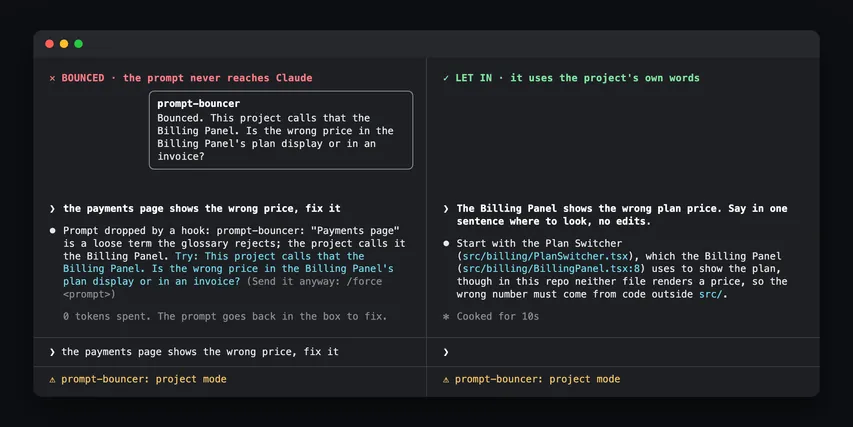
From the author's repo.
What it hooks into
tool.callAround a tool call, where it can hold oneBash
session.startWhen a session starts
prompt.submitWhen you send a prompt
ui.renderDraws into the sessionAbovePrompt
Read from the on() calls in its hook modules. Open its source under Files to check what each one does.
Files
The author's README and source, 4 files. They load when you open them.