delta is a Claude Code workflow mod by zed-industries.
Records this session and its Git checkout to Delta, asks who should see it on /delta-share, and lets a teammate join the thread from their own Claude Code.
It runs inside the Claude Code process. The side panel is only what the author's README names. Read the repo before you install, or run claude plugin validate on the plugin folder.
Version
0.1.22
License
AGPL-3.0
Repo stars
12
Last change
2026-10-23
What it can reach
Draws in the session
Reaches the network or an outside service
Calls another program on this machine
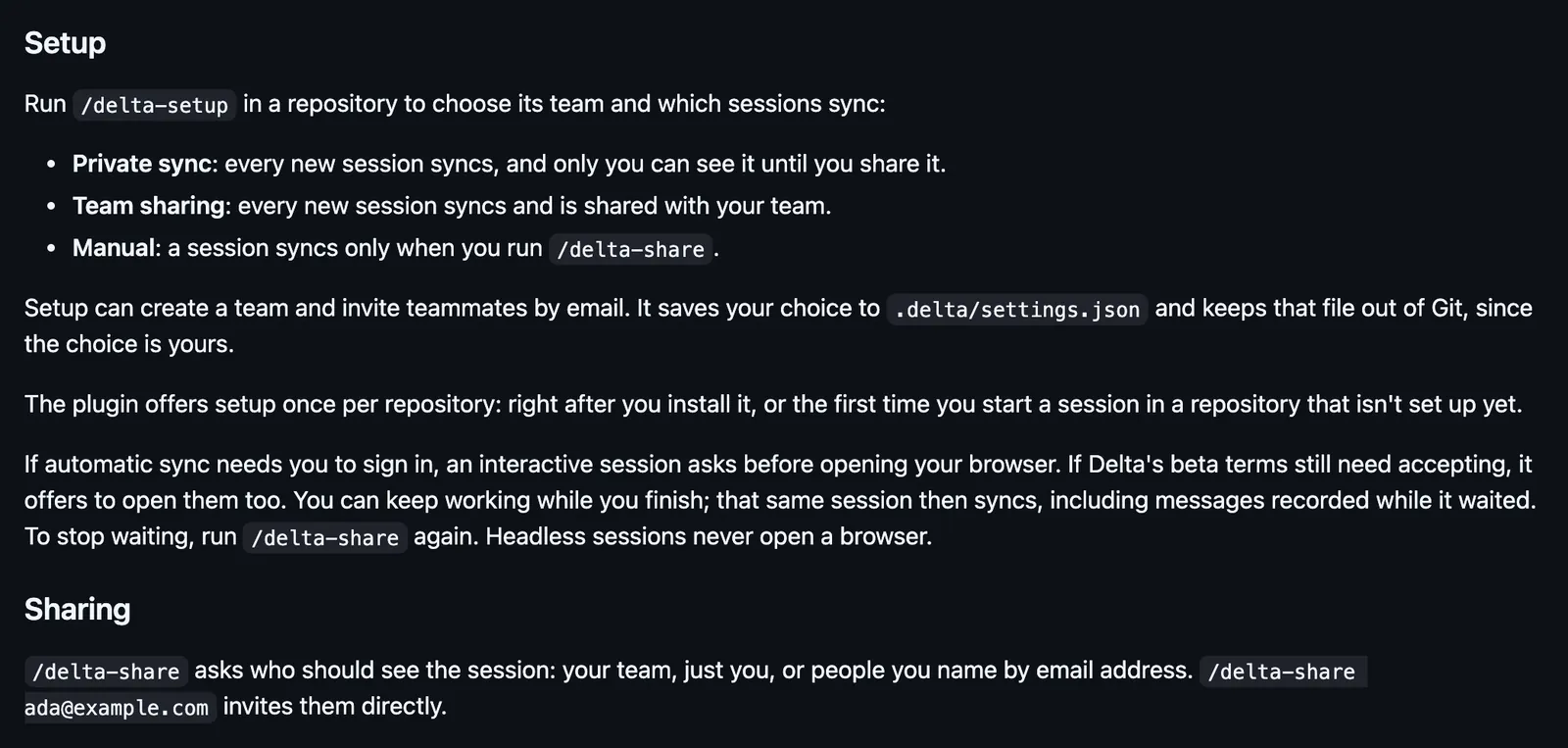
Needs Claude Code 2.1.303 or newer; older versions show a warning but are not blocked. The plugin uses the delta CLI and installs it the first time you set up syncing, share, or join, then offers to open your browser to sign in; on Windows, setup first asks whether to install it. /delta-setup chooses the repository's team and which sessions sync, private sync, team sharing, or manual, saved to .delta/settings.json and kept out of Git. /delta-share asks who should see the session: your team, just you, or people you name by email. /delta-join opens a shared thread in a fresh session, in the thread's checkout. Sharing and joining need an interactive terminal or the Desktop Code tab. From a checkout: claude --plugin-dir .
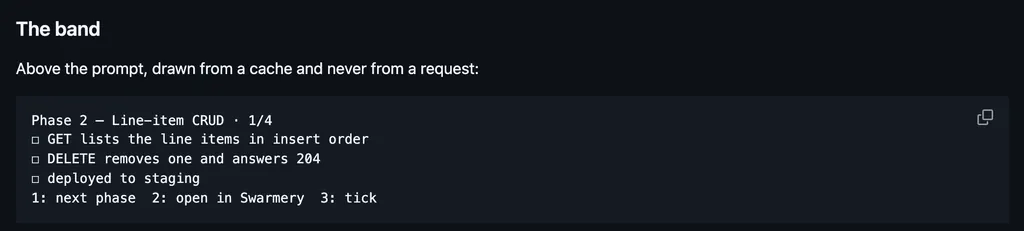
The marketplace, zed-industries, holds this one plugin, listed from the repository. Sharing a session with the team is why this page files it under workflow. shared-session draws a Share control above the prompt so a teammate can join from their own Claude Code and see each turn. squad-chat opens a pane to chat with friends on your squad's own Supabase. This one is Zed's Delta, which gives every agent thread a URL that opens in Claude Code, on delta.dev, or in the Delta app. Delta stores the conversation, tool inputs and outputs and Claude's thinking included, and the files in the checkout that Git does not ignore. Nothing is uploaded until you share or join, or the repository's setting syncs it. The plugin also sends Delta product telemetry, with no messages, file paths, or tool inputs. In the source, a band above the prompt shows the sync state and the thread's link with a copy button.
Demo
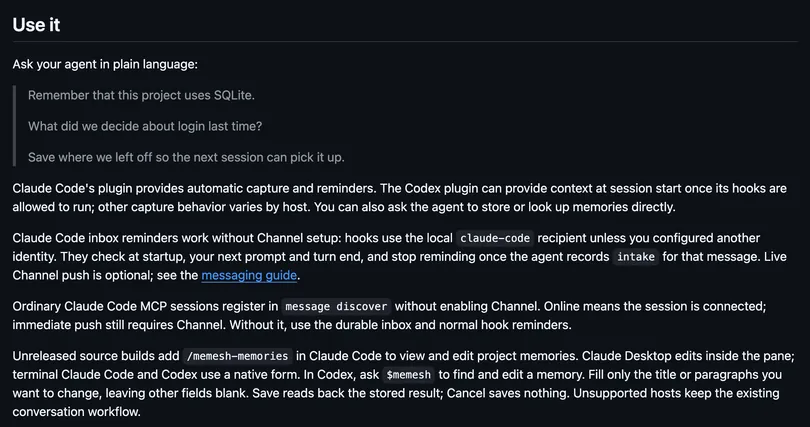
Screenshot of the author's GitHub page.
What it hooks into
prompt.submitWhen you send a prompt
agent.spawnWhen a subagent starts
classic.WorktreeCreateA Claude Code event
classic.WorktreeRemoveA Claude Code event
turn.startWhen Claude starts a turn
turn.completeWhen a turn ends
ui.renderDraws into the sessionAbovePromptAskUserQuestionUserMessageCommandOutput
session.endWhen a session ends
config.setA Claude Code event
session.startWhen a session starts
classic.StopA Claude Code event
classic.SessionStartA Claude Code event
command.runWhen you run its slash command/delta/delta-share/delta-join/delta-setup/delta-update/delta-org
session.appendWhen an entry is written to the transcript
session.sendA Claude Code event
tool.callAround a tool call, where it can hold one
Read from the on() calls in its hook modules. Open its source under Files to check what each one does.
Files
The author's README and source, 4 files. They load when you open them.