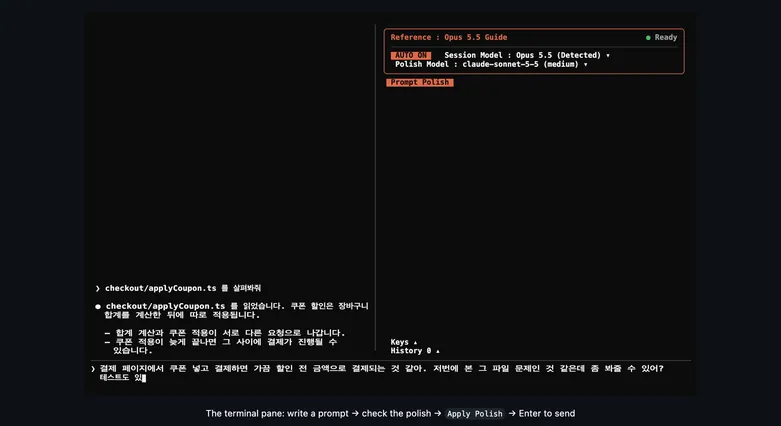
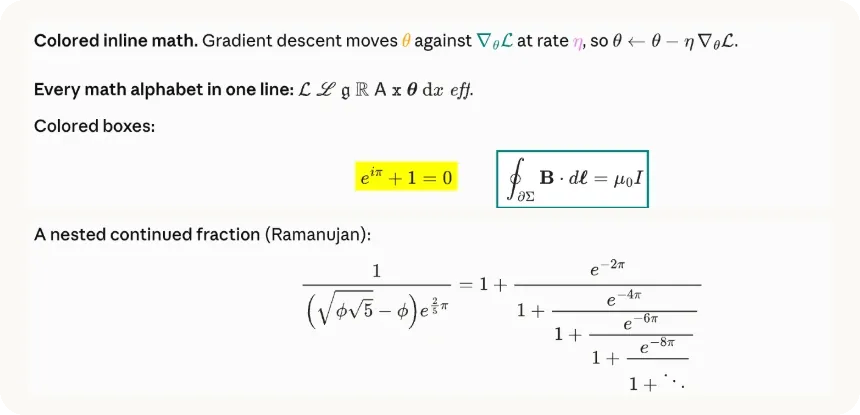
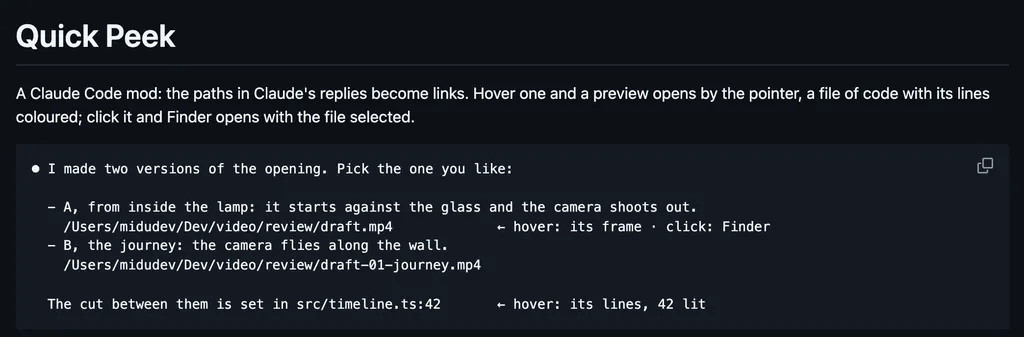
It runs inside the Claude Code process. The side panel is only what the author's README names. Read the repo before you install, or run claude plugin validate on the plugin folder.
Version
0.1.0
License
Apache-2.0
Repo stars
12
Last change
2026-10-25
What it can reach
Draws in the session
Calls another program on this machine
kitty or Ghostty: the preview needs the kitty graphics protocol, and other terminals show a line of text in its place. macOS; on Linux the preview has not been tried in a terminal. slint-preview-helper on the PATH, built with a Rust toolchain: cargo install --locked --git https://github.com/tilladam/ratatui-slint slint-preview-helper, whose first build takes a few minutes. Claude Code with mod support, tested with 2.1.304 to 2.1.308. Without the --marketplace option, add the marketplace first: /plugin marketplace add tilladam/ratatui-slint, then /plugin install slint-preview@ratatui-slint. No pointer or keyboard input reaches the preview, and over ssh the picture is a blank box.
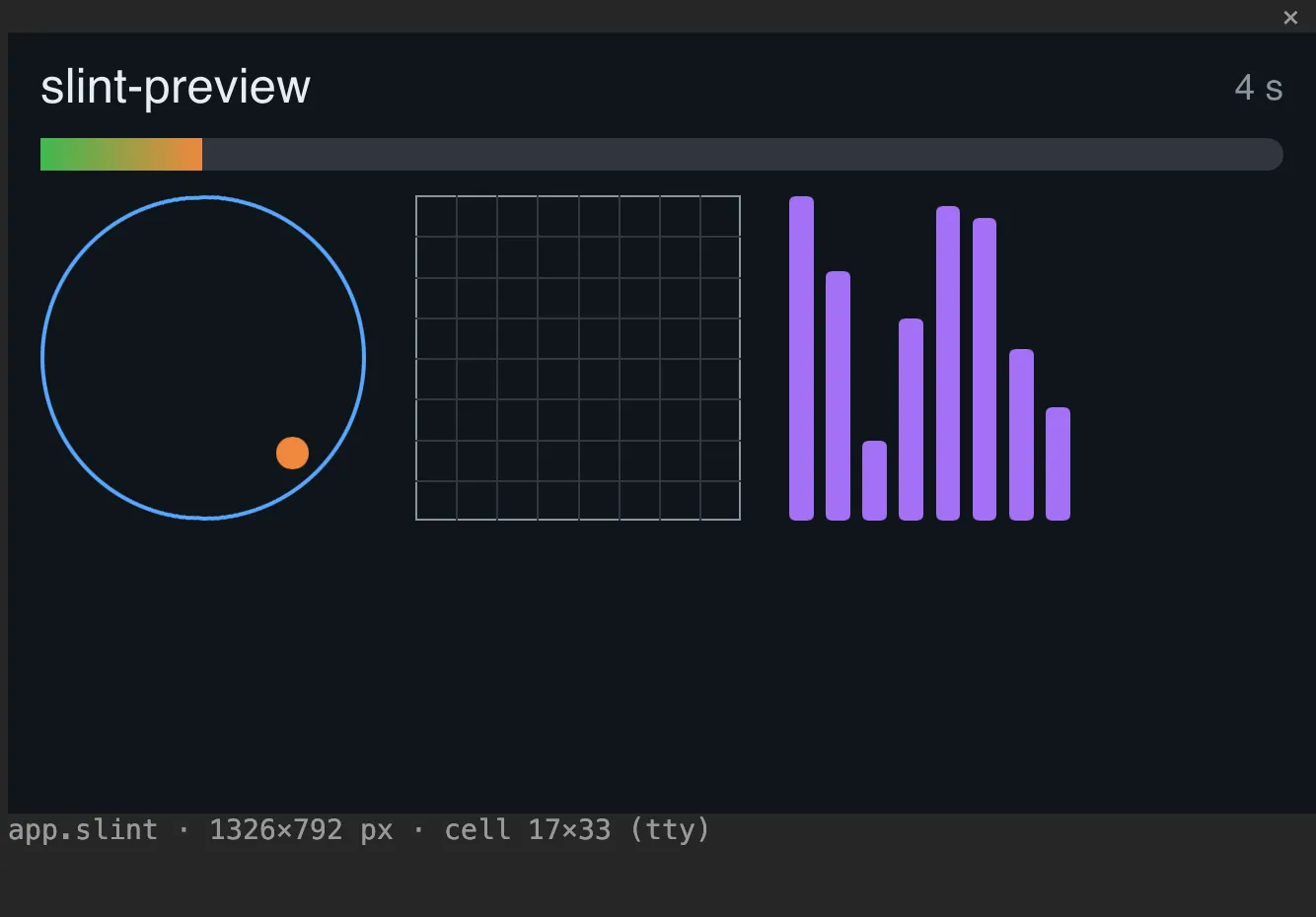
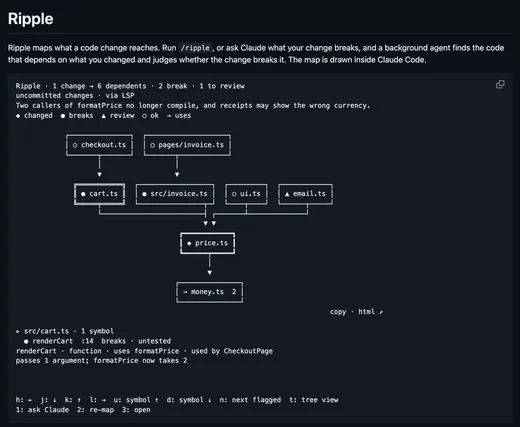
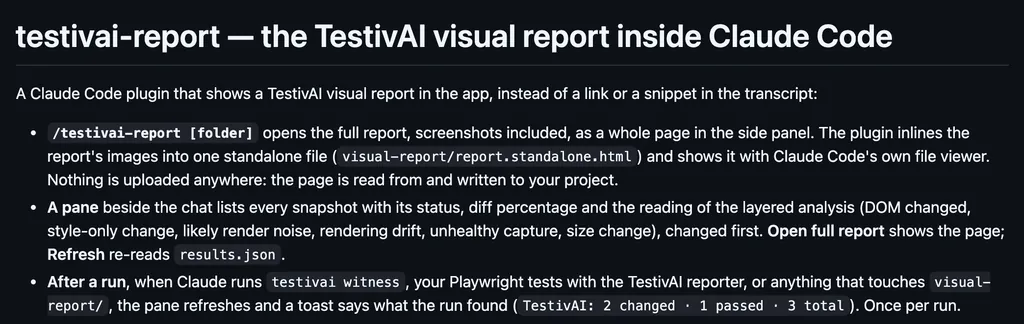
The marketplace, ratatui-slint, holds only this mod; the repository is ratatui-slint, which embeds Slint components as pixel widgets in ratatui terminal apps. Seeing a UI file as it will look is why this page files it under review. cc-preview draws hover cards for images in the conversation and a side pane that previews markdown. xcode-mods draws a canvas of SwiftUI preview snapshots beside its build and test pane. This one previews a Slint file with /slint-preview path/to/ui.slint, rendered by slint-preview-helper, a separate program, and drawn as real pixels through the kitty graphics protocol. Saving the file, or a .slint file next to it, reloads the pane, and if the helper ends the pane offers Restart the preview.
Demo
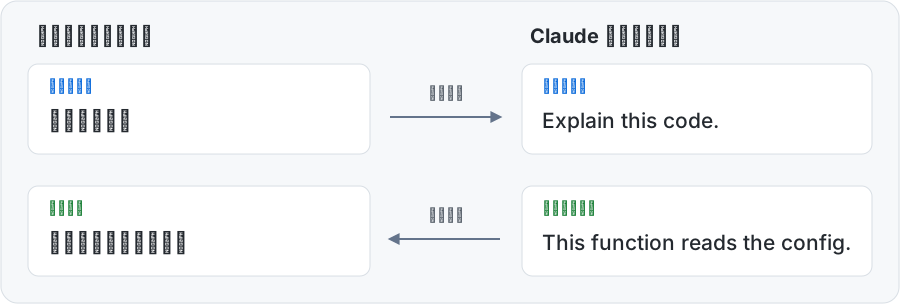
From the author's repo.
What it hooks into
session.startWhen a session starts
command.runWhen you run its slash command/slint-preview
ui.closeWhen its pane closes
session.endWhen a session ends
ui.renderDraws into the sessionPane
Read from the on() calls in its hook modules. Open its source under Files to check what each one does.
Slash commands 1
/slint-previewLive preview of a .slint file in a pane
Files
The author's README and source, 4 files. They load when you open them.