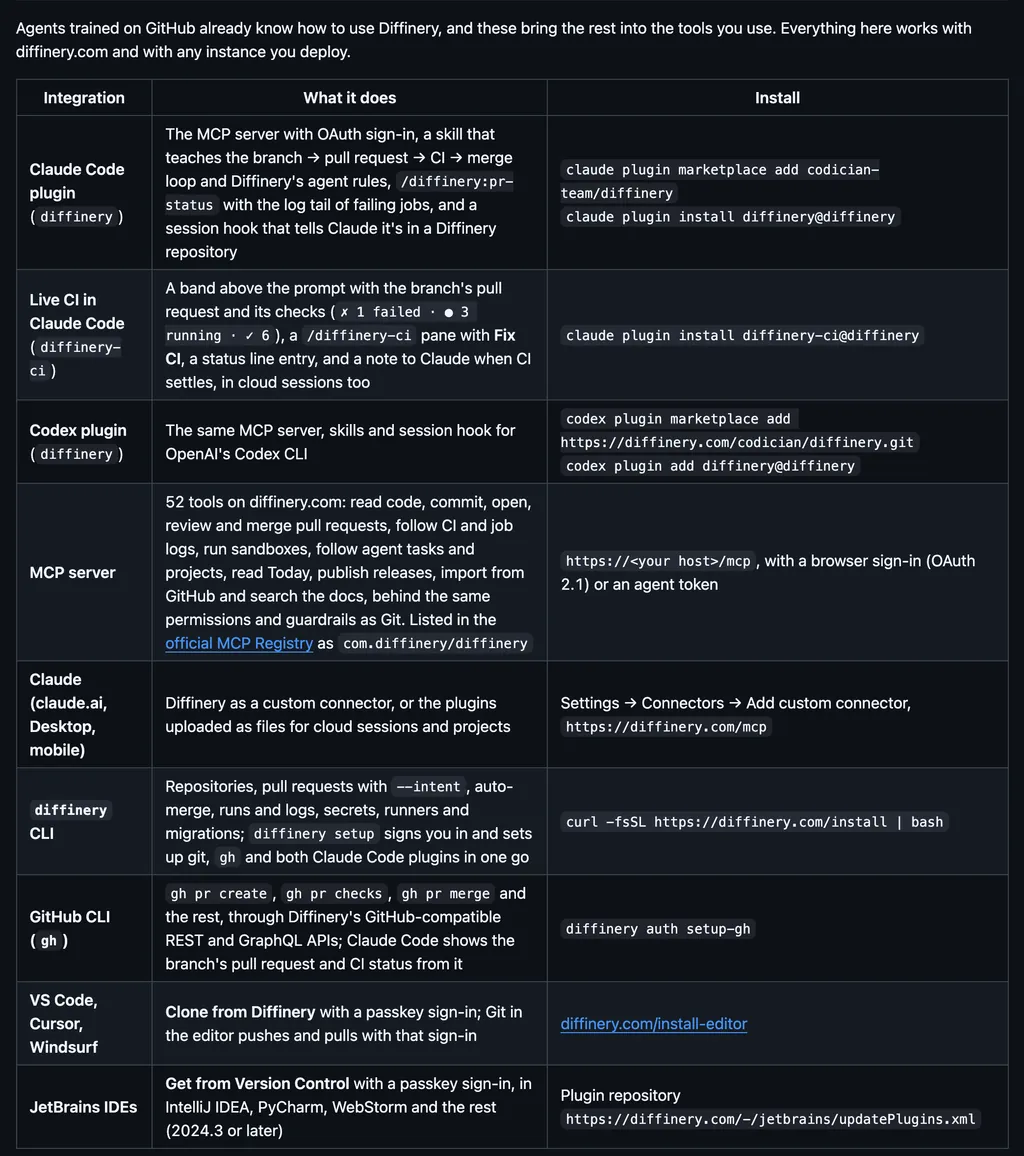
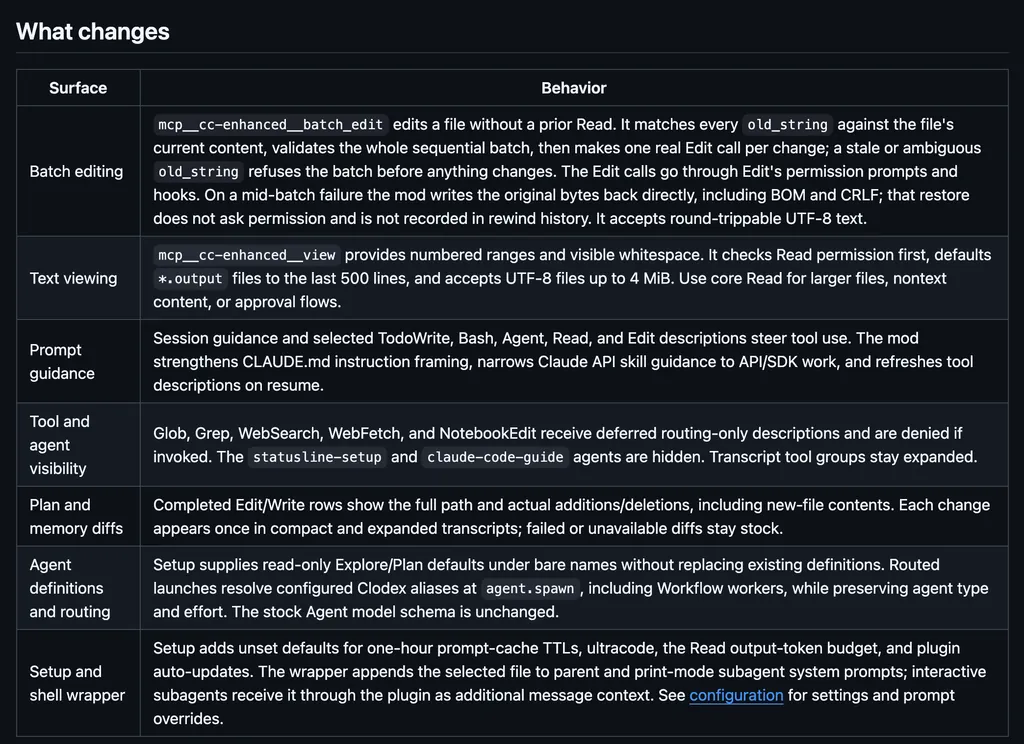
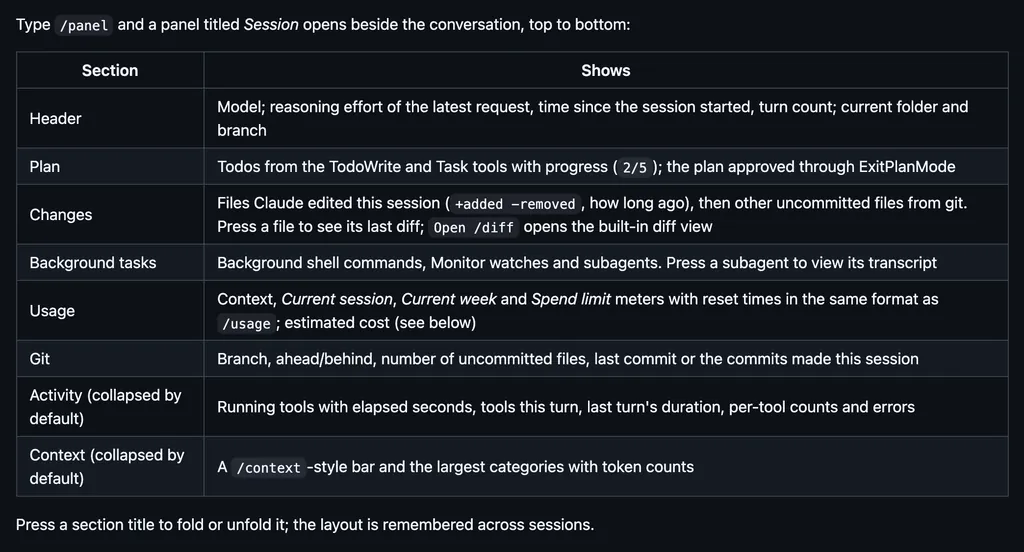
It runs inside the Claude Code process. The side panel is only what the author's README names. Read the repo before you install, or run claude plugin validate on the plugin folder.
Version
1.0.0
Repo stars
189
Last change
2026-10-29
What it can reach
Draws in the session
Calls another program on this machine
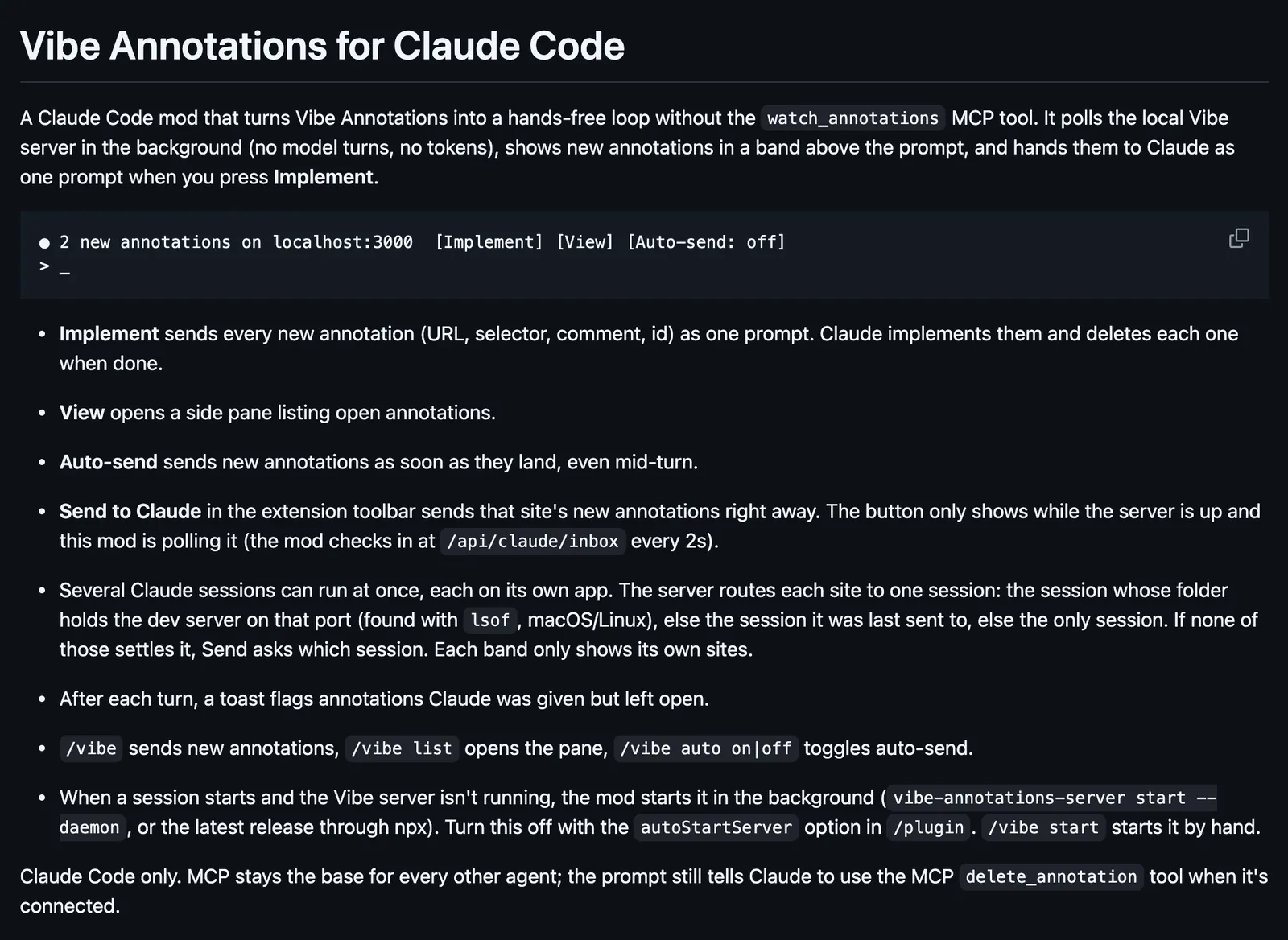
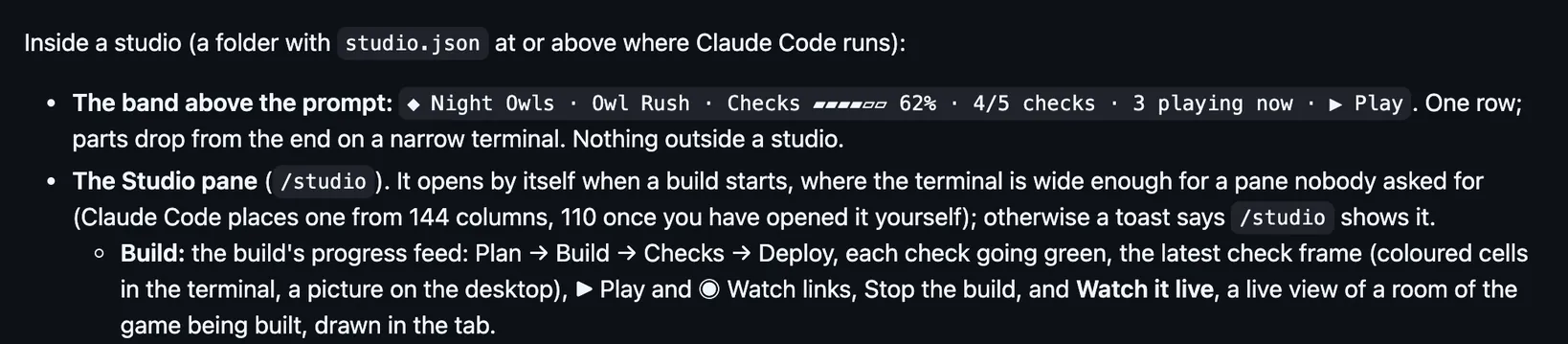
Needs Claude Code 2.1.287 or newer, and Node.js for the server. Then install the Vibe Annotations browser extension, open your localhost app, and annotate: the band appears within a few seconds. At the prompt of a terminal session, /plugin install vibe-annotations --marketplace RaphaelRegnier/vibe-annotations does the same, and npx vibe-annotations-server init offers the mod when you pick Claude Code. When a session starts and the Vibe server is not running, the mod starts it in the background; the autoStartServer option in /plugin turns that off. View opens a side pane of open annotations, and Auto-send sends new ones as soon as they land, even mid-turn. /vibe sends new annotations, /vibe list opens the pane, and /vibe auto on or off toggles auto-send. Several sessions can run at once: the server routes each site to the session whose folder holds its dev server, found with lsof on macOS and Linux. Claude Code only.
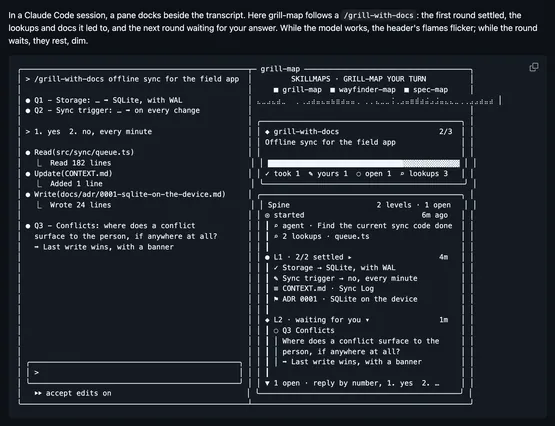
The marketplace name is vibe-annotations, and it holds only this plugin. The browser extension and the local Vibe server are the rest of the product, and the server's MCP tools serve other agents. Turning what you mark on your page into work for Claude is why this page files it under workflow. editlens shows each change Claude makes to your website in your browser as it happens. plannotator opens Claude's plan in a review UI where you mark it up. This one has you mark up the running app itself, and hands the marks to Claude from a band above the prompt. In the source, the band is an AbovePrompt render and the side pane a Pane render, and a turn.complete hook looks for annotations Claude was given but left open.
Demo
Screenshot of the author's GitHub page.
What it hooks into
session.startWhen a session starts
command.runWhen you run its slash command/vibe
turn.completeWhen a turn ends
ui.renderDraws into the sessionAbovePromptPane
Read from the on() calls in its hook modules. Open its source under Files to check what each one does.
Slash commands 1
/vibeVibe Annotations: implement new ones, list them (/vibe list), auto-send (/vibe auto on|off), start the server (/vibe start)
Files
The author's README and source, 4 files. They load when you open them.