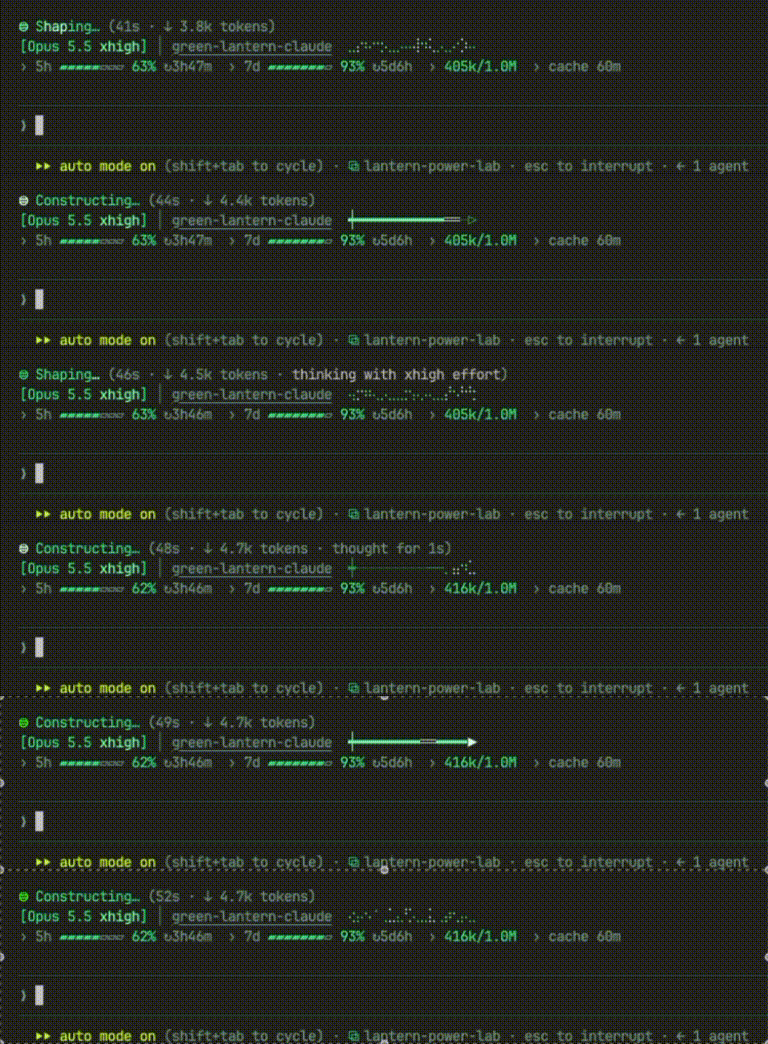
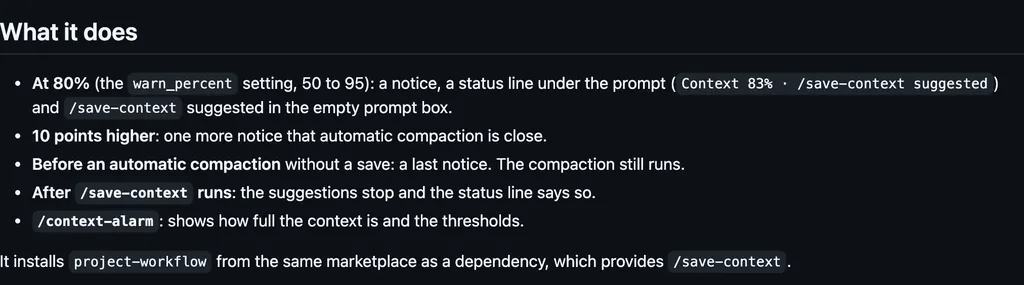
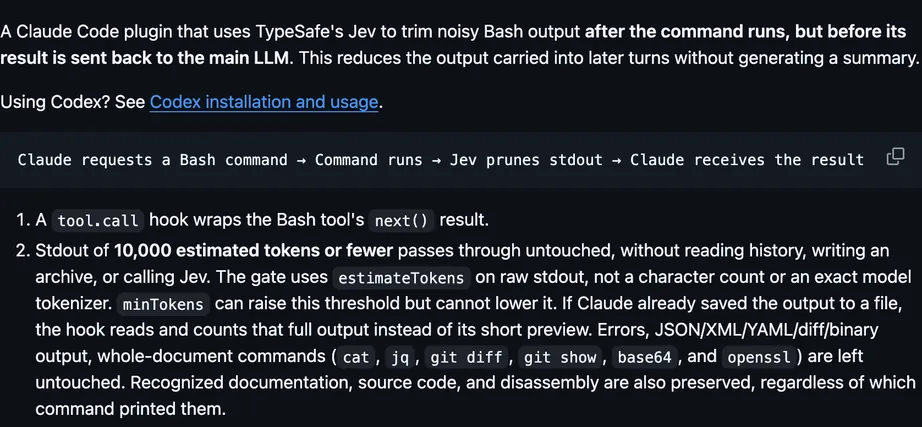
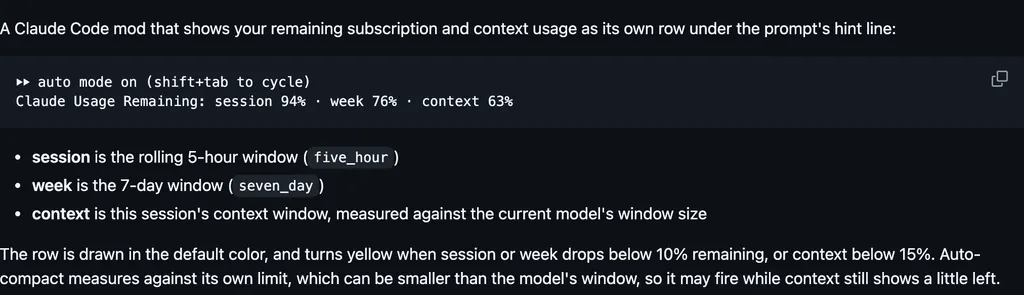
It runs inside the Claude Code process. The side panel is only what the author's README names. Read the repo before you install, or run claude plugin validate on the plugin folder.
Version
0.1.0
License
MIT
Repo stars
6
Last change
2026-10-06
What it can reach
Draws in the session
Reads usage or context figures
Runs a command when you press
Calls another program on this machine
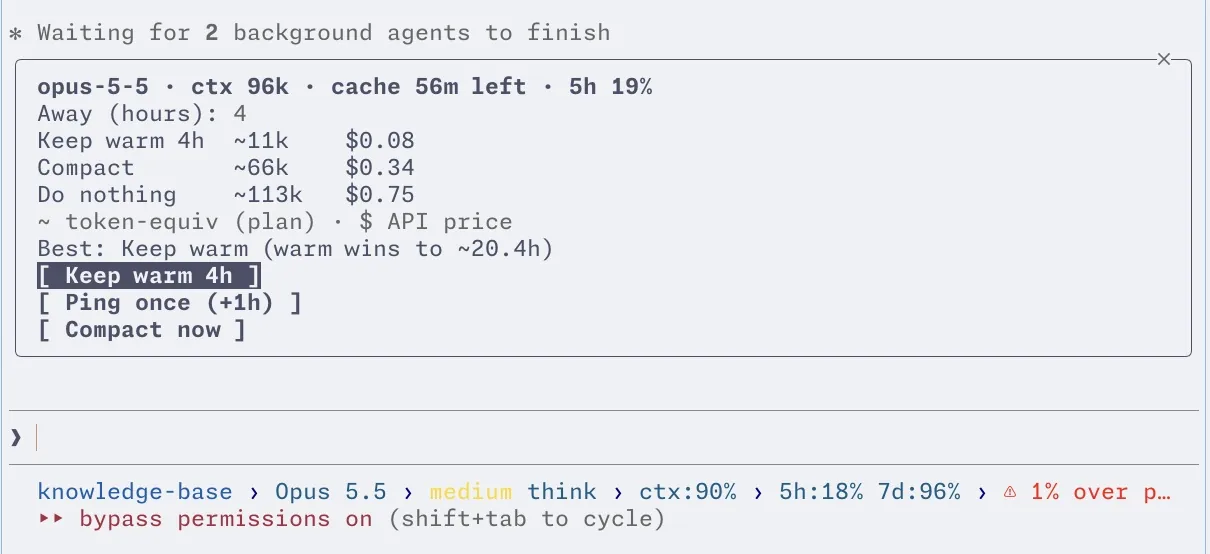
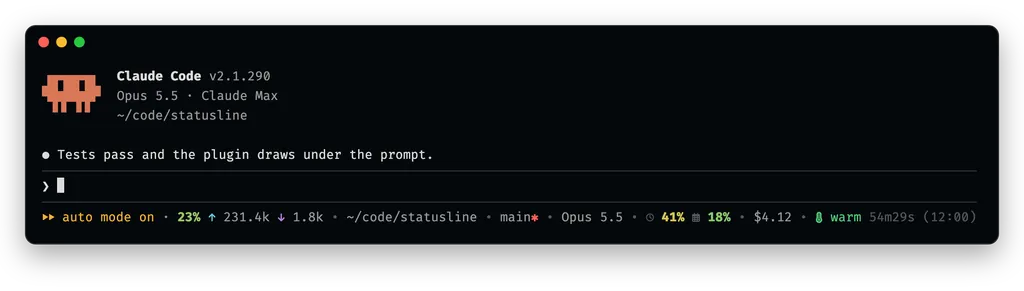
Needs Claude Code 2.1.287 or newer. Developed and tested on 2.1.289 on macOS. An open session picks it up after /reload-plugins. It does nothing until you have been idle for 50 minutes. There is no auto mode. Normally nothing is on screen and nothing is spent. After 50 idle minutes, and only when letting the cache go cold would cost at least about $0.30, with a floor of 30,000 context tokens, one short line appears above the prompt. In the README's table that is about 38,500 tokens on Opus 5.5 and 78,900 on Sonnet 5.5. Click the line, or type /warm, to open the panel. The line goes away when you type again or when the cache goes cold. Ignore it and nothing happens. Away hours blank means 4. The panel prices keep-warm, compact, and doing nothing for that many hours, and names the cheapest. Keep warm pings every 50 minutes until the window ends. Ping once is one ping, about one more hour. Compact now runs the built-in /compact. While warming, the line shows the time left. Typing does not stop it. /warm off stops early. A one-line toast dismisses itself when the window ends. Every 50 minutes the ping is a tiny hidden request whose text is Reply with exactly: ok, on your own Claude login. The README says the request never appears in the transcript and does not grow the context. The author measured it on 2.1.289 with the cache lifetime shortened to 5 minutes: a later turn read 96,093 cached tokens and wrote 43. In a brand-new session the first ping can write a fresh cache entry instead of reading yours. The mod allows one such miss and stops after two in a row. Cost estimates use API list prices or, when the account reports subscription rate limits, community-measured quota weights. The author says those weights were measured on only two models and applied to the rest, so treat them as approximate, and that prices were checked on 2026-10-04. The sound goes through herdr, a separate app with panes and an agents sidebar: herdr notification show runs only inside a herdr pane, which the mod detects with HERDR_ENV set to 1. Outside it you still get the button, with no sound. The body of the notification is your folder name. CACHE_PANEL_FAST set to 1 is a trial: it reminds after 1 minute, pings every 2 minutes, and skips the context floor. The README says not to leave that mode on. A checkout for one session is claude --plugin-dir claude-mods/cache-panel. The README says the panel is only verified in the terminal. It guards on the terminal and desktop surfaces, and the desktop app has not been tested. The full hour was not waited out. The mechanism was shown with a 5-minute lifetime.
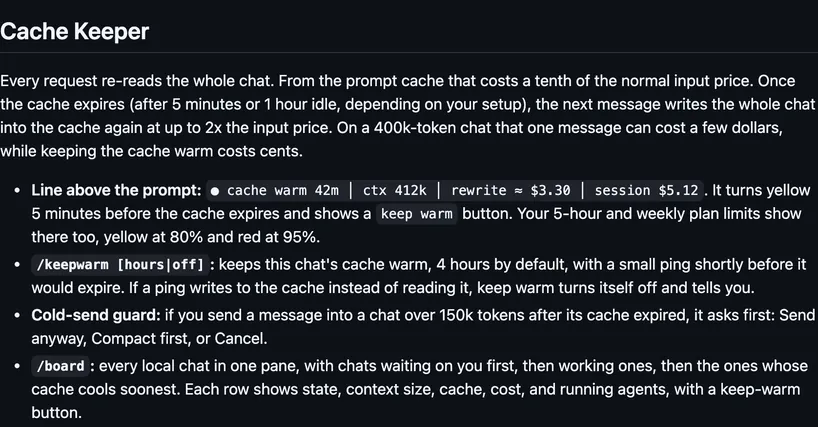
The install name is cache-panel. This page adds the author's name. The marketplace name is dustin-mods. The marketplace also holds screen-guard. This one installs on its own. The line and the panel, before the prompt cache goes cold, are why this page files it under usage. keepalive-alexandernicholson draws a prompt-cache bar for each conversation, and can keep an idle cache warm or compact it before it expires. cache-tax keeps the one-hour prompt cache warm while you step away, and stops a send into a cold cache once with the estimated rewrite cost. This one stays quiet until 50 idle minutes, then you choose keep-warm, one ping, or compact. The hidden ping is a model call on your own Claude login. The herdr notification is the local program.
Demo
From the author's repo.
What it hooks into
session.startWhen a session starts
classic.SessionStartA Claude Code event
turn.stepAt each step of a turn
session.measureWhen usage is measured
session.compactWhen the context is compacted
command.runWhen you run its slash command/warm/cache-panel
ui.renderDraws into the sessionAbovePromptPane
Read from the on() calls in its hook modules. Open its source under Files to check what each one does.
Slash commands 2
/warmCache panel: keep warm, ping once, or compact
/cache-panelCache panel: keep warm, ping once, or compact
Files
The author's README and source, 5 files. They load when you open them.