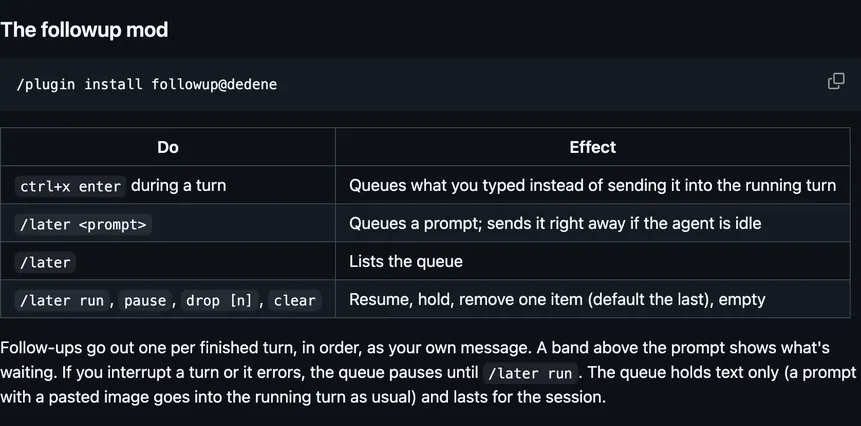
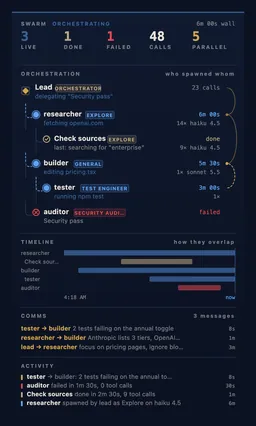
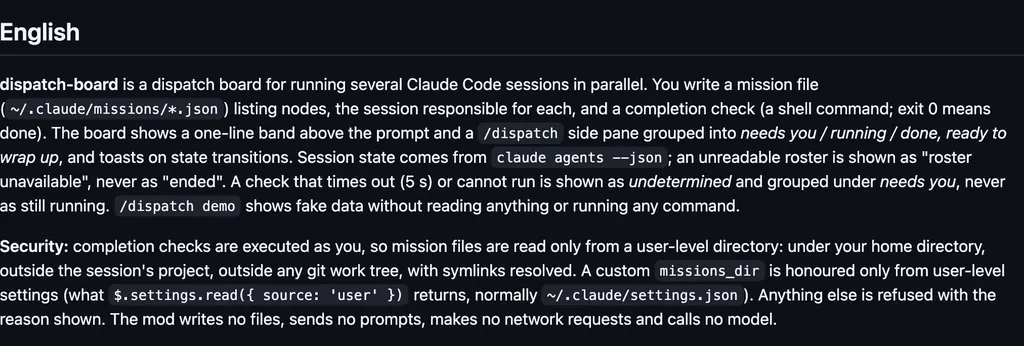
It runs inside the Claude Code process. The side panel is only what the author's README names. Read the repo before you install, or run claude plugin validate on the plugin folder.
Version
0.3.1
License
MIT
Repo stars
17
Last change
2026-10-13
What it can reach
Draws in the session
Reaches the network or an outside service
Sees tool calls
Runs a command when you press
Calls another program on this machine
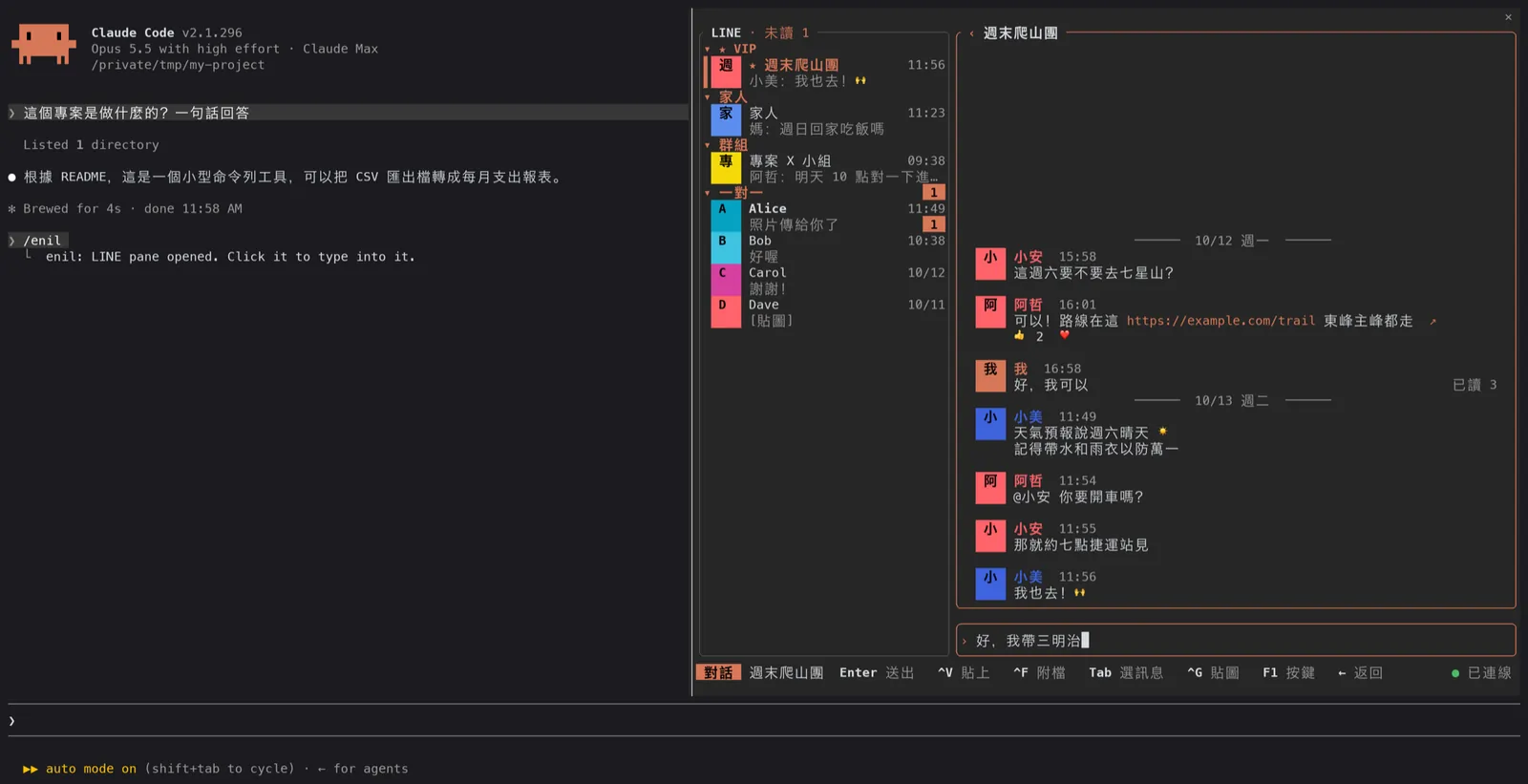
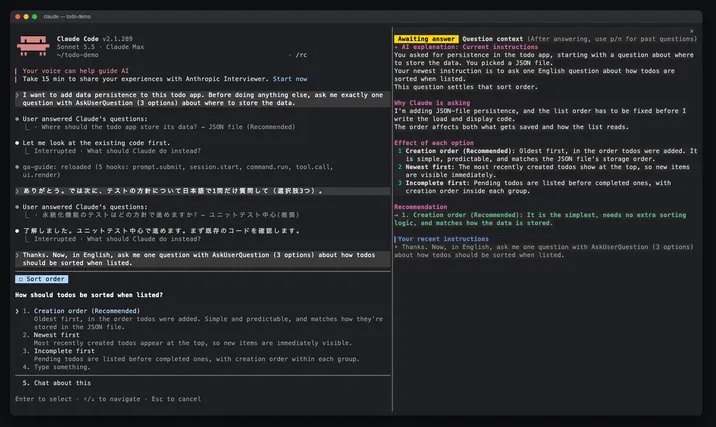
The pane's labels and the author's README are in Traditional Chinese. Needs Claude Code 2.1.296 or later, and the enil daemon (https://github.com/Unayung/enil), logged in, on this machine or another. The mod does not speak LINE's protocol. It talks to that daemon on a local socket, or over ssh once Daemon host is set to that machine. Node.js on the daemon's machine runs the bridge. ImageMagick there turns pictures into PNG, and without it you get a text mark. A terminal with the kitty image protocol draws the pictures. New-message toasts and desktop notifications default to VIP chats, and the unread count stays on the status line unless you turn it off. /enil opens the pane, and you click it before the keys work. Claude can put a draft in the box for a chat you name, and cannot send it or read your messages. You press Enter in the pane to send. The author says that, as with enil itself, this is not an officially supported use of LINE, the protocol is reverse-engineered, and messages reach real people. Nothing is added to the system prompt.
The install name is enil. enil is a terminal client for LINE, and this plugin is that client drawn as a pane. The pane is why this page files it under workflow. squad-chat opens a pane to chat with friends on your squad's own Supabase, plus rooms for usage, git, and every session's subagents. inbox-alerts draws Gmail, Slack, and Calendar alerts as toasts, a status count, and a pane. This one reads and answers LINE chats in a pane. The draft is the only addition for the model, and sending stays on Enter in the pane.
Demo
From the author's repo.
What it hooks into
session.startWhen a session starts
command.runWhen you run its slash command/enil
tool.callAround a tool call, where it can hold onemcp__enil__draft
ui.closeWhen its pane closes
ui.messageAdds a message to the session
ui.renderDraws into the sessionPane
Read from the on() calls in its hook modules. Open its source under Files to check what each one does.
Slash commands 1
/enilLINE (enil): open the chat pane
Files
The author's source, 3 files. They load when you open them.