ClaudeCodeMod

All shelves / Mods / Workflow

desk-slack

By KyongSik-Yoon

desk-slack is a Claude Code workflow mod by KyongSik-Yoon.

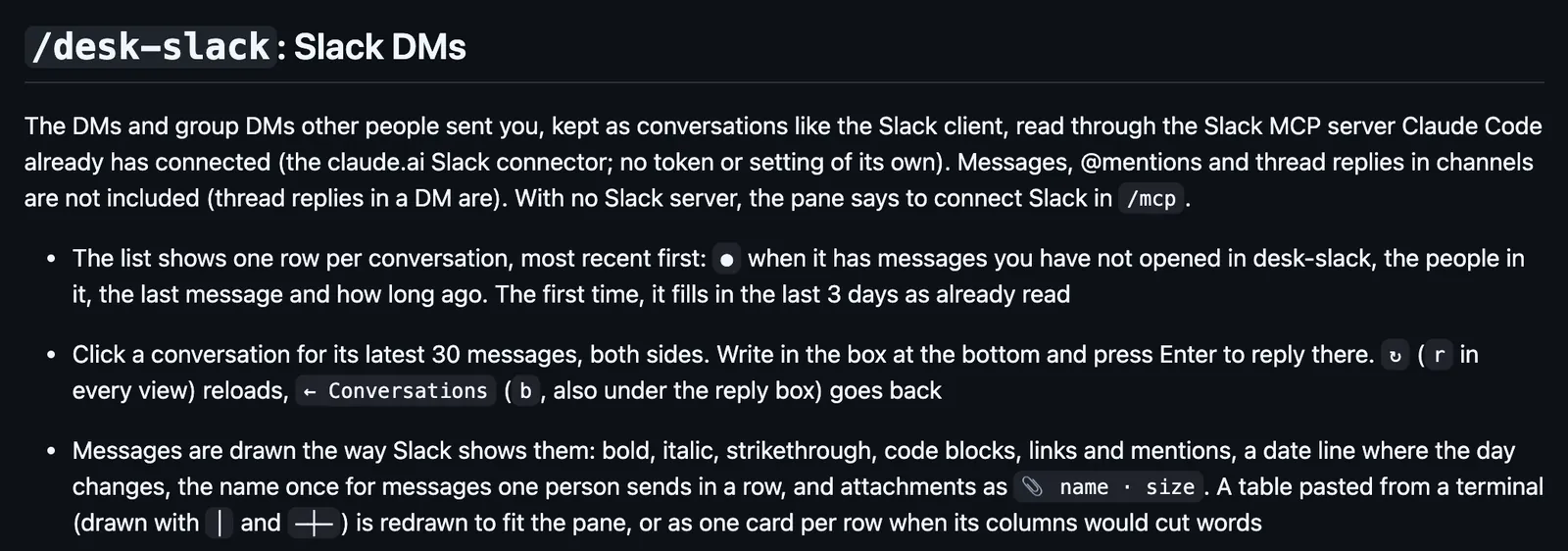
Opens the Slack DMs sent to you in a side pane, newest first, with each conversation's last 30 messages and threads, a reply box, and a notice for new ones.

Draws

Install

The marketplace name is cc-desktop-mod.

In Claude Code
/plugin install desk-slack --marketplace KyongSik-Yoon/cc-desktop-mod
Open the repo

It runs inside the Claude Code process. The side panel is only what the author's README names. Read the repo before you install, or run claude plugin validate on the plugin folder.

Version
0.65.7
License
MIT
Repo stars
5
Last change
2026-10-28

What it can reach

  • Draws in the session
  • Reaches the network or an outside service

Needs the claude.ai Slack connector in Claude Code. It calls Slack only once its four Slack tools have allow rules in permissions.allow, which also lets Claude send Slack messages without asking; opening threads needs a fifth rule. Messages sent through the connector get a Sent using Claude line. Unread is its own count, apart from Slack's. slackNotify turns the notices off. It follows the latest Claude Code release. Labels in English or Korean.

The marketplace name is cc-desktop-mod. The marketplace also holds desk-look and desk-asana. This one installs on its own; with desk-look, the unread count shows as a chip in desk-look's band. Answering messages beside the work is why this page files it under workflow. tg-pane opens your Telegram chats and channels in a pane beside the session, through your own Telegram Web login. inbox-alerts draws Gmail, Slack, and Calendar alerts as toasts, a status count, and a pane. This one covers DMs and group DMs only, not channels, draws messages the way Slack shows them, closes a conversation until a new message arrives in it, and checks once a minute while any session runs, from one session for all of them. Hand to Claude fills the prompt with a conversation's recent messages. In the source, the pane is opened with $.ui.open, notices go out with $.ui.notify, and the Slack calls go through $.mcp.call.

Demo

The /desk-slack section of the desk-slack README: the pane keeps the DMs and group DMs sent to you as conversations, read through the claude.ai Slack connector, with one row per conversation and a mark for unread ones, opens the latest 30 messages with a reply box, and draws messages the way Slack does.
Screenshot of the author's GitHub page.

What it hooks into

  • session.startWhen a session starts
  • session.endWhen a session ends
  • state.setA Claude Code event
  • ui.openA Claude Code event
  • ui.closeWhen its pane closes
  • command.runWhen you run its slash command/desk-slack
  • ui.renderDraws into the sessionPane

Read from the on() calls in its hook modules. Open its source under Files to check what each one does.

Slash commands 1

  • /desk-slack

Files

The author's README and source, 4 files. They load when you open them.
Facts

Author
KyongSik-Yoon
Category
Workflow
Marketplace
cc-desktop-mod
Repo
KyongSik-Yoon/cc-desktop-mod
Folder
desk-slack
Version
0.65.7
License
MIT
Repo stars
5
Last change
2026-10-28
Language
TypeScript
Files
18

Other mods in Workflow

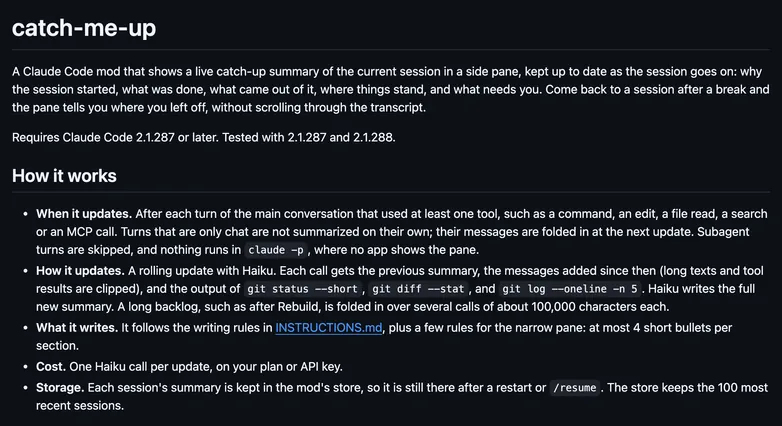
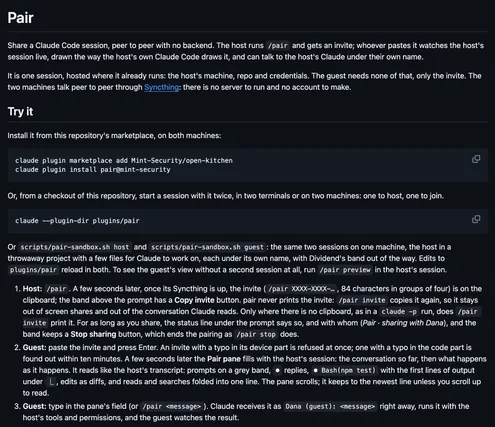
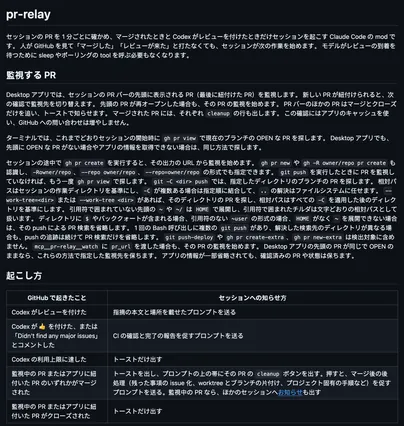
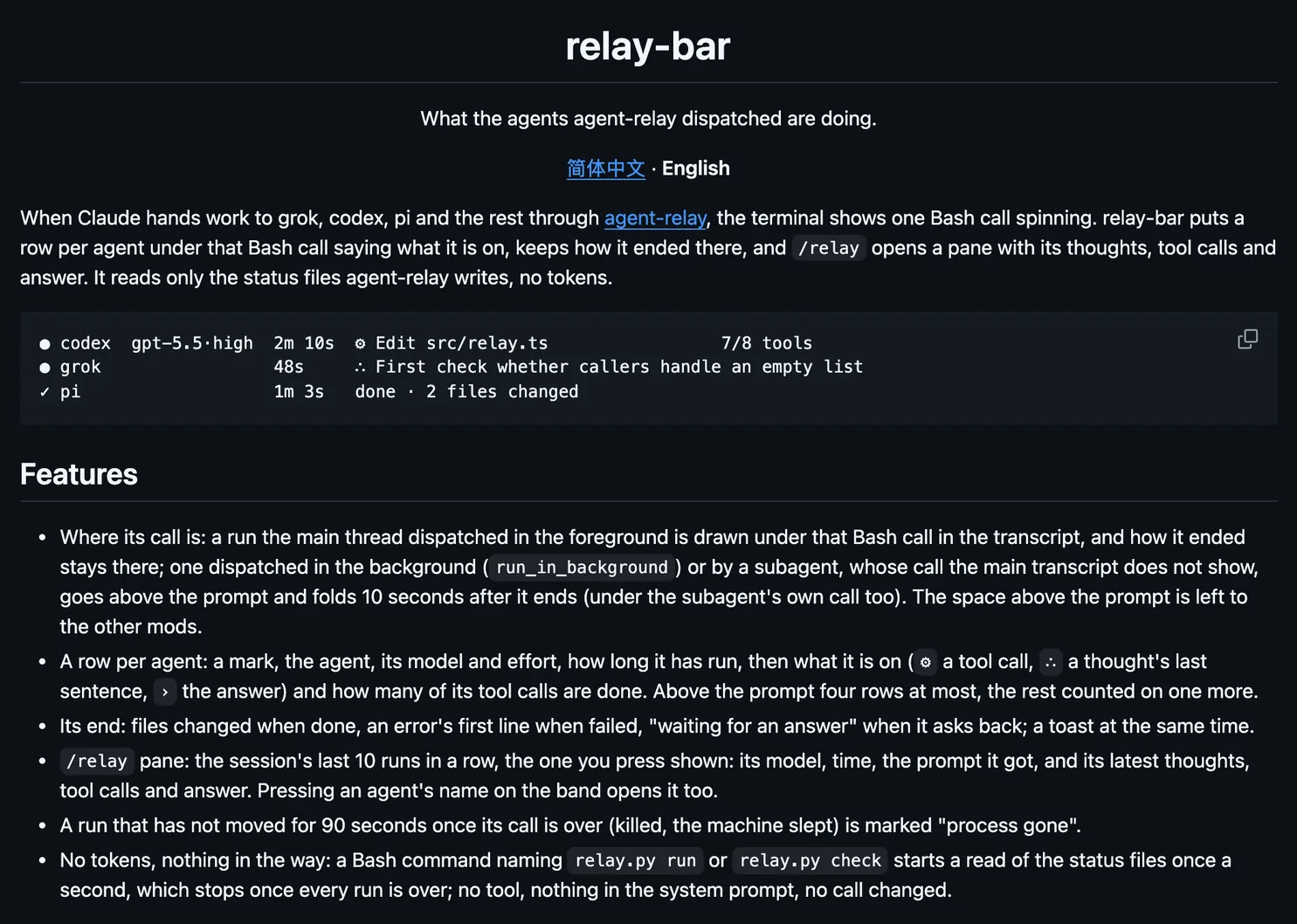
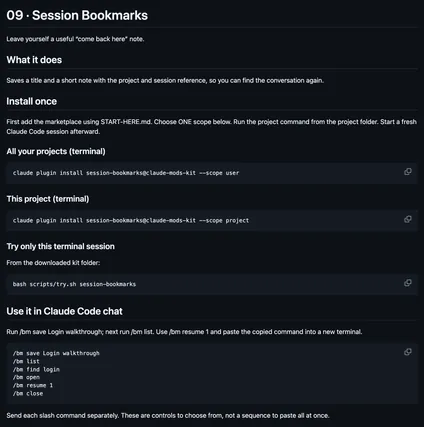
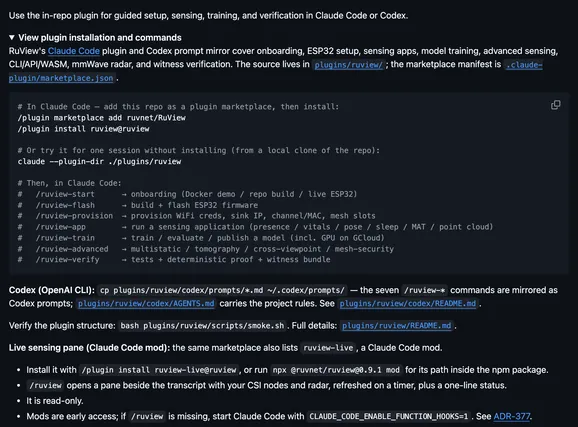
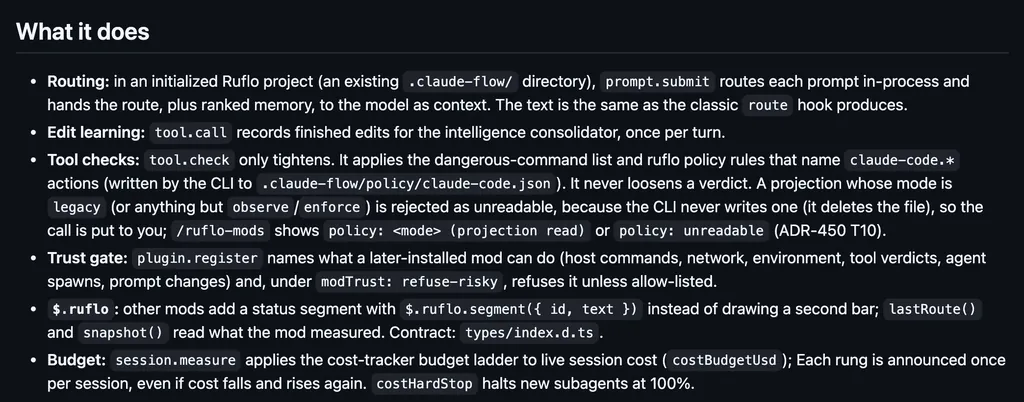
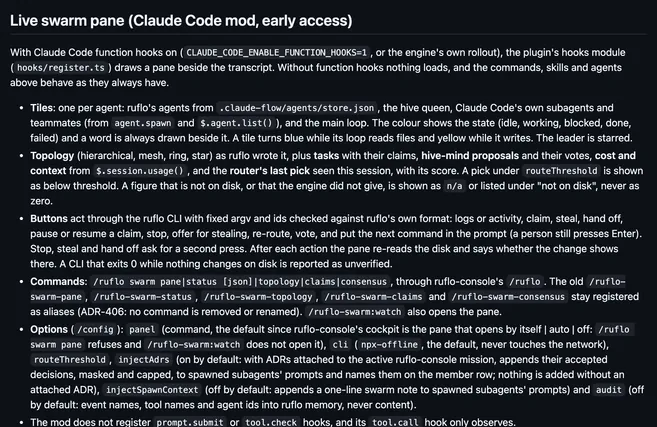
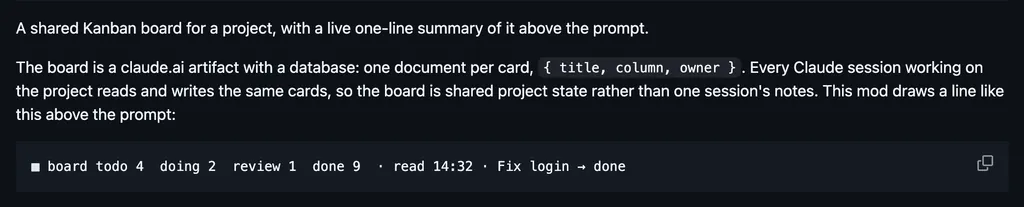
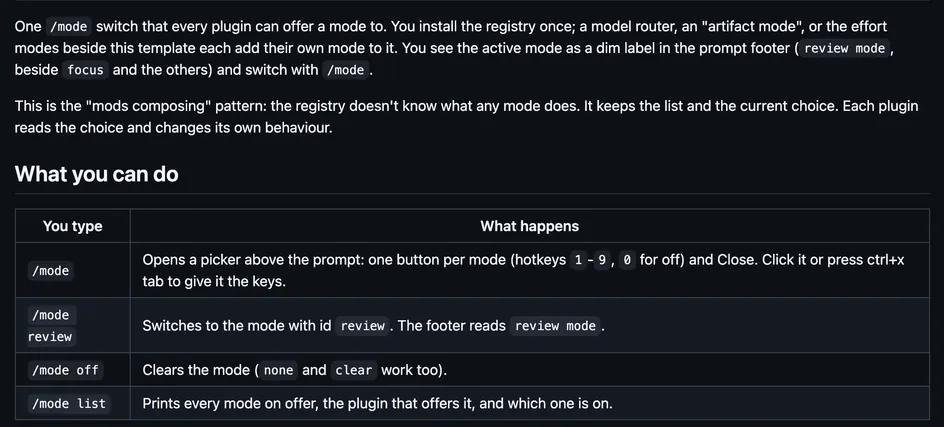
catch-me-upoliverowOpens a side pane with a catch-up summary of the session, which Haiku updates after each turn with tools: why it started, what was done, and what needs you.conveyynqaOpens a form for a prompt template in .claude/convey/, with choices from a list or from a command such as git or kubectl, and fills the prompt box.pairMint-SecurityShares this session with one guest, peer to peer over Syncthing: they watch it live in a pane and can message your Claude, with a band and status line for you.pr-relayHolyGrailChecks the session's pull request once a minute and wakes the session when it is merged or Codex reviews it, with toasts and a cleanup button above the prompt.relay-barhoobnnDraws a row per agent that agent-relay dispatched, such as codex or grok, under the Bash call or above the prompt, with toasts and a /relay pane of each run.session-bookmarkspromptadvisersSaves a bookmark of this session with a title and a note, and opens a pane to find one and copy the command that resumes it in a new terminal.ruview-liveruvnetOpens a /ruview pane beside the transcript with your RuView WiFi sensing nodes and radar kit, refreshed on a timer, plus a one-line status.ruflo-consoleruvnetOpens ruflo's cockpit under /ruflo, with pages for missions, swarms, cost, events, and your project's ADRs, and draws a band above the prompt.ruflo-modsruvnetHolds a commandRoutes each prompt in-process with ranked memory as context, tightens tool checks from ruflo policy, draws a ruflo status line, and can toast a cost budget.ruflo-swarmruvnetDraws a live pane of a ruflo swarm beside the transcript: a tile per agent and subagent, the topology, tasks, votes, cost, and buttons that act through the CLI.artifact-dashboardDannyMac180Draws a line above the prompt with the cards per column on a shared Kanban board, a claude.ai artifact that every session on the project reads and writes.mode-registryDannyMac180Shows the active mode as a label in the prompt footer, and /mode opens a picker above the prompt with a button for each mode that other plugins offer.
All 396 in Workflow