All shelves / Mods / Workflow
desk-asana
By KyongSik-Yoon
desk-asana is a Claude Code workflow mod by KyongSik-Yoon.
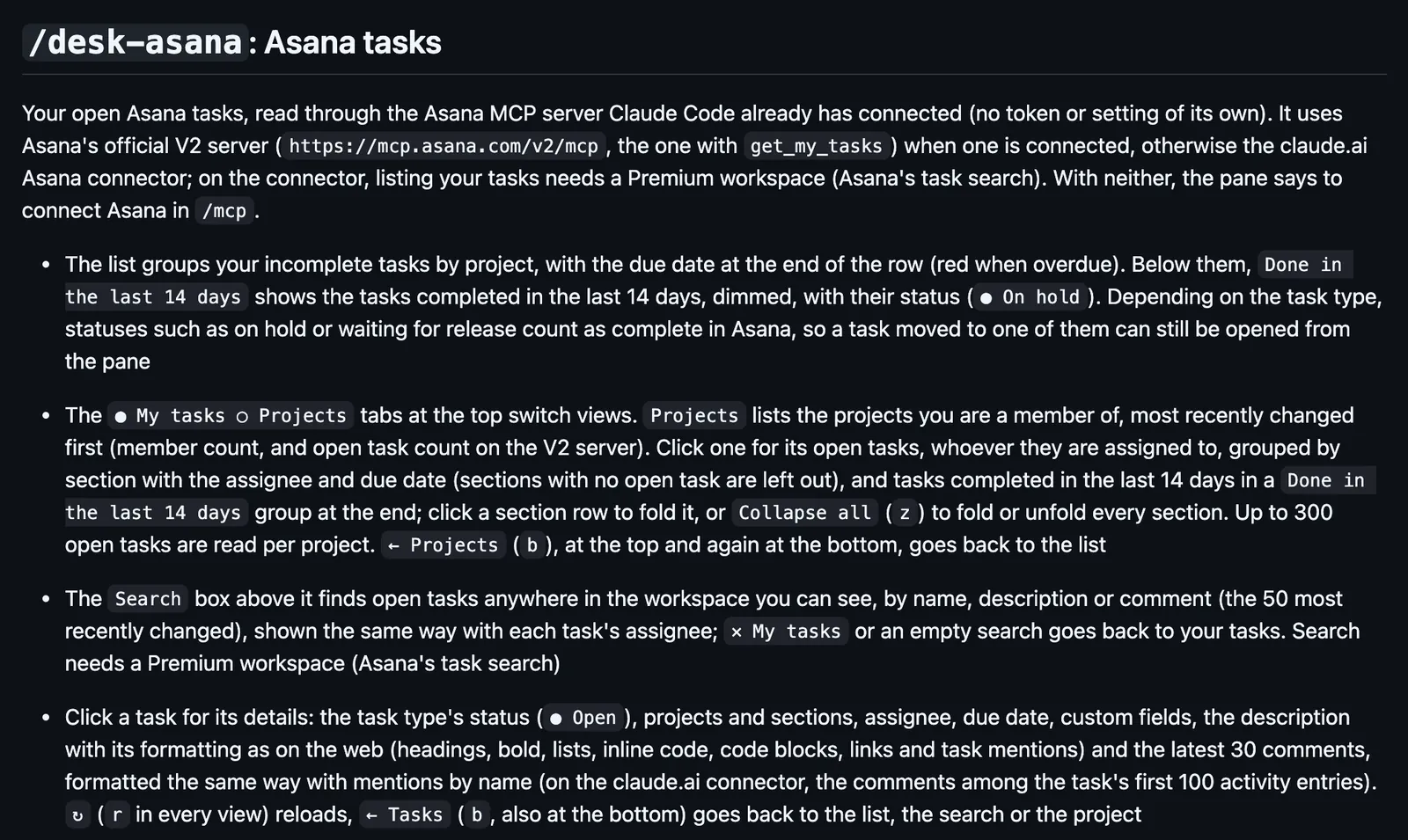
Opens your Asana tasks in a side pane by project, with each task's details and comments. Comment, reassign, set fields, or hand a task to Claude.
Draws
Install
The marketplace name is cc-desktop-mod.
/plugin install desk-asana --marketplace KyongSik-Yoon/cc-desktop-modIt runs inside the Claude Code process. The side panel is only what the author's README names. Read the repo before you install, or run claude plugin validate on the plugin folder.
- Version
- 0.65.7
- License
- MIT
- Repo stars
- 5
- Last change
- 2026-10-28
What it can reach
- Draws in the session
- Reaches the network or an outside service
Needs Asana connected in Claude Code: Asana's V2 MCP server, or the claude.ai Asana connector, where listing your tasks and searching need a Premium workspace. Its Asana calls go through Claude Code's permission check, so add the pane's tools to permissions.allow, which allows them for Claude too. Editing a comment and changing a task's status need an Asana personal access token, set in /plugin configure desk-asana@cc-desktop-mod. It follows the latest Claude Code release. Labels in English or Korean.
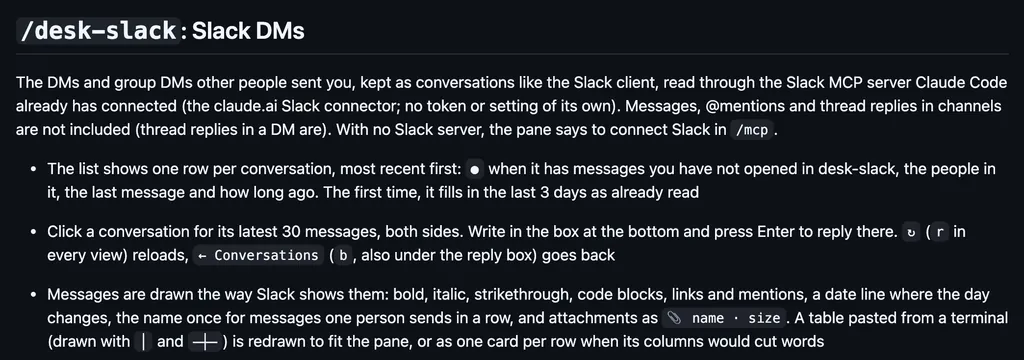
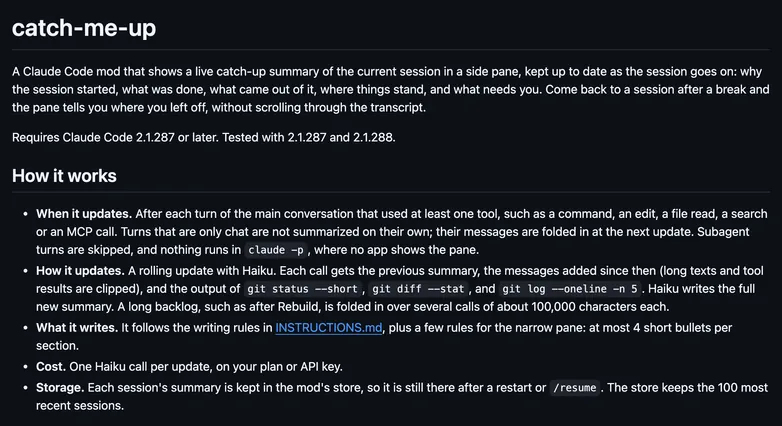
The marketplace name is cc-desktop-mod. The marketplace also holds desk-look and desk-slack. This one installs on its own; with desk-look, /desk-fold folds its pane too. Working from your Asana tasks is why this page files it under workflow. linear shows the Linear issues assigned to you as cards in a sidebar, and Start makes a git worktree for one and has Claude implement it. glance draws one line above the prompt for the next meeting, pull requests, Linear issues, and Slack DMs. This one lists your open tasks by project, with the ones done in the last 14 days, browses projects, and searches; a task shows its custom fields, description, and latest 30 comments, and you can comment with @-mentions, hand the task to someone, set a dropdown field, or fill the prompt with it. It calls Asana only when you open the pane or press something. In the source, the pane is opened with $.ui.open, and the Asana calls go through $.mcp.call.
Demo
What it hooks into
session.startWhen a session startssession.endWhen a session endsstate.setA Claude Code eventui.openA Claude Code eventui.closeWhen its pane closescommand.runWhen you run its slash command/desk-asanaui.renderDraws into the sessionPane
Read from the on() calls in its hook modules. Open its source under Files to check what each one does.
Slash commands 1
/desk-asana
Files
The author's README and source, 4 files. They load when you open them.
Facts
- Author
- KyongSik-Yoon
- Category
- Workflow
- Marketplace
- cc-desktop-mod
- Folder
- desk-asana
- Version
- 0.65.7
- License
- MIT
- Repo stars
- 5
- Last change
- 2026-10-28
- Language
- TypeScript
- Files
- 18