Has TypeSafe's Jev drop stale tool calls and their output when the session compacts, keeping the rest word for word, and draws a dashboard above the prompt.
It runs inside the Claude Code process. The side panel is only what the author's README names. Read the repo before you install, or run claude plugin validate on the plugin folder.
Version
0.1.0
License
MIT
Repo stars
47
Last change
2026-10-21
What it can reach
Draws in the session
Reads usage or context figures
Sees tool calls
Reaches the network or an outside service
Calls another program on this machine
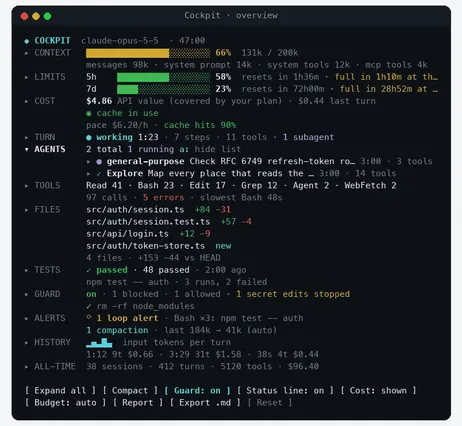
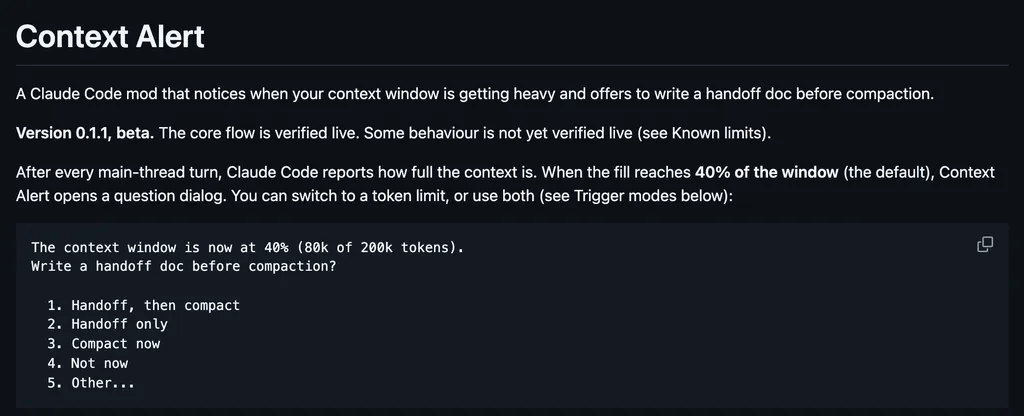
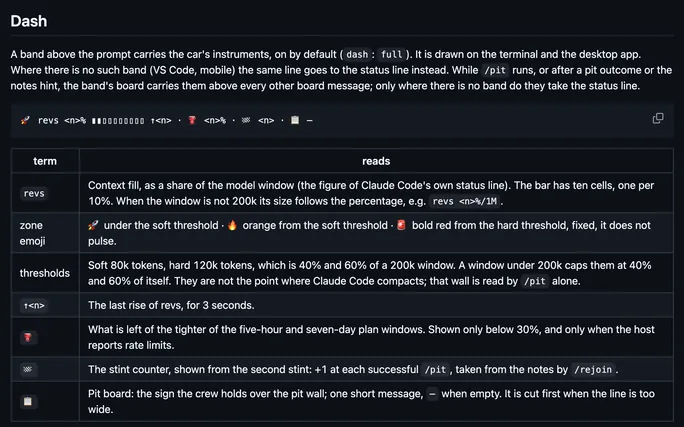
Needs Python 3.10 or newer and a TypeSafe API key for Jev. Set the key under /config as TypeSafe API key, or export TYPESAFE_API_KEY before starting Claude Code, then restart. The author says the key reaches the plugin's Python tools through their environment and is never written to project files or logs. jev-compacter is on by default: /compact and auto-compaction remove stale tool calls and their output instead of summarizing the conversation, and /jev-compact stats shows what that saved. The author's guide says it also runs on its own after a turn once the context is 60 percent full. It says Jev sees the whole conversation with each tool output replaced by a size note, and that tool calls in the first message and the newest six are never judged. The router, /jev-route, and the skill picker, /jev-skills, are off until you turn them on. With the router on, Claude changes files through subagents and Jev picks each one's model. The dashboard above the prompt shows the three tools, the context fill, and their latest decisions, with buttons to compact now or turn the router and the skill picker on or off. Set Dashboard to off in /config for a status line instead. The same repository routes subagents for OpenAI Codex, where compaction and the dashboard do not apply.
The plugin is the repository. The marketplace name is optim-jev, and the install clones the repository and adds the copy as a local marketplace. Cutting what each compaction keeps is why this page files it under usage. fast-jev-compaction shows a toast when /compact keeps the messages Jev still wants and drops the rest. caliber-jev-compaction replaces /compact the same way and toasts what it kept. This one also compacts on its own at 60 percent, measures what each compaction cost, and adds a model router and a skill picker, both off by default. The router guide says that with the router on, a write the project's rules forbid for a subagent's model is refused, and the refusal names the rule.
Demo
Screenshot of the author's GitHub page.
What it hooks into
command.runWhen you run its slash command/jev-route/jev-compact
prompt.composeWhile you write a prompt
turn.startWhen Claude starts a turn
tool.callAround a tool call, where it can hold oneEditWriteNotebookEditBashPowerShell
turn.stepAt each step of a turn
agent.spawnWhen a subagent starts
prompt.attachmentA Claude Code event
prompt.submitWhen you send a prompt
tool.checkA Claude Code eventReadGlobGrep
skill.promptA Claude Code event
session.startWhen a session starts
session.compactWhen the context is compacted
turn.completeWhen a turn ends
ui.renderDraws into the sessionAbovePromptCommandOutput
Read from the on() calls in its hook modules. Open its source under Files to check what each one does.
Slash commands 1
/jev-compactJev compacter: this session's compactions and what they cost
Files
The author's README and source, 4 files. They load when you open them.