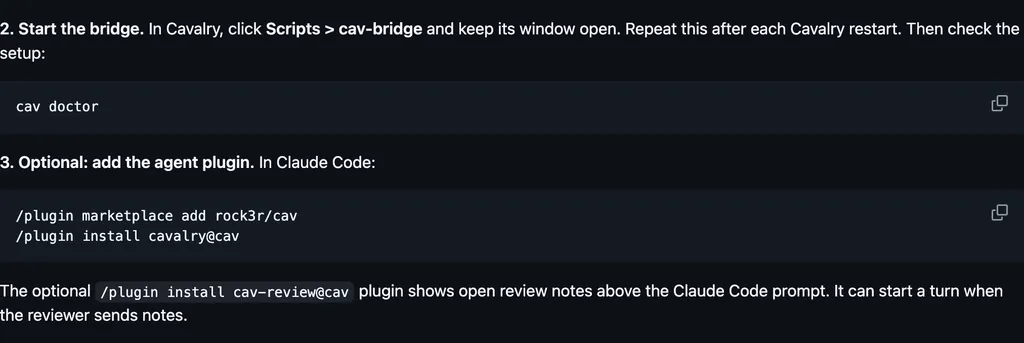
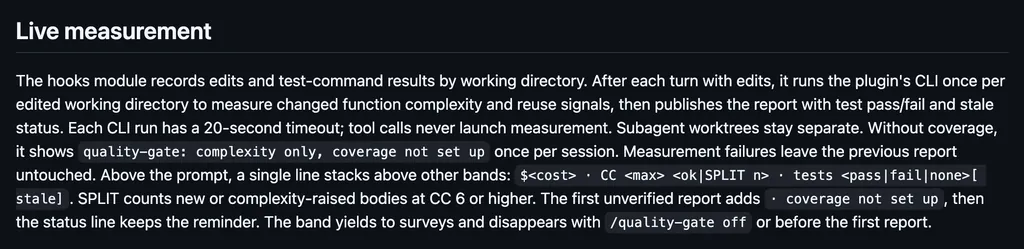
It runs inside the Claude Code process. The side panel is only what the author's README names. Read the repo before you install, or run claude plugin validate on the plugin folder.
Version
2026.10.2+20
License
MIT
Repo stars
9
Last change
2026-10-02
What it can reach
Draws in the session
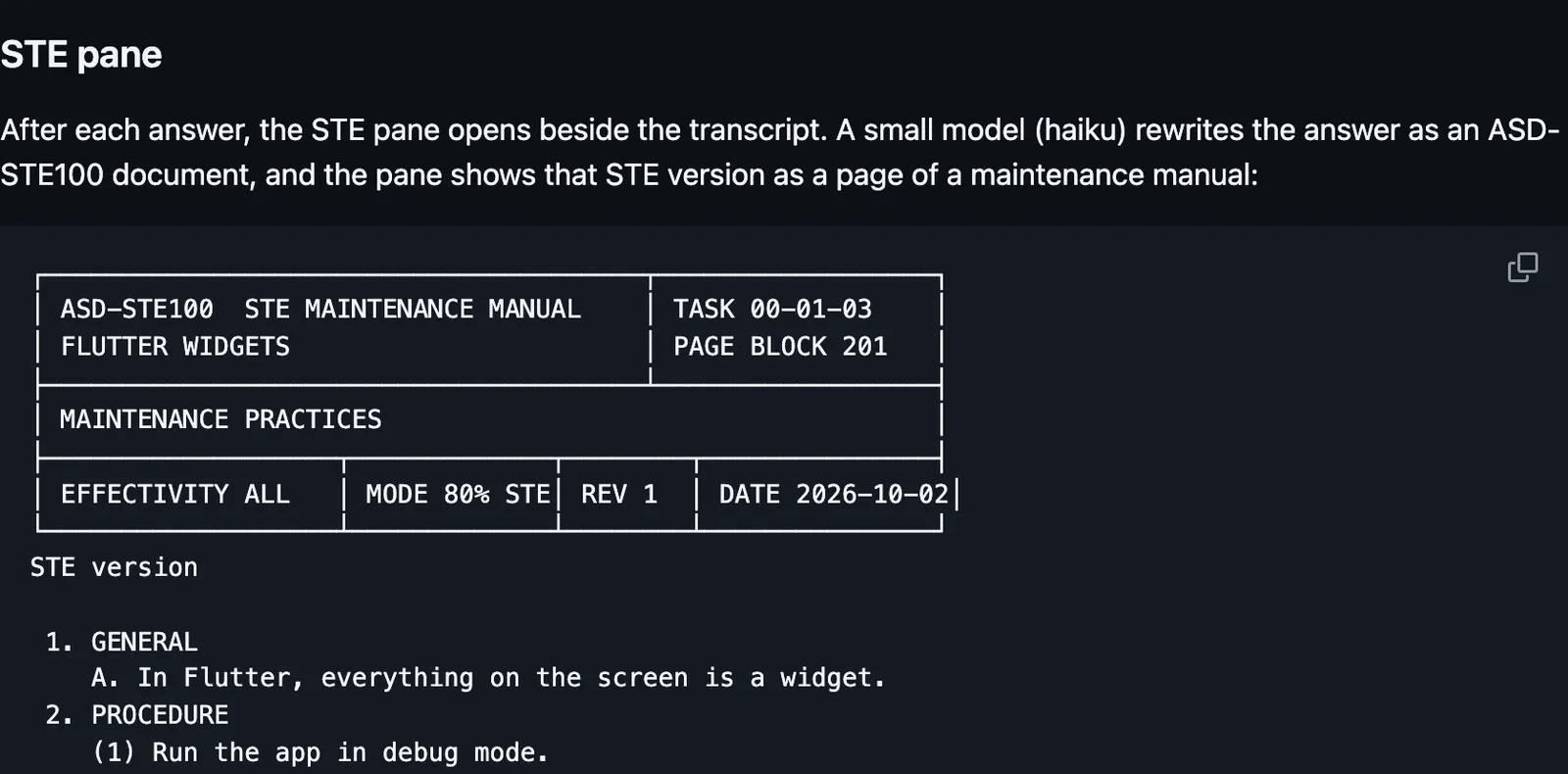
ASD-STE100 is Simplified Technical English, a controlled language specification originally developed for aerospace maintenance documentation. This repository summarizes the rules and does not include the official dictionary of about 900 words. One install gives the skill and the mod. The mod needs Claude Code 2.1.287 or later. The skill works on any version that supports plugins. On 2.1.286 and earlier the skill still loads, the mod prints that the hooks module is not loaded, and /asd does not exist. The README says to start that older build with CLAUDE_CODE_ENABLE_FUNCTION_HOOKS set to 1, and to remove the variable after you update. The official docs say 2.1.287 and later ignore that flag. The default mode is pragmatic, which the README calls Karpathy's 80 percent. Strict follows the Issue 9 rules the README summarizes. The answer stays as Claude wrote it unless you turn STE mode on. After each answer, in a terminal 144 columns or wider, a side pane opens and a small model, haiku, rewrites that answer as an STE page: short sentences, one idea each, the active voice, warning and note boxes, and unapproved words in red with the approved word after them. The STE text uses the language of the answer. A Korean answer becomes a Korean STE document. The header shows the check score and what the rewrite changed. Pane keys switch the STE version, the original, and the check, rewrite again, or close. The rewrite costs one small model call for each answer. /asd auto off stops that rewrite. Press r when you want one. In a narrower terminal the pane does not open by itself. Type /asd pane. /asd pane off stops it opening by itself. /asd on is the switch that makes Claude write the answer itself in STE, by STE rules in the system prompt. It is off until you turn it on. /asd off goes back. /asd 80 and /asd strict change only the mode. Those four commands save machine-wide and override the defaultMode and autoInject options. autoInject defaults to off, which is that same switch. /asd session writes a record of the whole session in the pane, with purpose, decisions, completed work, and open items, and only when you ask. The full form asks the session's own model once. /asd session lite sends the conversation text to haiku and costs less. The mod also uses the lite form when the full way fails. The record never runs by itself. When STE mode is on, a line beside the spinner reads Thinking, then STE and the mode. That line is drawn in the terminal and the Desktop app. In claude -p and the VS Code chat panel the hooks run and nothing is drawn. The same install gives Claude a check and a rewrite it can call, and loads the skill as asd-ste100:asd-ste100, which Claude uses when a request matches. The ste.js command, which you run yourself, checks the sentence you pass it or writes prompt instructions. It is not the pane. Update later with claude plugin update asd-ste100@asd-ste100.
The plugin is the repo root. The marketplace name is asd-ste100. The STE page beside the transcript is why this page files it under review. The skill is in the same install. The rewrite and the session record are model calls on your own Claude login. The ste.js command reads only the text you pass it. fanyi by default translates a prompt that is not already English into English before Claude reads it, and draws a translation under each reply. This one rewrites each answer as an STE page in a side pane and leaves the reply as Claude wrote it.
Demo
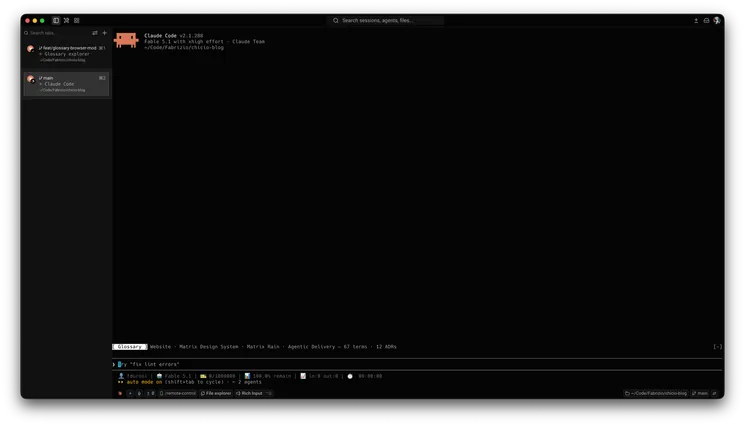
Screenshot of the author's GitHub page.
What it hooks into
session.startWhen a session starts
command.runWhen you run its slash command/asd
tool.callAround a tool call, where it can hold onemcp__asd-ste100__validate_stemcp__asd-ste100__rewrite_ste
prompt.submitWhen you send a prompt
prompt.composeWhile you write a prompt
ui.renderDraws into the sessionSpinnerPane
turn.completeWhen a turn ends
ui.closeWhen its pane closes
Read from the on() calls in its hook modules. Open its source under Files to check what each one does.
Slash commands 1
/asdControl ASD-STE100 writing mode, check text, or rewrite content
Files
The author's README and source, 7 files. They load when you open them.