All shelves / Mods / Usage
colorwheel
By AlexeyHRDesign
colorwheel is a Claude Code usage mod by AlexeyHRDesign.
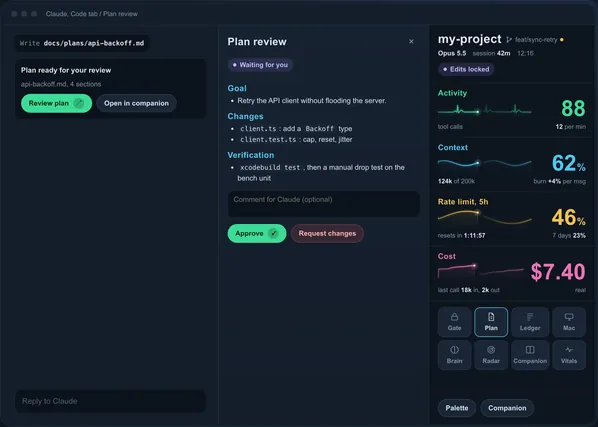
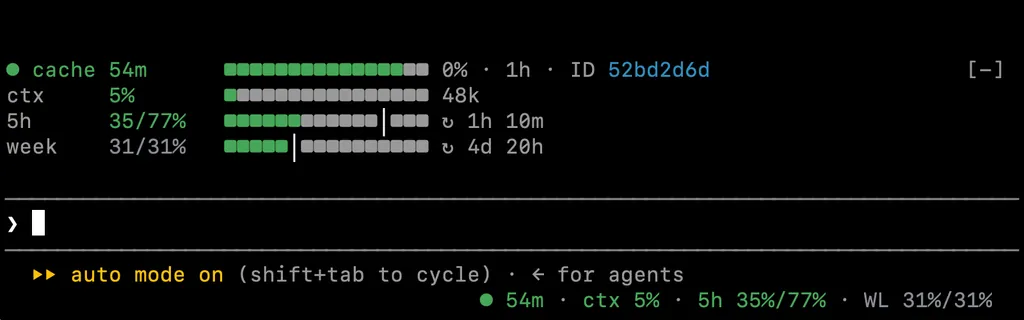
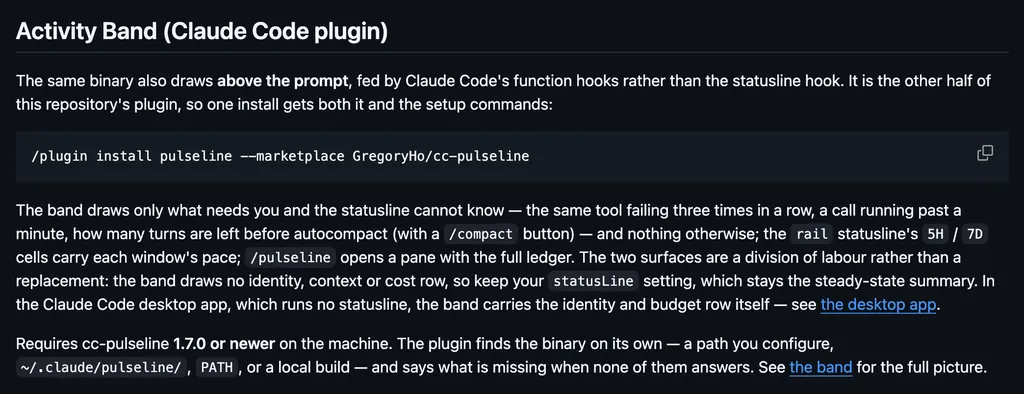
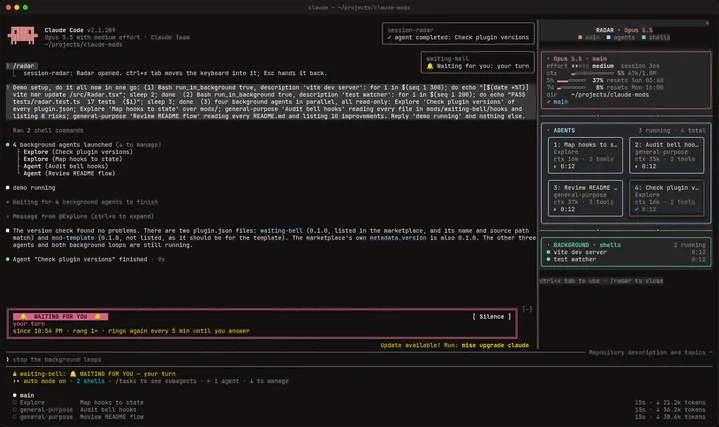
Draws a band in the desktop app with your 5-hour and 7-day limits on its edges and the context as weather, and redraws replies with full-width diagrams.
Draws
Install
The marketplace name is colorwheel.
claude plugin marketplace add AlexeyHRDesign/colorwheel
claude plugin install colorwheel@colorwheel --scope user
It runs inside the Claude Code process. The side panel is only what the author's README names. Read the repo before you install, or run claude plugin validate on the plugin folder.
- Version
- 0.5.8
- License
- MIT
- Repo stars
- 3
- Last change
- 2026-10-15
What it can reach
- Draws in the session
- Reads usage or context figures
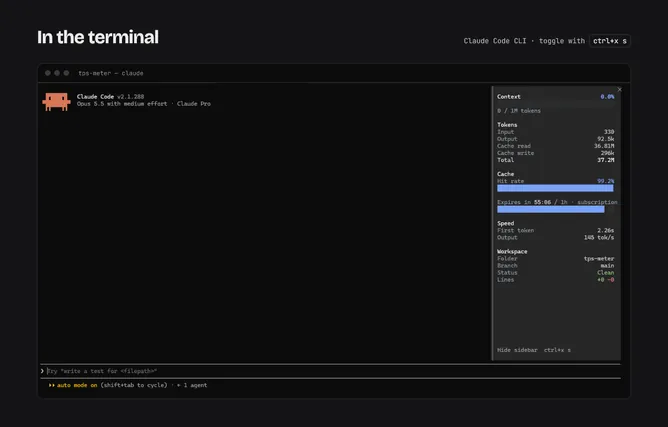
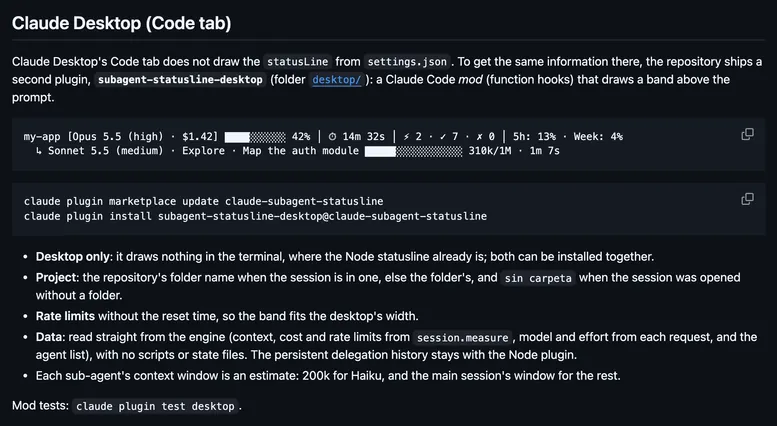
Restart Claude Code after installing; it needs a Claude Code build with mods. Tested only on Windows, in the desktop app on Claude Code 2.1.295, at one screen size and scale; on macOS, Linux, or other display scaling the frame may sit a few pixels off. The terminal keeps Claude Code's own renderer and a one-line version of the band. Another mod that draws in the band above the prompt without handing it on hides it; Token Weather is one, and ColorWheel replaces it. Diagram hints, on by default, adds a short note to each prompt so Claude knows diagrams and alerts render here. Turning Enabled off hands replies back to Claude Code's own renderer.
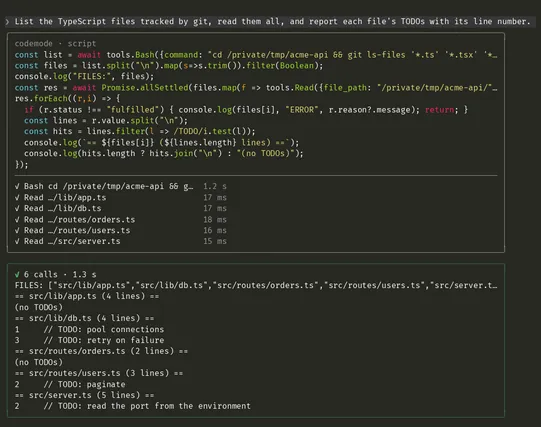
The marketplace, colorwheel, holds only this plugin. Plan limits and context at a glance is why this page files it under usage. token-weather, by Anthropic, draws a one-line forecast of the context window above the prompt; the author says ColorWheel's weather and band started from it. prismantis, by NahumLitvin, redraws Claude's replies in the terminal with colored tables, code, and charts, and the author names it as the other mod ColorWheel grew out of. This one is for the desktop app: a small tick on each limit edge marks even pace, ⇆ flips the band to what is left, and while subagents and tasks run the frame counts them. In replies, GitHub alerts become cards, and Mermaid flowcharts, state and sequence diagrams, and xychart-beta charts draw as full-width SVG with Open large, a pane that zooms from 100 to 600%.
Demo
What it hooks into
session.startWhen a session startscommand.runWhen you run its slash command/colorwheelprompt.submitWhen you send a promptturn.completeWhen a turn endstool.callAround a tool call, where it can hold oneclassic.SubagentStartA Claude Code eventclassic.SubagentStopA Claude Code eventclassic.TaskCreatedA Claude Code eventclassic.TaskCompletedA Claude Code eventui.renderDraws into the sessionAbovePromptAssistantMessageCommandOutputPane
Read from the on() calls in its hook modules. Open its source under Files to check what each one does.
Slash commands 1
/colorwheelShow what ColorWheel draws; progress plays a demo of the progress row; invert switches limits between used and left
Files
The author's README and source, 4 files. They load when you open them.
Facts
- Author
- AlexeyHRDesign
- Category
- Usage
- Marketplace
- colorwheel
- Version
- 0.5.8
- License
- MIT
- Repo stars
- 3
- Last change
- 2026-10-15
- Language
- TypeScript
- Files
- 36