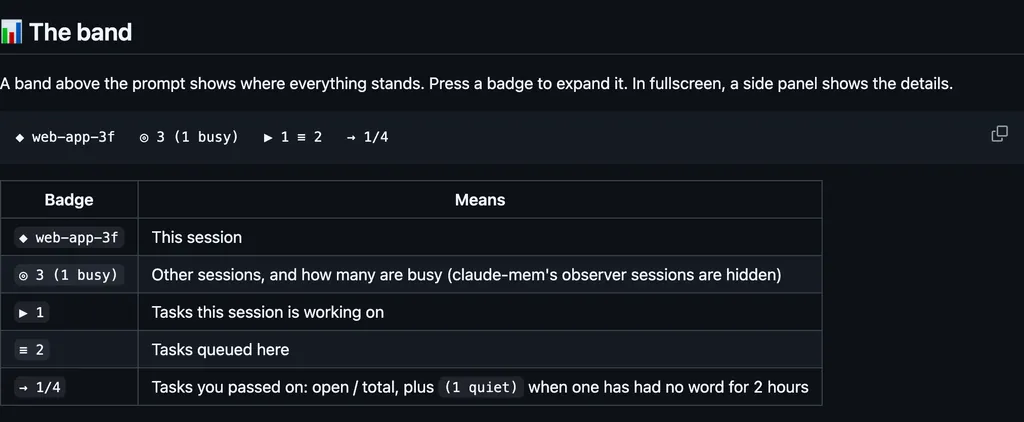
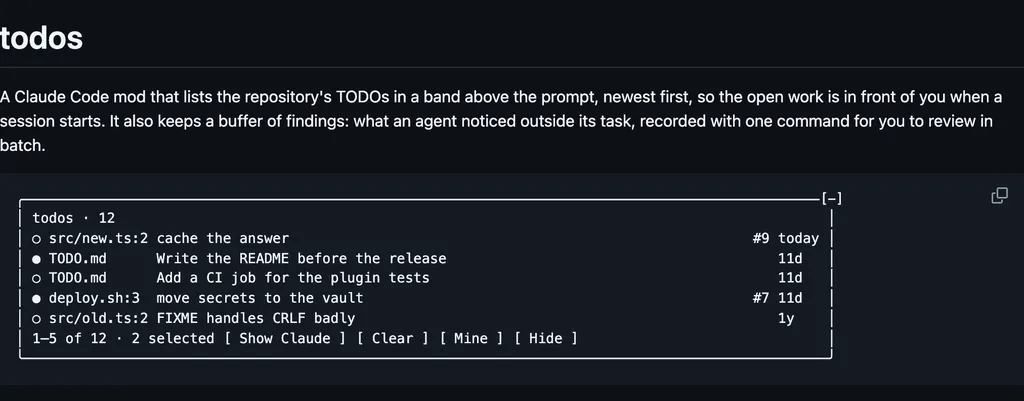
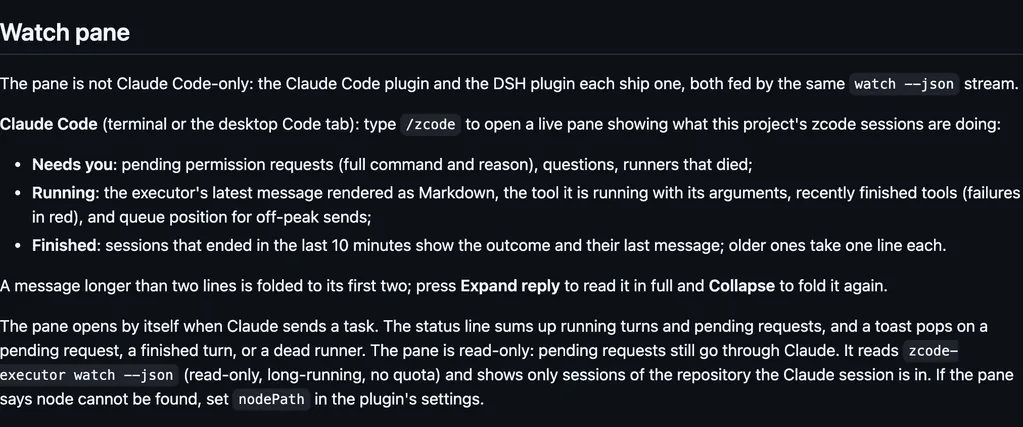
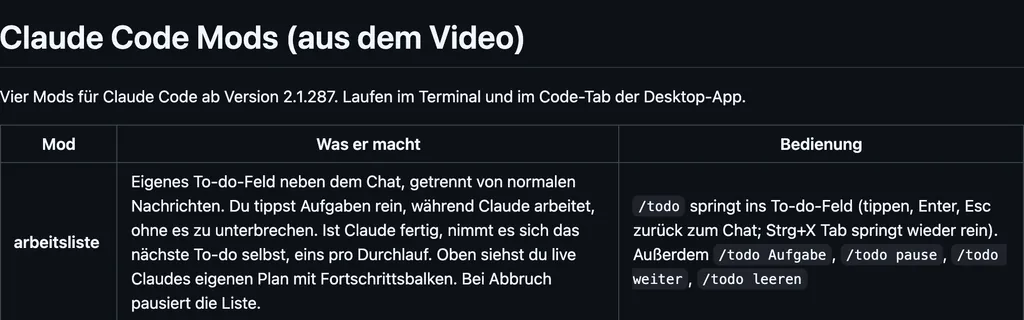
It runs inside the Claude Code process. The side panel is only what the author's README names. Read the repo before you install, or run claude plugin validate on the plugin folder.
Version
0.7.1
License
MIT
Repo stars
7
Last change
2026-10-07
What it can reach
Draws in the session
Sees tool calls
Calls another program on this machine
The cards' words are Chinese, the author's words. Needs Claude Code 2.1.287 or later in the terminal, and 2.1.286 or later in the desktop app. Clicking and hovering need fullscreen rendering. A path in a reply becomes a link only when that file exists, and a click opens it in the default app. Folders open in the file manager. Scripts and executables are never run: a click only selects them in their folder. When Claude writes a file, that Write row gets an Open button. /open opens the most recent file, /open 3 the third, and /open list the last 10. Each code block is a card. Copy copies the text with no trailing newline. Insert, on a single-line shell command, puts that command into the prompt prefixed with an exclamation mark, and it runs on your machine only when you press Enter. A draft you are still typing is not overwritten. Code cards, the buttons, and non-HTML links appear in the terminal only. The desktop app already has its own.
The install name is html-shelf. The marketplace name is claude-code-mods. The marketplace also holds usage-hud. This one installs on its own. The marketplace source is ./html-shelf. The links and the code cards are why this page files it under workflow. reply-view draws pasted images, the last reply's media and links, and a copy button above the prompt. cc-preview draws hover cards and thumbnails for images in the conversation, and a side pane that previews markdown. This one turns the paths in the reply itself into links, and its code blocks into cards.
Demo
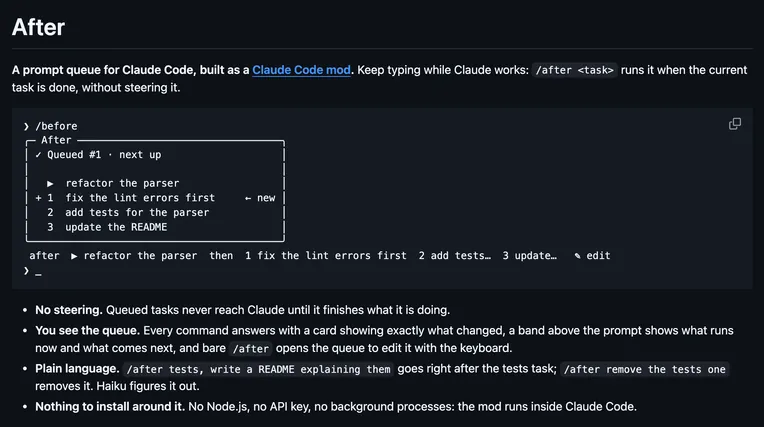
From the author's repo.
What it hooks into
session.startWhen a session starts
command.runWhen you run its slash command/open
ui.renderDraws into the sessionToolUseAssistantMessage
tool.callAround a tool call, where it can hold one
Read from the on() calls in its hook modules. Open its source under Files to check what each one does.