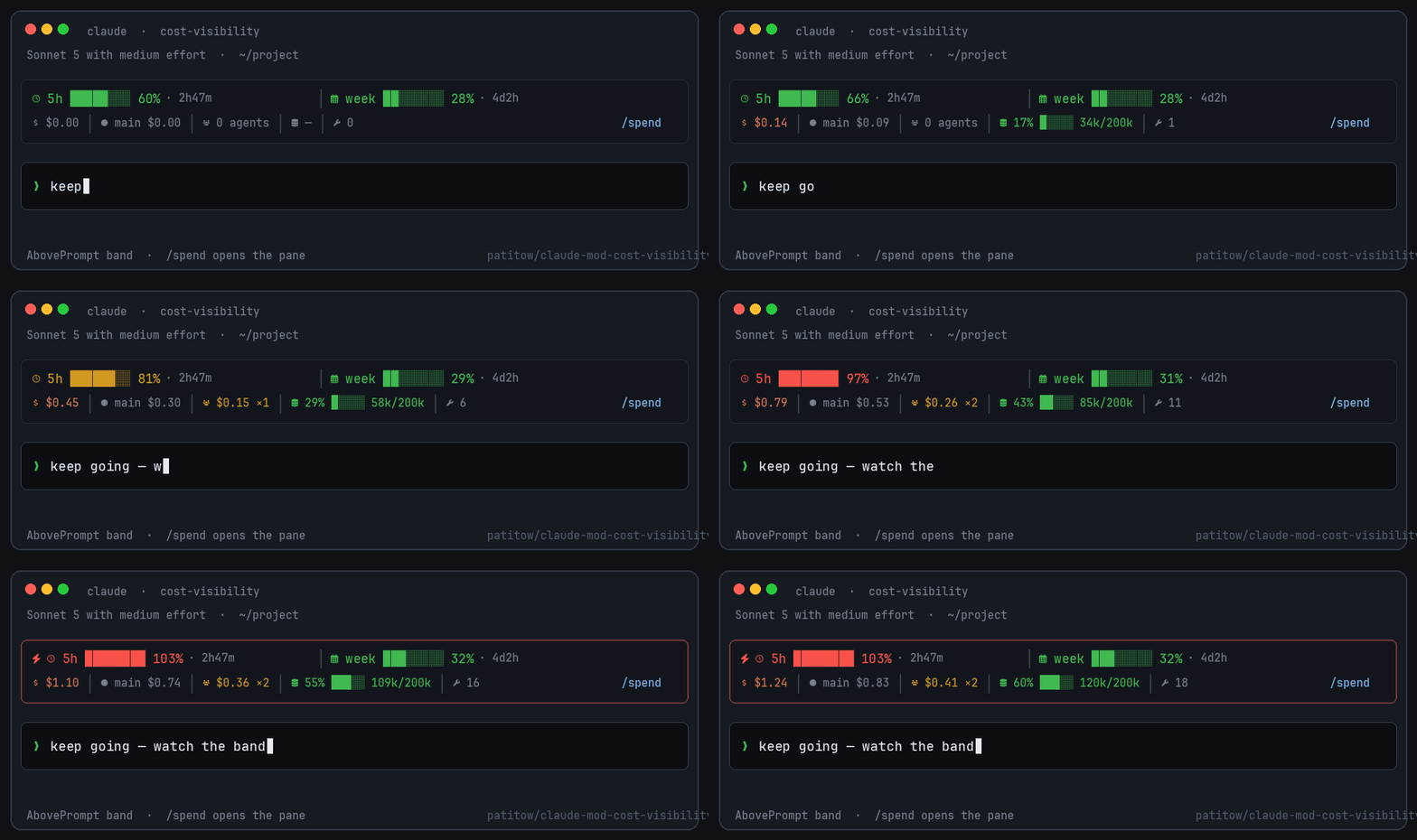
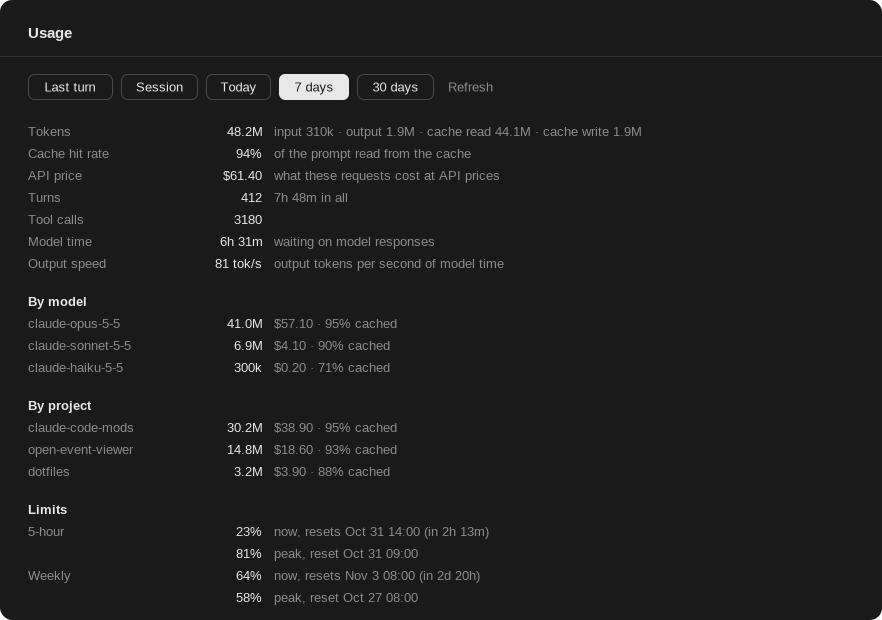
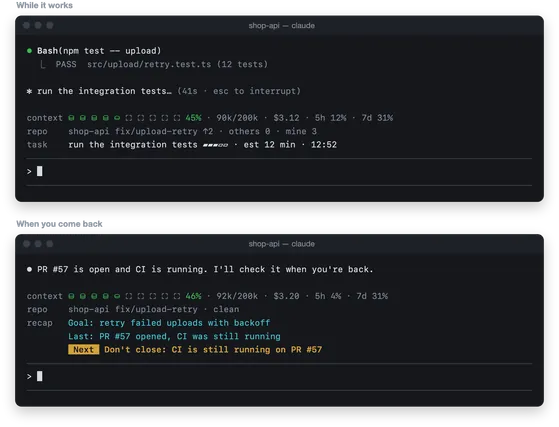
It runs inside the Claude Code process. The side panel is only what the author's README names. Read the repo before you install, or run claude plugin validate on the plugin folder.
Version
1.0.1
License
MIT
Repo stars
4
Last change
2026-10-12
What it can reach
Draws in the session
Reads usage or context figures
Needs widgets, the layout plugin that places the cards, from the same marketplace. A Claude Code version with mod (function hook) support; the author says the mod API is early access and may change between releases. /context-widget takes auto, detailed, grid, top, bar, or line to pick its view. Placement and view modes are saved and restored in every session.
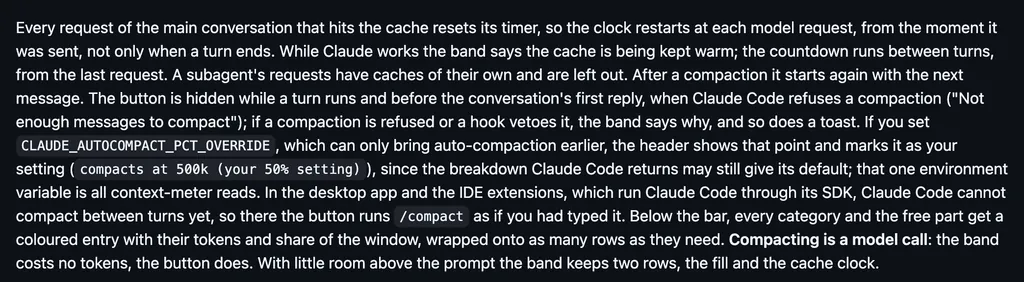
The marketplace, claude-code-widgets, also holds widgets, the layout plugin this one needs, and the set's other widgets, usage-widget and timer-widget among them. How full the context window is is why this page files it under usage. context-meter, by midudev, draws how full the context window is at the right end of the band above the prompt. context-inspector, by YeonwooSung, draws what fills the context window and how much of it is waste. This one splits the bar by the categories /context reports, in six views from a single line to a grid, and goes wherever /widgets puts the cards.
Demo
Screenshot of the author's GitHub page.
What it hooks into
session.startWhen a session starts
classic.SessionStartA Claude Code event
command.runWhen you run its slash command/context-widget
session.measureWhen usage is measured
ui.renderDraws into the sessionPaneAbovePromptPromptHint
Read from the on() calls in its hook modules. Open its source under Files to check what each one does.
Slash commands 1
/context-widgetToggle the context window card, or set its view mode
Files
The author's source, 3 files. They load when you open them.