All shelves / Mods / Workflow
olef
By olef-dev
olef is a Claude Code workflow mod by olef-dev.
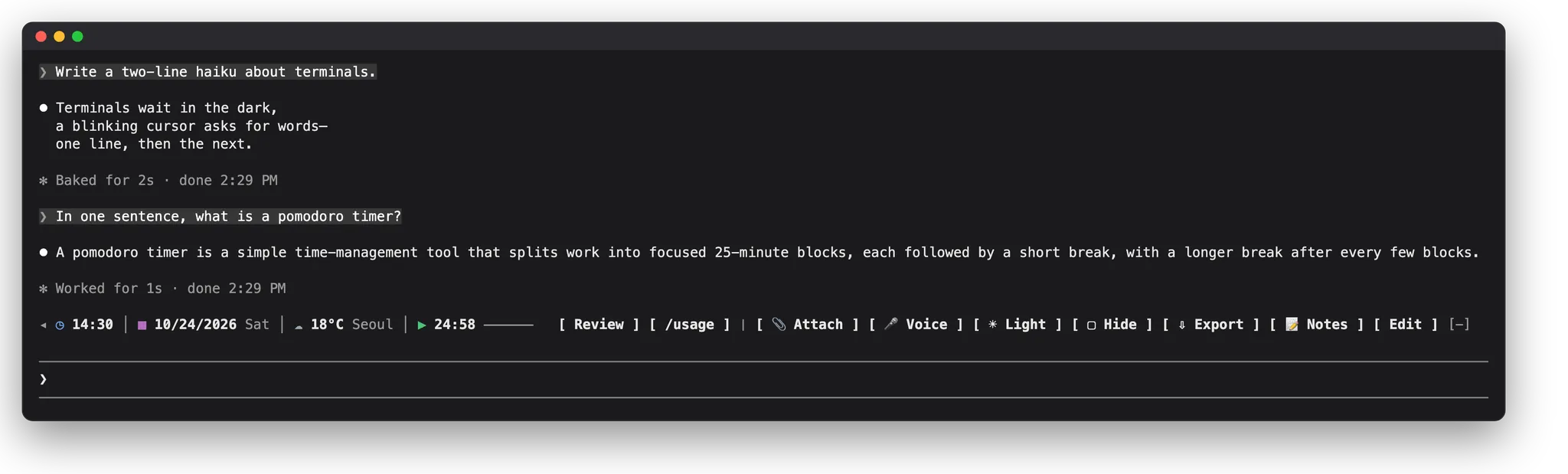
Shows the Android device and the last build in the status line, with toasts for a crash or failed request, beside a live device viewer Claude opens for you.
Draws
Install
The marketplace name is olef.
/plugin marketplace add olef-dev/olef
/plugin install olef@olef
It runs inside the Claude Code process. The side panel is only what the author's README names. Read the repo before you install, or run claude plugin validate on the plugin folder.
- Version
- 3.0.0
- Repo stars
- 4
- Last change
- 2026-10-29
What it can reach
- Draws in the session
- Sees tool calls
- Calls another program on this machine
Install the olef CLI, version 2.0.4 or newer, with brew install olef-dev/tap/olef, scoop on Windows, or the release installer; without it, the plugin tells Claude, which offers the install command and runs it once you approve. You also need Android platform-tools (adb), and the Android Emulator for boot. olef init in a terminal can install the plugin instead. The status line and toasts need plugin function hooks (Claude Desktop 2.1.29x or newer). Local sessions only. Claude can't control a device until you click Let Claude use it in the viewer.
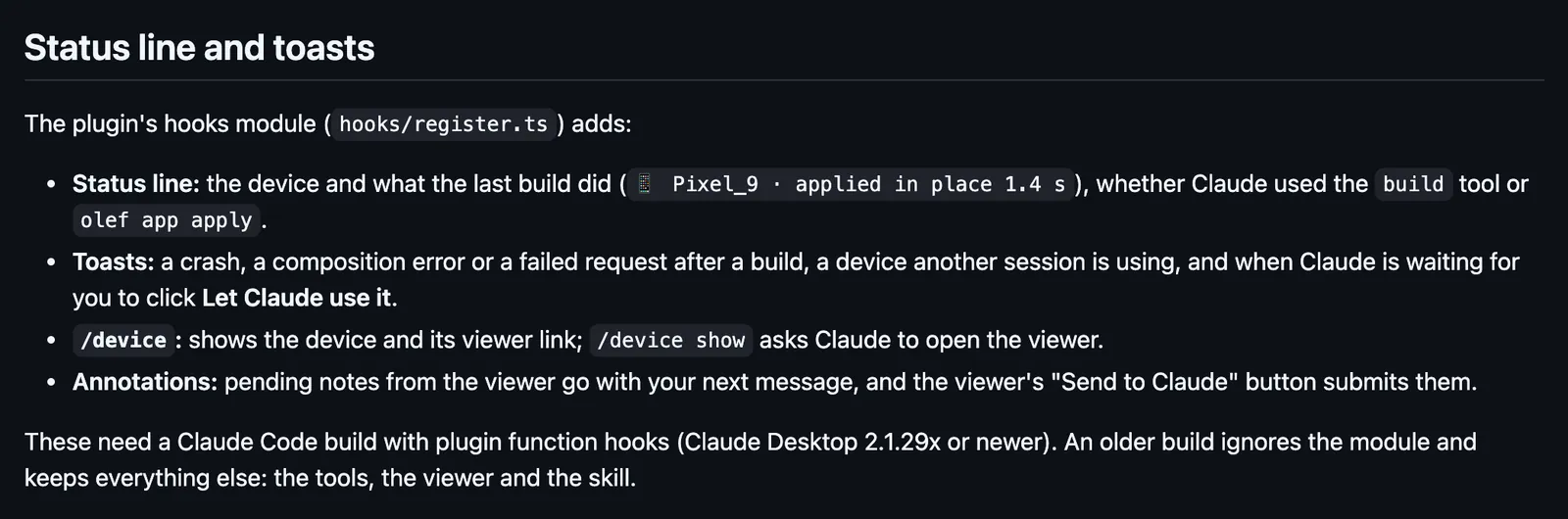
The marketplace name is olef, and it holds only this plugin, which also brings an MCP server, two skills, and a hook that pre-approves device actions only when you turn that option on. Building and testing an Android app is why this page files it under workflow. mobile-mcp, by mobile-next, adds a server for driving phones and simulators and a live device screen in a pane. xcode-mods, by artemnovichkov, draws an Xcode band and a pane for build, run, and tests. This one's hooks module puts the device and what the last build did on the status line, whether Claude used the build tool or olef app apply, and toasts a crash, a composition error, a failed request, a device another session is using, and when Claude waits for your consent. /device shows the device and its viewer link. The viewer is a page on 127.0.0.1 that streams the device, where you tap, annotate, and record steps for a test.
Demo
What it hooks into
session.startWhen a session startscommand.runWhen you run its slash command/deviceprompt.submitWhen you send a prompttool.callAround a tool call, where it can hold one
Read from the on() calls in its hook modules. Open its source under Files to check what each one does.
Slash commands 1
/deviceThe Android device Claude is using; `/device show` opens the device viewer
Hooks 2
PreToolUse · ^mcp__plugin_olef_olef__(control|boot|recording|annotations)$bash "${CLAUDE_PLUGIN_ROOT}/hooks/allow-device-actions"SessionStart · startup|resume|clearbash "${CLAUDE_PLUGIN_ROOT}/hooks/check-cli"
Files
The author's README and source, 4 files. They load when you open them.
Facts
- Author
- olef-dev
- Category
- Workflow
- Marketplace
- olef
- Repo
- olef-dev/olef
- Folder
- claude-plugin
- Version
- 3.0.0
- Repo stars
- 4
- Last change
- 2026-10-29
- Language
- TypeScript
- Files
- 15