It runs inside the Claude Code process. The side panel is only what the author's README names. Read the repo before you install, or run claude plugin validate on the plugin folder.
Version
0.2.1
License
MIT
Repo stars
5
Last change
2026-10-06
What it can reach
Draws in the session
Reads usage or context figures
Runs a command when you press
Calls another program on this machine
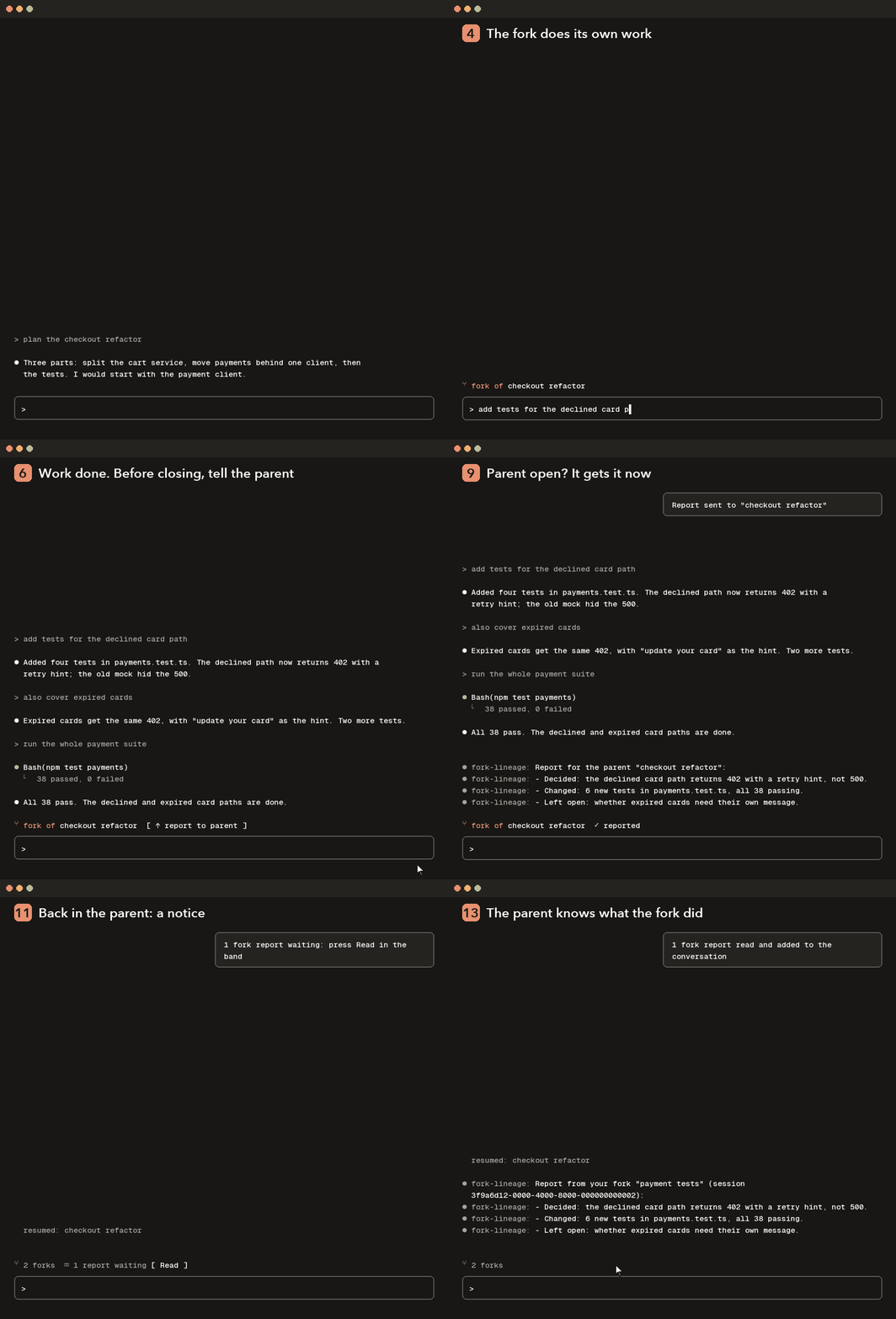
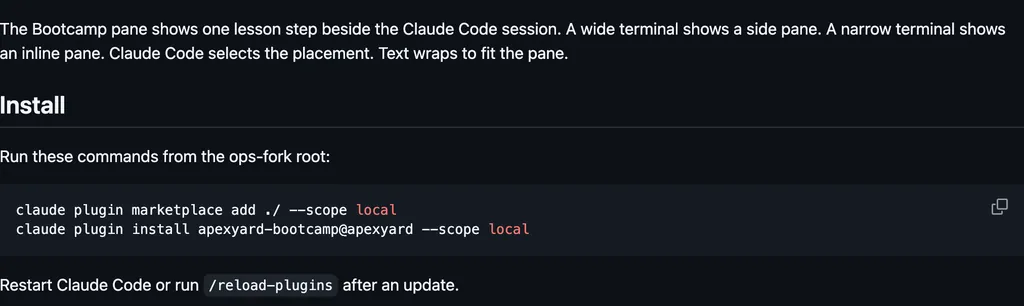
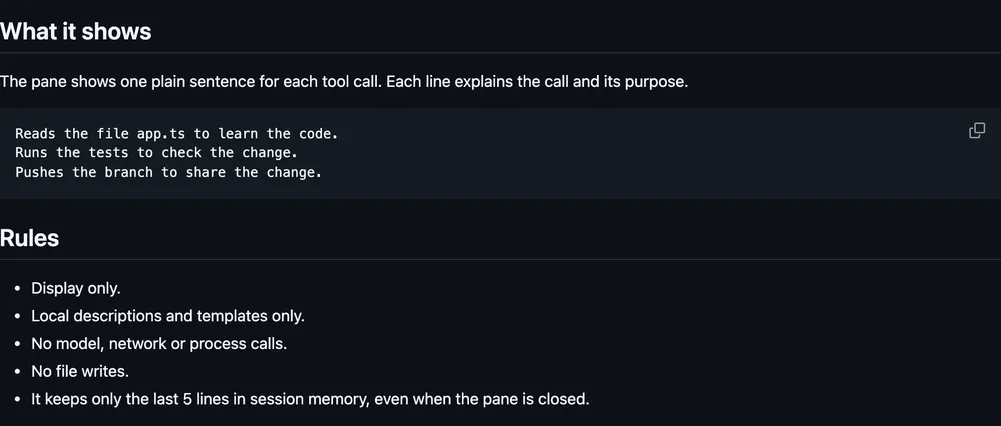
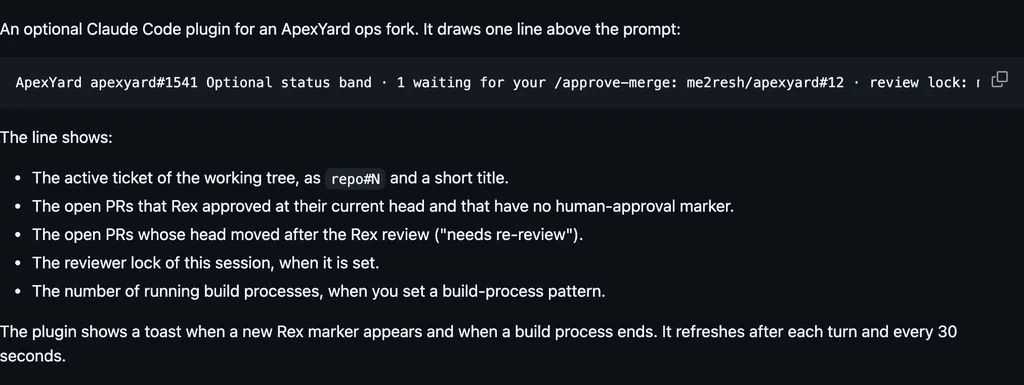
Needs Claude Code 2.1.289 or later, and python3. In a fork the band names the parent and shows a report button while that fork has prompts that were never reported. After a report it says reported. The button, or /report-parent, asks for a short report, then offers Send to parent, Not needed, or Cancel. Nothing is sent before you pick Send. A running parent gets the report at once, as a message from the fork. A closed parent shows a blinking notice and a Read button when you resume it. Read adds the report without running a turn. If you never press Read, the report goes with your next message, once. In a parent the band says how many forks there are. /lineage prints the family tree. At 80% and 90% context, a fork that has not reported gets one reminder. The report is one tool-less call through Claude Code on the same account, only when you press the button. Files stay under ~/.claude-forks/, and CLAUDE_FORKS_DIR overrides that directory. Cleanup runs at most once a day. A link goes once Claude Code has removed that transcript, and a delivered report goes 30 days after delivery. A report that was never delivered is never deleted. Reports can hold conversation content, and they stay on this machine. It never makes a network call of its own. Nothing is drawn in the VS Code chat panel.
The install name is fork-lineage. This page adds the author's name. The marketplace name is mehmetmutlu. The marketplace also holds answer-buttons, arcade, and other mods. This one installs on its own. The band that names the parent, and the report you approve, are why this page files it under workflow. aside opens a pane beside the transcript where you ask about the session so far, answered by a tool-less fork that writes nothing back. decision-tree, when Claude ends a reply with a question, explains the choice in a side pane and lets you explore any option, or your own, in a forked session. This one keeps the link from a fork to its parent and sends the report only after you pick Send. The report is a model call on the login Claude Code already holds, so this page does not list network access. Picking Send is approval of the report, not a refused tool call.
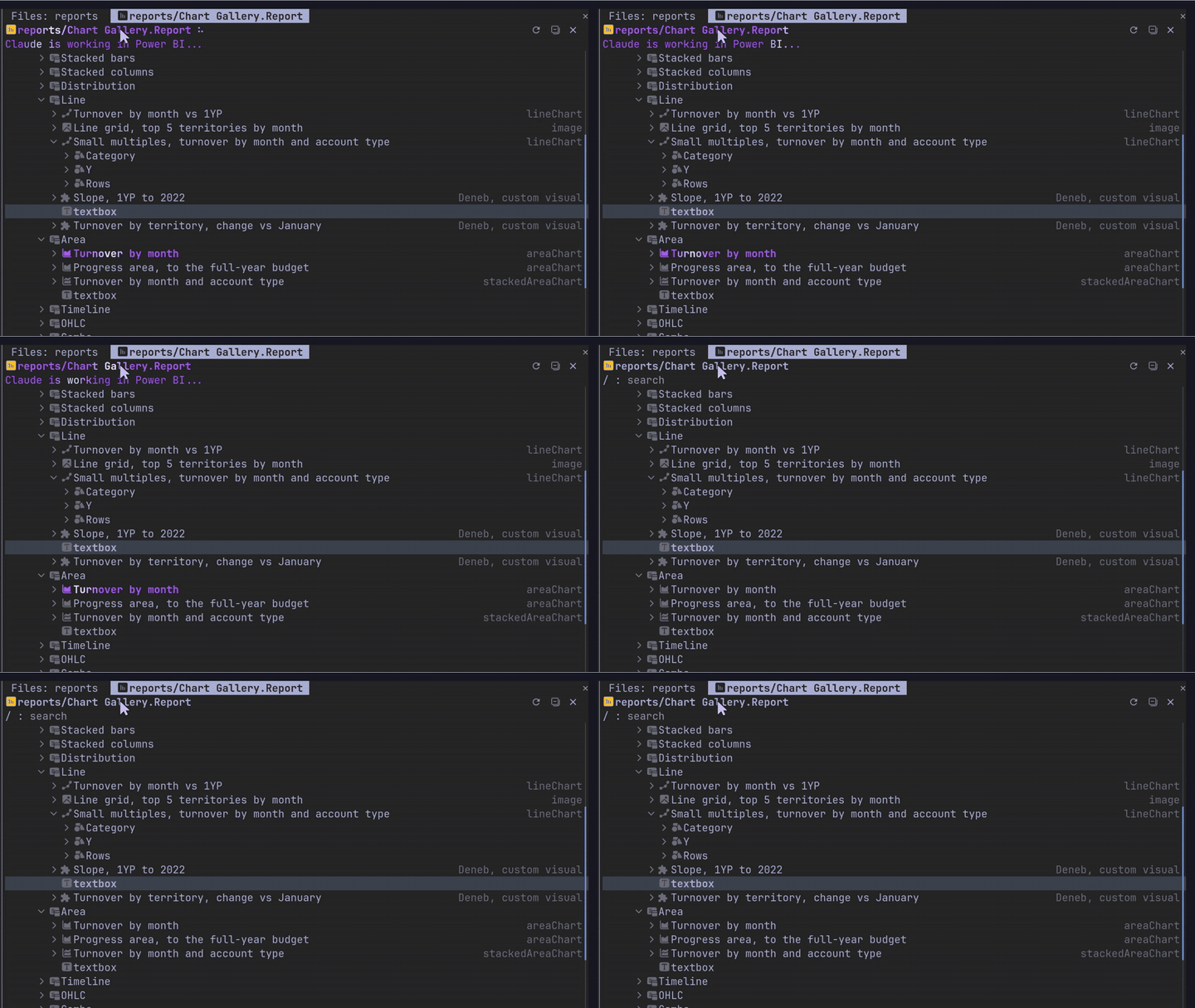
Demo
From the author's repo.
What it hooks into
session.startWhen a session starts
prompt.submitWhen you send a prompt
turn.completeWhen a turn ends
command.runWhen you run its slash command/lineage/report-parent
ui.renderDraws into the sessionAbovePrompt
Read from the on() calls in its hook modules. Open its source under Files to check what each one does.
Slash commands 2
/lineageShow which session this one was forked from, and its forks
/report-parentWrite a report of this fork, show it, and send it to the parent session if you approve
Files
The author's README and source, 4 files. They load when you open them.