All shelves / Mods / Usage
statusline-anywhere
By NathanAB · Checked 2026-10-08
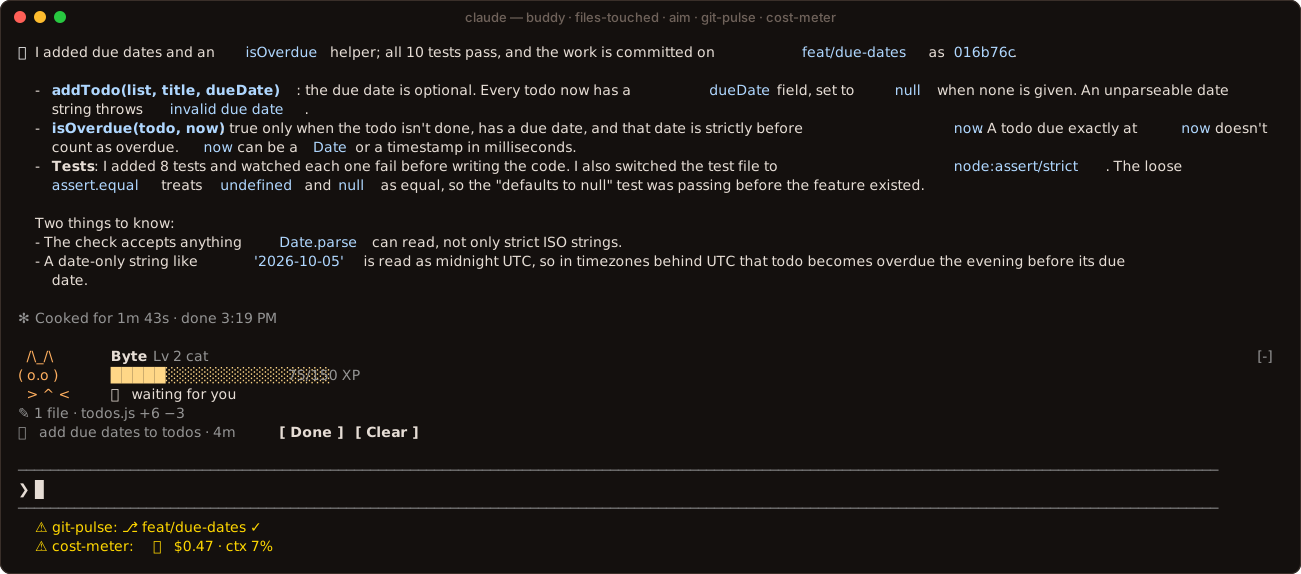
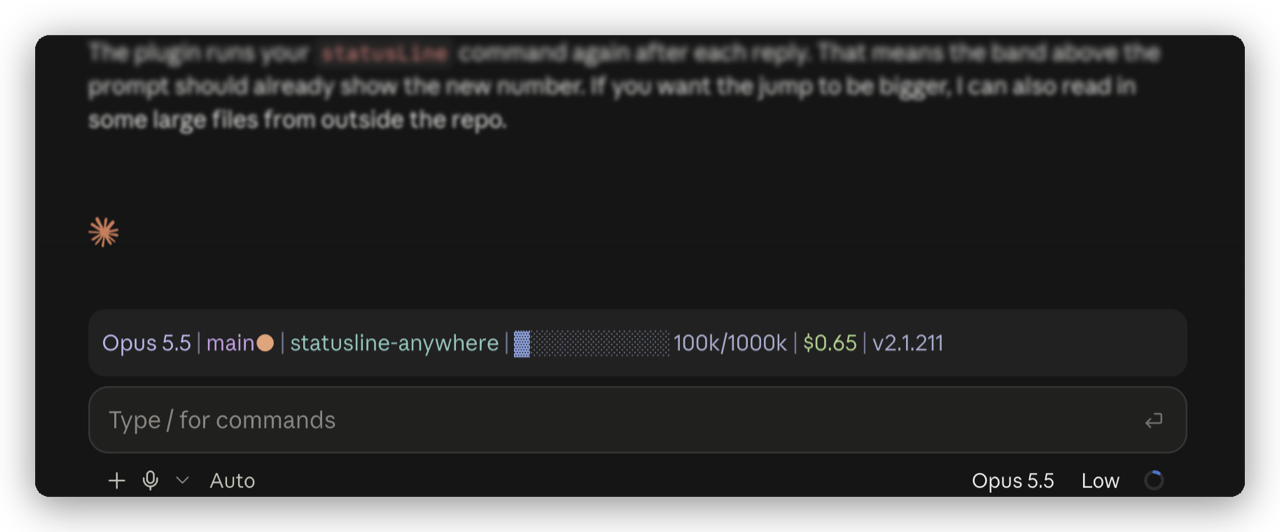
Draws the status line you already configured, in color, above the prompt in Claude Desktop. In a terminal it stays out of the way.
Draws
Install
Copied from the author's repo on 2026-10-08. The marketplace name is statusline-anywhere.
claude plugin marketplace add NathanAB/statusline-anywhere
claude plugin install statusline-anywhere@statusline-anywhere
Open the repo
It runs inside the Claude Code process. The side panel is only what the author's README names. Read the repo before you install, or run claude plugin validate on the plugin folder.
Demo
Other mods in Usage
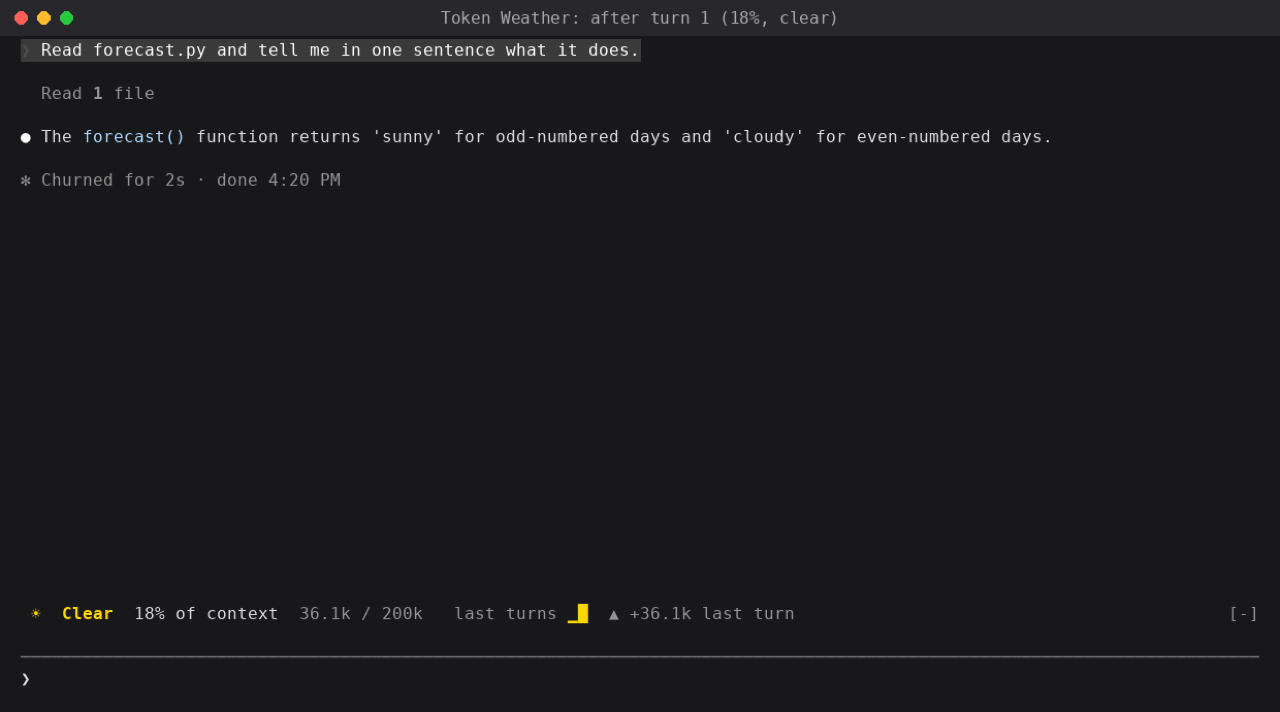
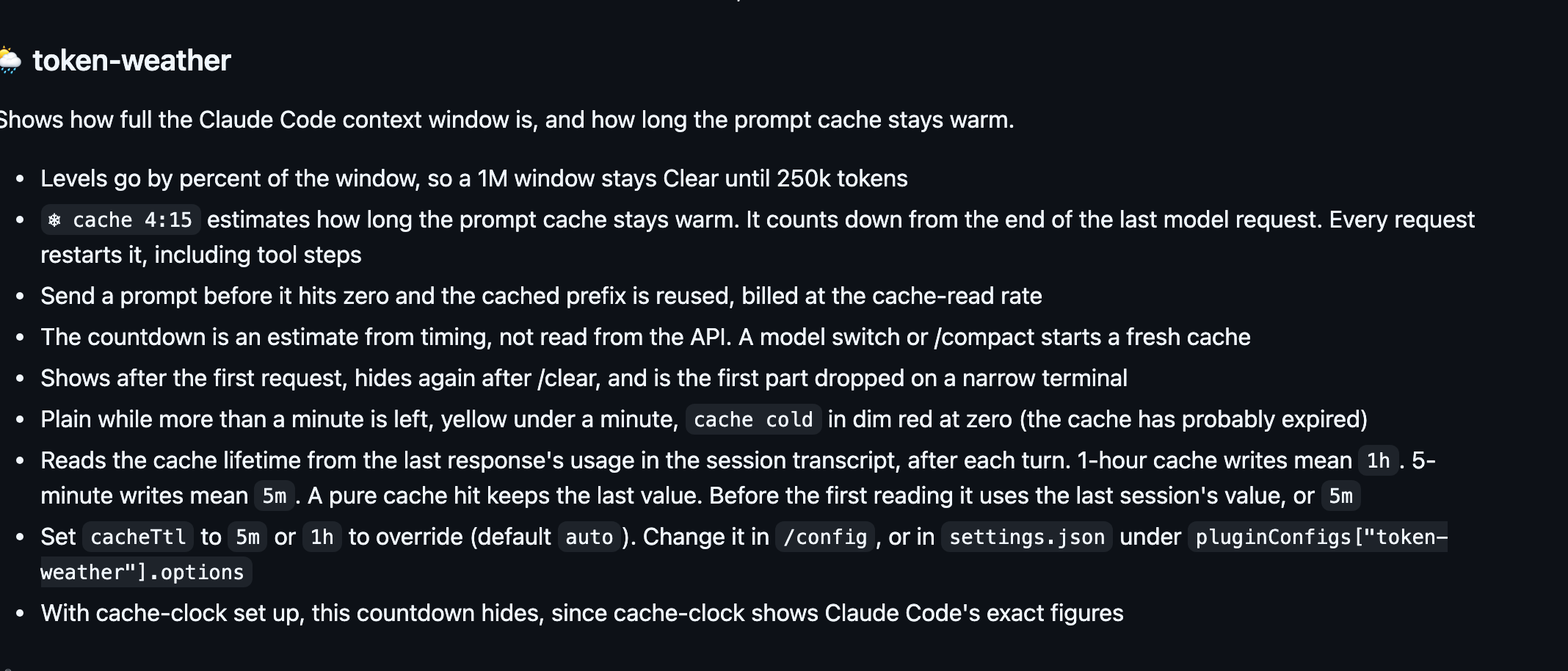
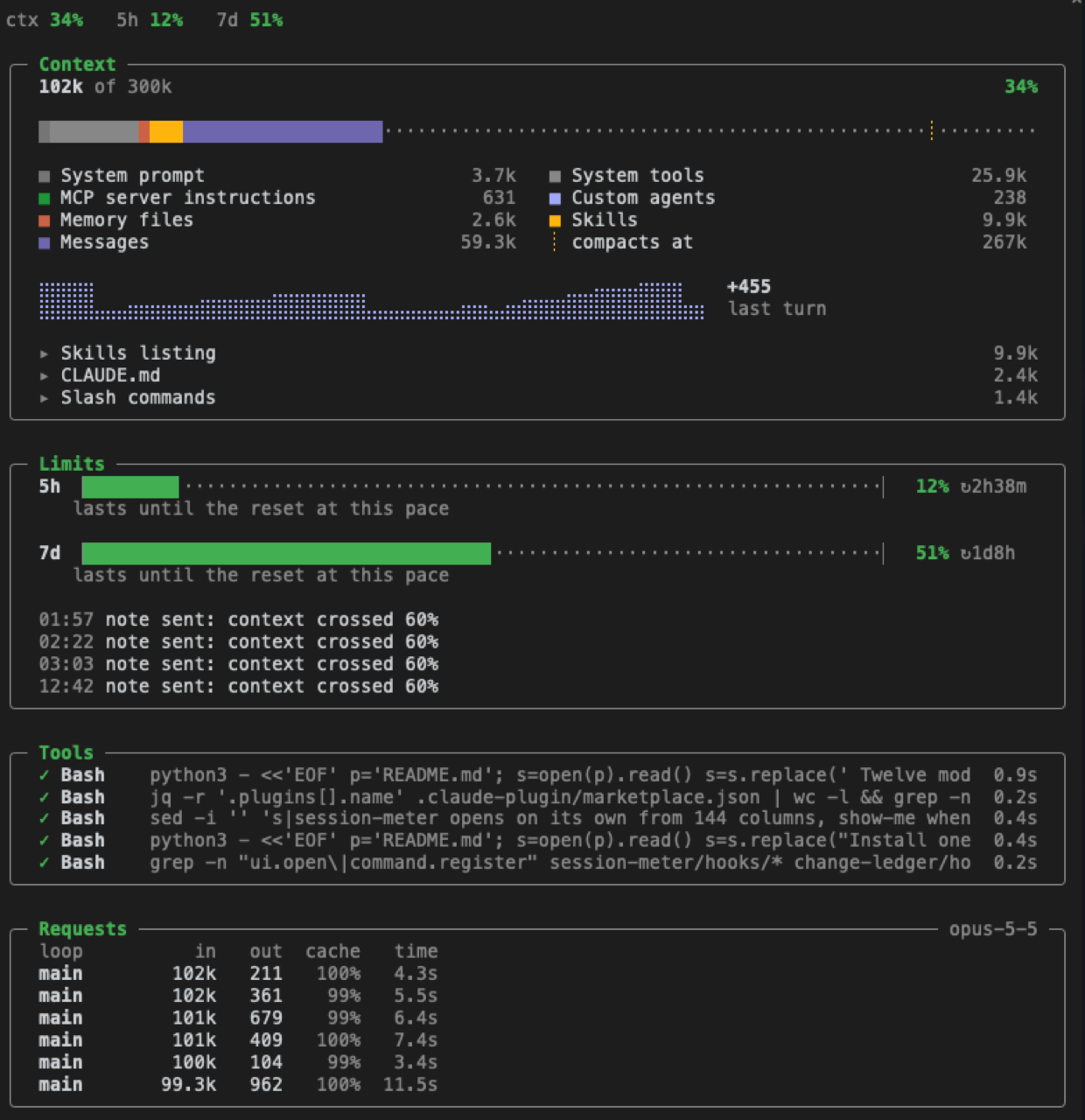
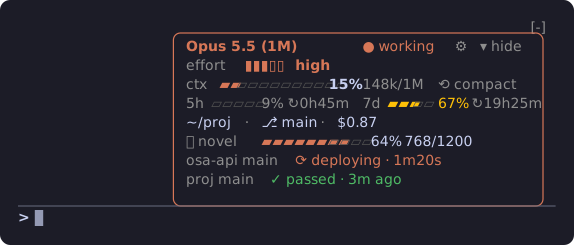
usage-meterDraws the 5-hour and 7-day plan limits as small bars above the prompt, with the reset countdown and what this session cost.context-barDraws the context window as one stacked bar, a color per category, with token counts and the compaction point.token-weatherDraws a one-line forecast of the context window above the prompt. Fuller goes from clear toward a storm.token-weatherDraws the context-window forecast above the prompt, plus how long the prompt cache has left.cache-clockDraws a prompt-cache line under the status line: time left while warm, hits and misses, and how many tokens the next message re-caches once it goes cold.openai-balanceDraws your OpenAI API credit above the prompt: an estimated balance, today's spend, where the money went, and the last call.cost-meterDraws session cost, context fill, and the 5-hour and 7-day windows on the status line, plus what each turn cost. A budget, off until you set one, asks before the next tool call.session-meterDraws a pane of context by category, the 5-hour and 7-day windows and their pace, and the last 30 tool calls and model requests.cache-timerDraws a countdown above the prompt until the prompt cache expires, then how many tokens the next message writes again.turn-footerDraws tool calls, subagents, requests, tokens, and cache hit rate under each answer, and the running tool in the spinner.search-meterDraws a status line for the model's searches: green found on the first try, yellow found after misses, red found nothing.statuspaneDraws a card above the prompt: model, context gauge, 5-hour and 7-day limits, directory, git branch, and session cost. Press the gauge, then confirm, to run /compact.