All shelves / Mods / Workflow
mod-model-effort
By v-amorim
mod-model-effort is a Claude Code workflow mod by v-amorim.
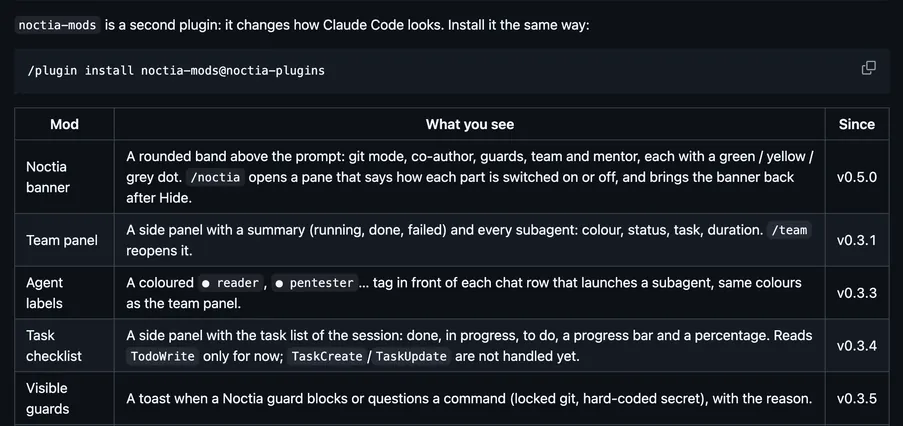
Draws a pill with the session's model and effort level; a click changes either, and hovering shows the last reply's time to first token and tokens per second.
Draws
Install
The marketplace name is claude-mods.
/plugin marketplace add v-amorim/moonlight-claude-mods
/plugin install mod-model-effort@claude-mods
It runs inside the Claude Code process. The side panel is only what the author's README names. Read the repo before you install, or run claude plugin validate on the plugin folder.
- Version
- 2.0.0
- License
- MIT
- Repo stars
- 5
- Last change
- 2026-10-30
What it can reach
- Draws in the session
Needs Claude Code 2.1.287 or newer; the author tested on Windows Terminal and macOS iTerm2. /plugin install asks where to install the mod: keep Install for you (user scope), press Enter, press Esc to leave the plugin screen, then run /reload-plugins. Auto-update is off for unofficial marketplaces; turn it on under /plugin, Marketplaces, claude-mods. The README warns that mods are not sandboxed and run with your permissions. Opens from the model pill. Only the main session's replies count for the speed. The command hooks need a POSIX shell, Git Bash on Windows; without one they write nothing and the mod falls back to what it can find on its own.
The marketplace, claude-mods, holds 13 mods in the Moonlight look, and other repositories use that name too, so add v-amorim/moonlight-claude-mods. Seeing and changing the model and effort without typing a command is why this page files it under workflow. model-effort-band draws a band above the prompt with the selected model and the effort of the latest main-conversation request. extra-mods draws a menu for Zen, themes, model and effort, and a status line of context, plan limits, and cache. This one is a pill: it shows the model and the effort level of the session, a click changes either one, and hovering shows how long the last reply's first token took and the tokens per second after it.
Demo

What it hooks into
ui.toastA Claude Code eventsession.startWhen a session startssession.endWhen a session endscommand.runWhen you run its slash command/mod-model-effortui.closeWhen its pane closesstate.setA Claude Code eventturn.stepAt each step of a turnui.messageAdds a message to the sessionui.renderDraws into the sessionAbovePromptPane
Read from the on() calls in its hook modules. Open its source under Files to check what each one does.
Slash commands 1
/mod-model-effort
Hooks 4
SessionStartexec 2>/dev/null; IN=$(cat); D="${CLAUDE_CONFIG_DIR:-$HOME/.claude}/mods-data/mod-model-effort/bridge"; S=$(printf '%s' "$IN" | sed -n 's/.*"session_id":"\([^"]*\)".*/\1/p'); [ -n "$S" ] && mkdir -p "$D" && printf '%s\n' "$IN" >> "$D/$S.jsonl" && find "$D" -name '*.jsonl' -type f -mtime +7 -exec rm -f {} + >/dev/null 2>&1; exit 0PostModelSwitchexec 2>/dev/null; IN=$(cat); D="${CLAUDE_CONFIG_DIR:-$HOME/.claude}/mods-data/mod-model-effort/bridge"; S=$(printf '%s' "$IN" | sed -n 's/.*"session_id":"\([^"]*\)".*/\1/p'); [ -n "$S" ] && mkdir -p "$D" && printf '%s\n' "$IN" >> "$D/$S.jsonl"; exit 0ConfigChangeexec 2>/dev/null; IN=$(cat); D="${CLAUDE_CONFIG_DIR:-$HOME/.claude}/mods-data/mod-model-effort/bridge"; S=$(printf '%s' "$IN" | sed -n 's/.*"session_id":"\([^"]*\)".*/\1/p'); [ -n "$S" ] && mkdir -p "$D" && printf '%s\n' "$IN" >> "$D/$S.jsonl"; exit 0SessionEndexec 2>/dev/null; IN=$(cat); D="${CLAUDE_CONFIG_DIR:-$HOME/.claude}/mods-data/mod-model-effort/bridge"; S=$(printf '%s' "$IN" | sed -n 's/.*"session_id":"\([^"]*\)".*/\1/p'); [ -n "$S" ] && rm -f "$D/$S.jsonl" >/dev/null 2>&1; exit 0
Files
The author's README and source, 4 files. They load when you open them.
Facts
- Author
- v-amorim
- Category
- Workflow
- Marketplace
- claude-mods
- Folder
- mod-model-effort
- Version
- 2.0.0
- License
- MIT
- Repo stars
- 5
- Last change
- 2026-10-30
- Language
- TypeScript
- Files
- 24