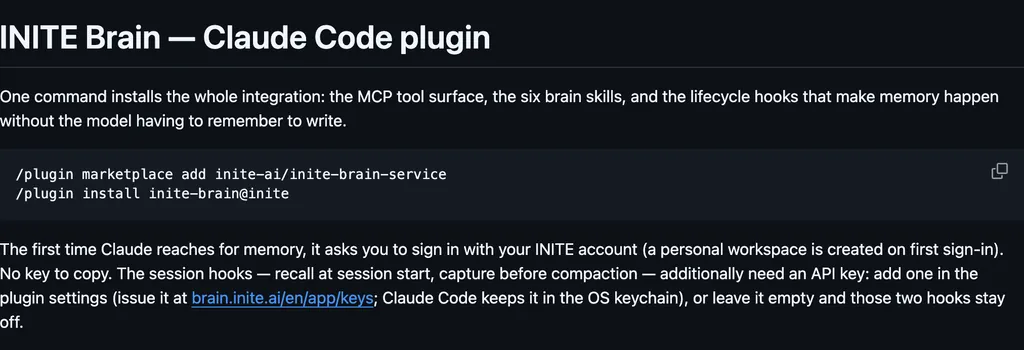
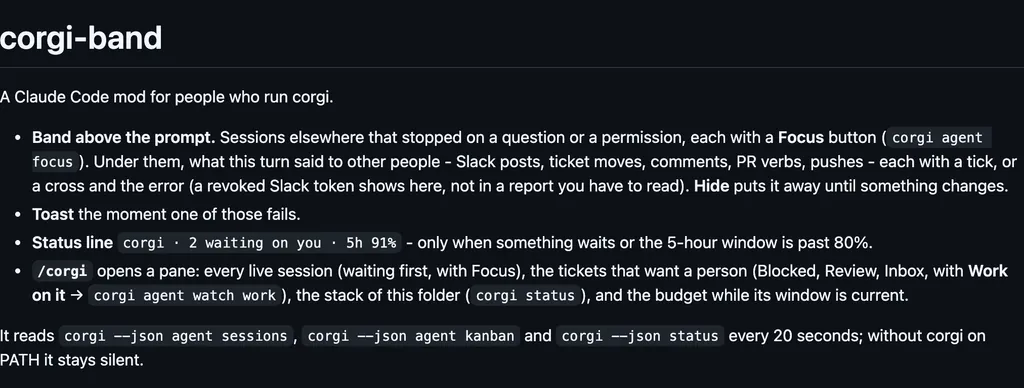
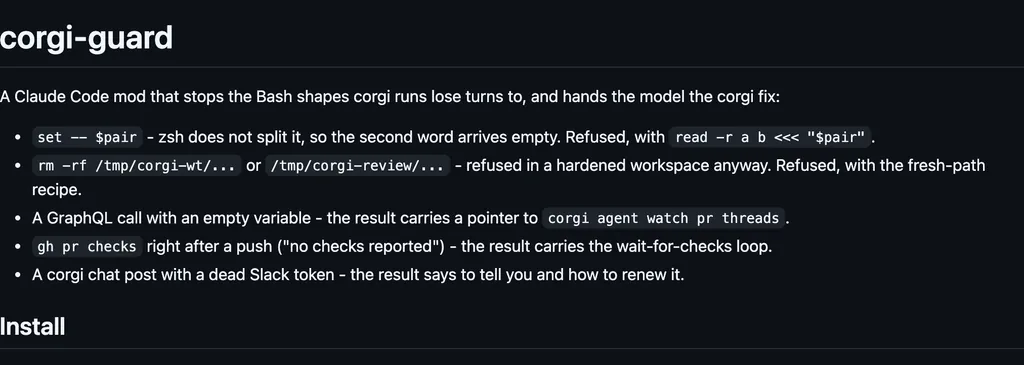
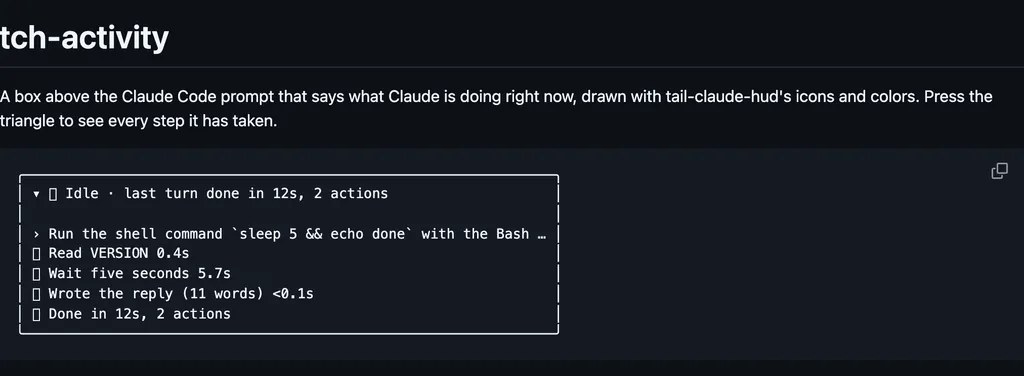
It runs inside the Claude Code process. The side panel is only what the author's README names. Read the repo before you install, or run claude plugin validate on the plugin folder.
Version
0.5.0
License
MIT
Repo stars
66
Last change
2026-09-27
What it can reach
Draws in the session
Reaches the network or an outside service
Sees tool calls
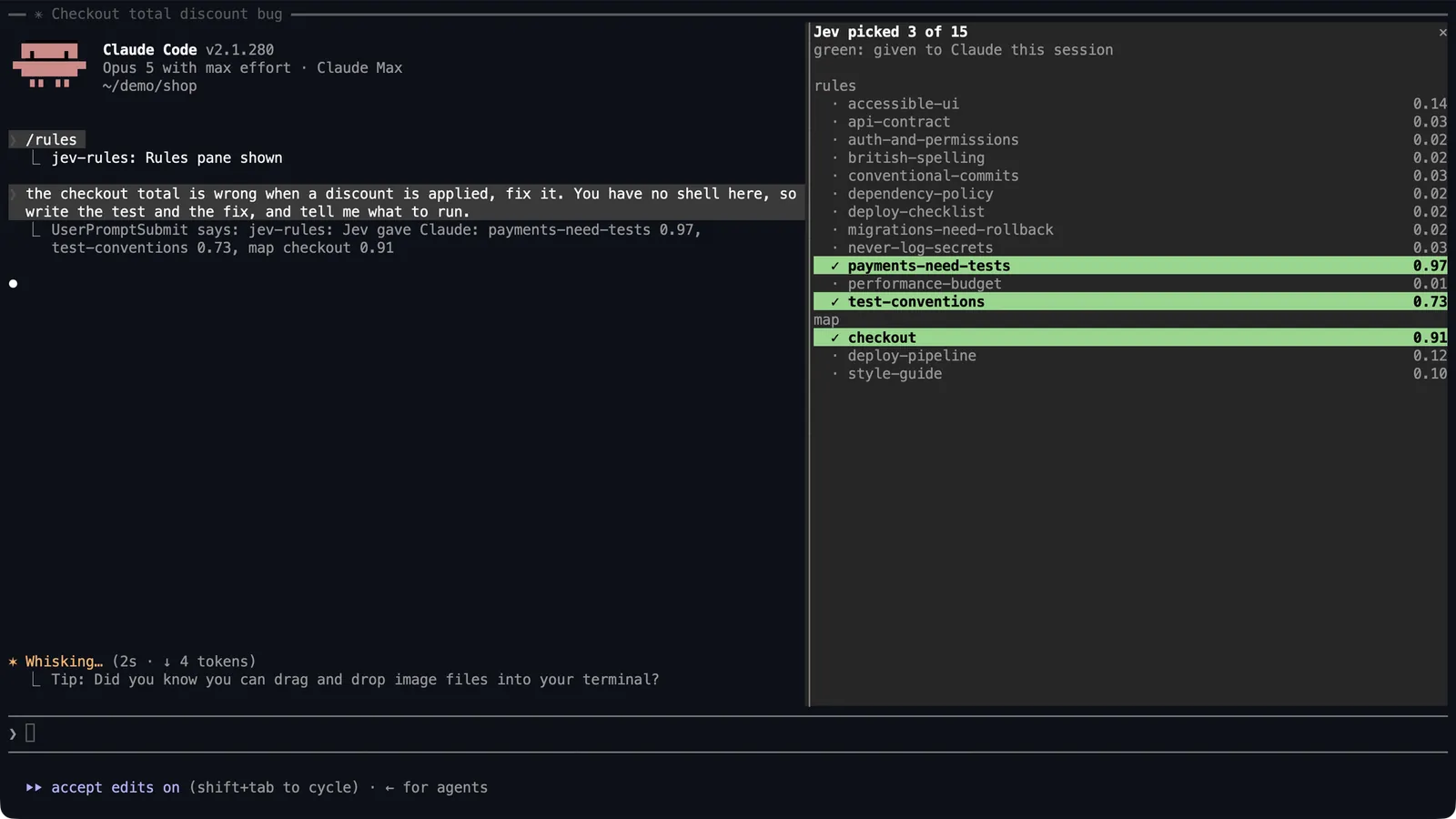
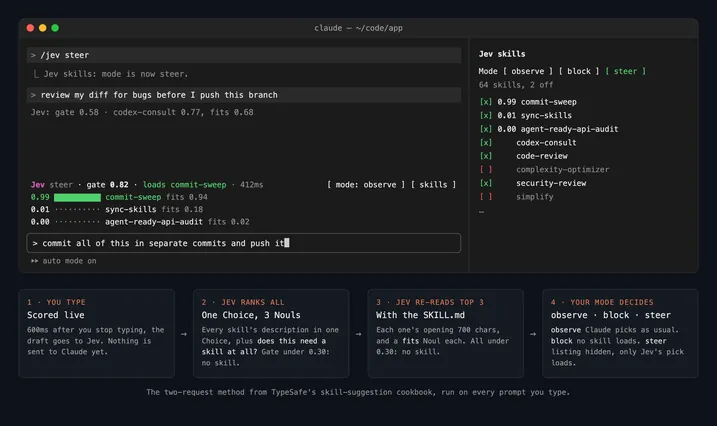
Built and verified on Claude Code 2.1.276. The pane was built and tested on 2.1.280. Node.js 20.12 or newer, with node on the PATH of a non-interactive shell. Run /reload-plugins or restart Claude Code if you installed from inside a session. Put a TypeSafe key in ~/.jev-rules.env as JEV_API_KEY, or use AI_GATEWAY_API_KEY for Vercel AI Gateway. On every prompt the plugin sends Jev the prompt text, with one question per rule and per map document, and injects what comes back at or above the threshold. When nothing applies, nothing is injected. Rules marked always: true are injected on every prompt. When Jev cannot answer, every rule is injected, with a one-line note saying why. The author says what leaves is the prompt text (its first 24,000 characters) and the description, applies, and does_not_apply lines, sent to TypeSafe, or to Vercel's gateway if that is the key. On a file not yet judged this session, the file's path goes too. Rule bodies, file contents, and the edit stay local. The pane loads only when CLAUDE_CODE_ENABLE_FUNCTION_HOOKS is set. The first time Jev picks a rule, Claude puts one question to you in Claude Code's own question box. Yes, turn it on adds CLAUDE_CODE_ENABLE_FUNCTION_HOOKS set to 1 in the env block of ~/.claude/settings.json; the official docs say 2.1.287 and later ignore that flag. Restart after that. A checkout starts with claude --plugin-dir /path/to/jev-rules/plugins/jev-rules.
The plugin folder has no README. These lines are in the repository README.
Demo
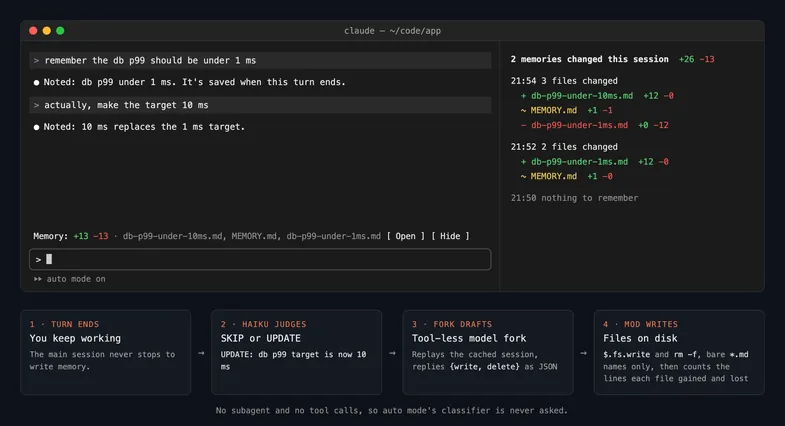
From the author's repo.
What it hooks into
session.startWhen a session starts
command.runWhen you run its slash command
ui.closeWhen its pane closes
ui.renderDraws into the sessionAbovePromptPane
Read from the on() calls in its hook modules. Open its source under Files to check what each one does.