All shelves / Mods / Workflow
aim
By Singh-AP
aim is a Claude Code workflow mod by Singh-AP.
Draws one goal above the prompt, with a timer and Done and Clear. /aim sets it. Claude is told to stay on it and name side quests instead of doing them.
Draws
Install
The marketplace name is awesome-claude-mods.
/plugin marketplace add Singh-AP/awesome-claude-mods
/plugin install aim@awesome-claude-mods
It runs inside the Claude Code process. The side panel is only what the author's README names. Read the repo before you install, or run claude plugin validate on the plugin folder.
- Version
- 1.0.0
- License
- MIT
- Repo stars
- 3
- Last change
- 2026-10-04
What it can reach
- Draws in the session
Claude Code 2.1.287 or later. The mod is live once you run /reload-plugins or start a new session. /aim and a goal pins it in the band above the prompt with the time spent so far and Done and Clear buttons, replacing any current goal. The goal goes into Claude's system prompt as a section at the end, after the cached part, so the prompt cache is not broken, and Claude is told to keep to it, to mention unrelated work in one line instead of doing it, and to say when a request moves away from it. /aim done finishes it with a toast and a history entry, /aim clear drops it without recording, /aim alone shows it, and /aim history lists the last 10 finished goals. The goal is kept per project and survives /clear, /resume, and restarts.
The marketplace, Singh-AP's awesome-claude-mods, holds the 21 mods built there, snippets, standup, tldr among them, and 26 community and Anthropic mods pinned to a commit. This one installs on its own. Keeping a session on one goal is why this page files it under workflow. goal-meter, by nateherkai, draws a progress bar for /goal from Claude's own task plan: tasks done, elapsed time, an ETA at the goal's pace, and every chat's goal in /goals. where-am-i, by hamzafer, draws four things above the prompt: the goal, what is happening now, what is waiting on you, and the next step. This one is a goal you write, put in front of Claude. The README says it shapes Claude's behavior but does not enforce it, so Claude still does what you ask and says when it is off the goal, and that two sessions in the same repo share one goal. The command is /aim because /focus and /goal are built into Claude Code. Whatever other mods draw in the band stays visible under it. Its plugin.json names awesome-claude-mods as its author, and Singh-AP owns the marketplace.
Demo
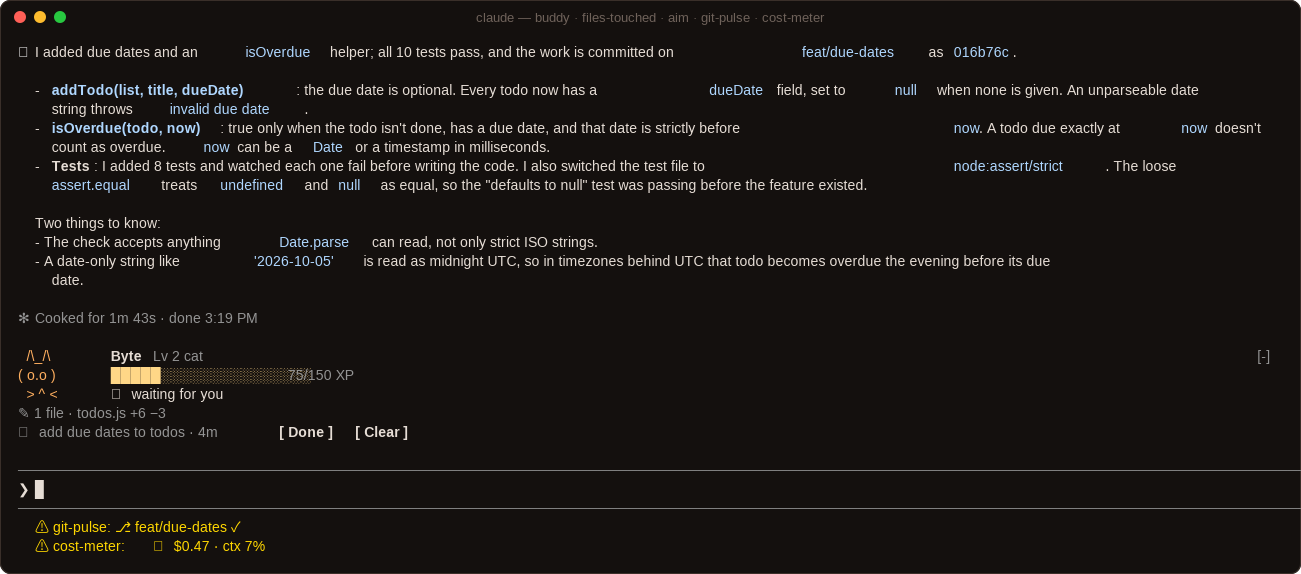
What it hooks into
session.startWhen a session startsclassic.SessionStartA Claude Code eventcommand.runWhen you run its slash command/aimprompt.composeWhile you write a promptui.renderDraws into the sessionAbovePrompt
Read from the on() calls in its hook modules. Open its source under Files to check what each one does.
Slash commands 1
/aimPin one goal for this session (/aim <goal>), or: done, clear, history
Files
The author's README and source, 4 files. They load when you open them.
Facts
- Author
- Singh-AP
- Category
- Workflow
- Marketplace
- awesome-claude-mods
- Folder
- mods/productivity/aim
- Version
- 1.0.0
- License
- MIT
- Repo stars
- 3
- Last change
- 2026-10-04
- Language
- TypeScript
- Files
- 7