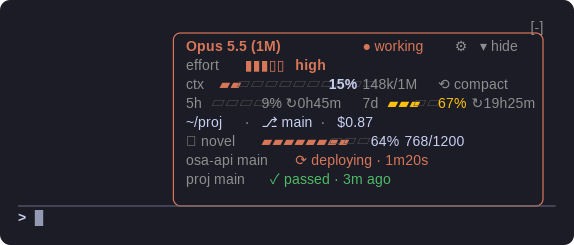
It runs inside the Claude Code process. The side panel is only what the author's README names. Read the repo before you install, or run claude plugin validate on the plugin folder.
Version
0.2.2
License
MIT
Repo stars
381
Last change
2026-10-15
What it can reach
Draws in the session
Reads usage or context figures
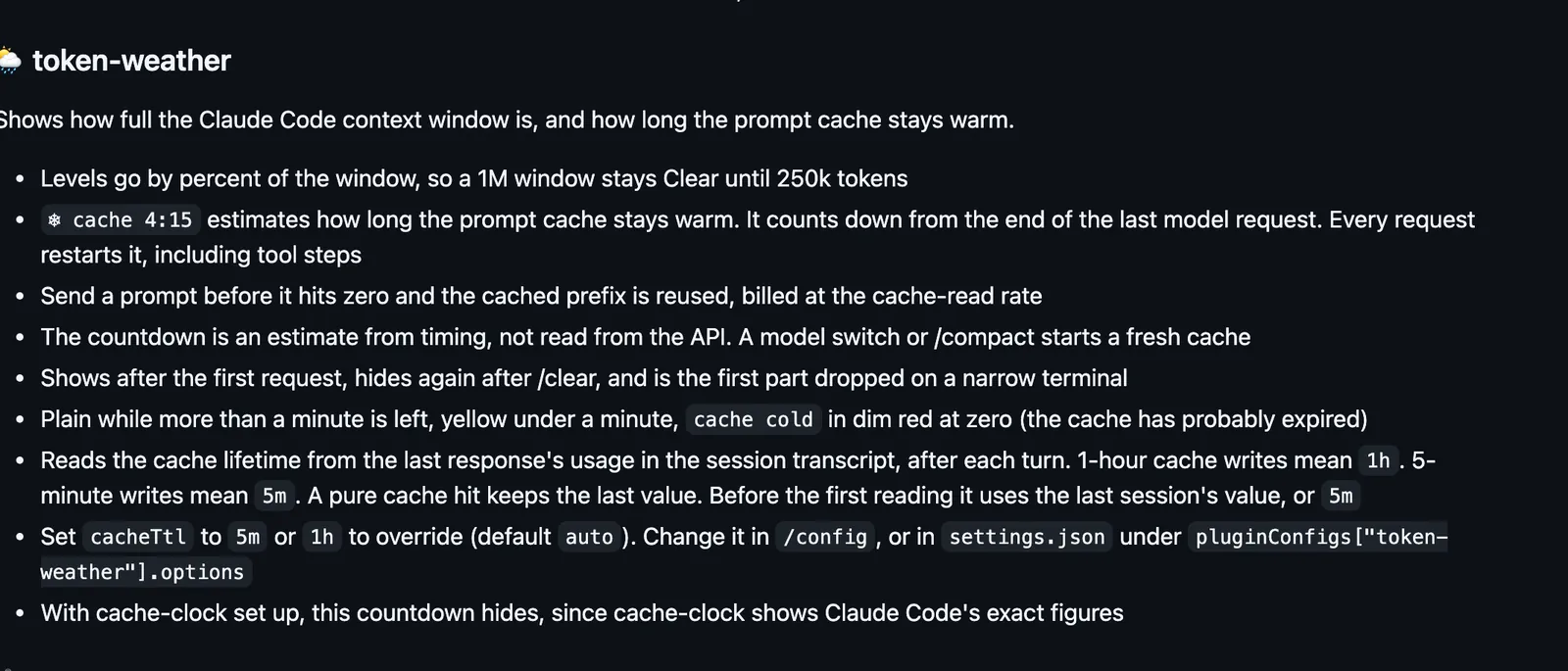
Claude Code 2.1.287 or later. The author says to restart after installing. Levels go by percent of the window, from Clear to Compact soon, so a 1M window stays Clear until 250k tokens. ❄ cache 4:15 estimates how long the prompt cache stays warm, counting down from the end of the last model request, tool steps included; it turns yellow under a minute and reads cache cold at zero. The countdown is an estimate from timing, not read from the API, and a model switch or /compact starts a fresh cache. It reads the cache lifetime, 5m or 1h, from the last response's usage in the transcript, and cacheTtl overrides it. It shows after the first request and hides after /clear, and with cache-clock set up the countdown hides.
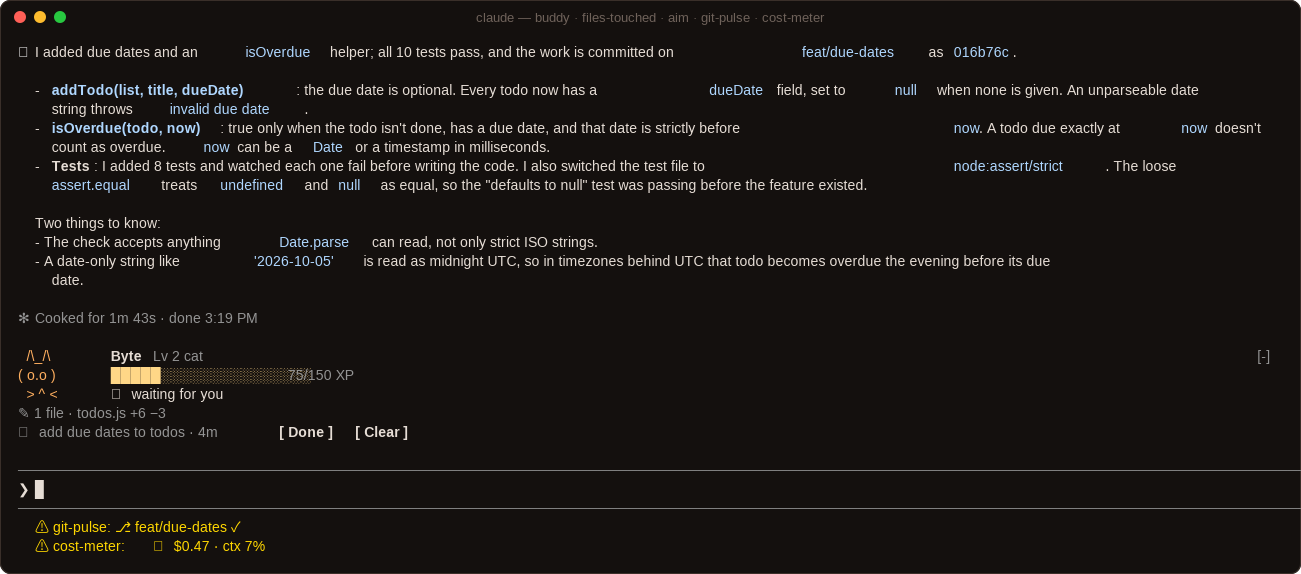
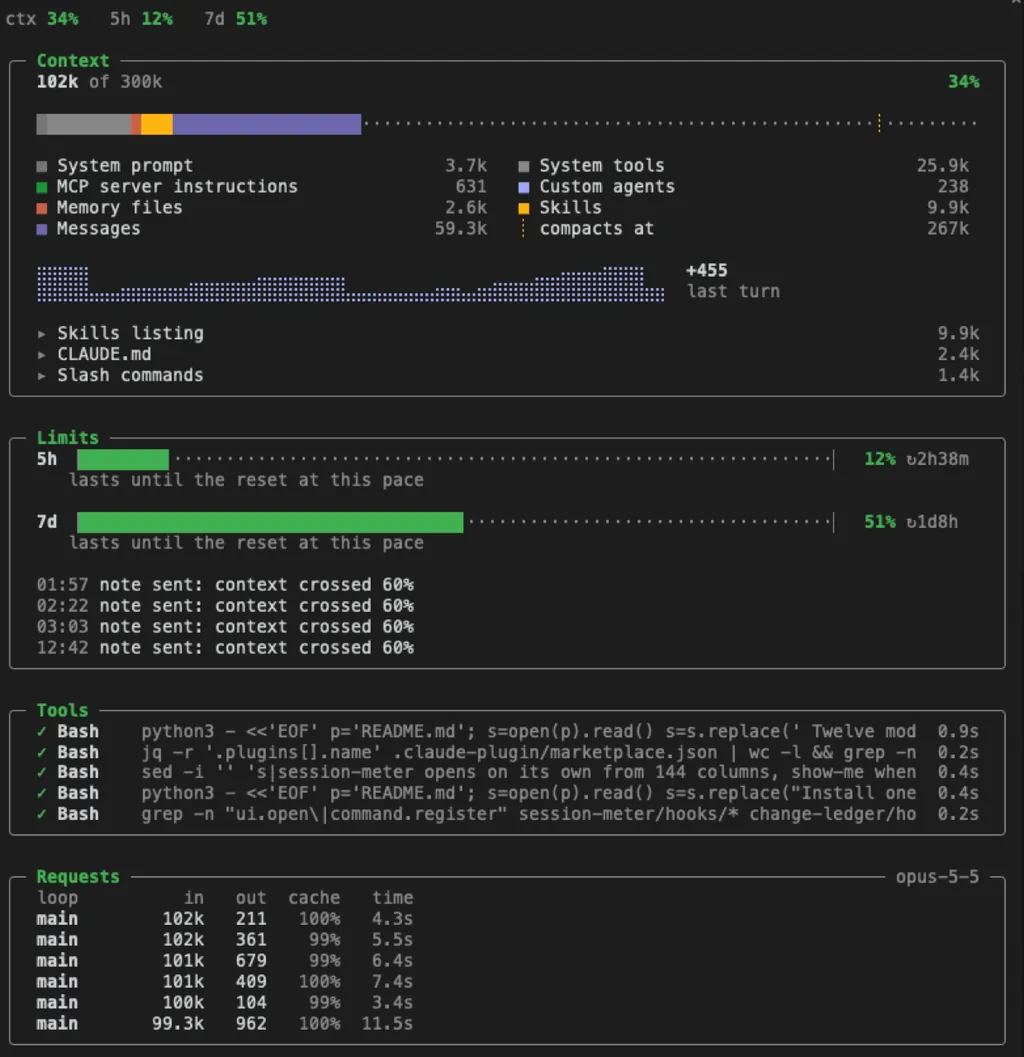
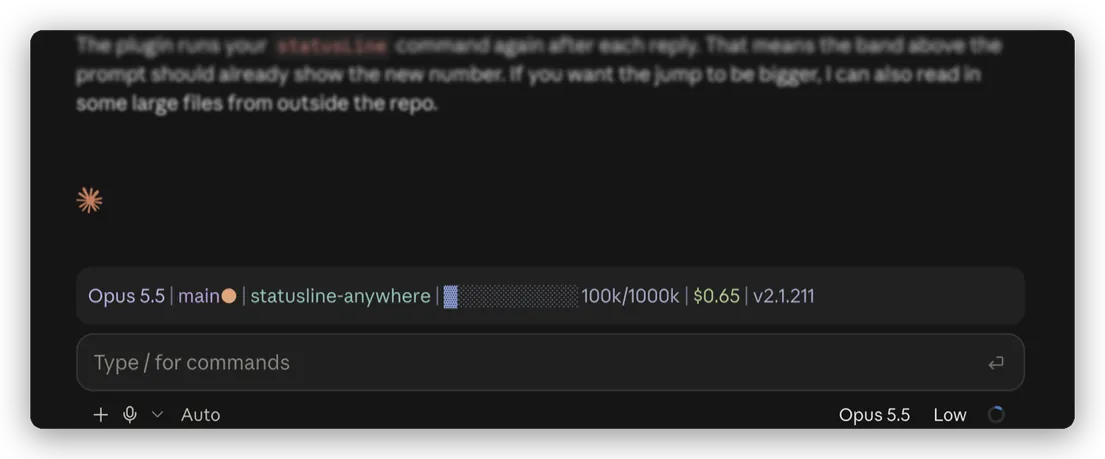
Not the same repo as Anthropic's sample. The install name is token-weather@claude-code-mods. The marketplace, claude-code-mods, holds all of hamzafer's mods, cache-clock and context-bar among them. This one installs on its own, or from the checklist that npx claude-code-mods@latest opens. Watching the context window and the cache is why this page files it under usage. token-weather, Anthropic's sample, draws a one-line forecast of the context window above the prompt, fuller going from clear toward a storm. cache-clock, by the same author, draws a prompt-cache line under the status line with the time left, hits and misses, and what the next message re-caches once it goes cold. This one puts the forecast and an estimated cache countdown on one line.
Demo
Screenshot of the author's GitHub page.
What it hooks into
session.startWhen a session starts
session.endWhen a session ends
turn.stepAt each step of a turn
turn.completeWhen a turn ends
ui.renderDraws into the sessionAbovePrompt
Read from the on() calls in its hook modules. Open its source under Files to check what each one does.
Files
The author's source, 3 files. They load when you open them.