All shelves / Mods / Workflow
podium-reporter
By eengelking
podium-reporter is a Claude Code workflow mod by eengelking.
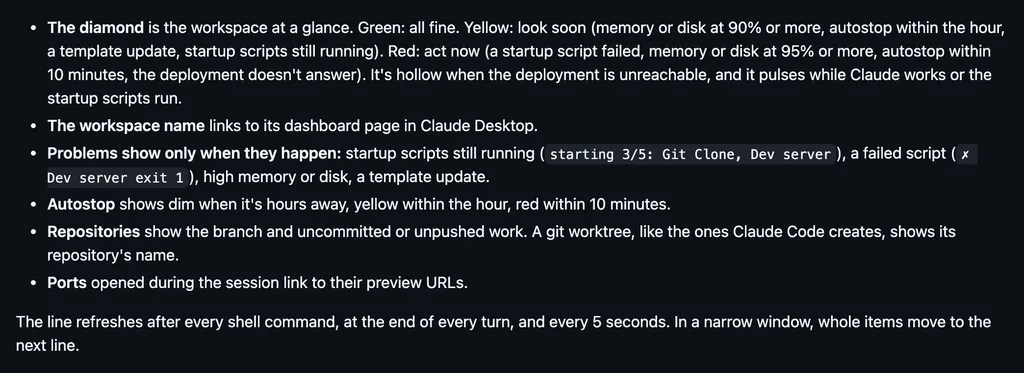
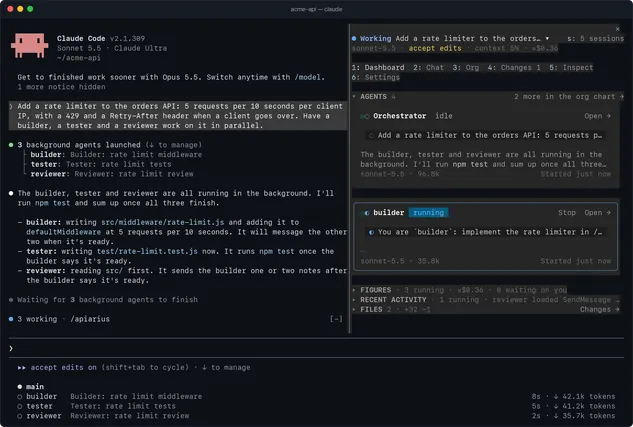
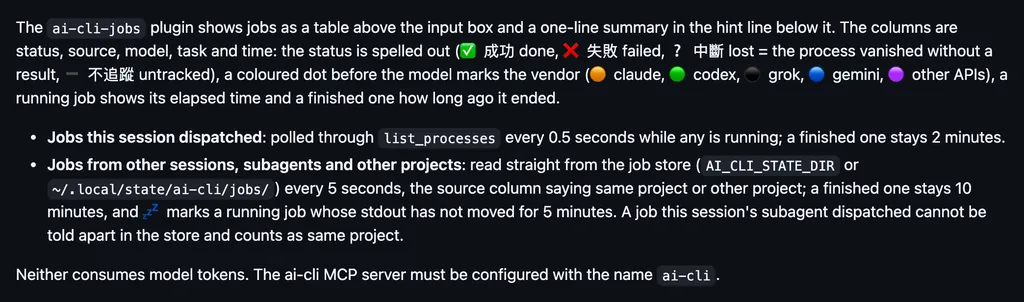
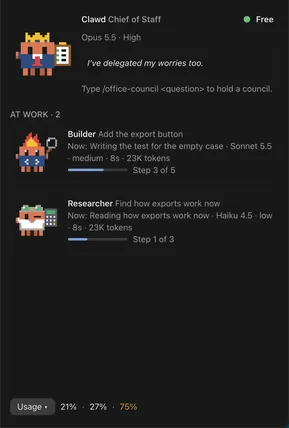
Reports each session's model, context, cost, and failures to a Podium console, and draws a status line under the prompt with the live session count.
Draws
Install
The marketplace name is eengelking-marketplace.
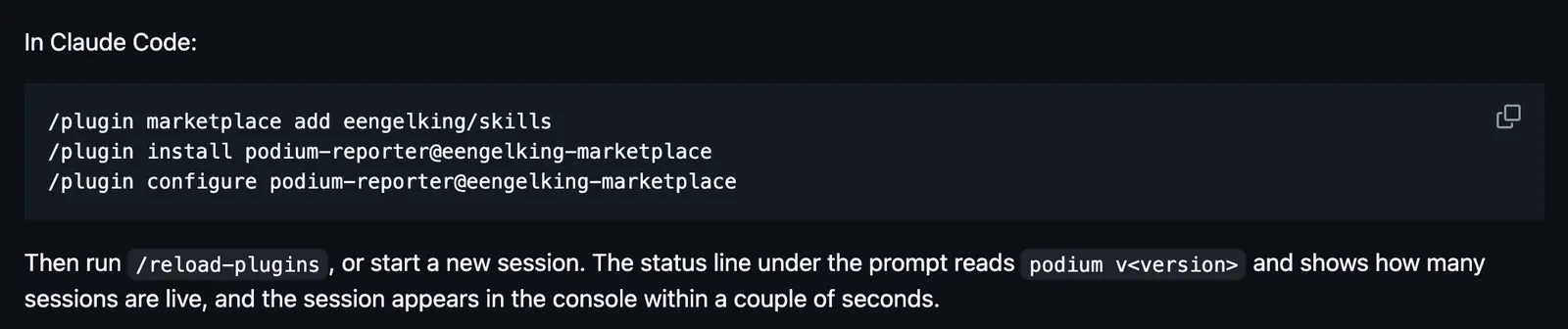
/plugin marketplace add eengelking/skills
/plugin install podium-reporter@eengelking-marketplace
/plugin configure podium-reporter@eengelking-marketplace
It runs inside the Claude Code process. The side panel is only what the author's README names. Read the repo before you install, or run claude plugin validate on the plugin folder.
- Version
- 1.5.1
- License
- MIT
- Repo stars
- 86
- Last change
- 2026-11-05
What it can reach
- Draws in the session
- Reads usage or context figures
- Reaches the network or an outside service
A Podium server, which the README runs from its own repository: it requires Node 26 and npm, and npm run dev listens on http://127.0.0.1:4317. /plugin configure asks for the server address, and a token and your name if the server uses them. Then run /reload-plugins, or start a new session. The Claude desktop app on Windows 11 has no /plugin marketplace: download podium-reporter-<version>.zip from the releases page and upload it in Settings > Plugins. Cost in Podium is an estimate from token counts and a price table, never a bill.
The marketplace, eengelking-marketplace, also holds eengelking, shared skills for the git, PR, and issue lifecycle. Seeing every session on one wall is why this page files it under workflow. swarmery-link reports this session's turns, tool calls, context, and cost to a local swarmery dashboard. sessclone reports each turn's tokens, model, and timings to a SessClone dashboard. This one reports to a Podium server, which shows each session within about two seconds of its first prompt: its model, effort, and plan, the git branch or worktree, the agents it launched with what each costs, how full each context window is, and why anything failed. For a team, the console groups the wall by person. Podium watches, and the one thing it can send back is an answer to a session that waits on you, once the server's Admin and the session's owner have both turned that on. It never types into a terminal.
Demo
What it hooks into
session.startWhen a session startssession.endWhen a session endsturn.startWhen Claude starts a turnturn.stepAt each step of a turnturn.completeWhen a turn endssession.compactWhen the context is compactedsession.attachA Claude Code eventsession.detachA Claude Code eventsession.measureWhen usage is measuredagent.spawnWhen a subagent starts
Read from the on() calls in its hook modules. Open its source under Files to check what each one does.
Slash commands 1
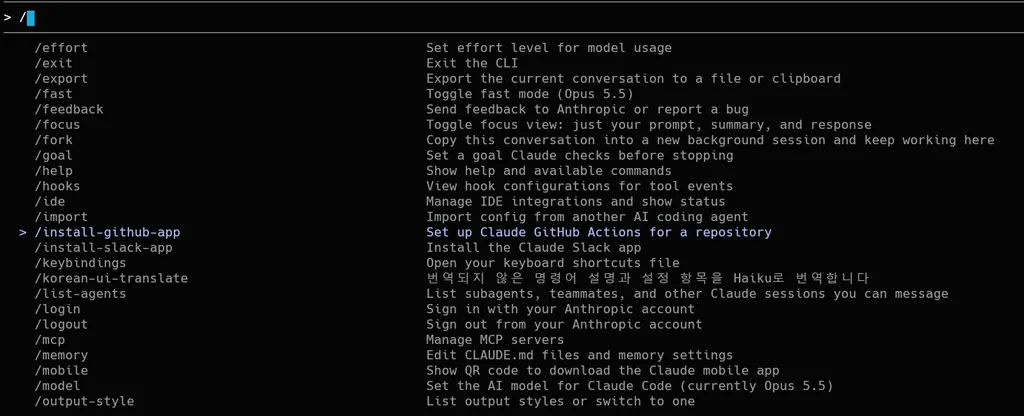
/podiumPodium fleet console: link, connection state, naming this session, which Podium server (context), and answering a messaging request
Files
The author's source, 7 files. They load when you open them.
Facts
- Author
- eengelking
- Category
- Workflow
- Marketplace
- eengelking-marketplace
- Folder
- dist/claudecode
- Version
- 1.5.1
- License
- MIT
- Repo stars
- 86
- Last change
- 2026-11-05
- Language
- TypeScript
- Files
- 55