next-steps is a Claude Code workflow mod by bradtraversy.
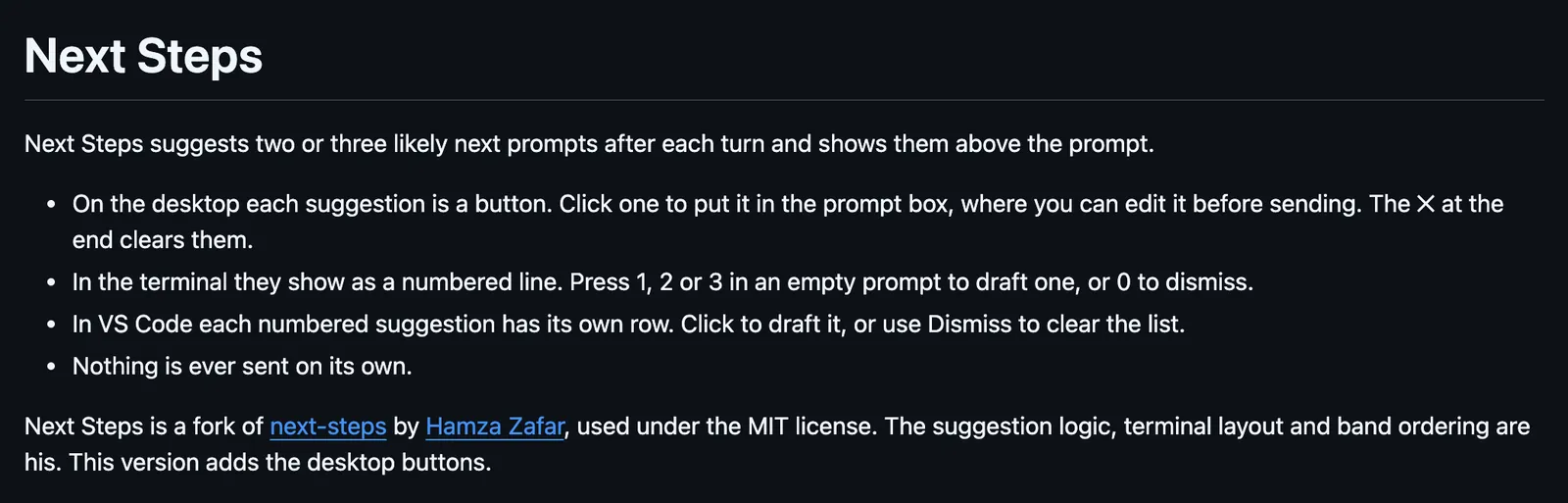
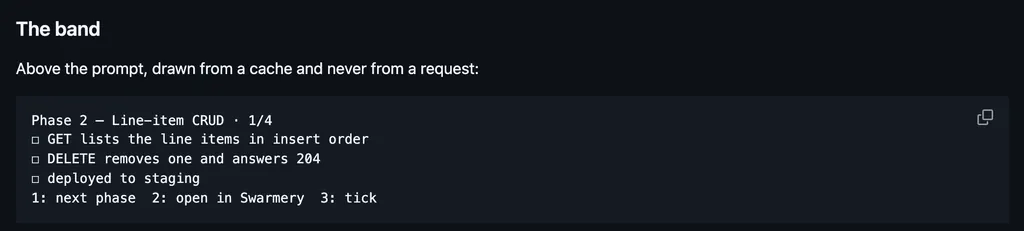
After each turn, has Haiku suggest two or three next prompts above the prompt, as buttons on the desktop that draft one, or 1, 2, and 3 in the terminal.
It runs inside the Claude Code process. The side panel is only what the author's README names. Read the repo before you install, or run claude plugin validate on the plugin folder.
Version
0.3.2
License
MIT
Repo stars
6
Last change
2026-10-20
What it can reach
Draws in the session
Needs Claude Code 2.1.287 or newer in the terminal, or a desktop app with Claude Code 2.1.286 or newer. Restart the session or run /reload-plugins after installing. When a turn ends with a reply, it sends the last few messages and the reply to Haiku, on your own login, and asks for two or three short follow-up prompts. That is one small model call per turn. It waits while background agents run, and skips very short replies. On the desktop each suggestion is a button that puts it in the prompt box to edit, and the cross clears them. In the terminal they are a numbered line: 1, 2, or 3 in an empty prompt drafts one, and 0 dismisses them. In VS Code each has its own row. Nothing is ever sent on its own. The language option, set with --config language=Korean for example, changes the suggestions' language.
The install name is next-steps. This page adds the author's name. The marketplace name is traversy-mods. The marketplace also holds session-hud and tool-cards. This one installs on its own. Suggesting your next prompt is why this page files it under workflow. The README calls it a fork of next-steps, by hamzafer, which draws two or three likely next prompts after each turn, where 1, 2, or 3 drafts one. The suggestion logic and the terminal layout are his. This version adds the desktop buttons.
Demo
Screenshot of the author's GitHub page.
What it hooks into
prompt.submitWhen you send a prompt
turn.startWhen Claude starts a turn
turn.completeWhen a turn ends
prompt.editWhen you edit the prompt
ui.renderDraws into the sessionAbovePrompt
Read from the on() calls in its hook modules. Open its source under Files to check what each one does.
Files
The author's README and source, 4 files. They load when you open them.