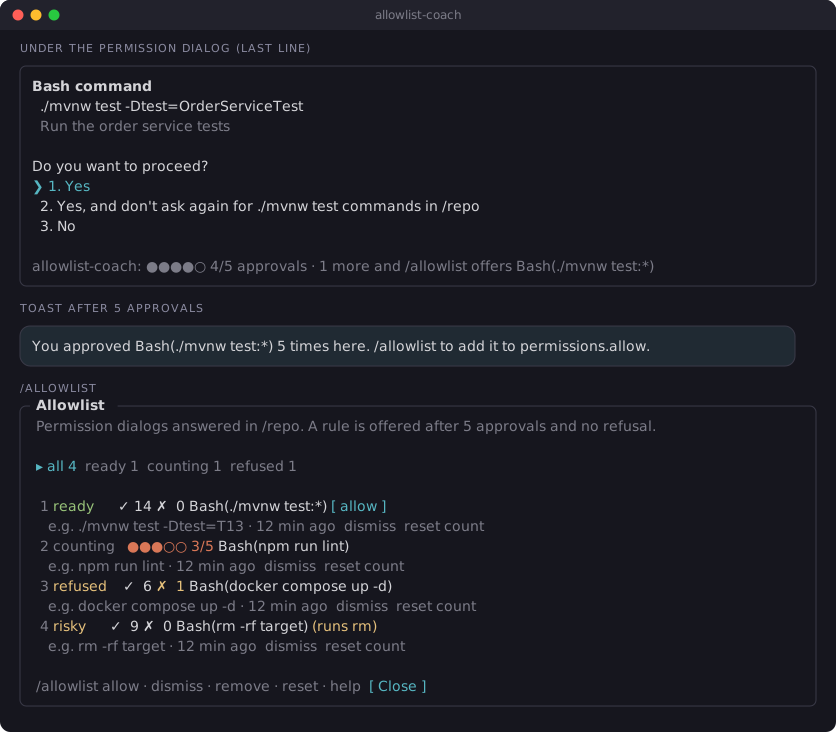
It runs inside the Claude Code process. The side panel is only what the author's README names. Read the repo before you install, or run claude plugin validate on the plugin folder.
Version
1.2.0
License
Apache-2.0
Repo stars
9
Last change
2026-10-14
What it can reach
Draws in the session
Reaches the network or an outside service
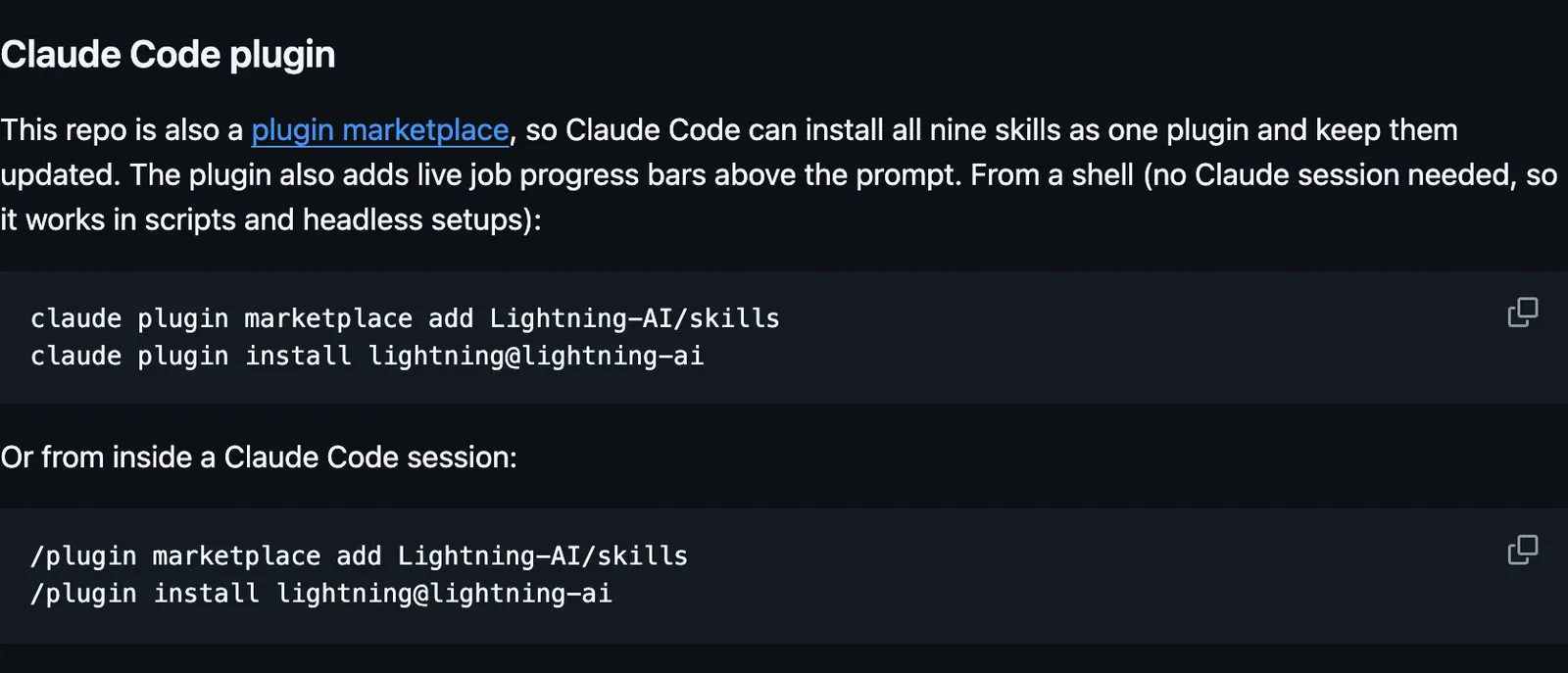
Needs Python 3.11 or later with uv or pip. The skills use the lightning CLI, and install lightning-sdk when it is missing or too old. Sign in once with lightning login, or set LIGHTNING_API_KEY where there is no browser. Inside a Studio you are already signed in. Local LitData processing needs no Lightning AI account. The skills and the progress bars reach Lightning AI at https://lightning.ai through that CLI. The author warns that these skills create real, billed resources on your Lightning AI account (Studios, jobs, deployments, sandboxes). They ask before anything that spends money or makes something public, but you are responsible for what runs under your account. The skills are namespaced, such as /lightning:lightning-jobs.
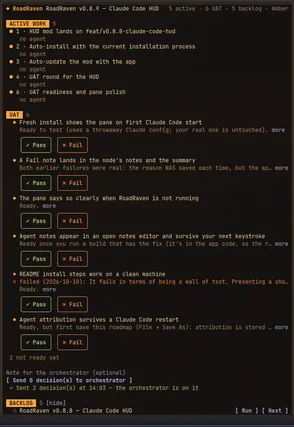
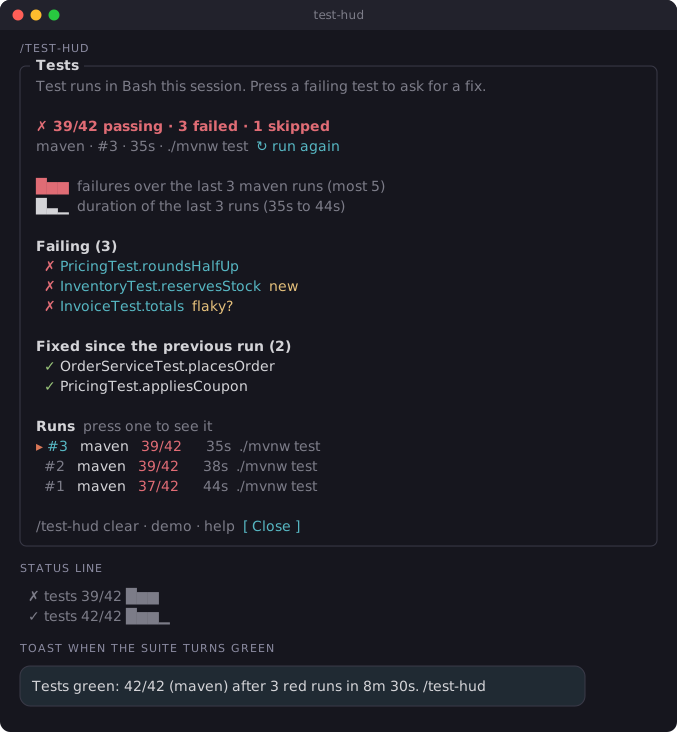
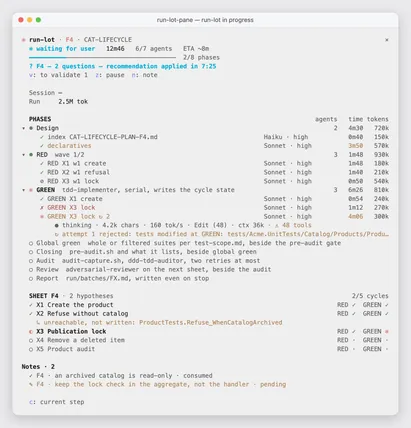
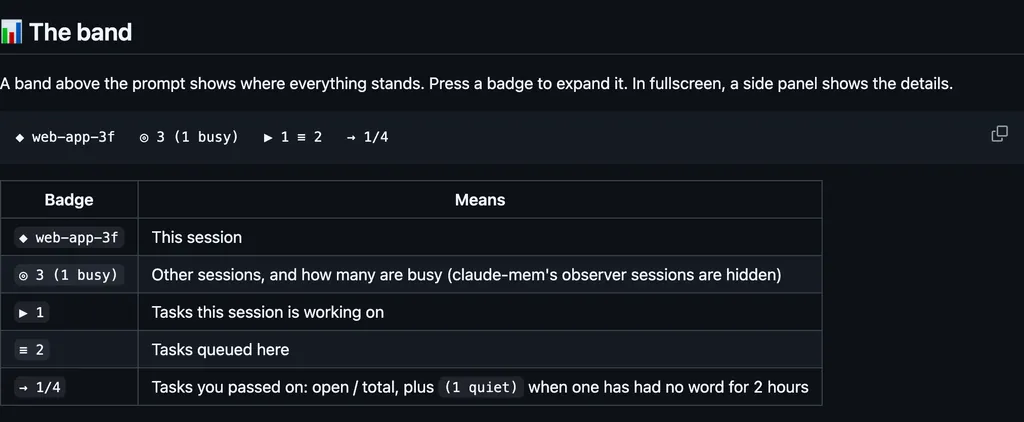
The plugin is the repository. The marketplace name is lightning-ai. The progress bars are why this page files it under workflow. ci-watch, after Claude pushes, opens a pull request, or pushes a tag, draws a progress bar above the prompt for each GitHub Actions run, then pass or fail. Nothing else on the shelf draws Lightning AI job progress. In the source, the desktop card asks before it stops a job, and Claude's own follow of that run's events is turned away because the mod already follows them. Events that need a reply are passed to Claude.
Demo
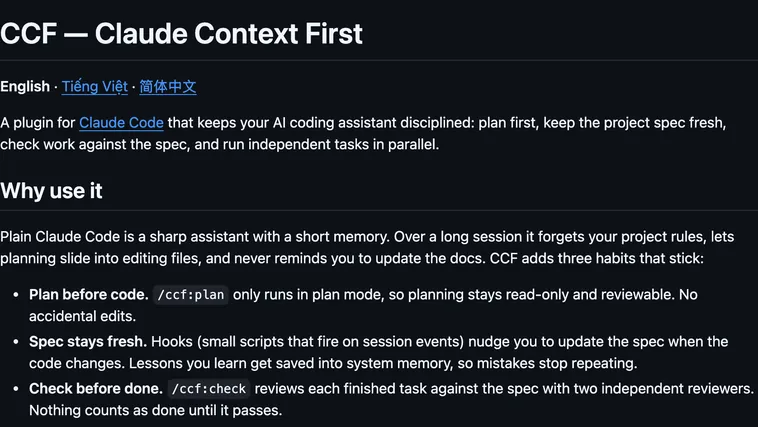
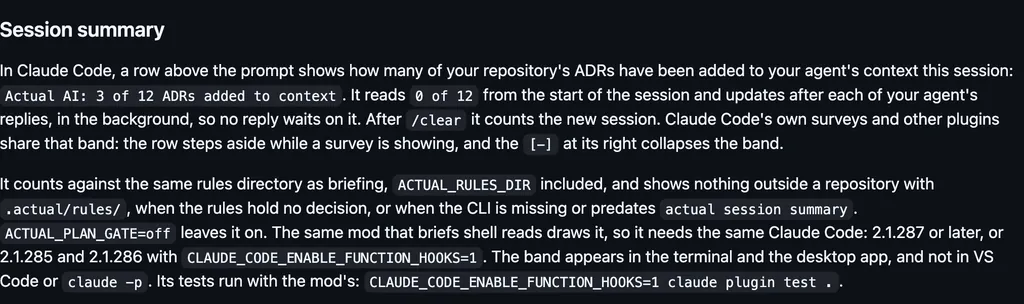
Screenshot of the author's GitHub page.
What it hooks into
session.startWhen a session starts
tool.callAround a tool call, where it can hold oneBashMonitor
turn.startWhen Claude starts a turn
turn.stepAt each step of a turn
turn.completeWhen a turn ends
skill.promptA Claude Code event
ui.renderDraws into the sessionAbovePrompt
Read from the on() calls in its hook modules. Open its source under Files to check what each one does.
Files
The author's README and source, 4 files. They load when you open them.