It runs inside the Claude Code process. The side panel is only what the author's README names. Read the repo before you install, or run claude plugin validate on the plugin folder.
Version
0.2.4
License
MIT
Repo stars
4
Last change
2026-10-24
What it can reach
Draws in the session
Reads usage or context figures
Runs a command when you press
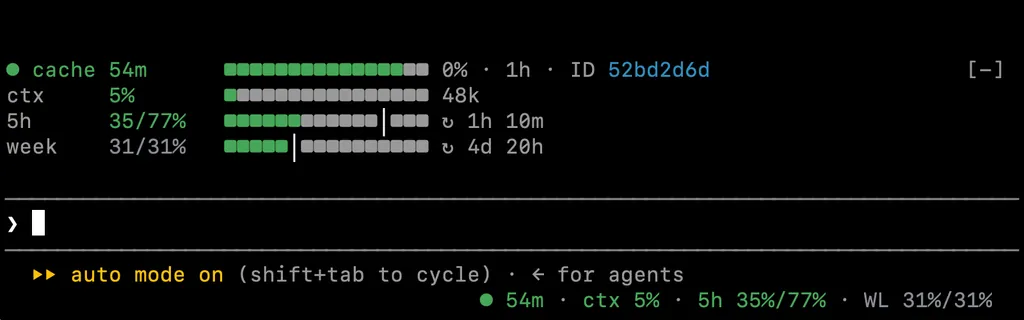
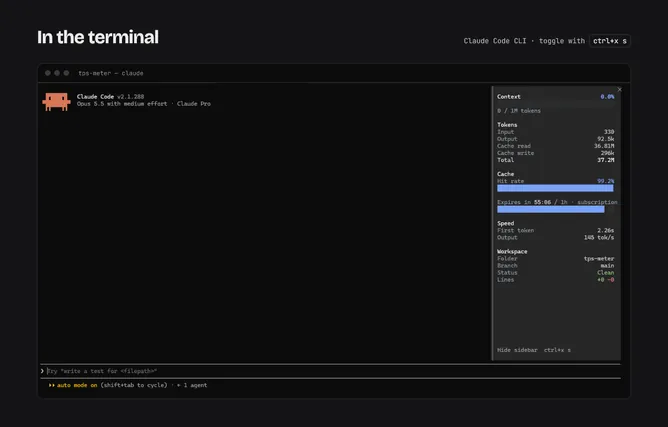
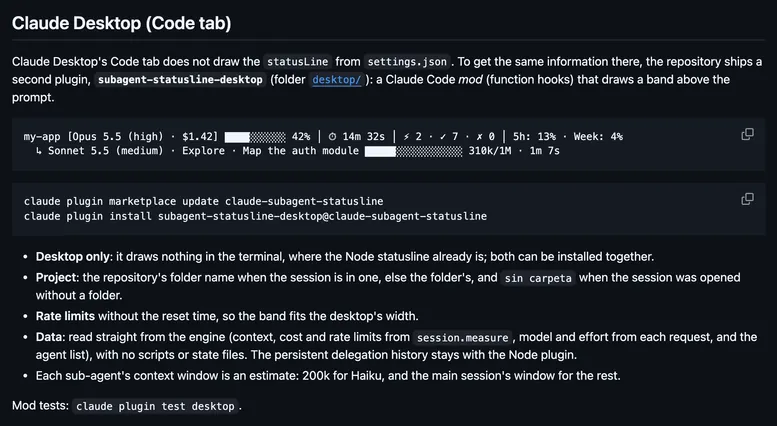
Built and tested against Claude Code 2.1.295, the engine in the Claude desktop app 2.31226.1; the function-hook API is in early access. The commands also work inside Claude Code with /plugin in place of claude plugin. New sessions load the changes. It already contains context-meter and usage-limits: install it or those two, not both. The limits show only on a subscription plan. In the terminal, ctrl+x tab moves into the band and ctrl+x ctrl+a collapses it. usagePosition puts the usage row below or above.
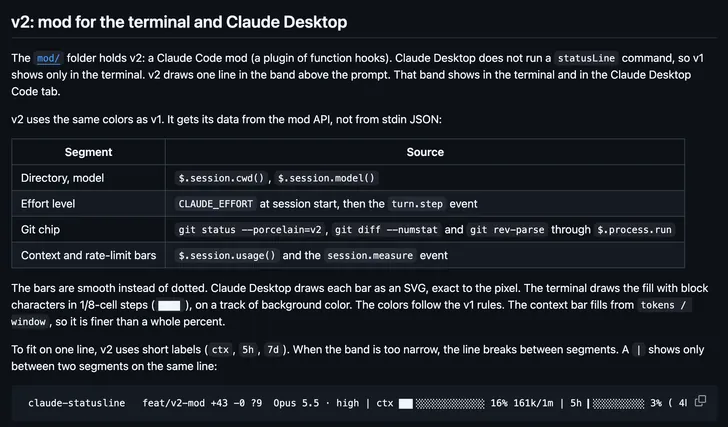
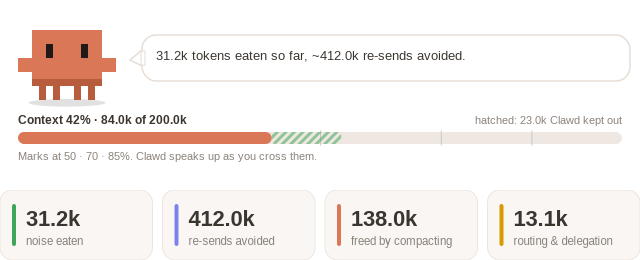
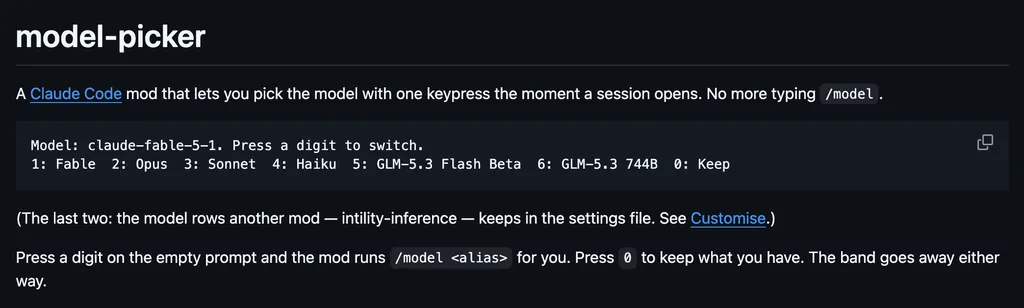
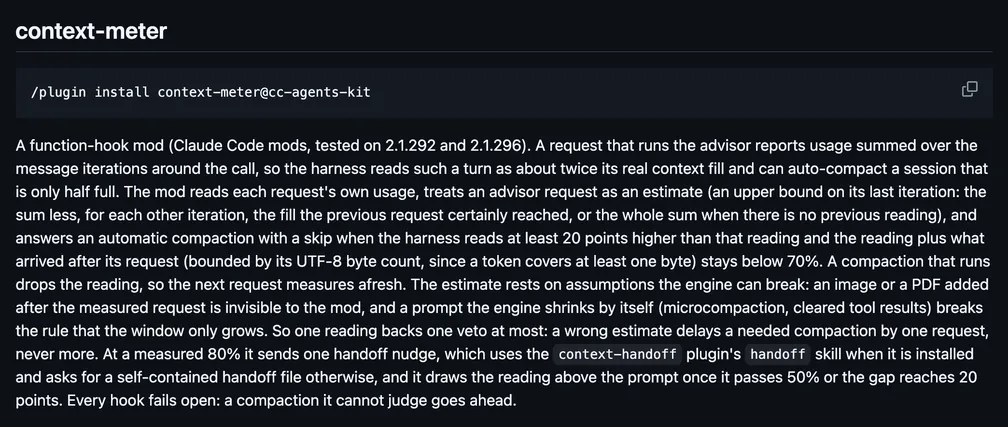
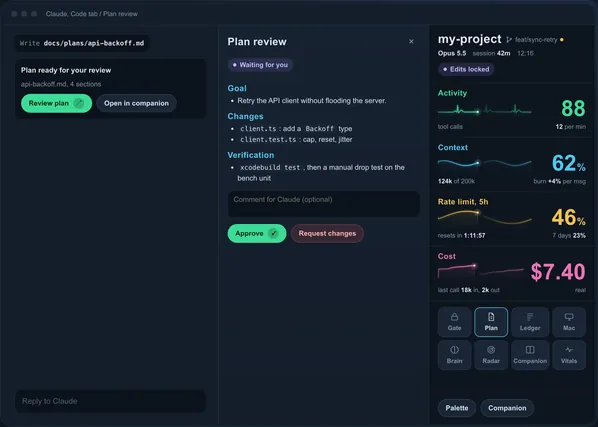
The marketplace name is T-AI-Labs, and it lists five mods, each installed on its own; the README says to start here. The context and the limits are why this page files it under usage. usage-quota, by anantraghunath, draws the limits with a forecast and the context, with a Compact button and auto compact at a set percent. statuspane, by xuanji86, draws a card with the model, a context gauge, the limits, and the session cost. This one is the author's context-meter and usage-limits in one band: the threshold compacts on its own once the fill reaches it, Compact runs /compact, Clear runs /clear, and each limit shows the time until it resets. The README says the rows cost no tokens; a compaction does.
Demo
From the author's repo.
What it hooks into
session.startWhen a session starts
classic.SessionStartA Claude Code event
session.endWhen a session ends
session.measureWhen usage is measured
session.compactWhen the context is compacted
ui.renderDraws into the sessionAbovePrompt
Read from the on() calls in its hook modules. Open its source under Files to check what each one does.
Files
The author's source, 3 files. They load when you open them.