All shelves / Mods / Workflow
taskplanner
By smekai
taskplanner is a Claude Code workflow mod by smekai.
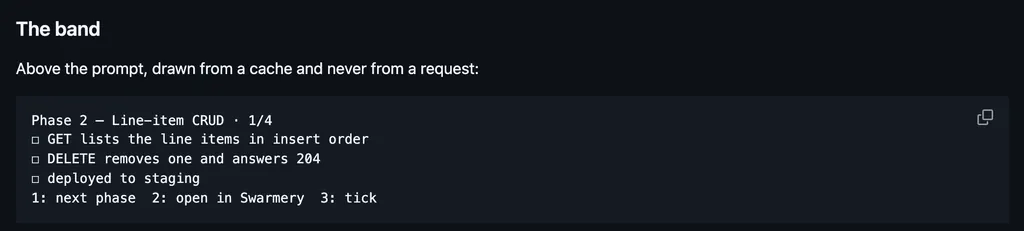
Opens a board of the repo's .tasks/ Markdown tasks beside the transcript to move, add, or start one with Claude, and names the one in progress above the prompt.
Draws
Install
The marketplace name is refined-taskplanner.
/plugin install taskplanner --marketplace smekai/taskplannerIt runs inside the Claude Code process. The side panel is only what the author's README names. Read the repo before you install, or run claude plugin validate on the plugin folder.
- Version
- 3.0.18
- License
- MIT
- Repo stars
- 23
- Last change
- 2026-11-07
What it can reach
- Draws in the session
- Reads this turn's file edits
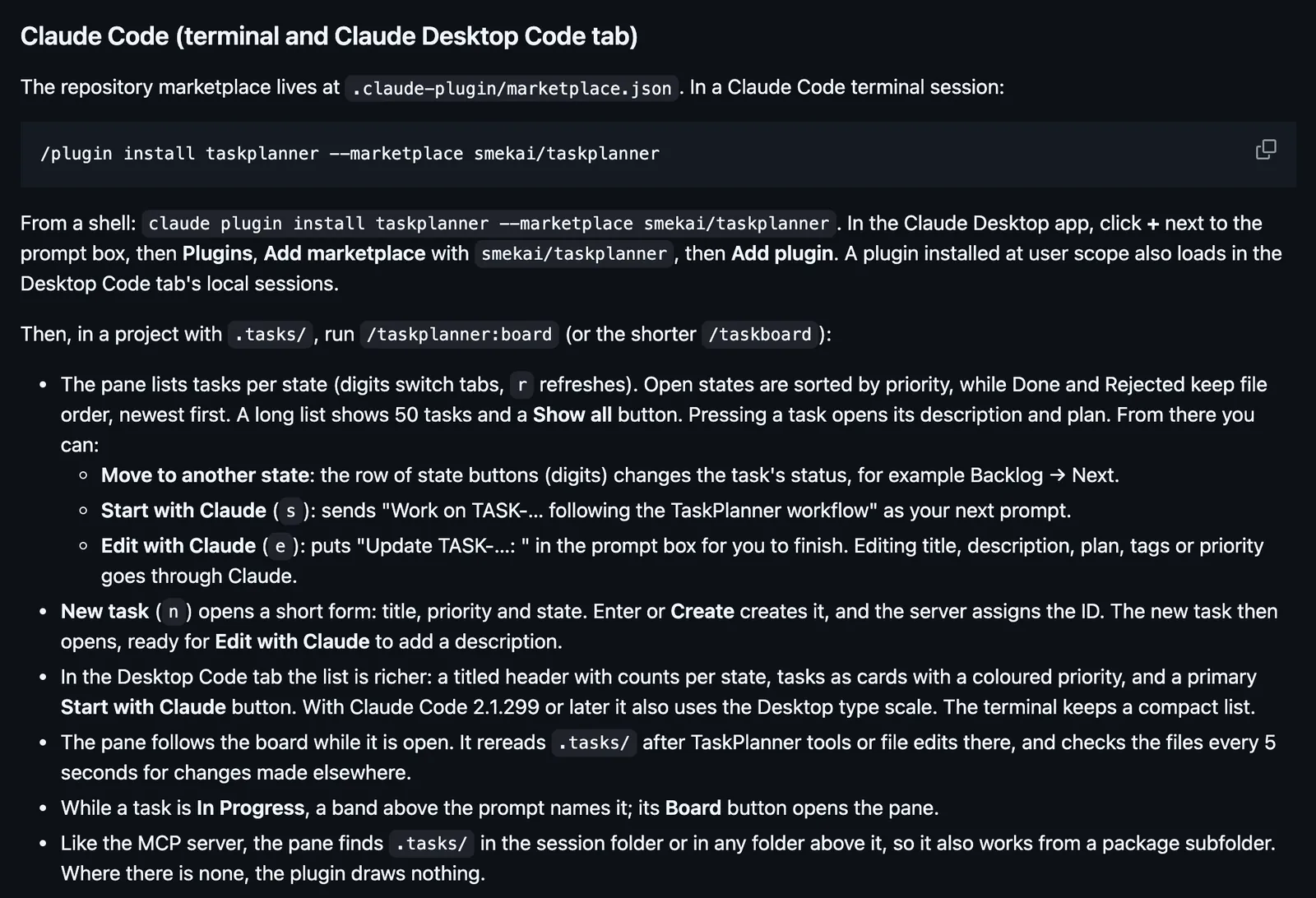
Needs Claude Code 2.1.287 or later in the terminal, or 2.1.286 or later in the Desktop Code tab, Node.js for the plugin's MCP server, and a workspace with a .tasks/ directory, which TaskPlanner: Initialize Project in the TaskPlanner VS Code extension creates. Then run /taskplanner:board, or /taskboard. From a shell: claude plugin install taskplanner --marketplace smekai/taskplanner. In the Desktop app, click + next to the prompt box, then Plugins, Add marketplace with smekai/taskplanner, then Add plugin. The pane is not drawn in Desktop WSL sessions, the VS Code extension's chat panel, or claude -p; there the commands reply with a text digest. A wide fullscreen terminal docks the pane beside the transcript, and a narrower one opens it above the prompt. If the project's .mcp.json also runs npx @smekai/taskplanner, remove that entry, or Claude sees the tools twice.
The marketplace, refined-taskplanner, holds this one plugin, which also ships for Cursor and Codex with an MCP server of 8 tools, skills, and a rule. The board pane is why this page files it under workflow. jaira-cockpit, for Jaira, a markdown kanban for agent work, draws the tickets waiting on you. roadraven-hud draws a live pane of RoadRaven's plan tree, with a backlog you can start. This one keeps tasks as ## TASK-### sections in .tasks/*.md, and moves and creates them through its own MCP server, so IDs, timestamps, and layout stay as the server writes them. Start with Claude sends a prompt to work on the task, and Edit with Claude puts Update TASK- in the prompt box for you to finish. When your permission rules would only ask, the mod approves its own move or create call, so no prompt appears.
Demo
What it hooks into
session.startWhen a session startscommand.runWhen you run its slash command/taskboard/taskplanner:boardui.renderDraws into the sessionPaneAbovePromptui.pressA Claude Code eventui.inputA Claude Code eventtool.callAround a tool call, where it can hold oneui.closeWhen its pane closesturn.completeWhen a turn ends
Read from the on() calls in its hook modules. Open its source under Files to check what each one does.
Slash commands 1
/taskboardOpen the TaskPlanner board pane
Files
The author's README and source, 4 files. They load when you open them.
Facts
- Author
- smekai
- Category
- Workflow
- Marketplace
- refined-taskplanner
- Folder
- views/claude
- Version
- 3.0.18
- License
- MIT
- Repo stars
- 23
- Last change
- 2026-11-07
- Language
- HTML
- Files
- 25