It runs inside the Claude Code process. The side panel is only what the author's README names. Read the repo before you install, or run claude plugin validate on the plugin folder.
Version
0.1.2
Repo stars
10
Last change
2026-10-23
What it can reach
Draws in the session
Reaches the network or an outside service
Calls another program on this machine
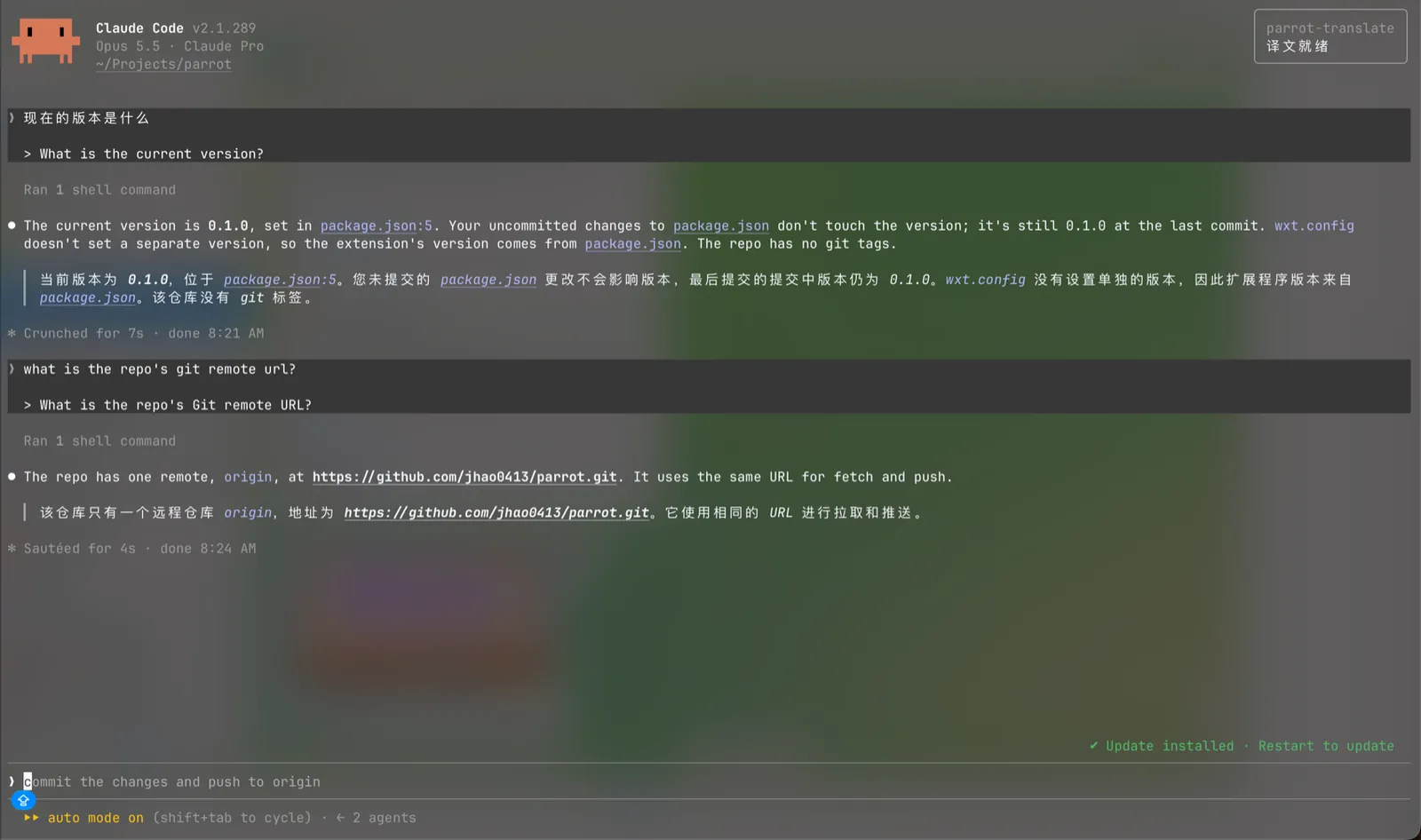
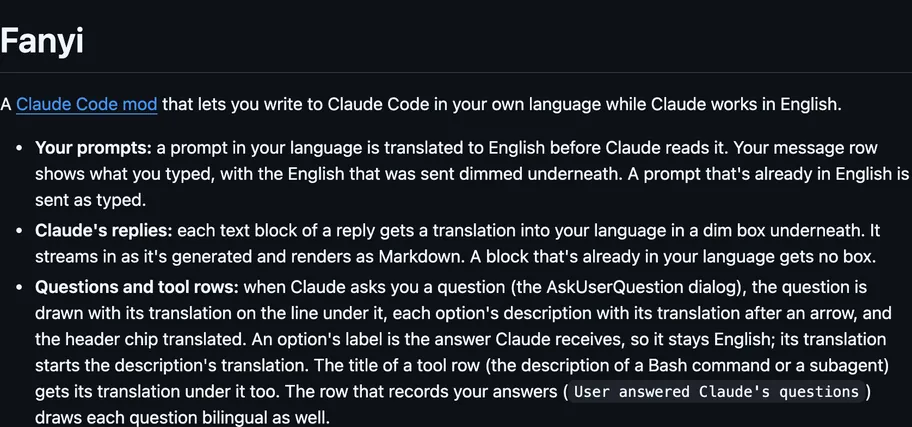
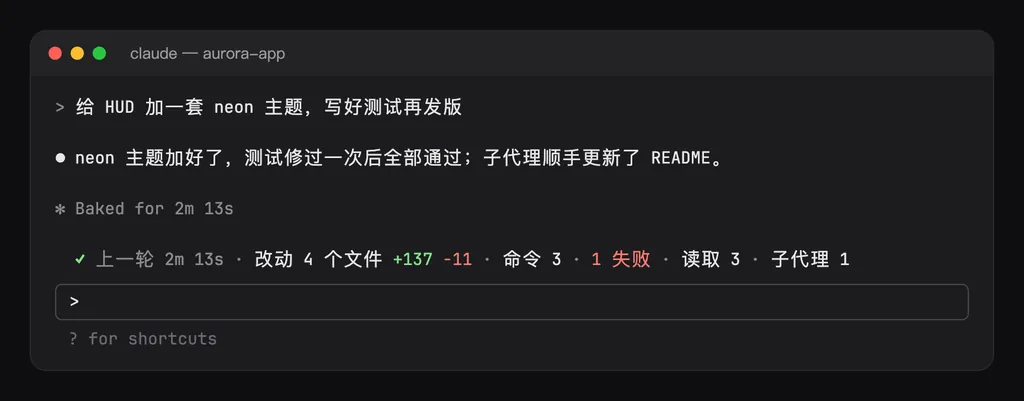
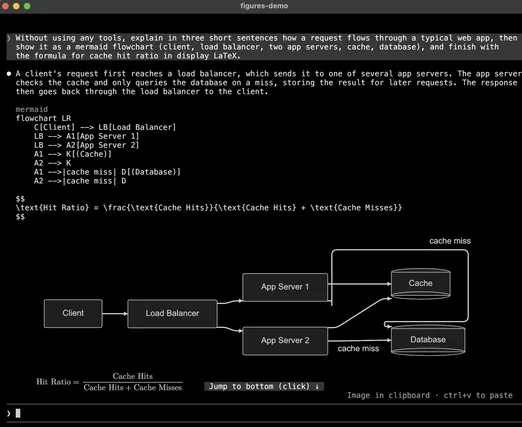
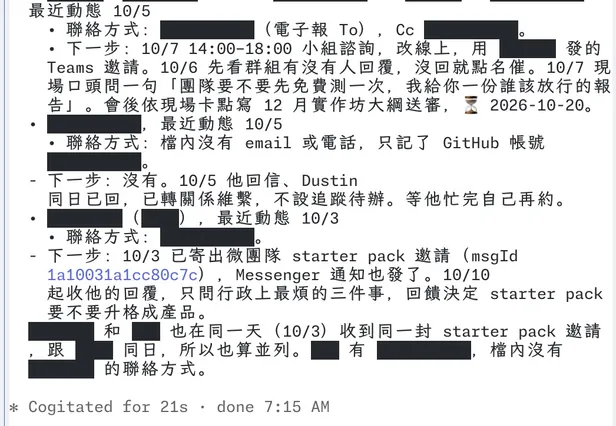
Needs Claude Code 2.1.287 or newer. If you installed it as parrot-translate, the README says to run claude plugin uninstall parrot-translate@parrot-agent-extensions and claude plugin marketplace remove parrot-agent-extensions first, and to rename the parrot-translate@parrot-agent-extensions key under pluginConfigs in ~/.claude/settings.json to sermo-translate@sermo, keeping its settings. By default each prompt is rewritten into English before the turn starts: another language is translated, and English is only corrected for grammar, spelling, and layout. The original stays on screen above the English that was sent. If the rewrite still fails after three retries, the message is not sent, and a notice says so. By default the reply's translation is shown under each English paragraph, and translation_only shows the translation alone. Ctrl+Y or /translate hides or shows it, /translate only and /translate bilingual switch the view for the session, and /translate on and /translate off turn translation on or off both ways. The status line shows Translation: on or off. Code blocks are not translated. The translation and the side-by-side prompt are display only, and the conversation the model reads stays in English. Most notices are in Simplified Chinese. The reply language defaults to Simplified Chinese. By default the provider is microsoft, and the text goes to Microsoft's Edge translate service. You can switch the provider to the session's own model, or to an OpenAI-compatible address. A local address is requested with curl, and that address defaults to http://127.0.0.1:8021/v1. Options are show_by_default, translation_only, outbound, lang, provider, model, base_url, and api_key, in /config or under pluginConfigs for sermo-translate@sermo in ~/.claude/settings.json. To uninstall, the README says to delete that entry, to remove the sermo marketplace, and to delete a ctrl+y line in ~/.claude/keybindings.json if one is there. A diagnostic log is written to /tmp/pt-live.log, keeping the last 60 lines. The README does not say how to delete that log.
Formerly parrot-translate in jhao0413/parrot-agent-extensions. The author renamed the repository to sermo and the plugin to sermo-translate, and the marketplace name is now sermo. The marketplace lists only this plugin. The repository also documents a Pi extension. This page installs the Claude Code plugin. translate-view translates each prompt before sending it and draws the reply's translation in a side pane, sending the text to a Chat Completions service you set. This one draws the translation under the reply. The session provider is a model call on your own Claude login, so that path is not listed as network access. curl is the local program, and only for the OpenAI-compatible address. A remote address on that path is the same network access.
Demo
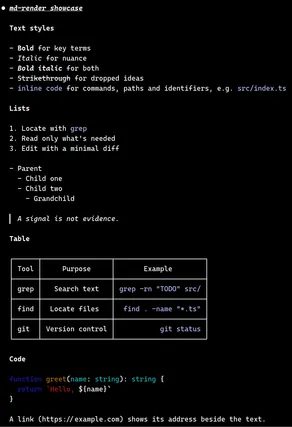
From the author's repo.
What it hooks into
session.startWhen a session starts
command.runWhen you run its slash command/translate
ui.renderDraws into the sessionAssistantMessageUserMessage
prompt.submitWhen you send a prompt
Read from the on() calls in its hook modules. Open its source under Files to check what each one does.