All shelves / Mods / Workflow
remctl
By viticci
remctl is a Claude Code workflow mod by viticci.
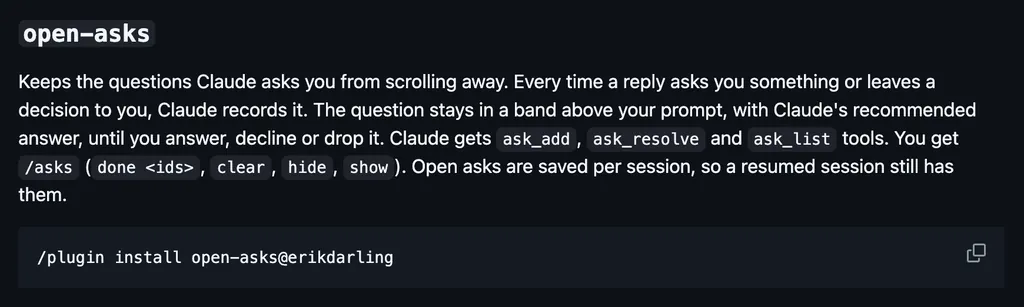
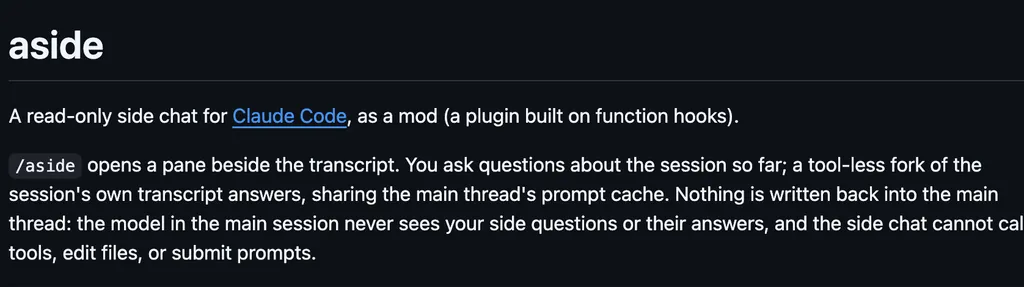
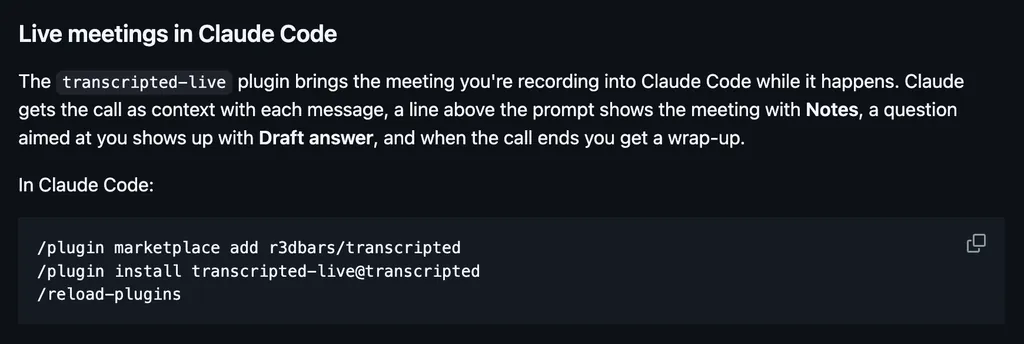
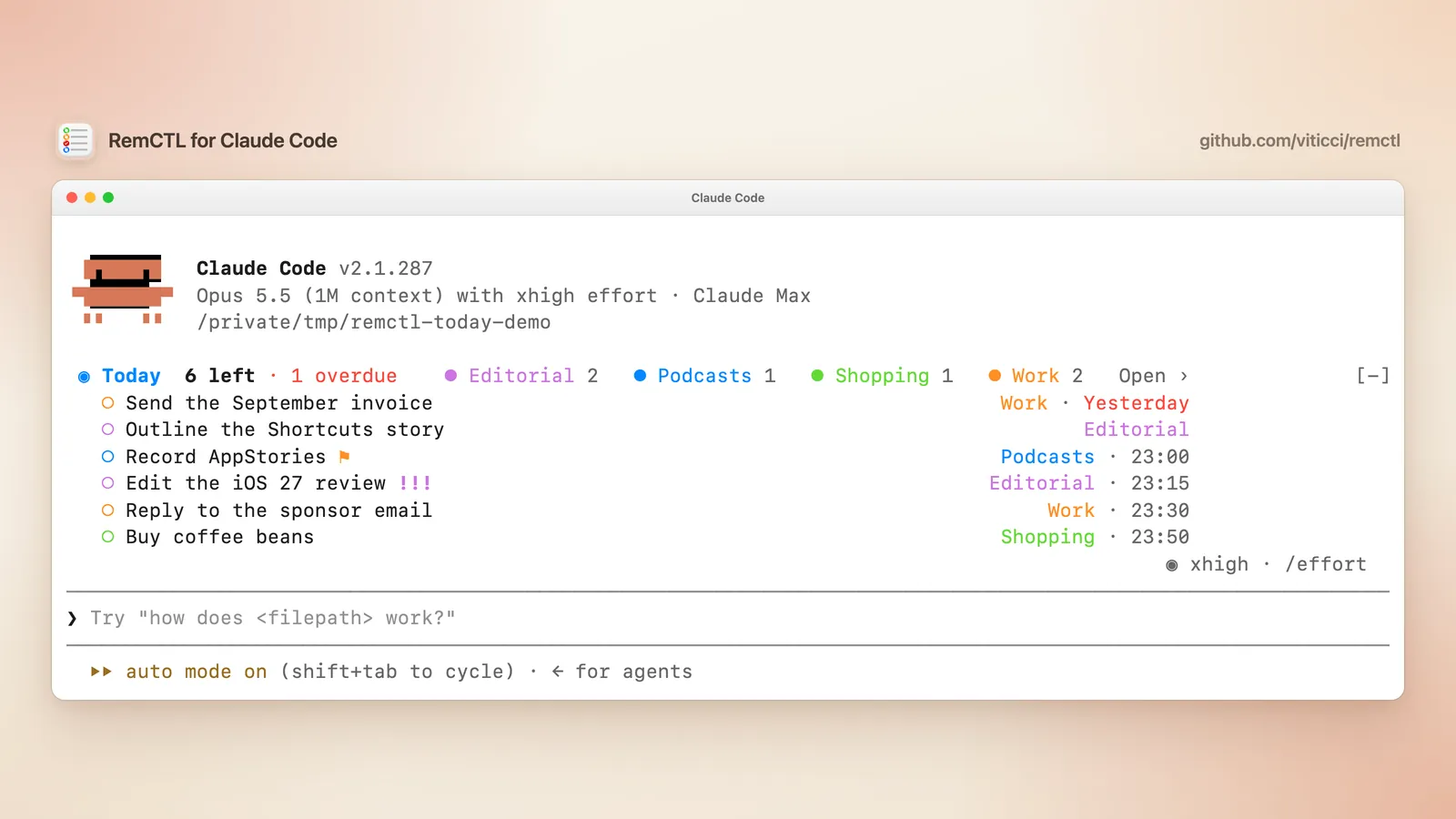
Draws today's Apple Reminders above the prompt in your lists' colors, with a /reminders pane where ✓ completes a task, and gives Claude RemCTL's tools.
Draws
Install
The marketplace name is remctl.
claude plugin marketplace add viticci/remctl
claude plugin install remctl@remctl
It runs inside the Claude Code process. The side panel is only what the author's README names. Read the repo before you install, or run claude plugin validate on the plugin folder.
- Version
- 2.4.0
- License
- MIT
- Repo stars
- 633
- Last change
- 2026-10-23
What it can reach
- Draws in the session
- Calls another program on this machine
- Runs a command when you press
macOS 14 or later with iCloud Reminders, and the RemCTL app installed first, from the README's download for Apple silicon or by building it from the repo. Setup asks for Reminders, Automation for the Reminders app, and Full Disk Access, all for the RemCTL Capability Host app, which holds the permissions so the terminal and Claude Code need none of their own. The band and /reminders need Claude Code 2.1.287 or later; older versions still get RemCTL's tools. The author says the plugin starts remctl mcp from ~/bin or ~/.local/bin, which can read, create, edit, and complete your reminders. The band shows how many tasks are left today and how many are overdue, a chip per list in its color, and your next few tasks, with ⚑ for flagged and ! to !!! for priority; Open › opens /reminders. The pane groups today's tasks by list and docks beside the conversation in a window at least 110 columns wide. ✓ completes a task, and Undo brings back the last one, except for a repeating task. It reads Reminders again whenever Claude changes a reminder through RemCTL, after /clear, and every five minutes. In /config, Show tasks as switches between band, compact, status, and pane only. If you connected Claude Code before with remctl mcp install --client claude-code, remove that connection so Claude does not see every tool twice.
The marketplace, remctl, holds only this plugin, from the repo's plugins/claude-code folder. To update it, run claude plugin marketplace update remctl, then claude plugin update remctl@remctl. RemCTL itself also runs from the terminal, from other AI apps through its MCP server, and as a Reminders workspace in Codex. Today's tasks beside the session are why this page files it under workflow. brewmod-reminders, by kochetkov-ma, keeps reminders as Markdown files that fire on time, and draws the fired ones in a later session. inbox-alerts, by OneWave-AI, draws Gmail, Slack, and Calendar alerts as toasts, a status count, and a pane. This one works on your Apple Reminders themselves.
Demo
What it hooks into
session.startWhen a session startssession.endWhen a session endstool.callAround a tool call, where it can hold onecommand.runWhen you run its slash command/remindersui.closeWhen its pane closesui.renderDraws into the sessionAbovePromptPane
Read from the on() calls in its hook modules. Open its source under Files to check what each one does.
Slash commands 1
/remindersOpen today's Reminders in a pane, in your lists' colors
Files
The author's source, 3 files. They load when you open them.
Facts
- Author
- viticci
- Category
- Workflow
- Marketplace
- remctl
- Repo
- viticci/remctl
- Folder
- plugins/claude-code
- Version
- 2.4.0
- License
- MIT
- Repo stars
- 633
- Last change
- 2026-10-23
- Language
- HTML
- Files
- 6