scrubjay-ui is a Claude Code workflow mod by henba1.
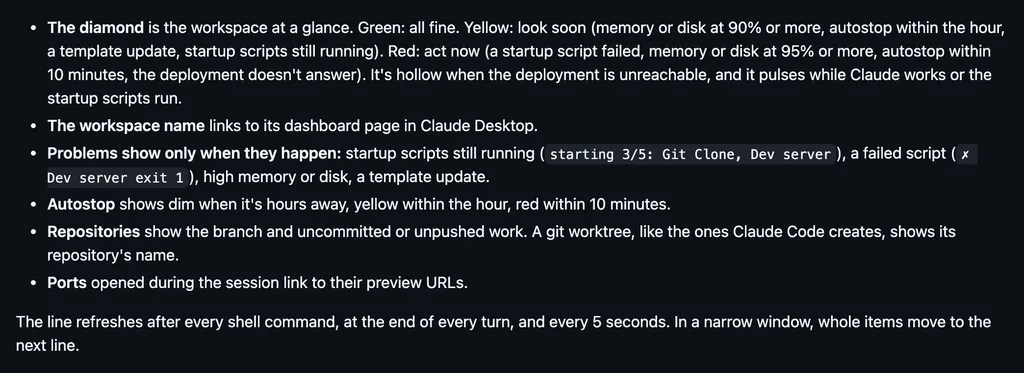
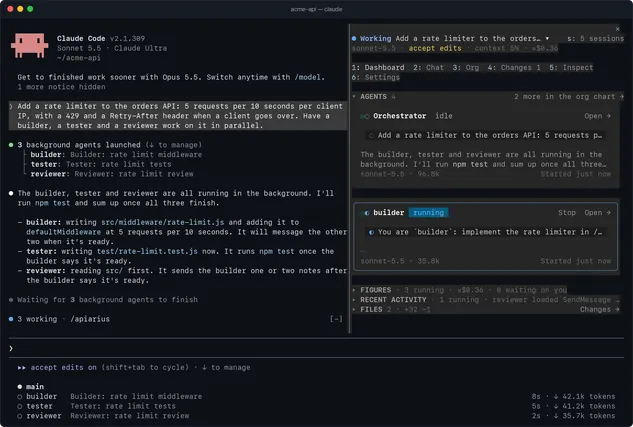
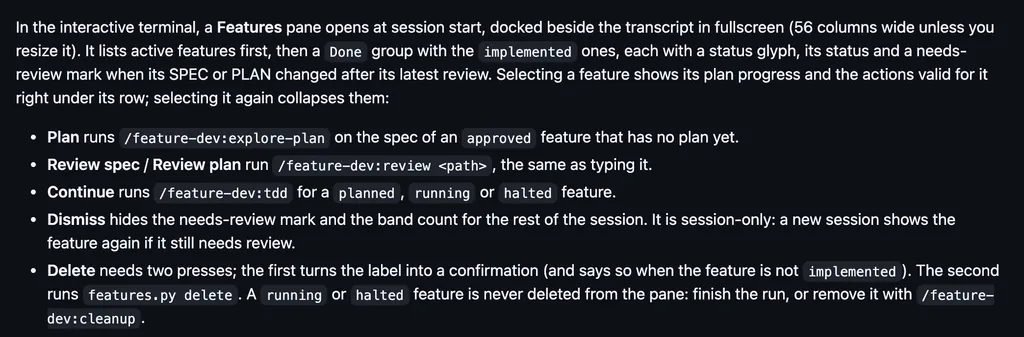
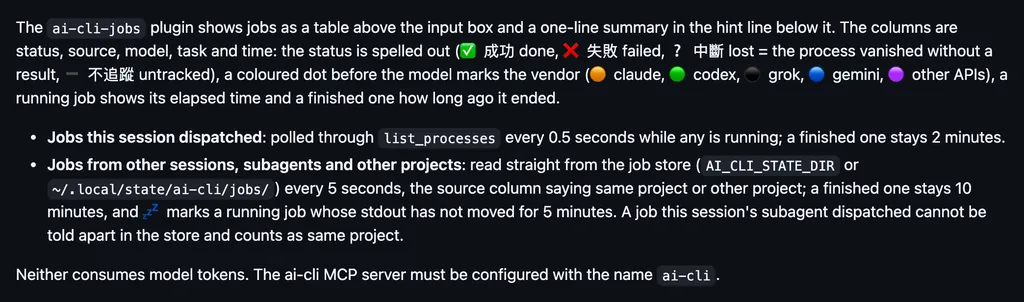
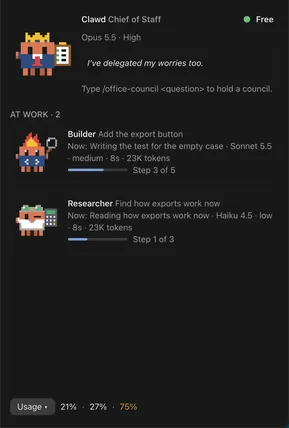
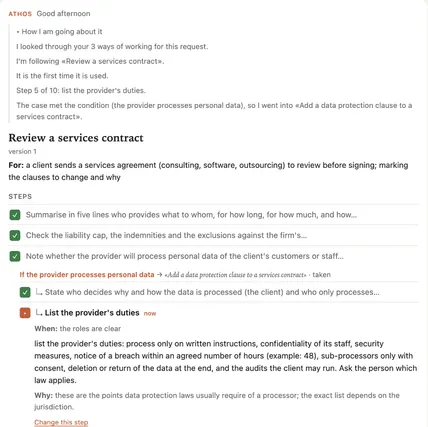
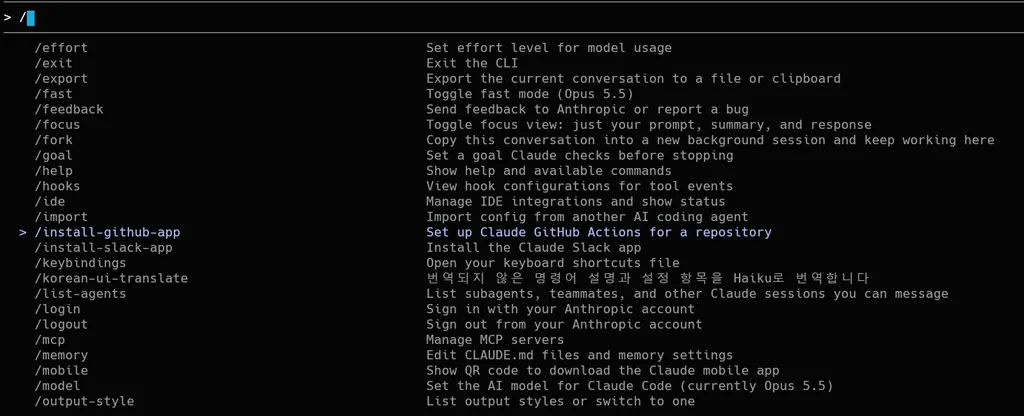
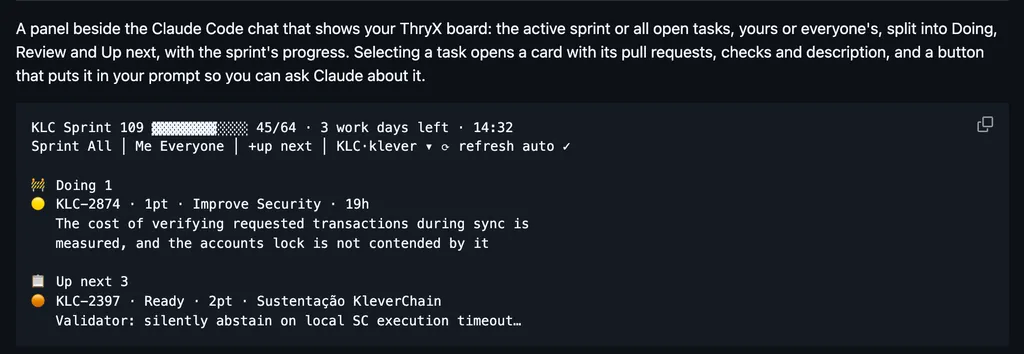
Draws named rows for scrubjay's archive lookups, live sync steps above the prompt, and its /sj commands in blue, for sessions kept on every machine you own.
It runs inside the Claude Code process. The side panel is only what the author's README names. Read the repo before you install, or run claude plugin validate on the plugin folder.
Version
0.2.0
Repo stars
18
Last change
2026-11-03
What it can reach
Draws in the session
It shows the work of scrubjay, so scrubjay has to be set up first: clone it and run bin/onboard.sh, with bash, jq, git, an SSH key on GitHub, and the gh CLI. Linux and Windows via WSL 2 are supported; macOS should work but isn't regularly tested yet, and native Windows is not supported. On WSL, install Claude Code inside the distro and launch it from there. The Claude Code mod is an optional extra; opencode gets its version automatically.
The marketplace, scrubjay, holds only this plugin. Keeping a session's history and setup across machines in view is why this page files it under workflow. cc-mod-park parks a session with /park and draws a button in a new session in that folder so you can resume it. session-saver saves where you left off with /park and draws the note when that session resumes. This one only draws scrubjay at work: a /sj command is painted blue, a named row shows each archive lookup, and live sync steps run above the prompt. The program behind it syncs your config through git, copies each session to your own NAS or a private GitHub repo when it ends, and brings one back on another machine with /sjresume or finds it by topic with /sjrecall. The README says Haiku writes a short title for each session when it ends, and that counts against your own Claude usage.
Demo
Screenshot of the author's GitHub page.
What it hooks into
session.startWhen a session starts
prompt.submitWhen you send a prompt
skill.promptA Claude Code event
tool.callAround a tool call, where it can hold one
turn.completeWhen a turn ends
ui.renderDraws into the sessionAbovePromptUserMessageToolUseToolResult
prompt.editWhen you edit the prompt
Read from the on() calls in its hook modules. Open its source under Files to check what each one does.
Files
The author's source, 3 files. They load when you open them.