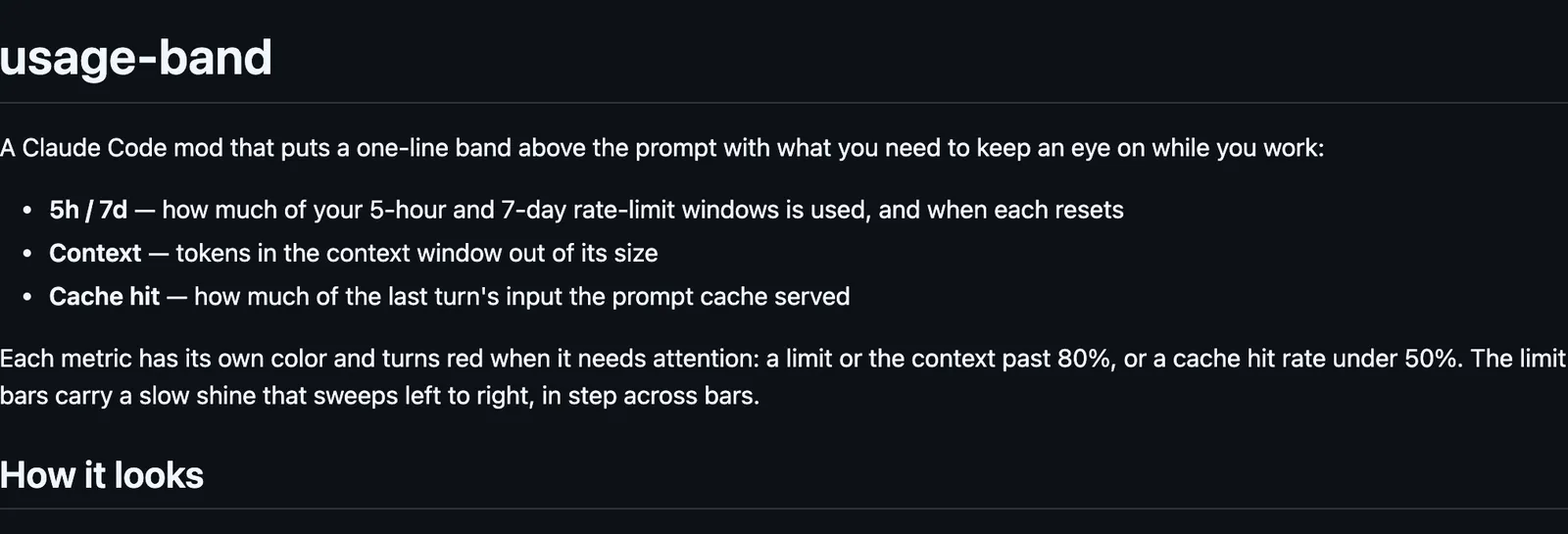
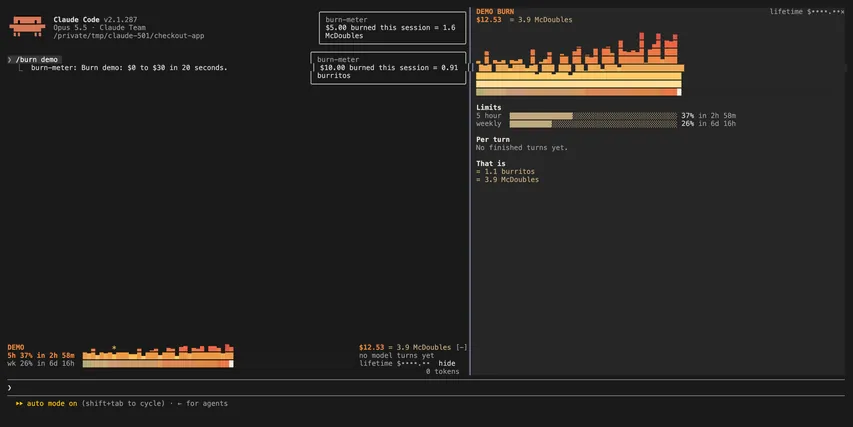
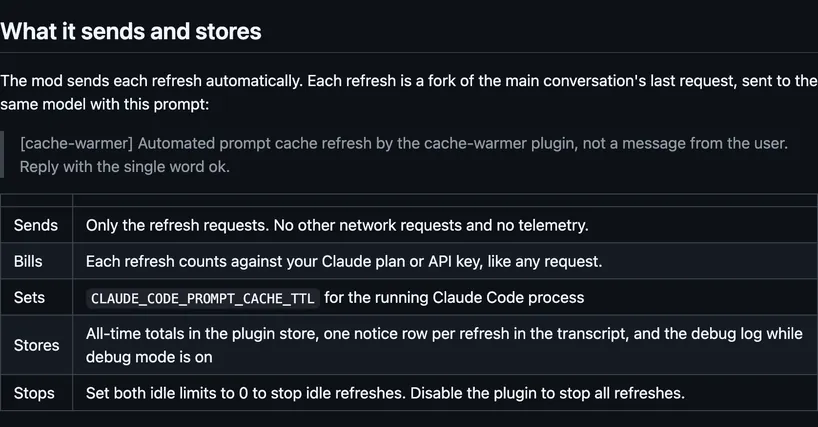
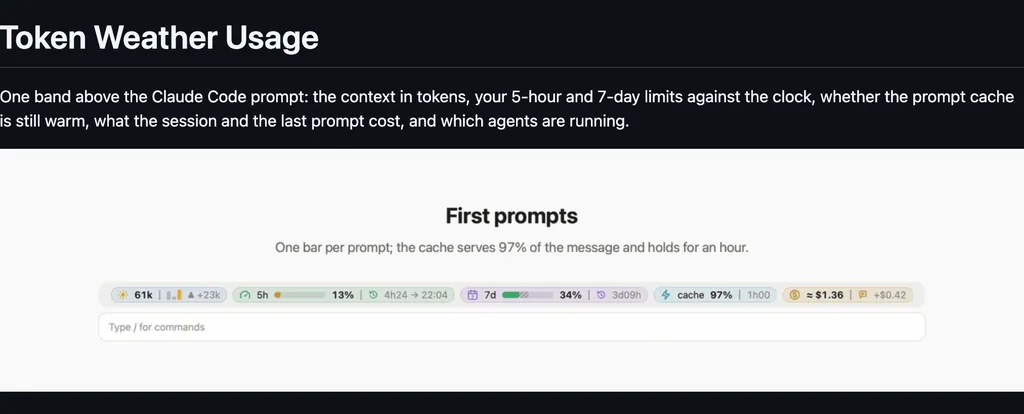
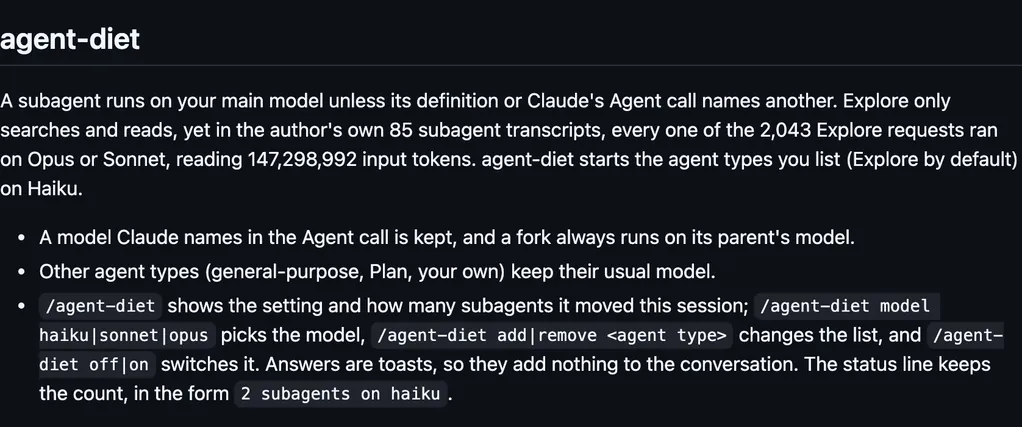
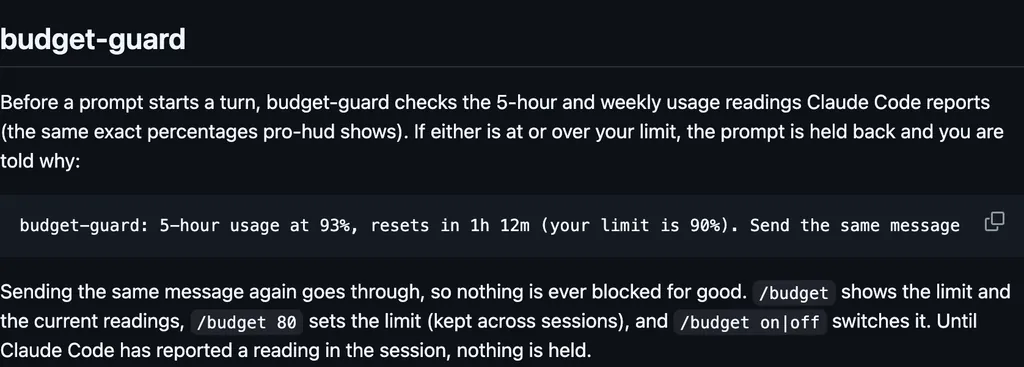
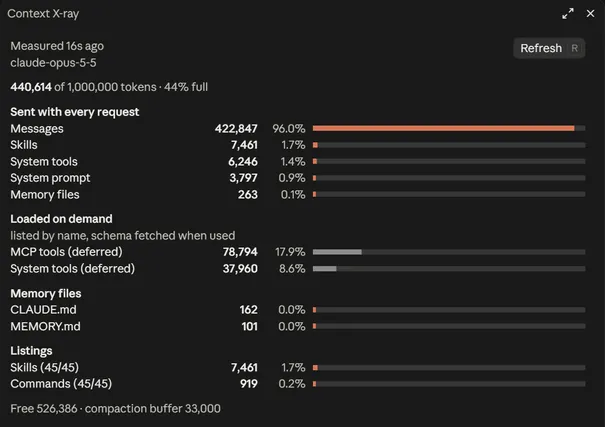
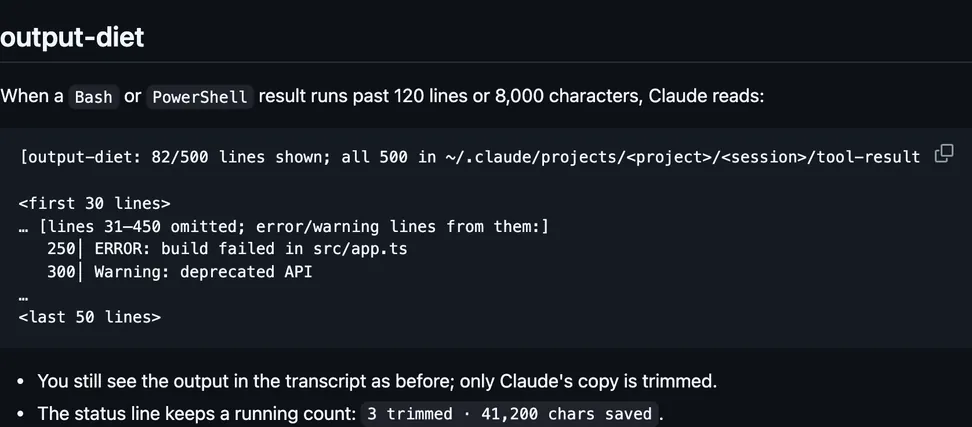
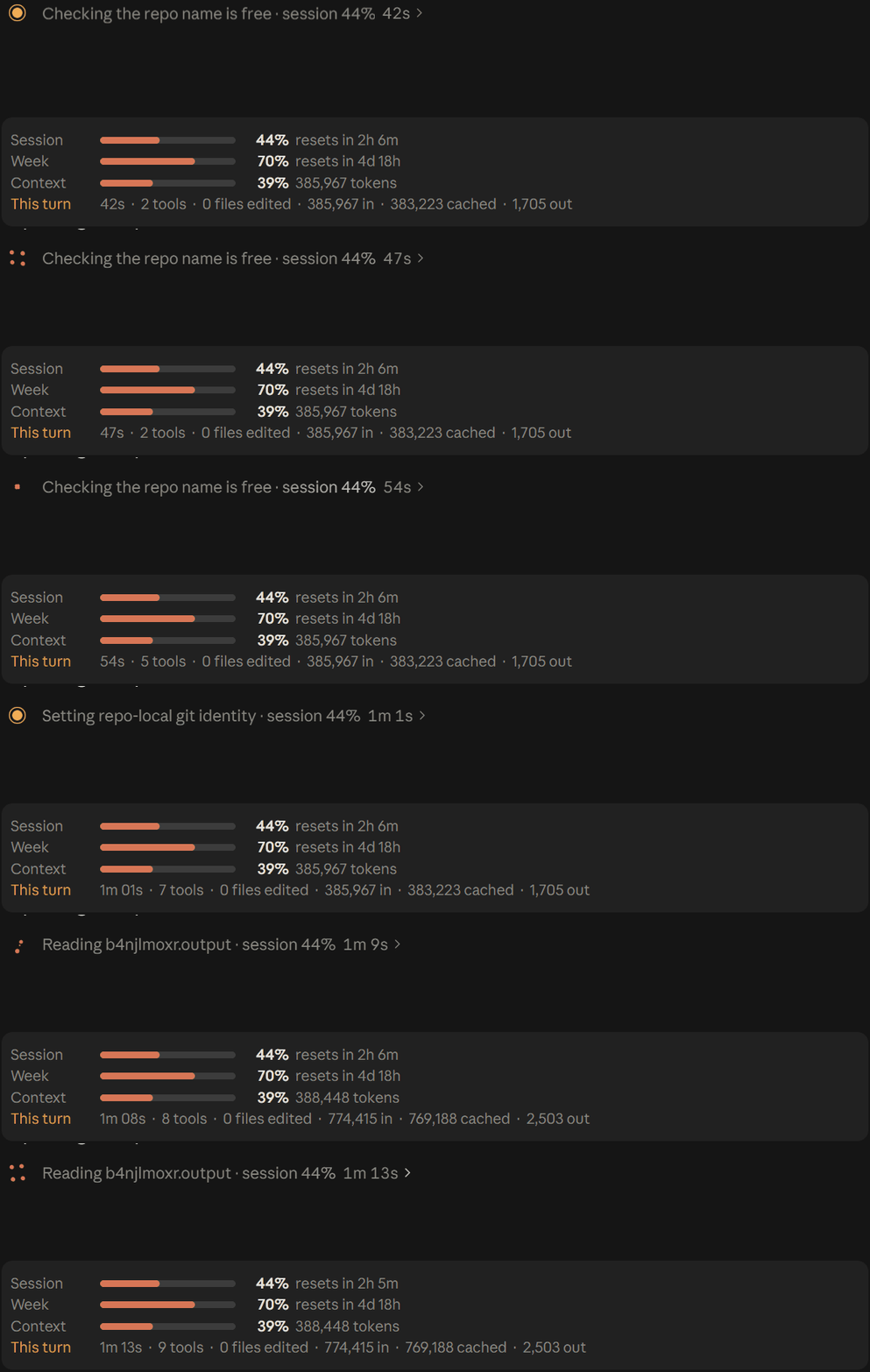
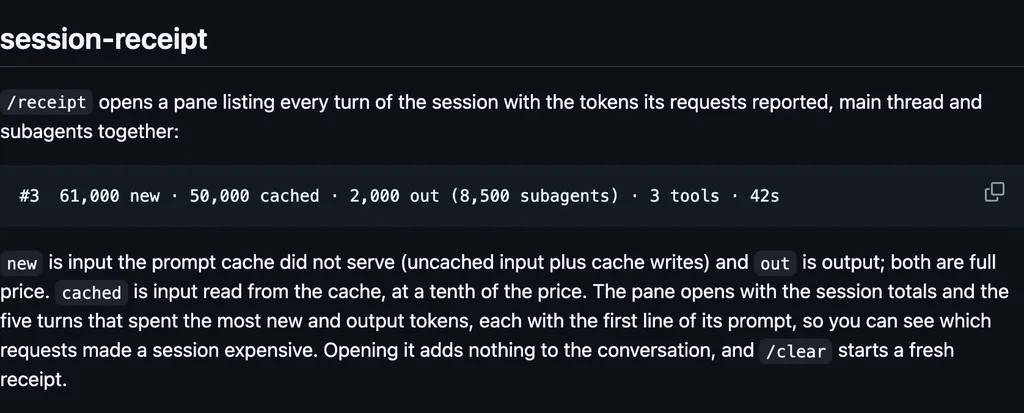
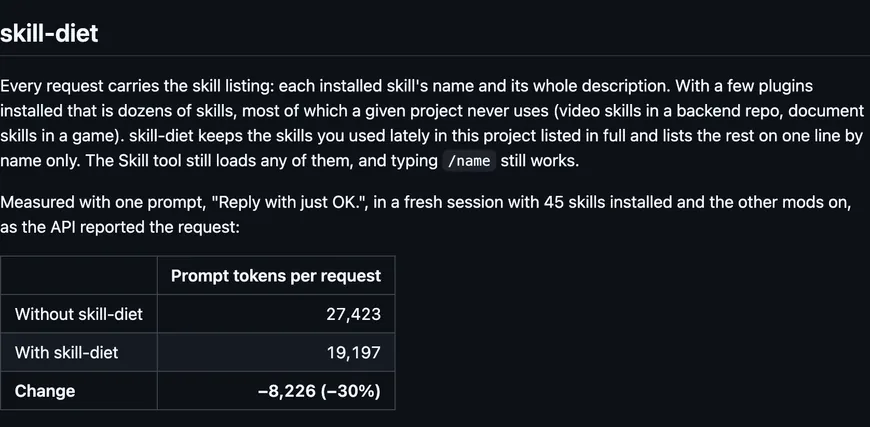
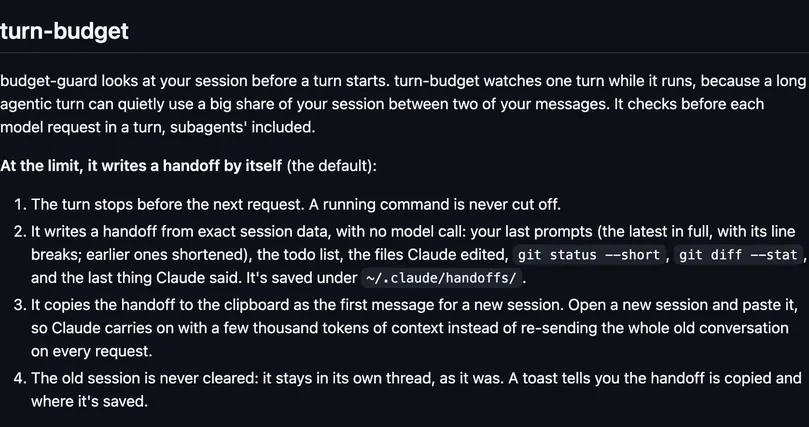
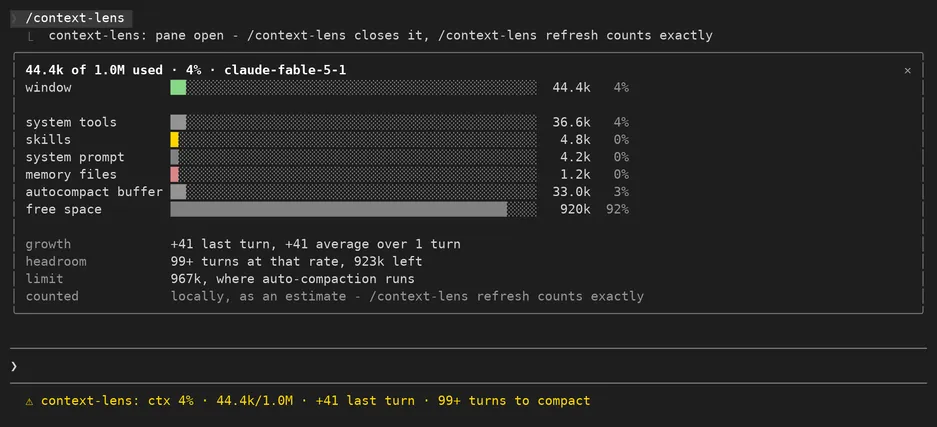
It runs inside the Claude Code process. The side panel is only what the author's README names. Read the repo before you install, or run claude plugin validate on the plugin folder.
Version
1.0.6
License
MIT
Repo stars
14
Last change
2026-10-03
What it can reach
Draws in the session
Reads usage or context figures
Open a new session, or run /reload-plugins. Nothing to configure. Best in Ghostty, which ships the icon font. Terminal icons follow the terminal: Nerd Font in Ghostty, plain Unicode elsewhere. To override, set USAGE_BAND_ICONS in your shell profile to auto, nerd, unicode, or ascii. /usage-band-preview shows the band in every terminal style. The 5-hour and 7-day figures come from the subscription rate-limit headers, after the first response, and only on a subscription. A limit or the context turns red past 80 percent, and a cache hit under 50 percent turns red. On a narrow terminal the bars drop first, then the countdowns. The desktop Code tab draws one SVG row. It reads the session's usage figures, TERM_PROGRAM, and USAGE_BAND_ICONS, registers the preview command, and draws the band. It reads no files, runs no processes, and makes no network requests.
The marketplace name is cc-usage-band. usage-meter draws the 5-hour and 7-day limits with a reset countdown and this session's cost. context-bar draws the context window as one stacked bar. burn-meter draws session spend as a fuse, with the same limits and a cost in burritos and McDoubles. This line adds the last turn's cache hit.
Demo
Screenshot of the author's GitHub page.
What it hooks into
session.startWhen a session starts
session.measureWhen usage is measured
turn.completeWhen a turn ends
command.runWhen you run its slash command
ui.renderDraws into the sessionAbovePrompt
Read from the on() calls in its hook modules. Open its source under Files to check what each one does.
Files
The author's README and source, 4 files. They load when you open them.