It runs inside the Claude Code process. The side panel is only what the author's README names. Read the repo before you install, or run claude plugin validate on the plugin folder.
Version
0.5.1
License
MIT
Repo stars
5
Last change
2026-10-13
What it can reach
Draws in the session
Calls another program on this machine
Needs a Claude Code build with function-hook mods. Tested on 2.1.292. It reads the prompt draft for image tokens and the pasted files Claude Code already wrote in the session temp folder. Thumbnails clear when you delete the token or submit the prompt. renderer defaults to auto, size to medium, and open to off. auto uses an overlay when the terminal advertises one, pixels on kitty and Ghostty, and quadrant blocks everywhere else. Pressing a thumbnail's number opens the original in the IDE, or in the system viewer outside an IDE. open set to ide or viewer also opens it on paste. JPEG, GIF, WebP, and HEIC are converted with the first of sips, ImageMagick, or Windows PowerShell. On Windows, renderer set to window paints a marker and a helper draws the original over it. That helper only reads the screen to find the marker, and the window is excluded from screen capture. Claude still receives the original file.
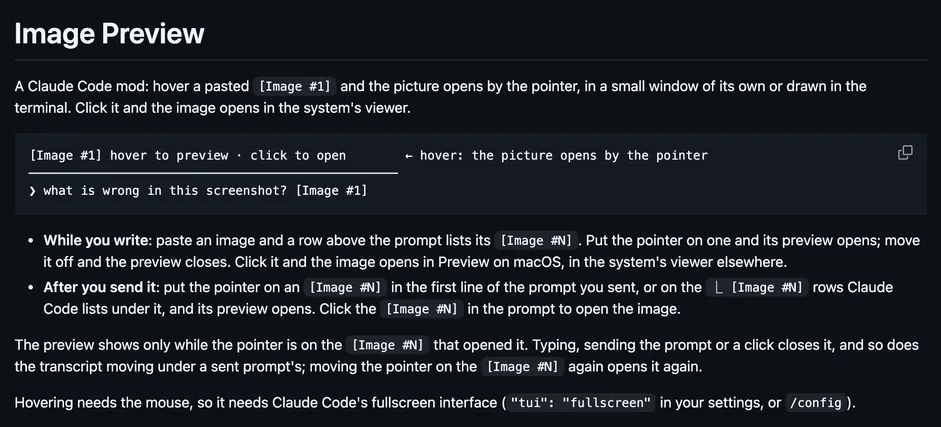
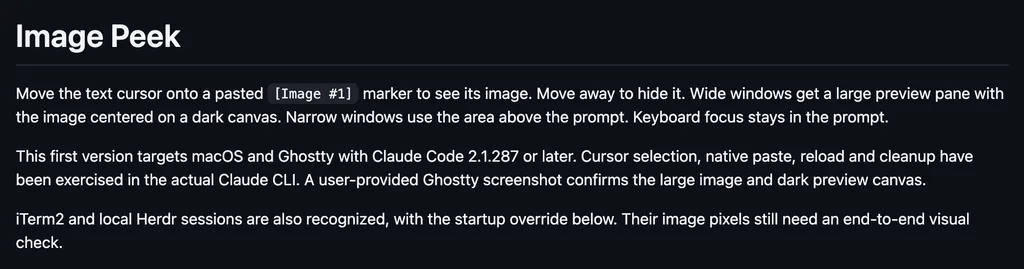
The install name is mods-image-preview. This page adds the author's name. The install line has no @suffix. The plugin is the repository. The marketplace name is mods-image-preview. The thumbnails above the prompt are why this page files it under review. image-view draws thumbnails of the images you paste, in the band above the prompt, instead of bare [Image #1] tags. image-peek draws thumbnails of images you paste, above the prompt while you write, and larger pictures under the message once it is sent. These thumbnails sit above the prompt and leave when you submit. Opening the original is the local-app access, not a command the press runs.
Demo
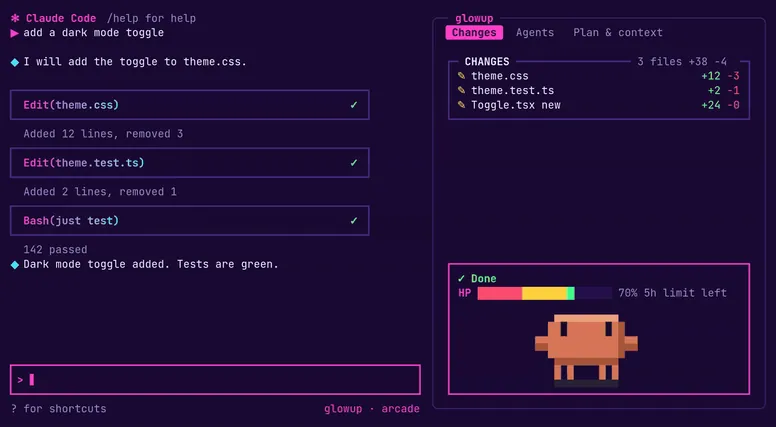
From the author's repo.
What it hooks into
session.startWhen a session starts
prompt.submitWhen you send a prompt
ui.renderDraws into the sessionAbovePrompt
Read from the on() calls in its hook modules. Open its source under Files to check what each one does.
Files
The author's README and source, 4 files. They load when you open them.