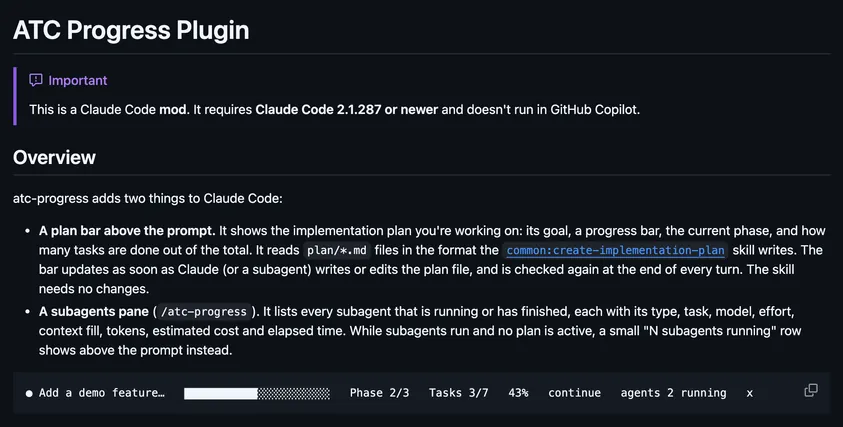
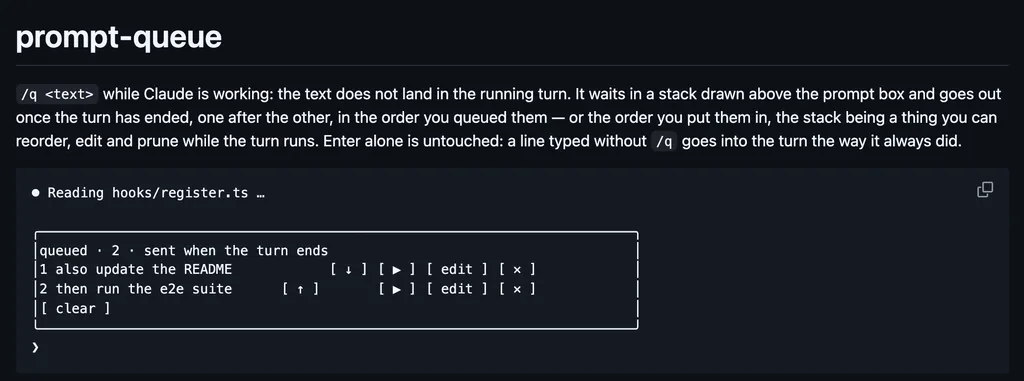
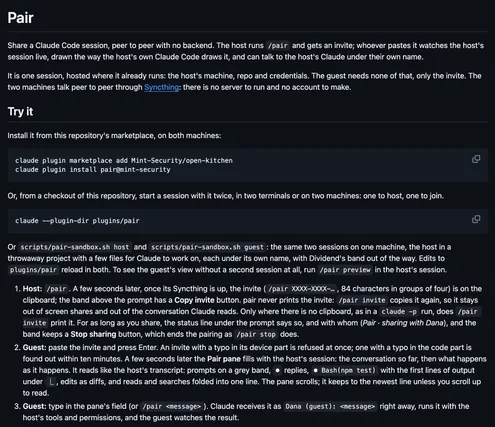
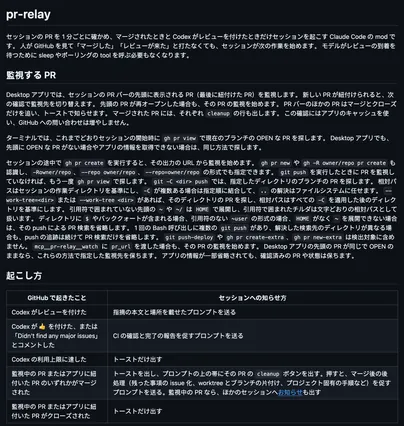
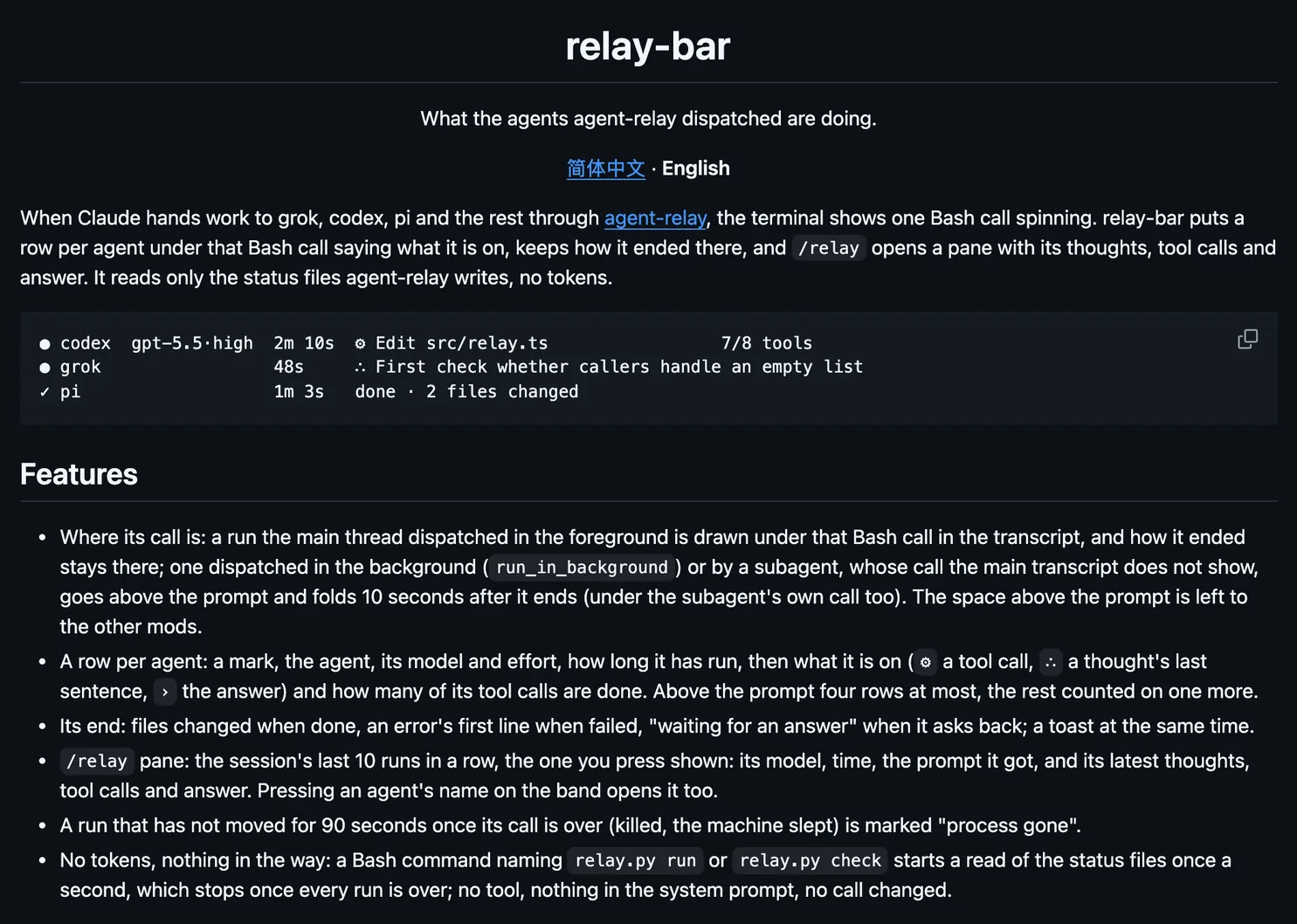
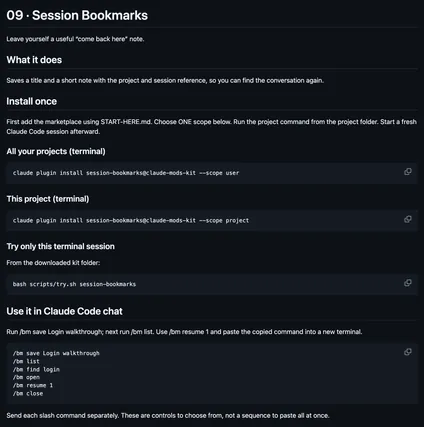
quick-replies is a Claude Code workflow mod by Ryan-LT.
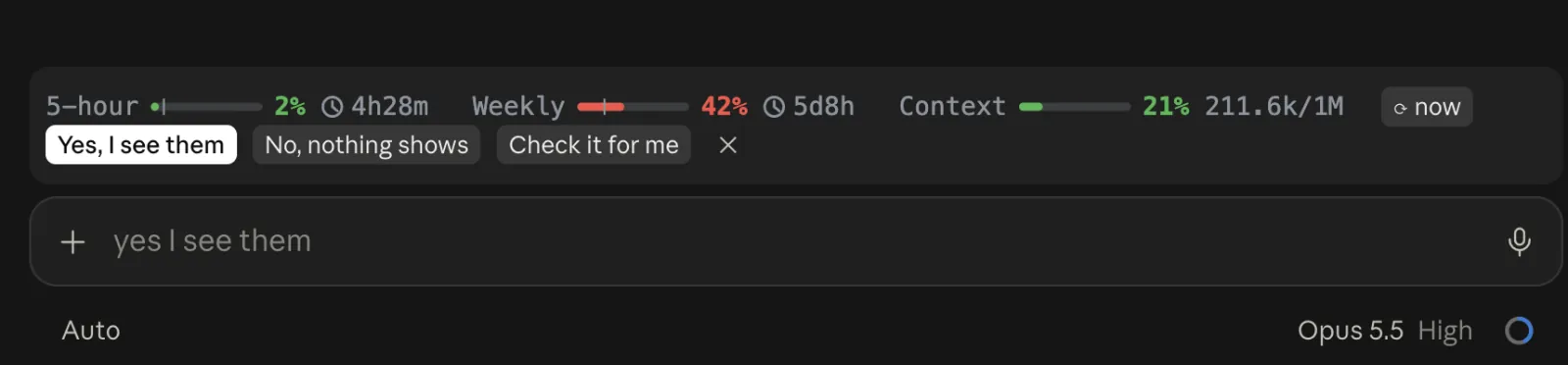
Draws reply pills above the prompt when Claude ends with a question or an offer: Yes, No, or the options it listed. Click one and it is sent as your message.
It runs inside the Claude Code process. The side panel is only what the author's README names. Read the repo before you install, or run claude plugin validate on the plugin folder.
Version
0.4.0
License
MIT
Repo stars
6
Last change
2026-10-15
What it can reach
Draws in the session
Runs a command when you press
Install in a terminal claude session, answer y to add the marketplace, and choose the user scope. It works in the terminal and the desktop app's Code tab. By default Haiku reads the end of Claude's reply and your last prompt, a few hundred tokens an ask, and only when the reply asks or offers something; the rules mode uses simple patterns and no tokens, and the model setting can be sonnet. In the desktop app the pills sit under the reply unless place is set to band. They share the band above the prompt with limits, from the same author.
The marketplace name is claude-mods. The marketplace also holds limits, idle-compact, and check. This one installs on its own. Answering Claude in one press is why this page files it under workflow. open-asks draws each question the session waits on, with the recommended answer. decision-tree explains the choice in a side pane and lets you explore an option in a forked session. This one guesses your likely replies, up to four, in your language: when Claude asks about several things, each gets its own row, with combined pills such as Do all. The pills hide while Claude works and clear when you send anything. Haiku runs on the session's own login. With Claude Code's prompt suggestions on, its own guess joins the pills.
Demo
From the author's repo.
What it hooks into
turn.startWhen Claude starts a turn
turn.completeWhen a turn ends
prompt.suggestA Claude Code event
session.endWhen a session ends
ui.renderDraws into the sessionAbovePromptAssistantMessage
Read from the on() calls in its hook modules. Open its source under Files to check what each one does.
Files
The author's README and source, 4 files. They load when you open them.