All shelves / Mods / Workflow
agent-status
By dodobrands
agent-status is a Claude Code workflow mod by dodobrands.
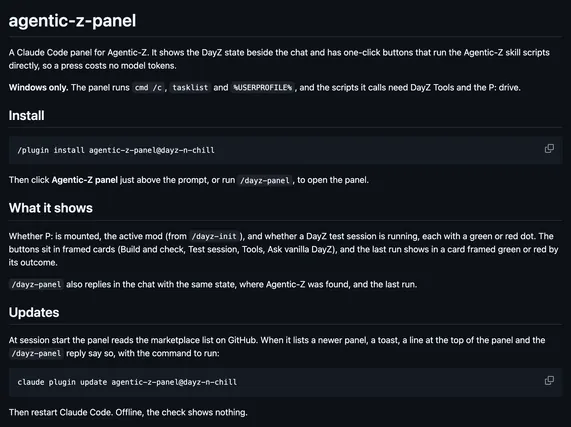
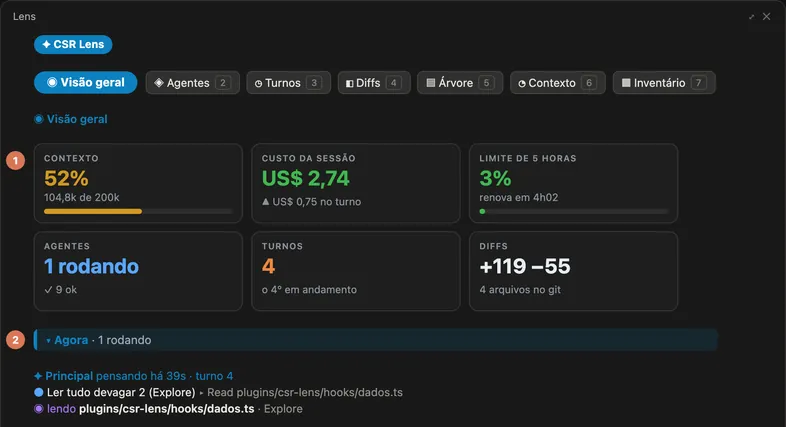
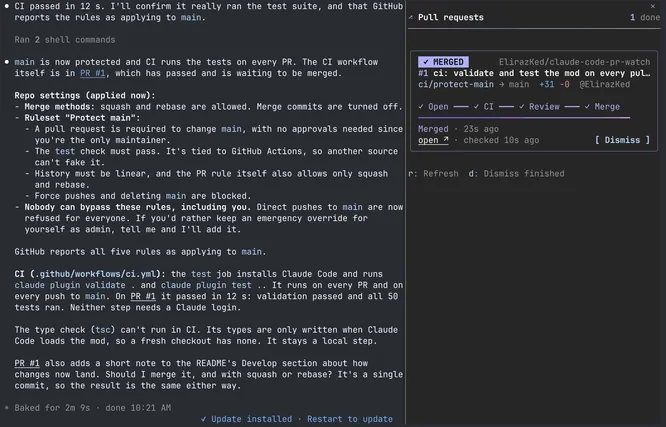
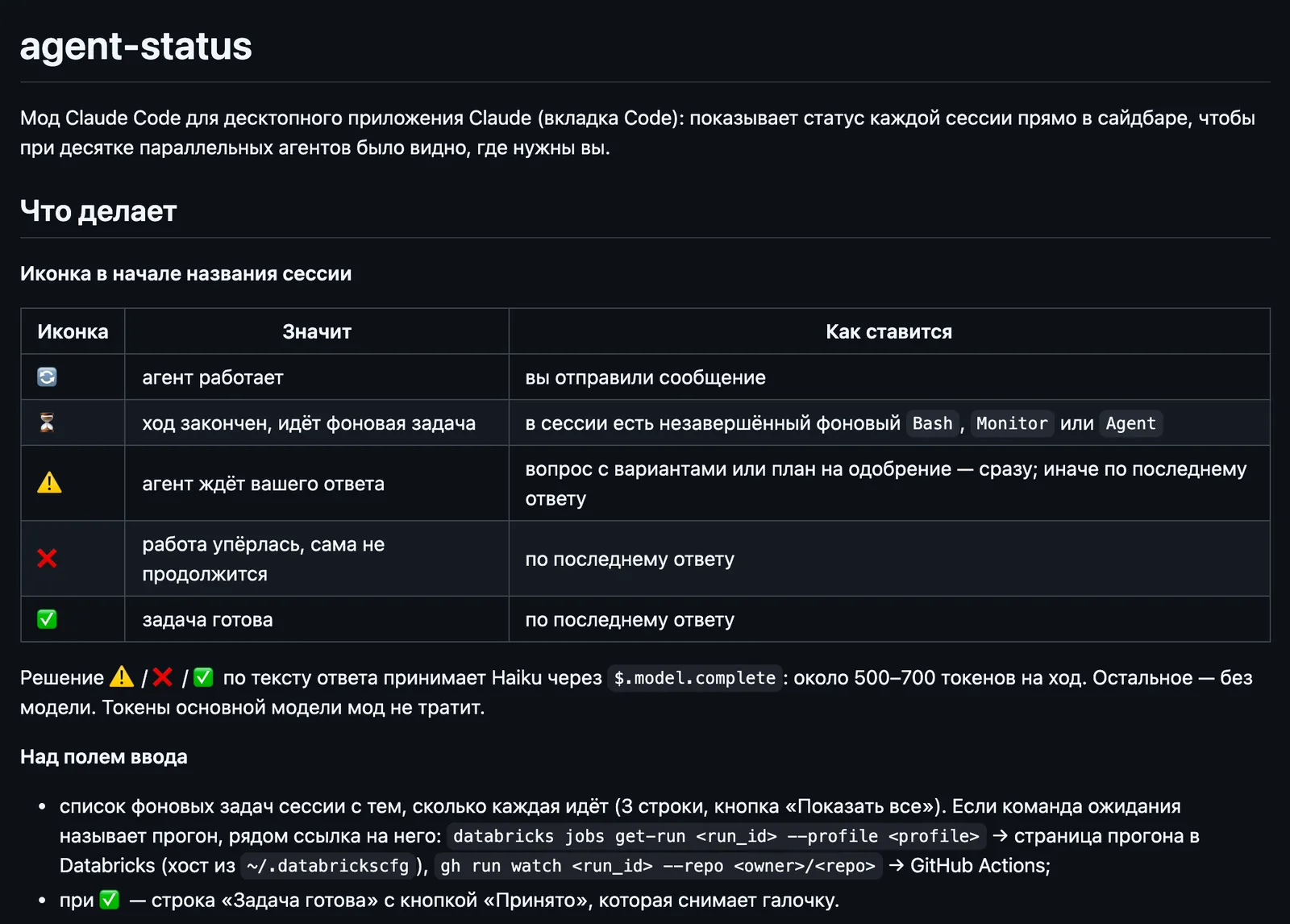
In the desktop app, puts an icon before each session's name for working, waiting on you, stuck, or done, and lists its background tasks above the prompt.
Draws
Install
The marketplace name is ai-hub.
claude plugin install agent-status@ai-hub --scope userIt runs inside the Claude Code process. The side panel is only what the author's README names. Read the repo before you install, or run claude plugin validate on the plugin folder.
- Version
- 0.10.0
- License
- MIT
- Repo stars
- 8
- Last change
- 2026-10-20
What it can reach
- Draws in the session
- Sees tool calls
The README is in Russian. Add the ai-hub marketplace first; the repository README gives claude /plugin marketplace add dodobrands/ai-hub. In the app: + by the prompt box, then Plugins, Add plugin, and agent-status from ai-hub. Then allow four tools in ~/.claude/settings.json, mcp__ccd_session_mgmt__get_session, mcp__ccd_session_mgmt__set_session_title, mcp__ccd_sidebar__list_sections, and mcp__ccd_sidebar__move_sessions, so the mod's calls skip auto mode's classifier and ask nothing. It loads in new sessions, and in open ones after /reload-plugins or a restart of the app. The icons and moves need the desktop app; in the terminal only the task list and the button remain. The openSection option moves a session you write in to that sidebar section, off by default, and sections whose name starts with keepPrefix, 📌 by default, are left alone. A title you set by hand changes only after you confirm. /agent-status-usage shows how many Haiku tokens it used today.
The marketplace, ai-hub, holds Dodo Brands' 14 AI Hub plugins, spike, kaiten, time, and discovery among them. This one installs on its own. Seeing which of many parallel sessions needs you is why this page files it under workflow. peek-vedantandhale opens a pane of background shells and subagents, with elapsed time and their last output lines. whats-agent-doing draws a box above the prompt that names the step Claude is on and each background agent. This one marks each session in the desktop app's sidebar, so a dozen agents can be read at a glance. Haiku decides waiting, stuck, or done from the reply's text, through Claude Code's own model client, at about 500 to 700 tokens a turn; the other icons use no model. A background wait that names a Databricks run or gh run watch gets a link to that run, and a done session shows a Task done row with a button that clears the check.
Demo
What it hooks into
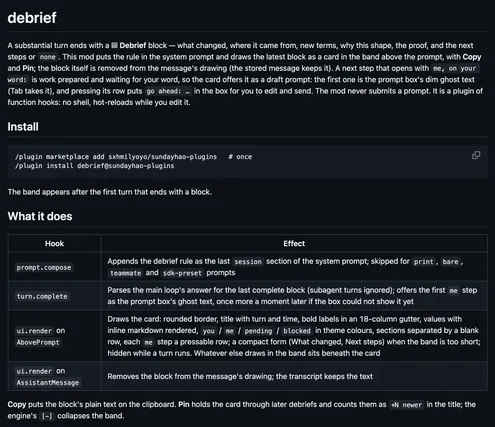
session.startWhen a session startscommand.runWhen you run its slash command/agent-status-usagetool.callAround a tool call, where it can hold oneprompt.submitWhen you send a promptturn.completeWhen a turn endsui.renderDraws into the sessionAbovePrompt
Read from the on() calls in its hook modules. Open its source under Files to check what each one does.
Slash commands 1
/agent-status-usageСколько токенов Haiku мод agent-status потратил сегодня
Files
The author's README and source, 4 files. They load when you open them.
Facts
- Author
- dodobrands
- Category
- Workflow
- Marketplace
- ai-hub
- Folder
- integrations/agent-status
- Version
- 0.10.0
- License
- MIT
- Repo stars
- 8
- Last change
- 2026-10-20
- Language
- Shell
- Files
- 5