All shelves / Mods / Usage
context-meter
By vumichien
context-meter is a Claude Code usage mod by vumichien.
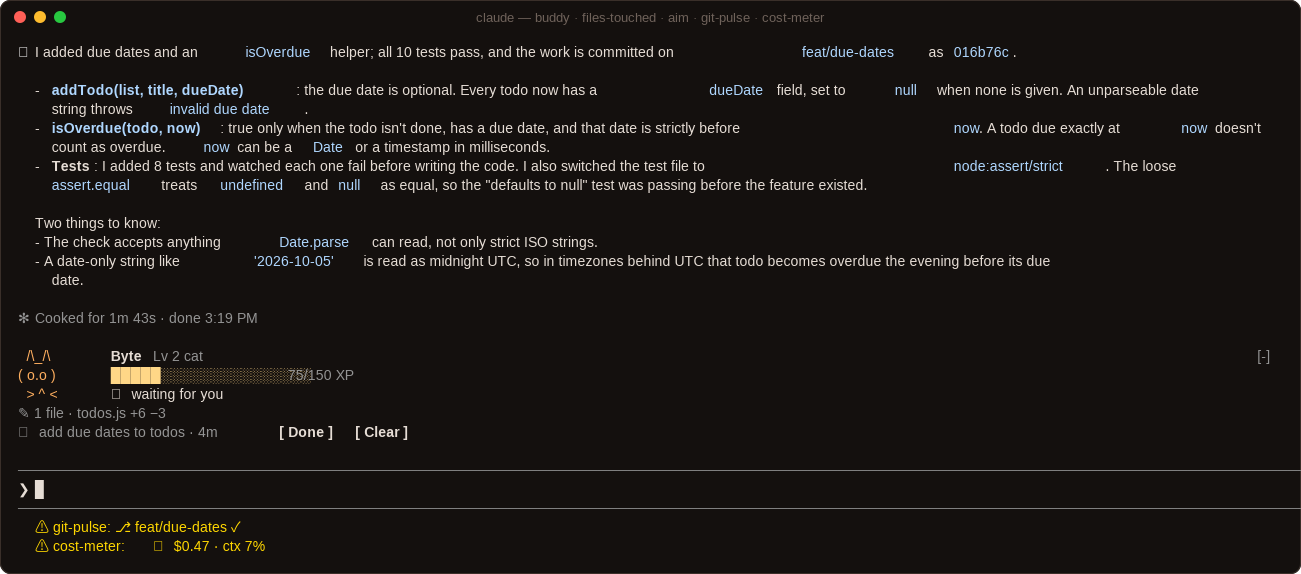
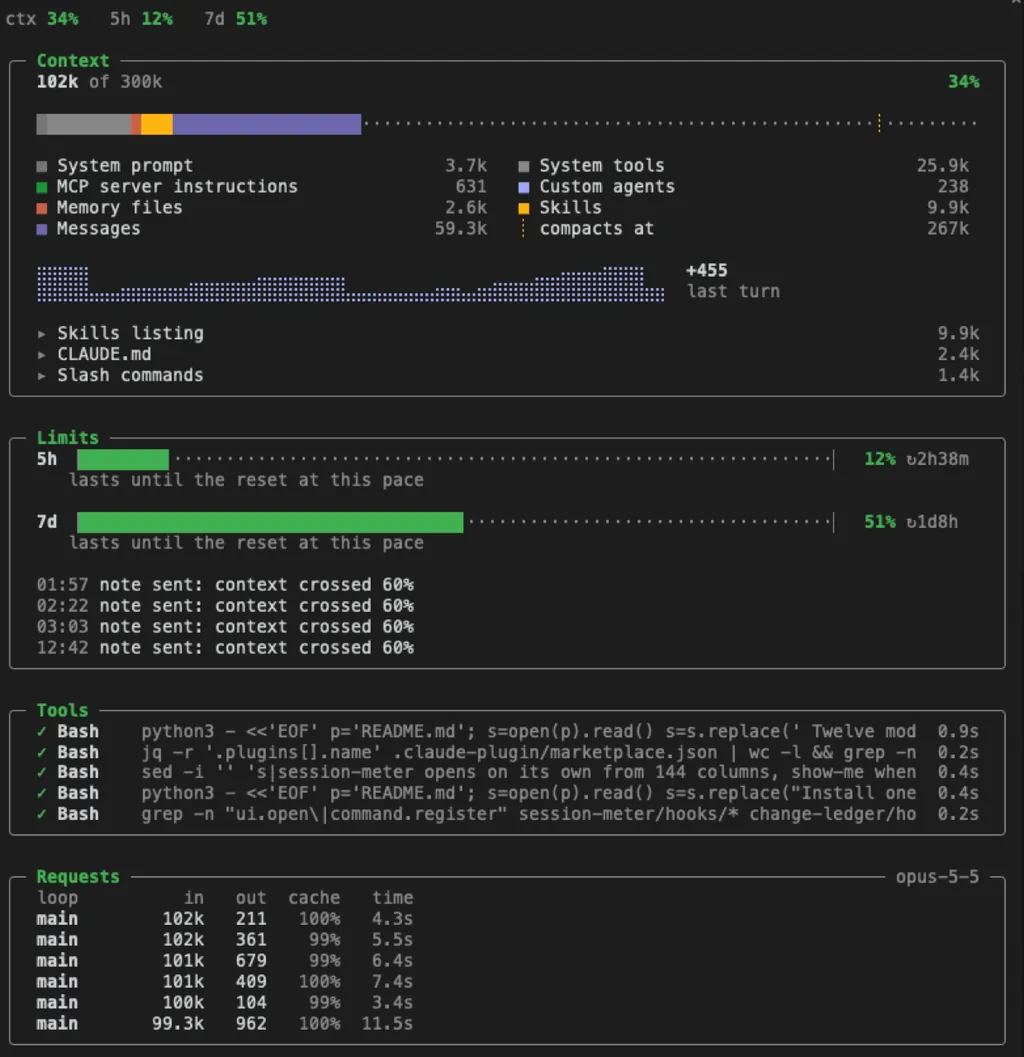
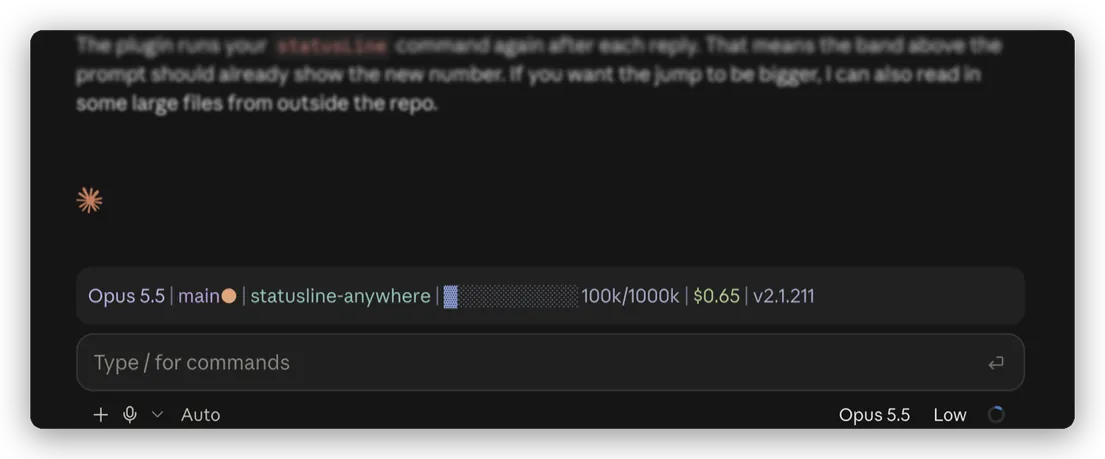
Draws a band above the prompt with what fills the context window by category, a countdown to when the prompt cache expires, and a Compact button.
Draws
Install
The marketplace name is chien-mods.
claude plugin marketplace add vumichien/claude-code-mods-kit
claude plugin install context-meter@chien-mods
It runs inside the Claude Code process. The side panel is only what the author's README names. Read the repo before you install, or run claude plugin validate on the plugin folder.
- Version
- 0.3.0
- License
- MIT
- Repo stars
- 4
- Last change
- 2026-10-10
What it can reach
- Draws in the session
- Reads usage or context figures
- Runs a command when you press
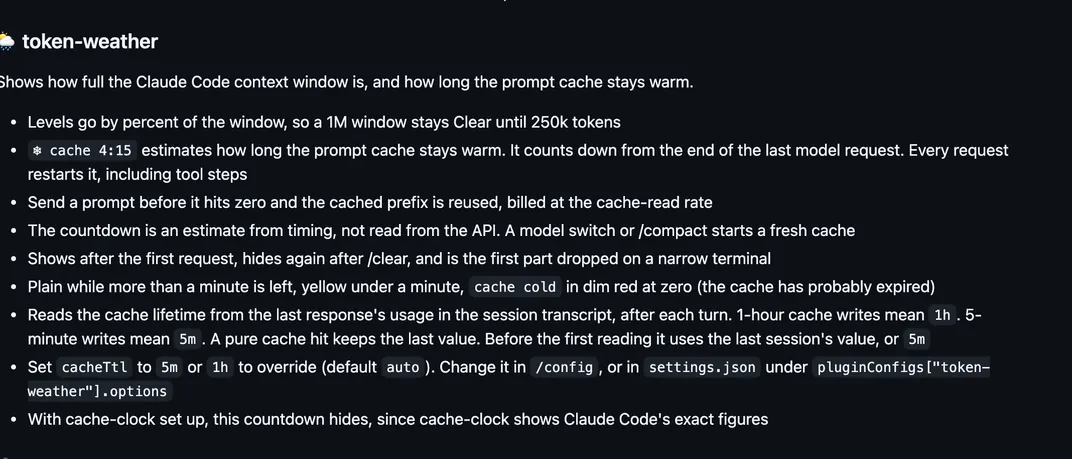
Start a new session after installing, then turn it on with /context-meter on; it starts off. Tested on Claude Code 2.1.296 on Windows 11; mods are an early-access feature, so the API can change between versions. Compacting is a model call: the band costs no tokens, the button does. The cacheTtl option is auto by default, which follows Claude Code's defaults of one hour on a Claude subscription and five minutes with an API key or a cloud provider, and the band says which lifetime it assumed and why. The breakdown option is summary by default, which estimates the categories locally and sends nothing; full counts them with the token-count API after every turn. In the desktop app and the IDE extensions, the button runs /compact as if you had typed it. To try it for one session without installing, git clone the repository and start claude with --plugin-dir pointing at the mod's folder.
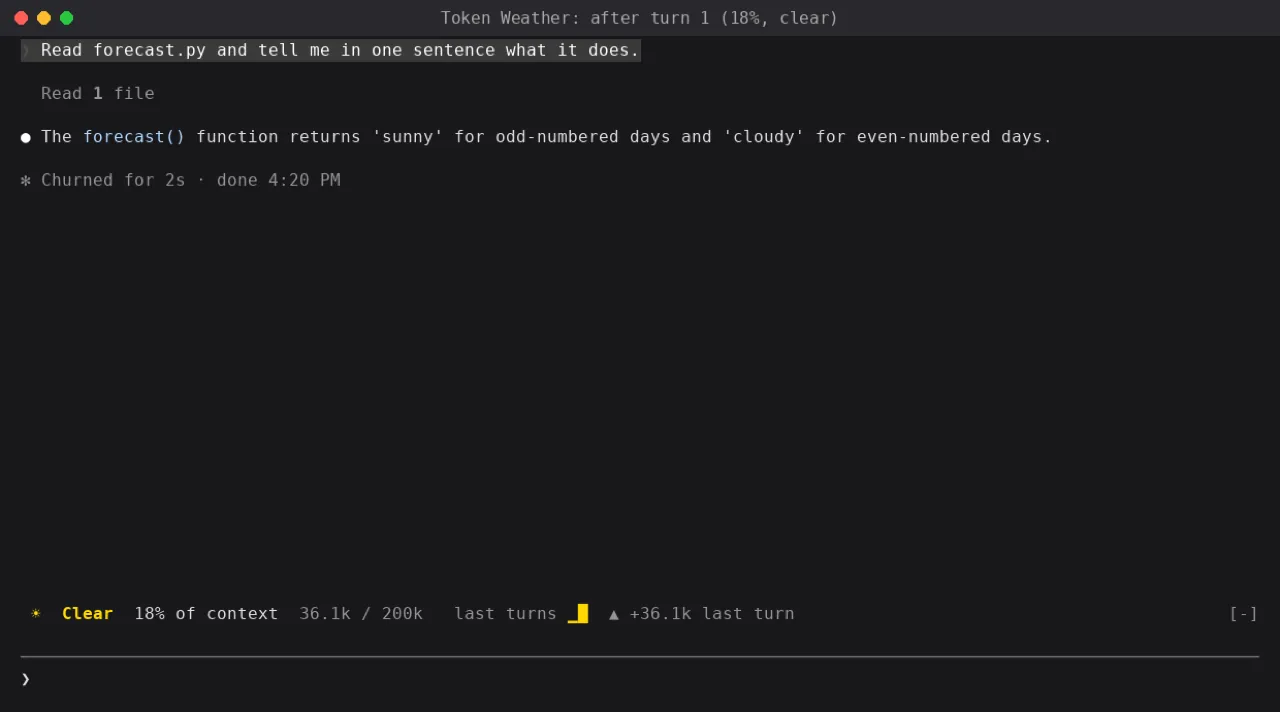
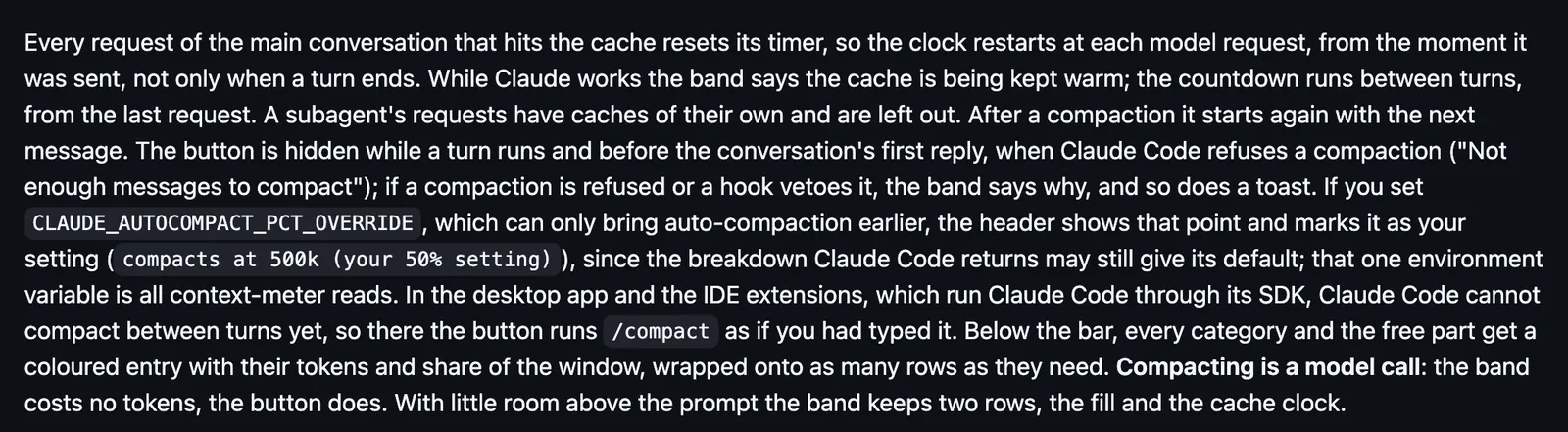
The install name is context-meter, which four listed mods already have, so this page adds the author's name. The marketplace, chien-mods, also holds secret-guard, plan-meter, done-gate, idea-shelf, session-monitor, prompt-enhancer, and assumption-check, each installed on its own. A meter for the context window and the cache is why this page files it under usage. context-bar, by hamzafer, draws the context window as one stacked bar, a color per category, with token counts and the compaction point. cache-timer draws a countdown above the prompt until the prompt cache expires, then how many tokens the next message writes again. This one puts both in one band, with the categories in the colours of /context, and a Compact button, or c while the band has focus, that runs the same compaction as /compact. The cache clock restarts at each model request, and the band says the cache is being kept warm while Claude works. A compaction that is refused, or vetoed by a hook, is explained in the band and in a toast. If you set CLAUDE_AUTOCOMPACT_PCT_OVERRIDE, the header shows that point as your setting.
Demo
What it hooks into
session.startWhen a session startscommand.runWhen you run its slash command/context-metersession.measureWhen usage is measuredturn.stepAt each step of a turnturn.completeWhen a turn endssession.compactWhen the context is compactedui.renderDraws into the sessionAbovePrompt
Read from the on() calls in its hook modules. Open its source under Files to check what each one does.
Slash commands 1
/context-meterShow what fills the context window and when the cache expires (/context-meter on or off switches the mod)
Files
The author's source, 3 files. They load when you open them.
Facts
- Author
- vumichien
- Category
- Usage
- Marketplace
- chien-mods
- Folder
- plugins/context-meter
- Version
- 0.3.0
- License
- MIT
- Repo stars
- 4
- Last change
- 2026-10-10
- Language
- TypeScript
- Files
- 7