It runs inside the Claude Code process. The side panel is only what the author's README names. Read the repo before you install, or run claude plugin validate on the plugin folder.
Version
0.2.0
Repo stars
16
Last change
2026-10-15
What it can reach
Draws in the session
Reads usage or context figures
Calls another program on this machine
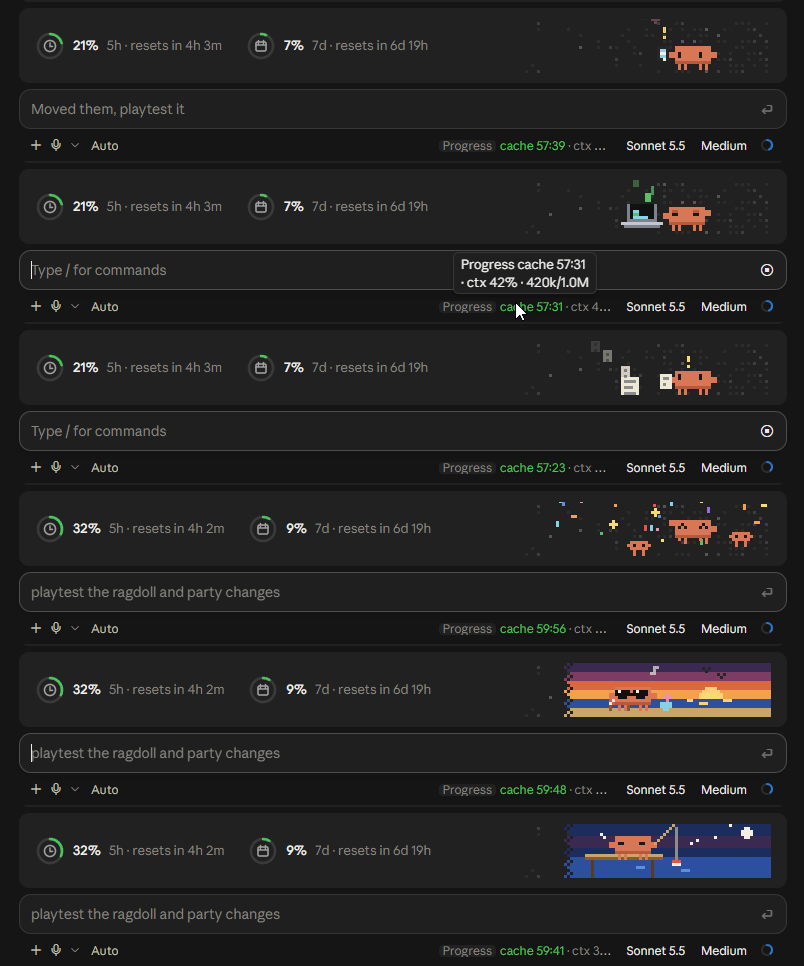
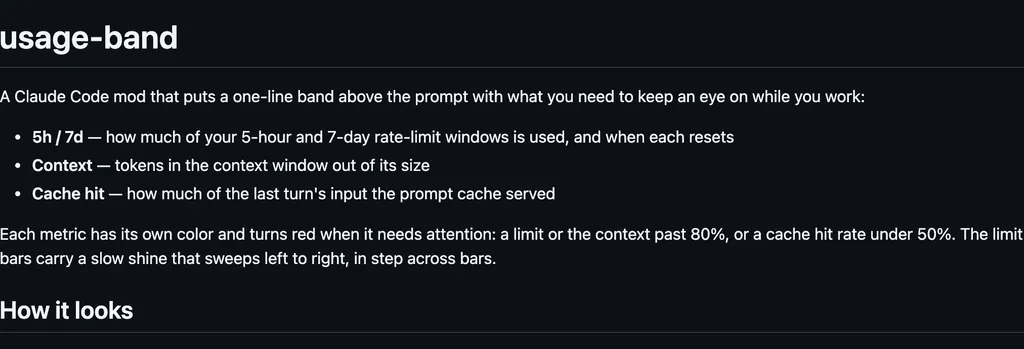
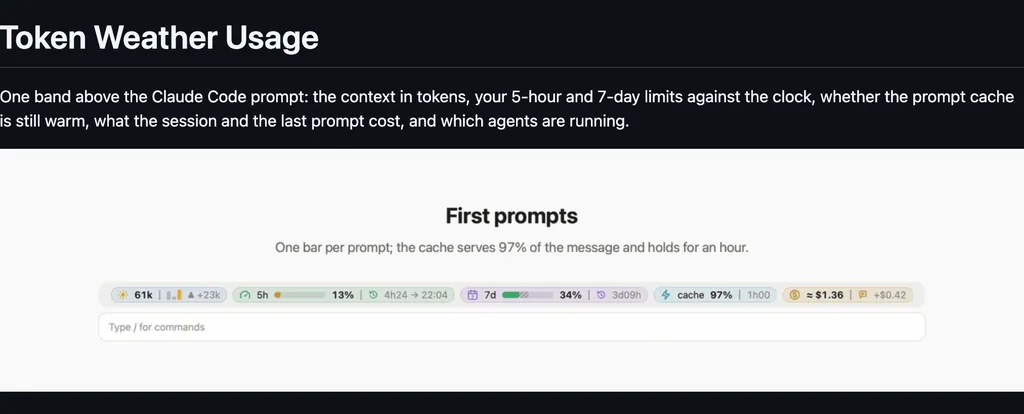
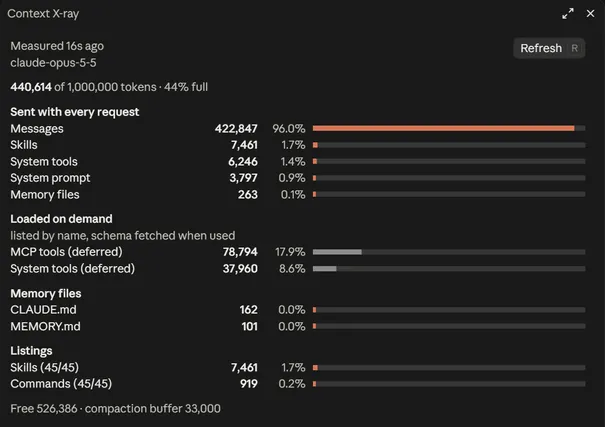
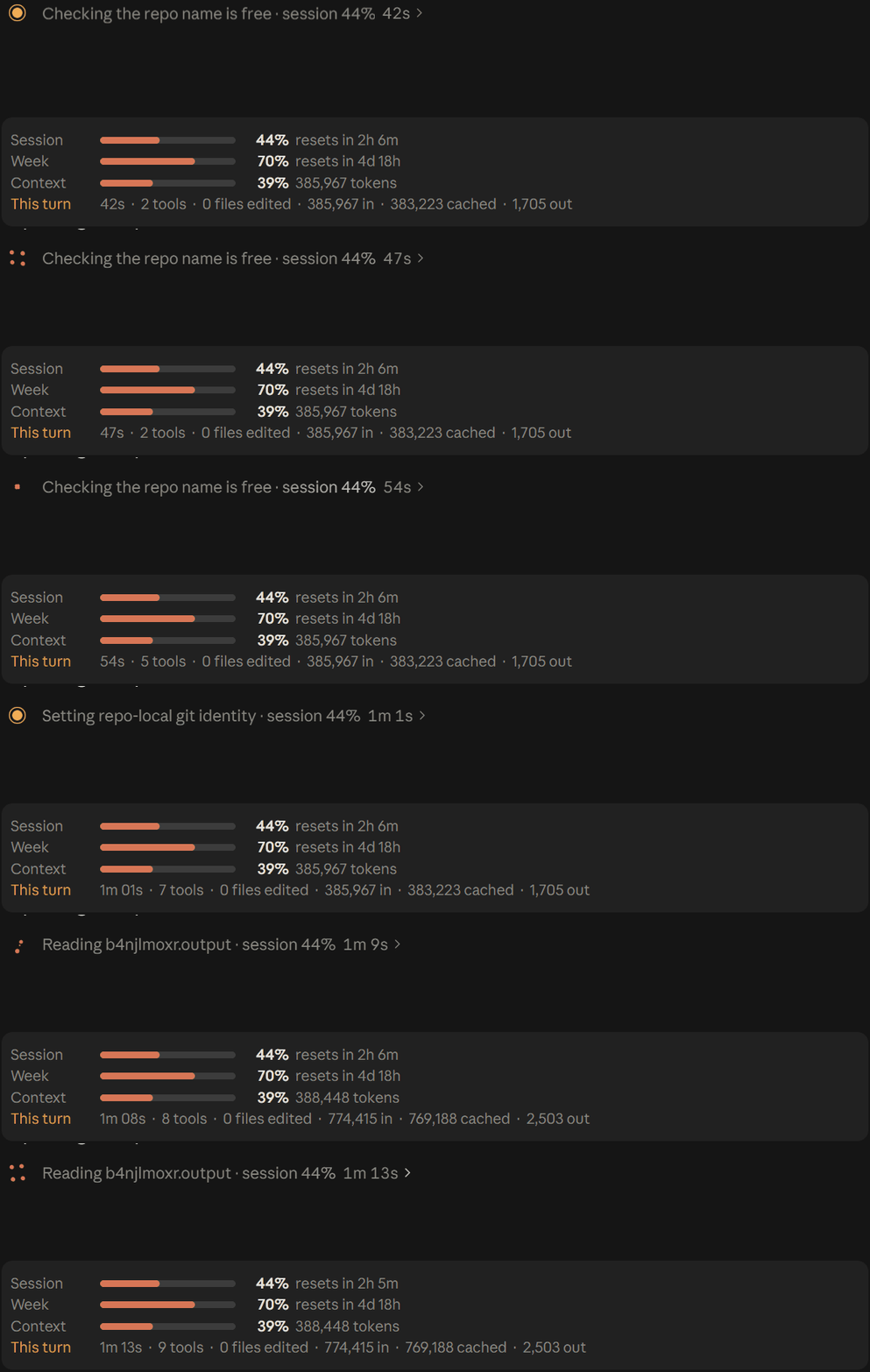
Needs Claude Code 2.1.287 or later. The desktop app ships its own copy, so keep the app updated, then start a new session in the Code tab. In a terminal it draws nothing and skips its git calls, so a CLI statusLine keeps working. The band shows the folder, branch, worktree marker, commits ahead or behind, uncommitted files, session age, prompt count, cost, a context meter, the 5-hour and weekly limits with reset countdowns, and the last turn's duration, model, and cache hit rate. Each subagent still out gets a row, and a held subagent is that row's state, not this mod refusing a command. No network calls. The only process it starts is git, with git status --porcelain=v2 --branch and git rev-parse --git-dir --git-common-dir. Claude Code stores cache_ttl under pluginConfigs for desktop-statusline@centminmod in ~/.claude/settings.json. Enter 1h or 5m. Disable it from the Installed tab in /plugin, or uninstall with claude plugin uninstall desktop-statusline@centminmod. The README does not say that uninstall removes the key.
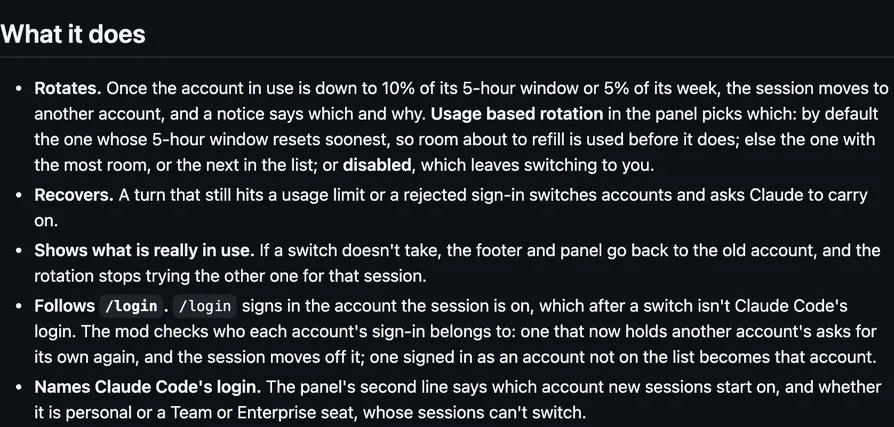
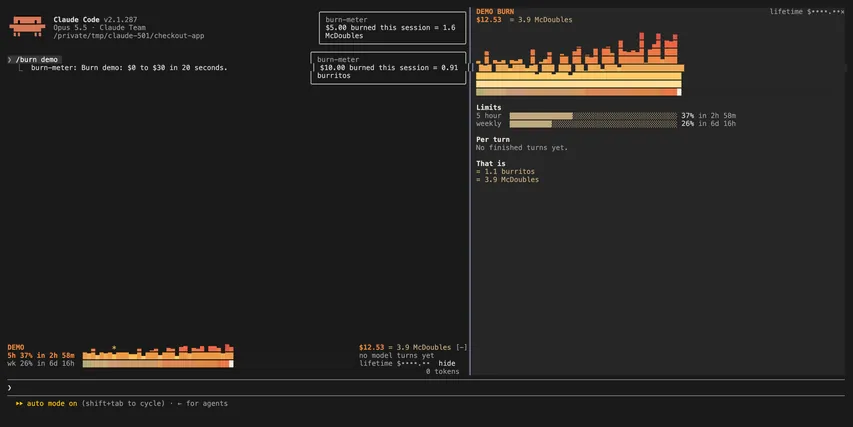
statusline-anywhere draws the status line you already configured, in the Desktop app. better-statusline draws rings and the music you are playing. This one draws its own band, and only in the Desktop Code tab.
Demo
From the author's repo.
What it hooks into
session.startWhen a session starts
session.attachA Claude Code event
session.measureWhen usage is measured
turn.completeWhen a turn ends
turn.stepAt each step of a turn
agent.spawnWhen a subagent starts
tool.callAround a tool call, where it can hold oneAgent
session.compactWhen the context is compacted
ui.renderDraws into the sessionAbovePrompt
Read from the on() calls in its hook modules. Open its source under Files to check what each one does.
Files
The author's README and source, 4 files. They load when you open them.