am-context-bar is a Claude Code usage mod by romnycristopher.
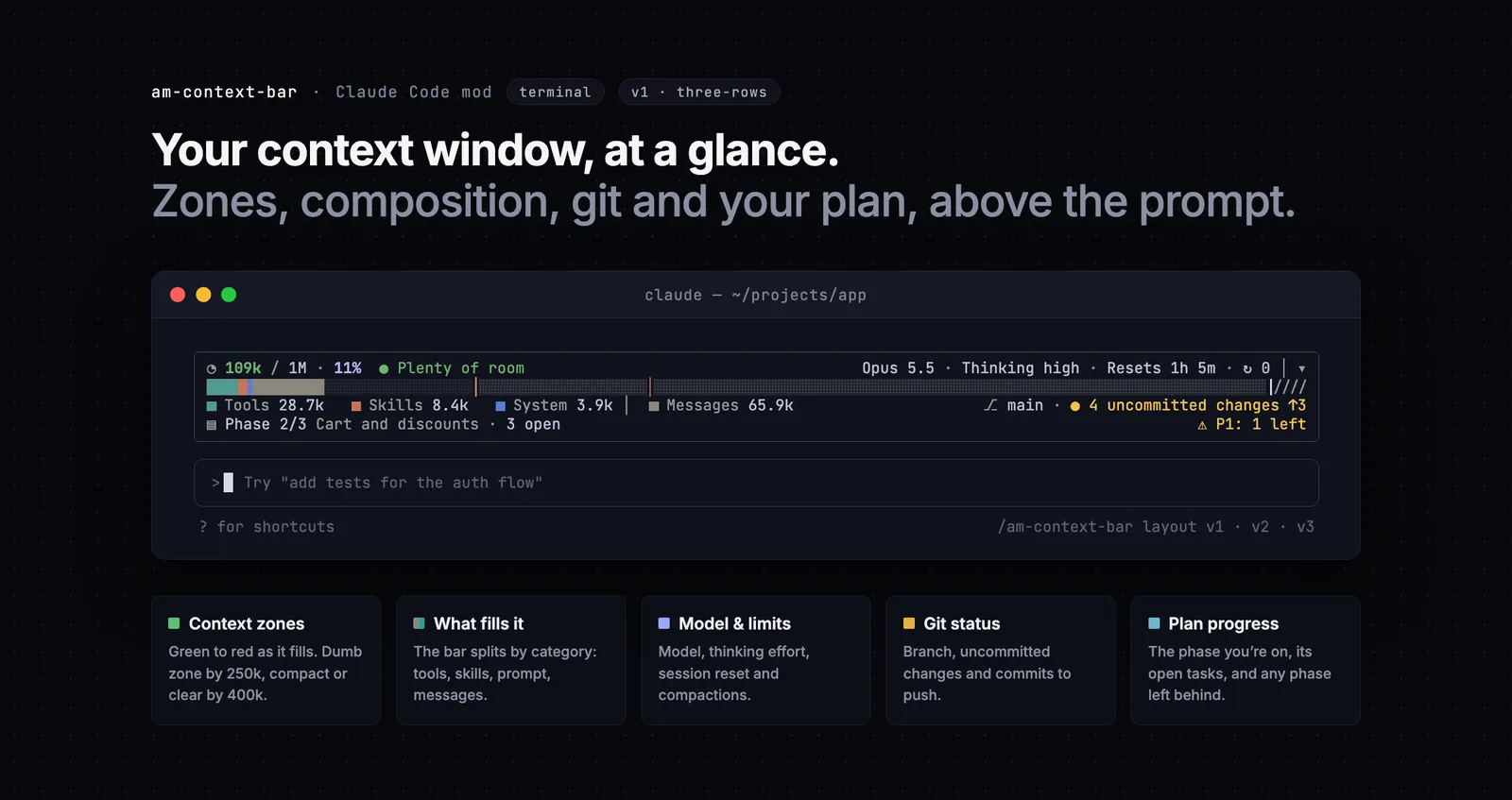
Draws a card above the prompt with context use against where quality drops, what fills it, turns left, limits, git status, and the phase of a plan you're on.
It runs inside the Claude Code process. The side panel is only what the author's README names. Read the repo before you install, or run claude plugin validate on the plugin folder.
Version
0.5.1
License
MIT
Repo stars
4
Last change
2026-10-18
What it can reach
Draws in the session
Reads usage or context figures
Sees tool calls
Calls another program on this machine
Claude Code 2.1.289 or later, in the terminal. Answer y to add the marketplace, then pick a scope. The card starts hidden: run /am-context-bar once to show it. The session and weekly limits need a Claude subscription; with an API key the card has no limits to show. git on your PATH gives the git status. From a shell, the same install is claude plugin install am-context-bar --marketplace romnycristopher/claude-am-mods. The layout, the zone cut-offs, and Plan progress are in /config.
The marketplace name is claude-am-mods, and it holds only this plugin. The context figures are why this page files it under usage. context-budget, by melodic-software, draws the session's context by category in a pane or a band. session-hud-bradtraversy, by bradtraversy, draws a strip with the git branch, context against a target you set, and weekly usage. This one marks where the dumb zone starts, at 50% of the window or by 250k tokens, and where to compact or clear, at 70% or by 400k, and counts the turns left at the recent pace. With Plan progress on, it follows a plan's phases through Claude's task list and adds a line about phase tags to the TaskCreate and TodoWrite tool descriptions; /am-context-bar plan off stops both. The README says it makes no network requests.
Demo
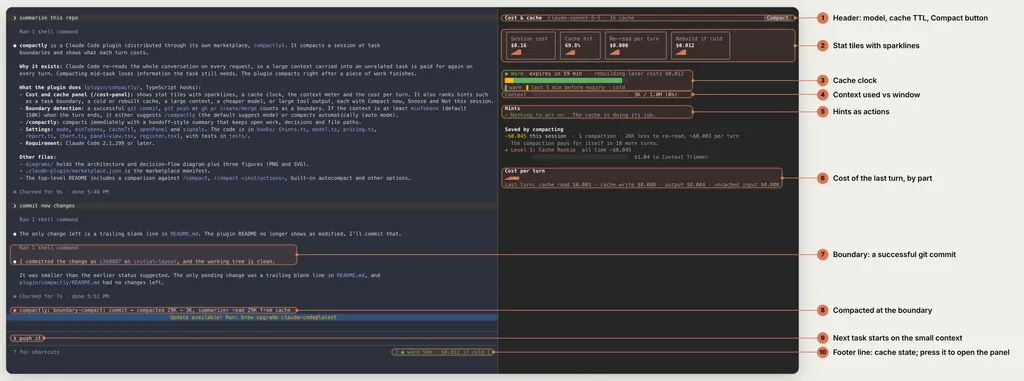
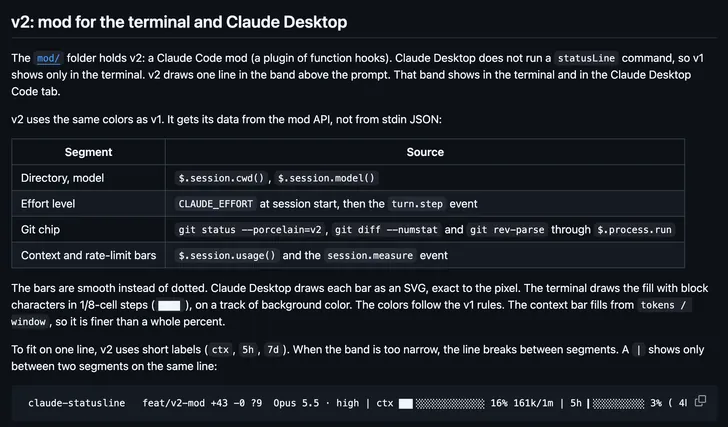
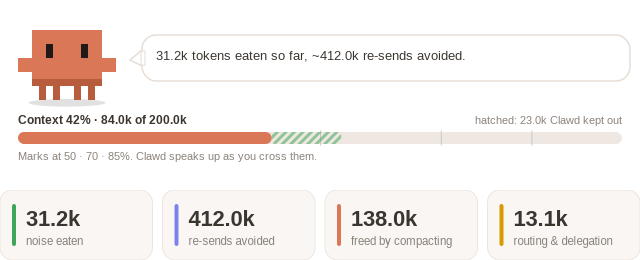
From the author's repo.
What it hooks into
session.startWhen a session starts
classic.SessionStartA Claude Code event
tool.describeA Claude Code event
tool.callAround a tool call, where it can hold oneExitPlanModeTaskCreateTaskUpdateTodoWrite
prompt.submitWhen you send a prompt
turn.completeWhen a turn ends
command.runWhen you run its slash command
session.measureWhen usage is measured
turn.stepAt each step of a turn
session.compactWhen the context is compacted
ui.renderDraws into the sessionAbovePrompt
Read from the on() calls in its hook modules. Open its source under Files to check what each one does.
Files
The author's source, 3 files. They load when you open them.