mermaid-draw is a Claude Code review mod by galElmalah.
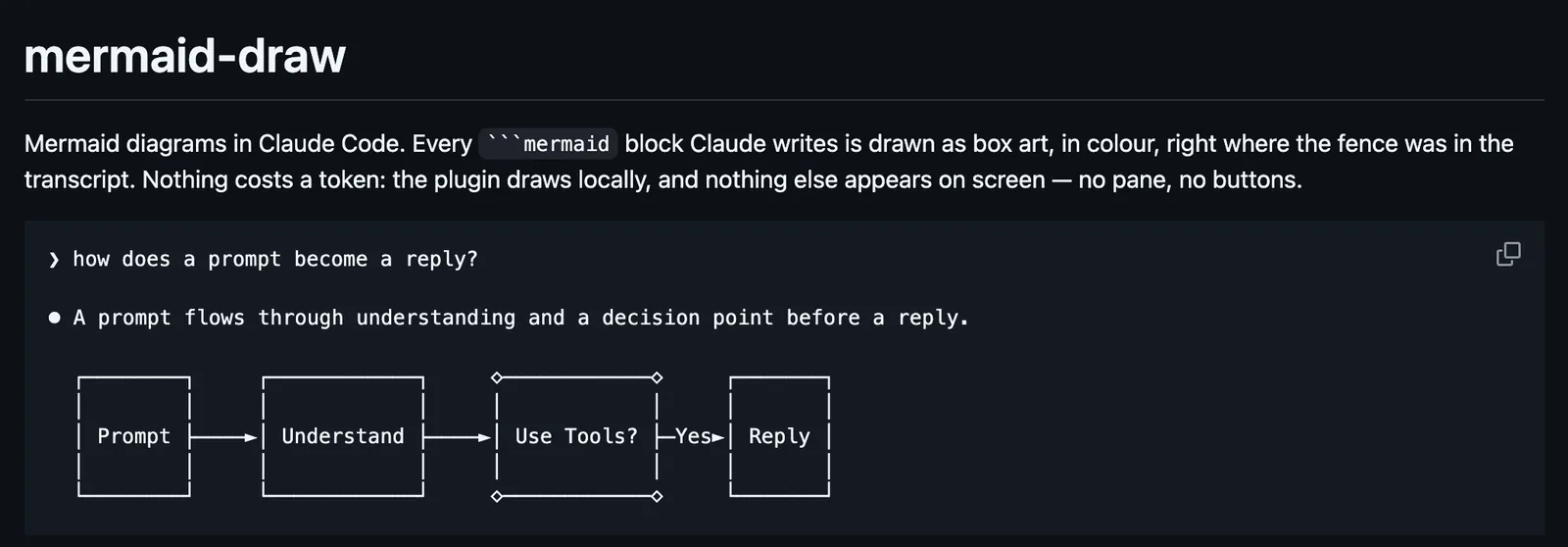
Draws each mermaid block Claude writes as colored box art in the reply, where the fence was: flowcharts, state, sequence, class, and ER diagrams, and xy charts.
It runs inside the Claude Code process. The side panel is only what the author's README names. Read the repo before you install, or run claude plugin validate on the plugin folder.
Version
0.3.2
License
MIT
Repo stars
5
Last change
2026-10-10
What it can reach
Draws in the session
Claude Code 2.1.270 or later with CLAUDE_CODE_ENABLE_FUNCTION_HOOKS=1, in an interactive terminal session with a font that has box-drawing characters; /mermaid ascii on is for one that does not. Nothing draws in claude -p. Gantt, pie, mindmap, and other kinds keep their fence. Art wider than the transcript is cut at the right. Colours are drawn on the terminal alone; desktop, VS Code, and mobile show plain art. Coming from claude-mermaid@claude-mods, uninstall it, remove the old marketplace, add it again under its new name, and restart Claude Code. claude --plugin-dir claude-mermaid runs it from a clone.
The marketplace name is gal-mods. The marketplace also holds prompt-queue. This one installs on its own. Reading Claude's diagrams in the reply is why this page files it under review. mermaid-mod draws mermaid blocks in Claude's replies as Unicode diagrams in place, and leaves the stored message as Mermaid source. loom-mermaid draws Mermaid in replies as colored character art, and a band above the prompt while a reply streams. This one lays a top-down flowchart or state diagram out left to right when that fits and loses nothing, costs no token, and puts nothing else on screen: no pane, no buttons. It draws with beautiful-mermaid's ASCII renderer, bundled with a cap on its edge search. In the source, the reply is drawn with ui.render on AssistantMessage.
Demo
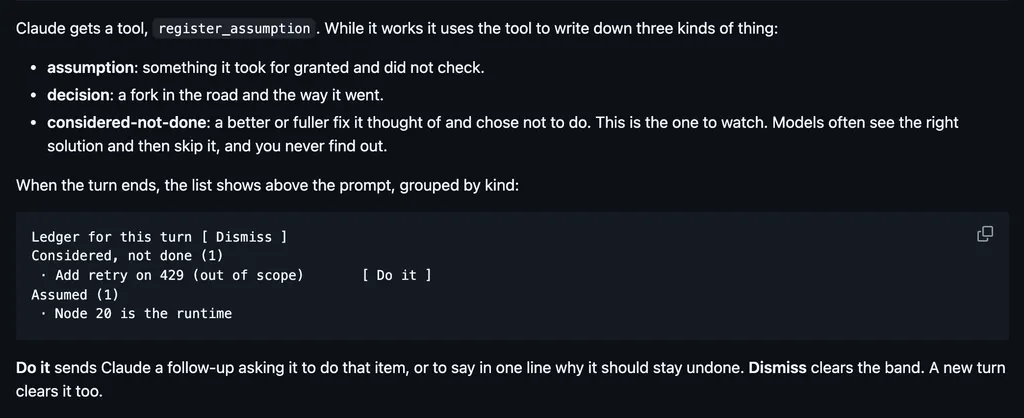
Screenshot of the author's GitHub page.
What it hooks into
session.startWhen a session starts
ui.renderDraws into the sessionAssistantMessage
command.runWhen you run its slash command
Read from the on() calls in its hook modules. Open its source under Files to check what each one does.
Files
The author's README and source, 5 files. They load when you open them.