It runs inside the Claude Code process. The side panel is only what the author's README names. Read the repo before you install, or run claude plugin validate on the plugin folder.
Version
0.9.0
Repo stars
9
Last change
2026-10-12
What it can reach
Draws in the session
Sees tool calls
Runs a command when you press
Calls another program on this machine
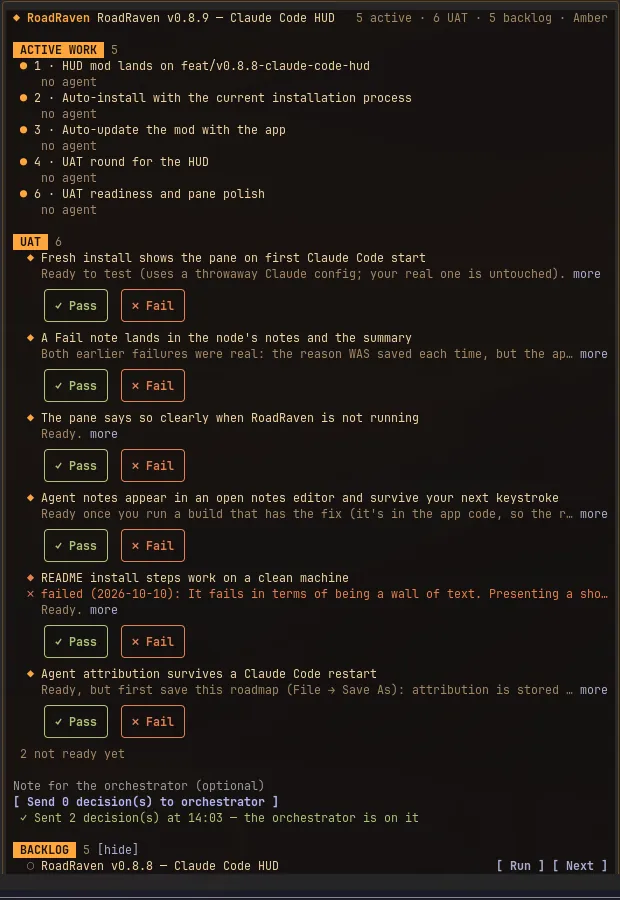
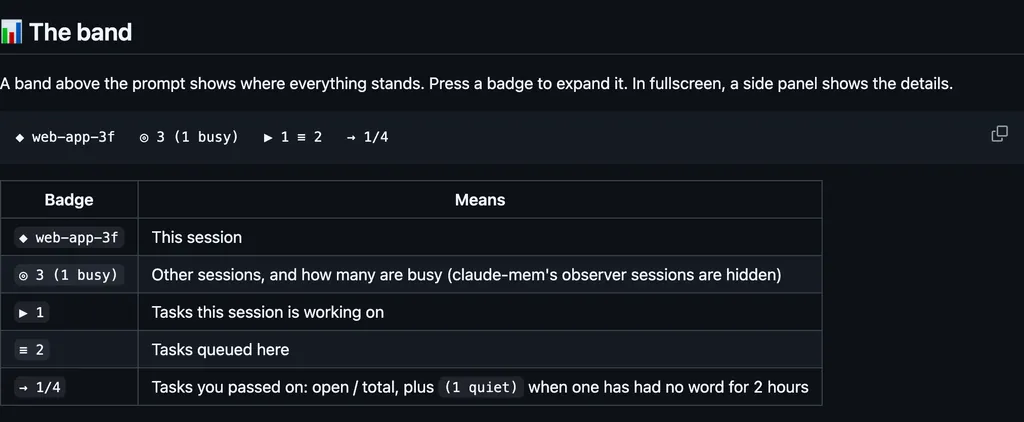
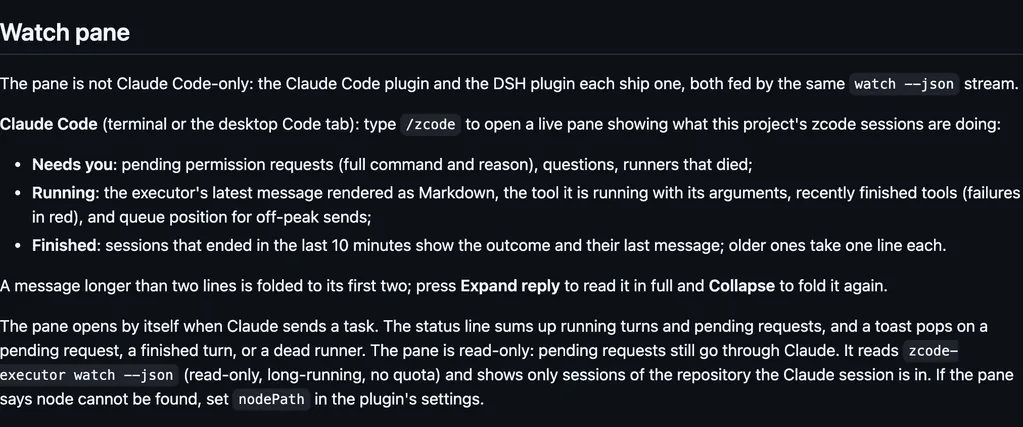
RoadRaven is a local desktop app, Windows and Linux today, and the plan is a roadmap.json on this machine. The pane opens once the app is running with a roadmap open, or any time with /roadraven. It talks only to that app on 127.0.0.1, through the RoadRaven MCP server, and to this Claude Code session. Nothing leaves the machine. Send writes the UAT statuses and notes you chose, then submits one prompt. Run asks first, then starts one general-purpose sub-agent on that node, using the session's own model, and leaves a note the session reads next turn. Next marks that node to be taken next and leaves the same kind of note. The status line reads like RR 2 active, 1 UAT. It follows the app theme. The README's new-install row is /plugin install roadraven@roadraven, and it says the HUD is a dependency, so that install brings this one too.
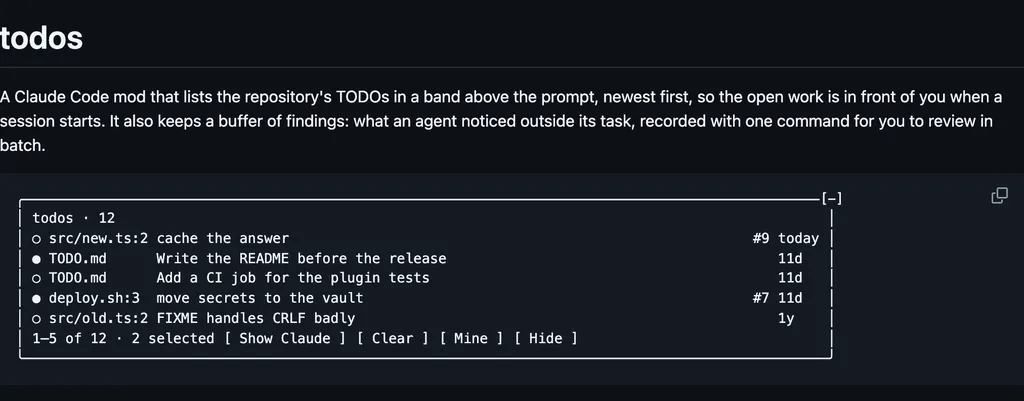
The install name is roadraven-hud. The marketplace name is roadraven. The same marketplace also lists roadraven. This one installs on its own. The marketplace source is ./plugins/roadraven-hud. RoadRaven keeps the plan and the work in one local tree, with no cloud and no accounts. The pane is why this page files it under workflow. roadmap-jasonwarrenuk draws a /ready pane of the tasks ready in a dependency-graph roadmap and claims the one you pick. Skills in the same install update the graph. Nothing else on the shelf draws a RoadRaven pane in the session. The app is already running on this machine. The README says the HUD starts no processes of its own. The prompt Send submits, and the note after Run or Next, are what the session reads.
Demo
From the author's repo.
What it hooks into
session.startWhen a session starts
command.runWhen you run its slash command/roadraven
tool.callAround a tool call, where it can hold one
agent.spawnWhen a subagent starts
turn.completeWhen a turn ends
ui.renderDraws into the sessionPane
Read from the on() calls in its hook modules. Open its source under Files to check what each one does.
Slash commands 1
/roadravenShow RoadRaven active work, UAT and backlog in a pane
Files
The author's README and source, 4 files. They load when you open them.