All shelves / Mods / Review
image-preview
By midudev
image-preview is a Claude Code review mod by midudev.
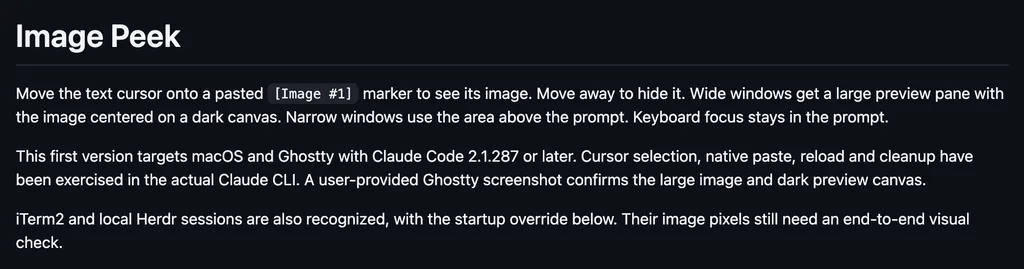
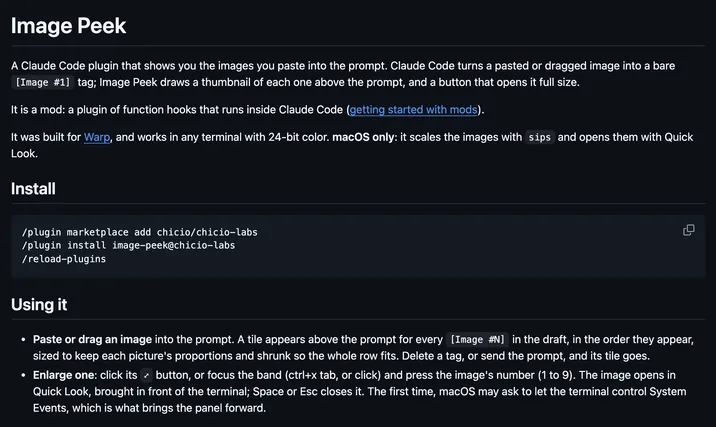
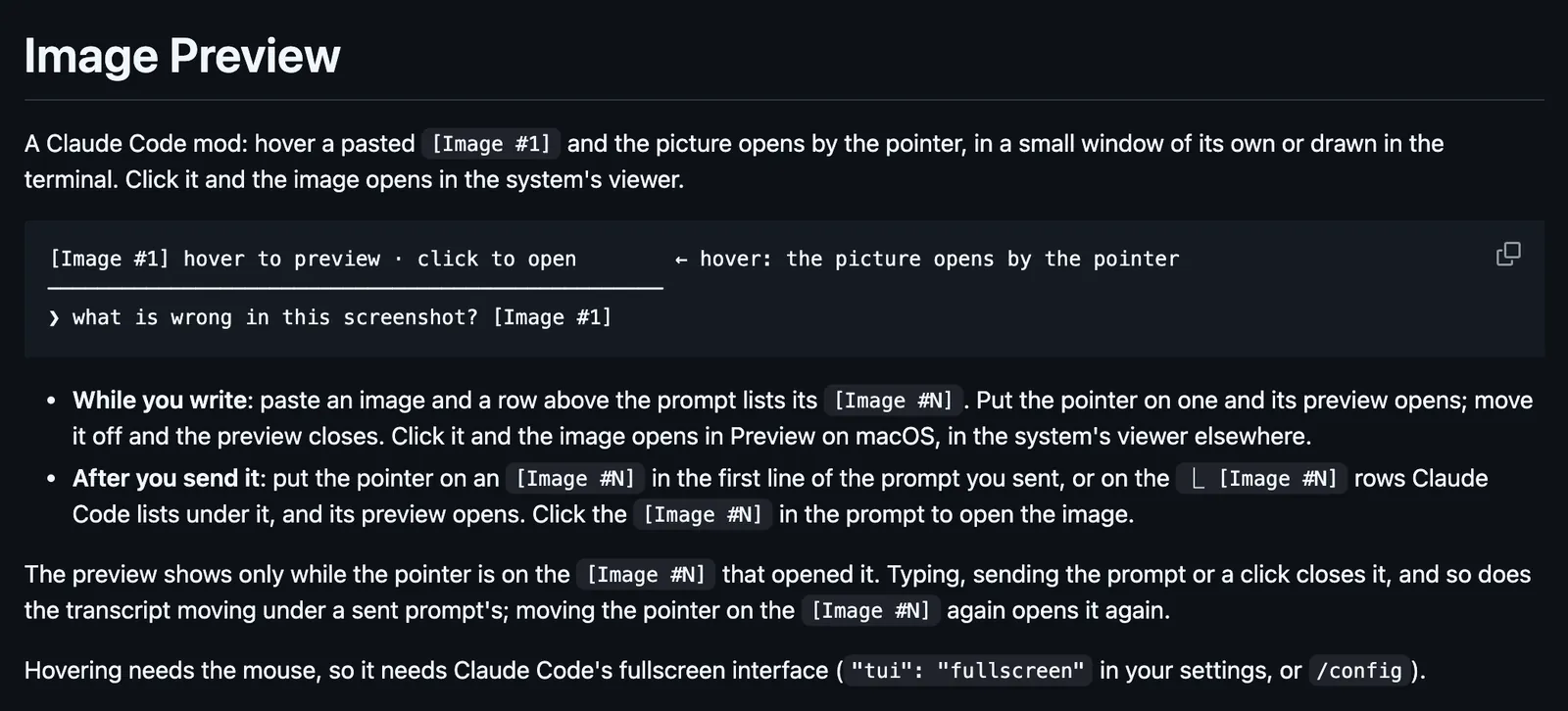
Opens a pasted [Image #N] by the pointer when you hover it, in a small window or drawn in the terminal, and a click opens the system's viewer.
Draws
Install
The marketplace name is better-claude.
/plugin marketplace add midudev/better-claude
/plugin install image-preview@better-claude
It runs inside the Claude Code process. The side panel is only what the author's README names. Read the repo before you install, or run claude plugin validate on the plugin folder.
- Version
- 0.2.2
- License
- MIT
- Repo stars
- 194
- Last change
- 2026-10-22
What it can reach
- Draws in the session
- Calls another program on this machine
Hovering needs the mouse, so it needs Claude Code's fullscreen interface, "tui": "fullscreen" in your settings, or /config. While you write, a row above the prompt lists each [Image #N], and hovering one opens its preview. After you send it, hover the [Image #N] in the first line of the sent prompt, or the ⎿ [Image #N] rows under it. A click opens the image in Preview on macOS, and in the system's viewer elsewhere. Where the terminal cannot draw a picture itself, as in Warp, iTerm2, Terminal.app, and VS Code, the preview is a small borderless window by the pointer that never takes the focus. It is an AppKit panel run by osascript on macOS, a Windows Forms window run by PowerShell on Windows and WSL, and a Tk window on X11 on Linux, which needs Python's Tk and ImageMagick. Preview in a window in /config turns it off, and over SSH the terminal draws it. Ghostty and kitty draw the picture through the kitty graphics protocol. Elsewhere it is drawn in colored block elements, in any terminal with true color. A window stays two minutes at most. It reads the images Claude Code stores for the session in its temp folder, and keeps shrunk copies beside them, made with sips on macOS, ImageMagick on Linux, and ImageMagick or PowerShell on Windows. A terminal multiplexer between Claude Code and the terminal must pass mouse motion on. In testing, herdr 0.9.1 did not.
The marketplace name is better-claude. The marketplace also holds after, use-haiku, think-hard, token-meter, sub-meter, context-meter, commit, narrator, and time-machine. This one installs on its own. The image preview is why this page files it under review. cc-preview draws hover cards and thumbnails for images in the conversation. mods-image-preview-hahmjuntae draws thumbnails of the images you paste above the prompt, in any terminal. This one opens the whole picture by the pointer on hover, in a window outside the terminal where the terminal cannot draw it.
Demo
What it hooks into
session.startWhen a session startssession.endWhen a session endsprompt.editWhen you edit the promptprompt.submitWhen you send a promptui.messageAdds a message to the sessionui.renderDraws into the sessionUserMessageAssistantMessageToolUseToolResultToolGroupCommandOutputTurnDurationInfoNoticeAbovePrompt
Read from the on() calls in its hook modules. Open its source under Files to check what each one does.
Files
The author's README and source, 4 files. They load when you open them.
Facts
- Author
- midudev
- Category
- Review
- Marketplace
- better-claude
- Folder
- plugins/image-preview
- Version
- 0.2.2
- License
- MIT
- Repo stars
- 194
- Last change
- 2026-10-22
- Language
- TypeScript
- Files
- 11