All shelves / Mods / Workflow
snippets
By Singh-AP
snippets is a Claude Code workflow mod by Singh-AP.
Keeps saved prompts and drops one into the prompt box with /snip, with the branch, the date, and your last selection filled in.
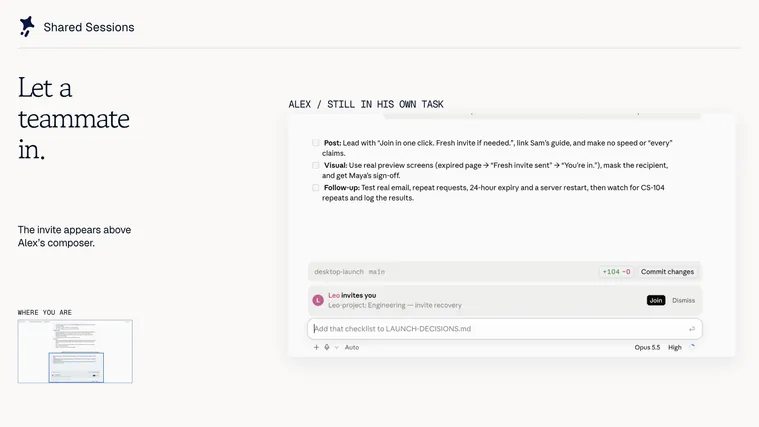
Draws
Install
The marketplace name is awesome-claude-mods.
/plugin marketplace add Singh-AP/awesome-claude-mods
/plugin install snippets@awesome-claude-mods
It runs inside the Claude Code process. The side panel is only what the author's README names. Read the repo before you install, or run claude plugin validate on the plugin folder.
- Version
- 1.0.0
- License
- MIT
- Repo stars
- 3
- Last change
- 2026-10-04
What it can reach
- Draws in the session
- Calls another program on this machine
Claude Code 2.1.287 or later. /snip <name> expands a saved snippet into the prompt box and stops; if you've typed a draft, it goes in at the cursor. The author says nothing is sent until you press Enter, so you can edit the text first, which is what makes it different from a custom slash command. Placeholders fill in {{args}}, the text after the name, {{branch}}, the current git branch, {{date}}, and {{selection}}, what you last selected with the mouse, which needs the fullscreen terminal. A line whose placeholders all come out empty is dropped. Five starters come with it: review, explain, tests, commit-msg, and plan. /snip lists the snippets, /snip save <name> <text> saves or replaces one, /snip show prints the raw template, and /snip rm removes one, starters included. Snippets live in the mod's own store, ~/.claude/plugins/store/snippets_*.json, so they follow you into every project. In claude -p, where there is no prompt box, the expanded text is printed instead.
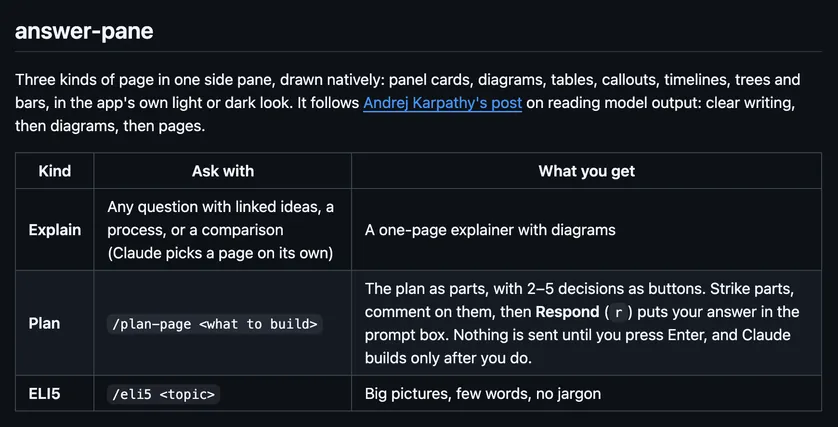
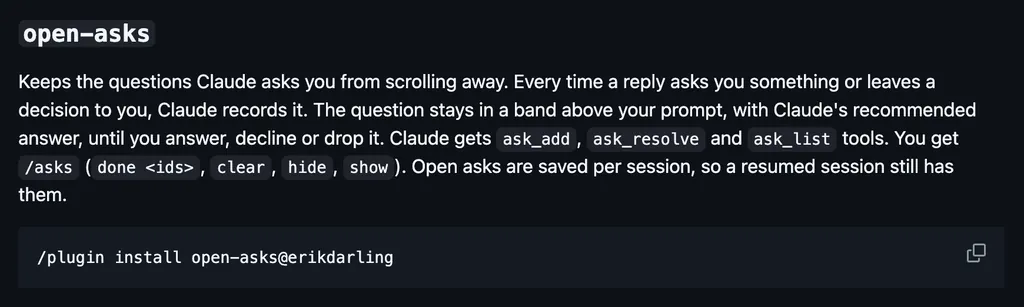
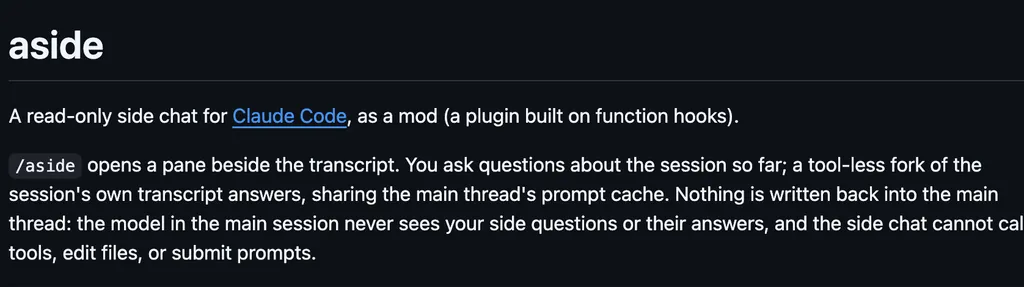
The marketplace, awesome-claude-mods, also holds bash-guard, files-touched, cost-meter, and other mods. This one installs on its own. Filling the prompt box from prompts you saved is why this page files it under workflow. next-steps, by hamzafer, draws two or three likely next prompts after each turn, and 1, 2, or 3 drafts one. prompt-polish, by VedantAndhale, rewrites the draft in the prompt box when you press Improve, with one model call. This one fills the box from your own saved prompts, with no model call.
Demo

What it hooks into
session.startWhen a session startscommand.runWhen you run its slash command/snip
Read from the on() calls in its hook modules. Open its source under Files to check what each one does.
Slash commands 1
/snipPut a saved prompt in the prompt box (/snip <name>), or list, save, show, rm
Files
The author's README and source, 4 files. They load when you open them.
Facts
- Author
- Singh-AP
- Category
- Workflow
- Marketplace
- awesome-claude-mods
- Folder
- mods/productivity/snippets
- Version
- 1.0.0
- License
- MIT
- Repo stars
- 3
- Last change
- 2026-10-04
- Language
- TypeScript
- Files
- 6