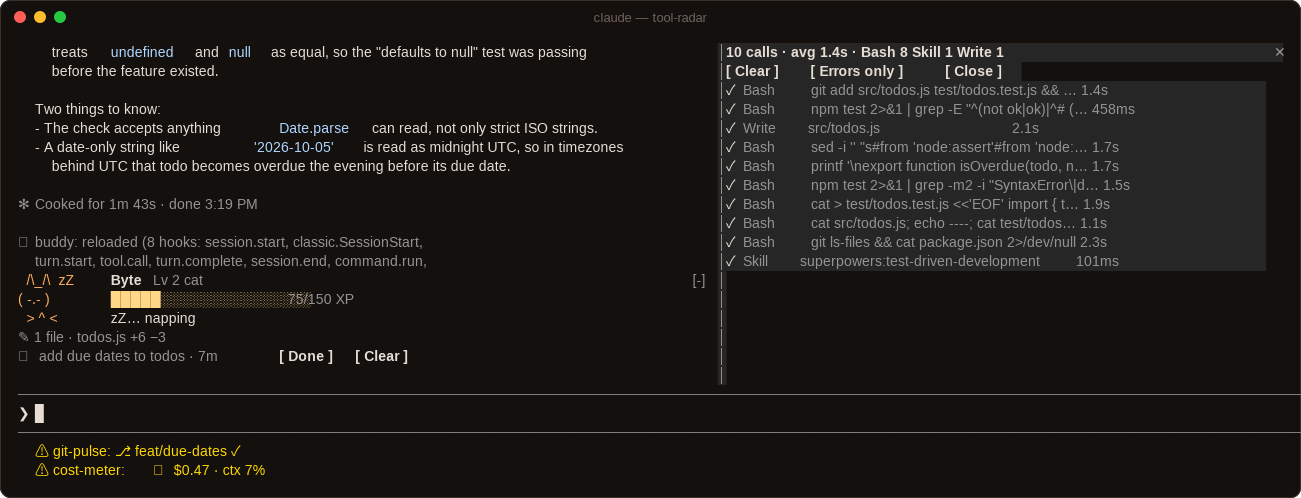
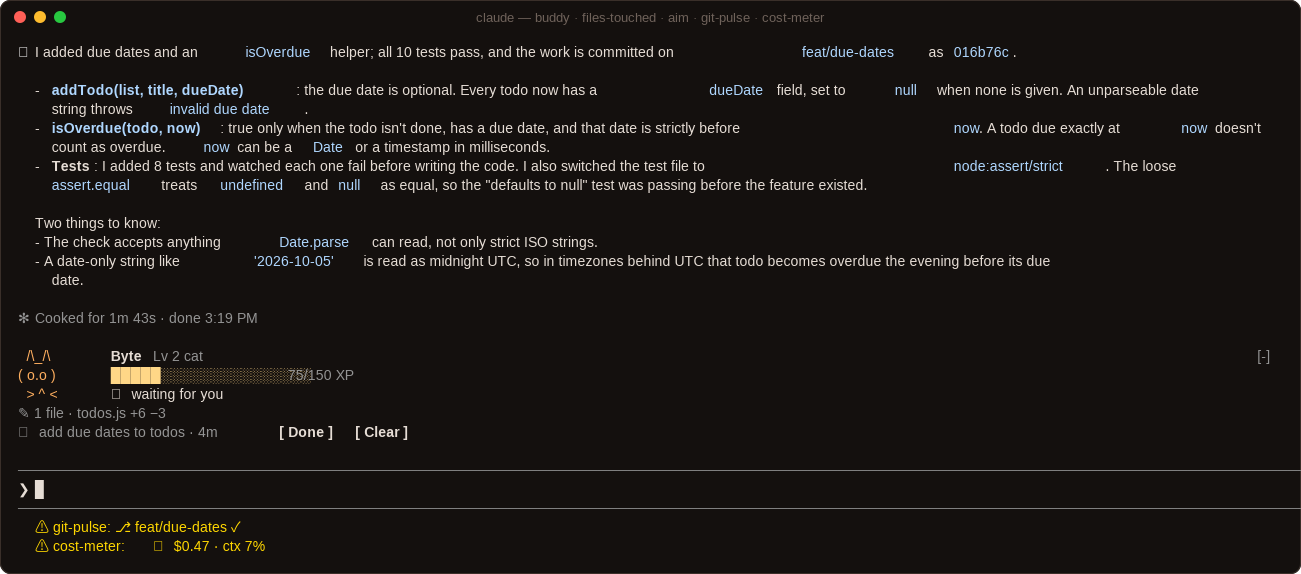
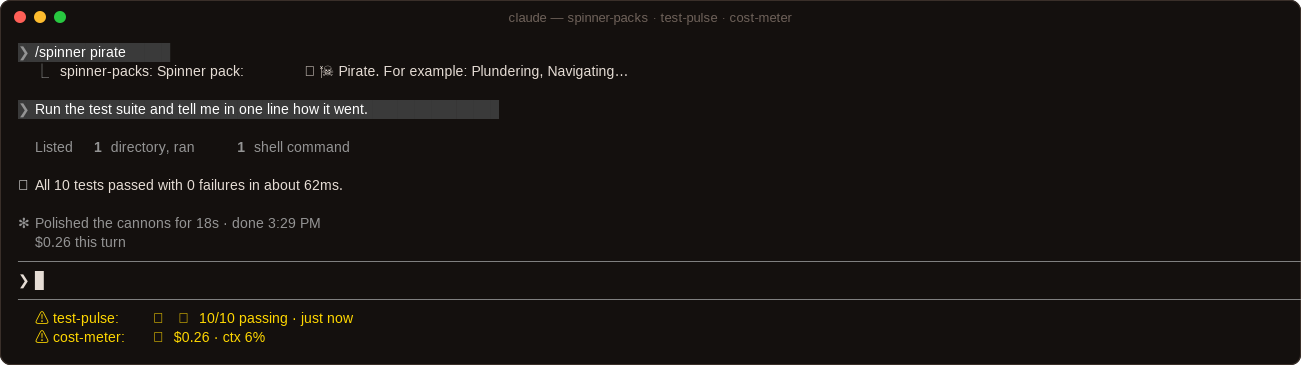
It runs inside the Claude Code process. The side panel is only what the author's README names. Read the repo before you install, or run claude plugin validate on the plugin folder.
Version
0.1.5
License
MIT
Repo stars
381
Last change
2026-10-23
What it can reach
Draws in the session
Sees tool calls
Claude Code 2.1.287 or later. The author says to restart after installing. /mission opens a live pane of every subagent, tool call, and touched file, and q closes it. w shows the agents and every tool call, c shows the code map with import arrows, and /mission code or /mission who opens straight to one. The who-is-working view draws everywhere. The Code view runs on macOS and Linux, needs Google Chrome or Chromium and a terminal that shows images, such as Ghostty, kitty, or iTerm2, and draws the map as an image with headless Chrome in a throwaway profile. A file glows blue while Claude reads it, orange while it edits it, and turns green with a check once changed. One Haiku call after each turn writes the line under each changed file.
The marketplace, claude-code-mods, holds all of hamzafer's mods, agent-radar among them, which keeps one line per running subagent above the prompt. This one installs on its own, or from the checklist that npx claude-code-mods@latest opens. Following the agents and the files they touch is why this page files it under workflow. swarm-onewave-ai draws a live pane of your subagents: who spawned whom, how they overlap, and the messages between them. agent-flow-luucas42 draws the main model, an advisor, and every subagent as cards joined by arrows in a side pane. This one maps the files each agent reads and edits, as well as the agents.
Demo
From the author's repo.
What it hooks into
session.startWhen a session starts
turn.startWhen Claude starts a turn
agent.spawnWhen a subagent starts
tool.callAround a tool call, where it can hold one
turn.completeWhen a turn ends
command.runWhen you run its slash command/mission
ui.renderDraws into the sessionPaneAbovePrompt
Read from the on() calls in its hook modules. Open its source under Files to check what each one does.
Slash commands 1
/missionOpen the live map of agents and tool calls; /mission code opens the code map
Files
The author's source, 3 files. They load when you open them.